

Customer support inboxes are a graveyard of manual triage, copy-paste replies, and missed SLAs. AI email support tools promise to fix that -- but not all of them keep the promise. Some bolt AI onto a legacy helpdesk. Others are purpose-built for AI-first workflows. A few are so expensive that the ROI only makes sense at 50+ agents.
This guide cuts through the noise. We compared five tools that are actually moving the needle on email ticket automation in 2026: Pylon, Hiver, Beam AI, Freshdesk Freddy, and Kustomer. Each section covers what the tool actually does, what it costs, where it falls short, and who it fits best.
If you are still debating whether to build custom email automation or buy a platform, read our full breakdown first.
Who This Guide Is For
This comparison is built for:
- Founders at B2B SaaS companies managing support@ with a team under 20
- Product managers evaluating tooling for a non-technical support org
- Support leads at e-commerce brands hitting 5,000+ tickets per month
- Anyone who has outgrown a shared Gmail inbox but is not ready to commit to a six-figure enterprise deal
If your team is fewer than 5 agents, start with the Hiver or Freshdesk Freddy sections. If you are scaling past 30 agents with complex routing needs, jump to Pylon or Kustomer.
Table of Contents
Need AI email automation but do not have the engineering bandwidth to integrate it?
BitBytes builds custom AI support pipelines -- from email triage to ticket routing to CRM sync -- without the seat minimums and per-resolution fees that make off-the-shelf tools expensive at scale.
Quick Comparison Table
| Tool | Best For | Starting Price | AI Included? | G2 / Capterra Rating |
|---|---|---|---|---|
| Pylon | B2B SaaS with Slack-heavy customers | $59/seat/month | Add-on ($50/seat/mo) | 4.9/5 on G2 |
| Hiver | Gmail-native teams under 30 agents | $25/user/month | Included (paid plans) | 4.7/5 on Capterra |
| Beam AI | Agentic automation at enterprise scale | $50/month (Pro) | Core product | 9.0/10 consensus (335+ reviews) |
| Freshdesk Freddy | Growing teams needing omnichannel + AI | $19/agent/month + AI add-ons | Add-on (from $29/agent/mo) | 4.4/5 on G2 (~3,740 reviews) |
| Kustomer | DTC retail and travel at 30+ agents | $89/seat/month (8-seat min) | Add-on ($0.60/conversation) | 4.5/5 on G2 (~500 reviews) |
How We Evaluated These Tools
Every tool in this list was selected based on a structured evaluation framework. No tool was included because of an advertising relationship or because it had the biggest brand name. The criteria:
AI depth
- Does the AI handle multi-turn email conversations, or just one-shot FAQ deflection?
- Can it take actions (refunds, routing, CRM updates) or only draft text?
Pricing transparency
- Is the headline price what you actually pay?
- Are AI features included or stacked as add-ons?
Team fit
- Does the tool require a technical team to configure?
- What is the minimum viable team size and contract commitment?
Integration surface
- Which CRMs, e-commerce platforms, and ticketing systems connect natively?
- Are those integrations read-only or write-capable?
User-verified feedback
- G2, Capterra, and Gartner Peer Insights reviews were cross-referenced for patterns in praise and complaints.
- Review counts were checked to avoid rating inflation from thin review pools.
If you want to go deeper on how to assess AI agents before you commit, we have a dedicated evaluation guide that covers criteria beyond what vendor demos show.
Pylon: Best for B2B SaaS Teams Managing Support Across Slack and Email
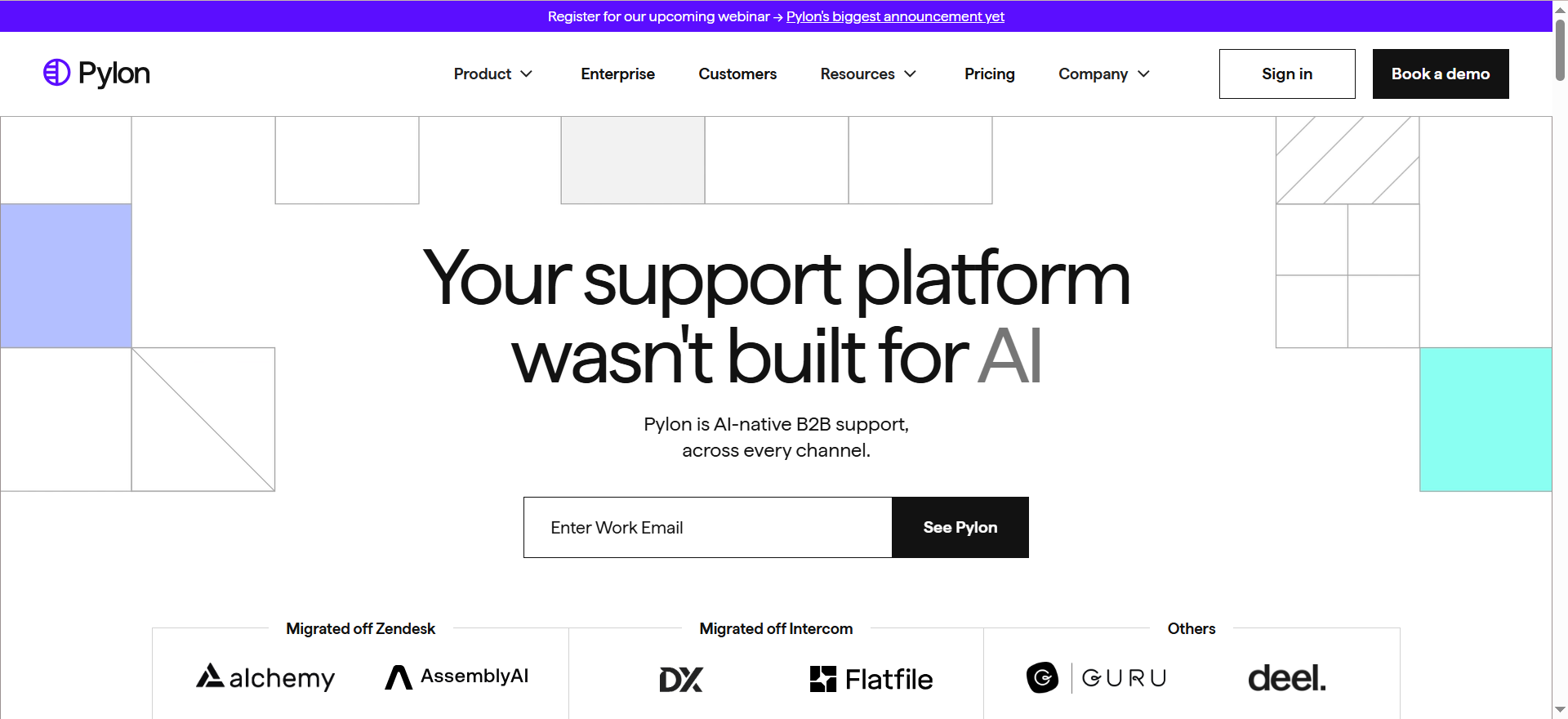
Pylon is an AI-native B2B support platform purpose-built for companies whose customers communicate through Slack Connect channels, Microsoft Teams, or dedicated Slack communities -- not just traditional email. It is one of the few tools in this category that treats Slack as a first-class support channel, not an afterthought.
What Pylon Does
Pylon centralizes conversations from Slack Connect, email, in-app chat, WhatsApp, and SMS into a single ticketing view. Every issue is tied to the customer account, not just the individual contact, which means account context travels with every ticket.
Key AI capabilities include:
- AI ticket routing -- categorizes and assigns tickets based on issue topic, customer tier, or team expertise without manual triage
- AI Assistants -- drafts issue responses in the team's tone using account context and conversation history
- AI Agents -- handles repetitive issue types (common product questions, login resets) autonomously
- Knowledge gap detection -- analyzes support interactions to surface missing or outdated documentation
- AI health scores -- generates account health signals and upsell opportunities from support interaction patterns
To understand how autonomous AI agents work in customer support and what separates them from traditional automation, see our primer on the underlying mechanics.
Pylon Pricing
Pylon charges on a per-seat, annually-billed model across three tiers:
| Plan | Price | Seat Minimum |
|---|---|---|
| Starter | $59/seat/month | 3 seats |
| Professional | $99/seat/month | 3 seats |
| Enterprise | $139/seat/month | 7 seats |
Important: The full AI feature set (AI routing, AI summaries, knowledge gap detection, auto-translation, and AI Copilot) requires the AI Assistants add-on at $50/seat/month on top of the base plan price. A 5-person team on Professional with full AI runs approximately $745/month.
What Users Say About Pylon
Pylon holds a 4.9/5 rating on G2, which is among the highest scores in the B2B customer support software category. Users consistently highlight:
- Exceptional account-level visibility -- the ability to see all open issues for a given customer without switching between tickets
- The Slack-native workflow, which removes the friction of asking customers to use a different portal
- AI response drafts that actually match company tone, rather than generic suggestions
Common points of friction:
- The AI add-on cost adds meaningful expense, particularly for smaller teams
- Pylon's core differentiation is weakest for teams whose customers prefer traditional email over Slack
- The minimum seat requirement means solo or two-person support operations cannot use the platform
Who Pylon Is Best For
Pylon fits best when your customer base actively uses Slack or Teams for business communication, your support volume is tied to account relationships rather than anonymous end-users, and your team needs AI that carries account context into every reply. It is a poor fit for high-volume B2C email queues.
Hiver: Best for Gmail-Native Teams That Want AI Without Leaving Their Inbox
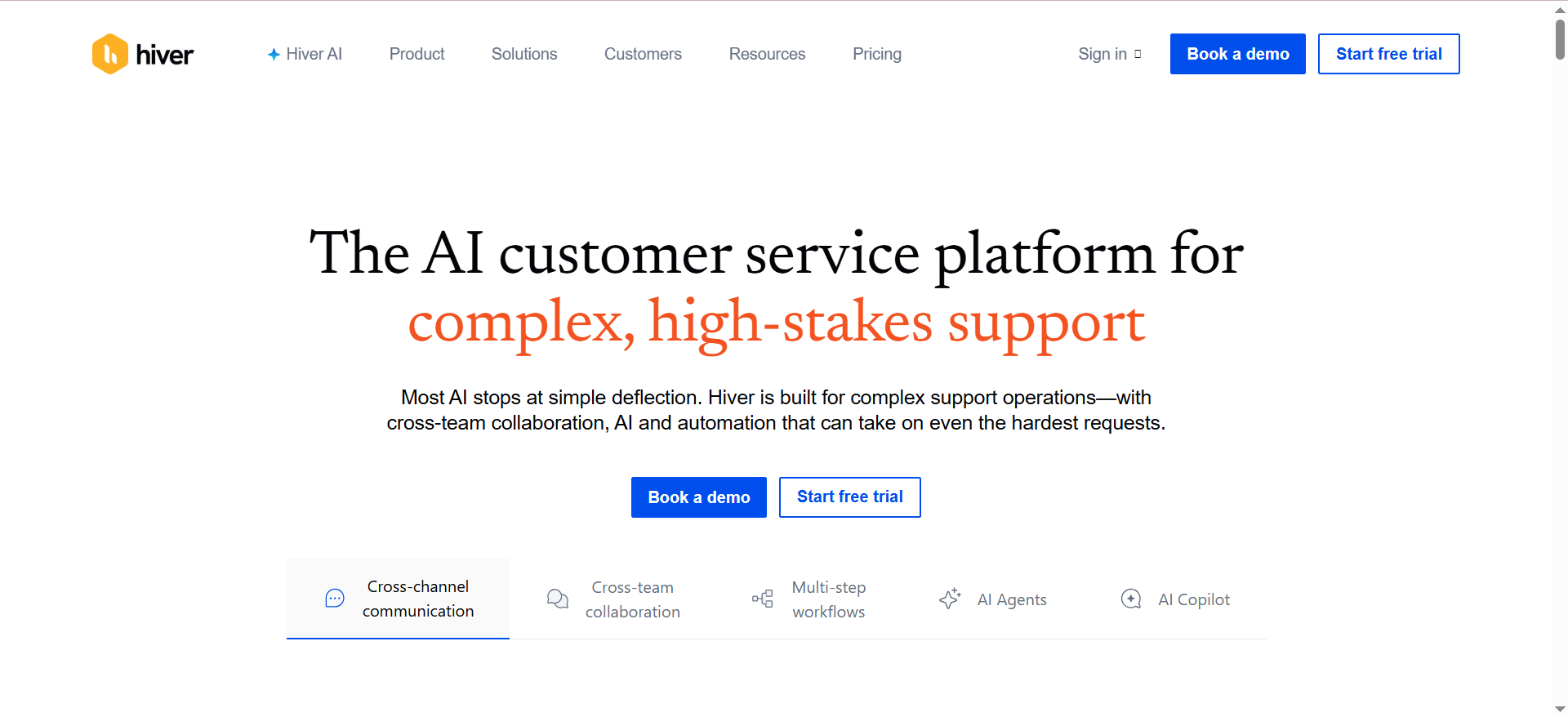
Hiver turns Gmail and Google Workspace into a full customer support platform. Instead of migrating to a separate helpdesk tool, teams manage shared inboxes (support@, billing@, help@) with assignment, tagging, automation, and AI directly inside Gmail.
What Hiver Does
Hiver's architecture sits on top of Gmail as a layer that adds structure and intelligence without requiring teams to leave the interface they already work in. The platform handles:
- Shared inbox management -- multiple agents can see, assign, and respond to emails in shared inboxes with collision detection (prevents two agents replying simultaneously)
- AI Agents -- autonomous triage layer that handles repetitive tasks: assigning tickets, tagging by issue type, extracting structured data (order IDs, invoice numbers), and triggering downstream actions in Salesforce or Jira
- AI Copilot -- drafts replies, summarizes long email threads, and surfaces relevant knowledge base articles for the agent to use
- AI Insights -- surfaces trends across ticket volume, response time, CSAT, and tag distribution
- Omnichannel -- email, live chat, WhatsApp, and voice all feed into the same unified inbox view
For teams exploring the distinction between chatbots, AI agents, and conversational AI in support contexts, it is worth clarifying what Hiver's AI Copilot and AI Agent tiers actually represent before assuming they solve the same problem.
Hiver Pricing
Hiver uses a seat-based model with a 2-seat minimum and a free tier:
| Plan | Price | AI Access |
|---|---|---|
| Free | $0 (limited) | No |
| Growth | $25/user/month | Limited |
| Pro | $55/user/month | Full AI Copilot + Agents |
| Elite | $85/user/month | Full AI + Advanced Analytics |
AI Copilot and AI Agents are available starting on the Pro plan. All plans, including the free tier, include 24/7 human-led support -- which is rare at this price point.
What Users Say About Hiver
Hiver holds a 4.7/5 rating on Capterra across 118 user reviews, with users consistently praising:
- The zero-learning-curve adoption -- agents do not need to learn a new tool, they stay in Gmail
- Internal Notes that allow team discussion inside a conversation thread without the customer seeing it
- 24/7 support quality, described as responsive and genuinely helpful during setup
Documented limitations from user reviews:
- Gmail-only -- teams on Outlook or Microsoft 365 cannot use Hiver at all; the platform does not support non-Google email environments
- High-volume inbox performance can lag when handling hundreds of simultaneous emails
- AI automation features feel lighter compared to purpose-built AI helpdesk tools
- Reporting and analytics are limited on lower tiers
The Gmail Lock-In Tradeoff
Hiver's strength is also its biggest constraint. If your organization runs entirely on Google Workspace, the inbox-native approach removes adoption barriers and cuts training time to near zero. If any part of your team uses Outlook, or if you plan to migrate away from Google Workspace, Hiver becomes a migration blocker rather than an asset. Evaluate your email infrastructure before committing.
Who Hiver Is Best For
Hiver is the strongest fit for teams of 5-30 agents on Google Workspace who want to add AI-powered triage and collaborative inbox management without adopting a separate helpdesk platform. It works well for internal IT support, finance teams managing invoice queries, and customer-facing support teams with moderate email volume.
Beam AI: Best for Agentic Automation at Scale Across Complex Support Workflows
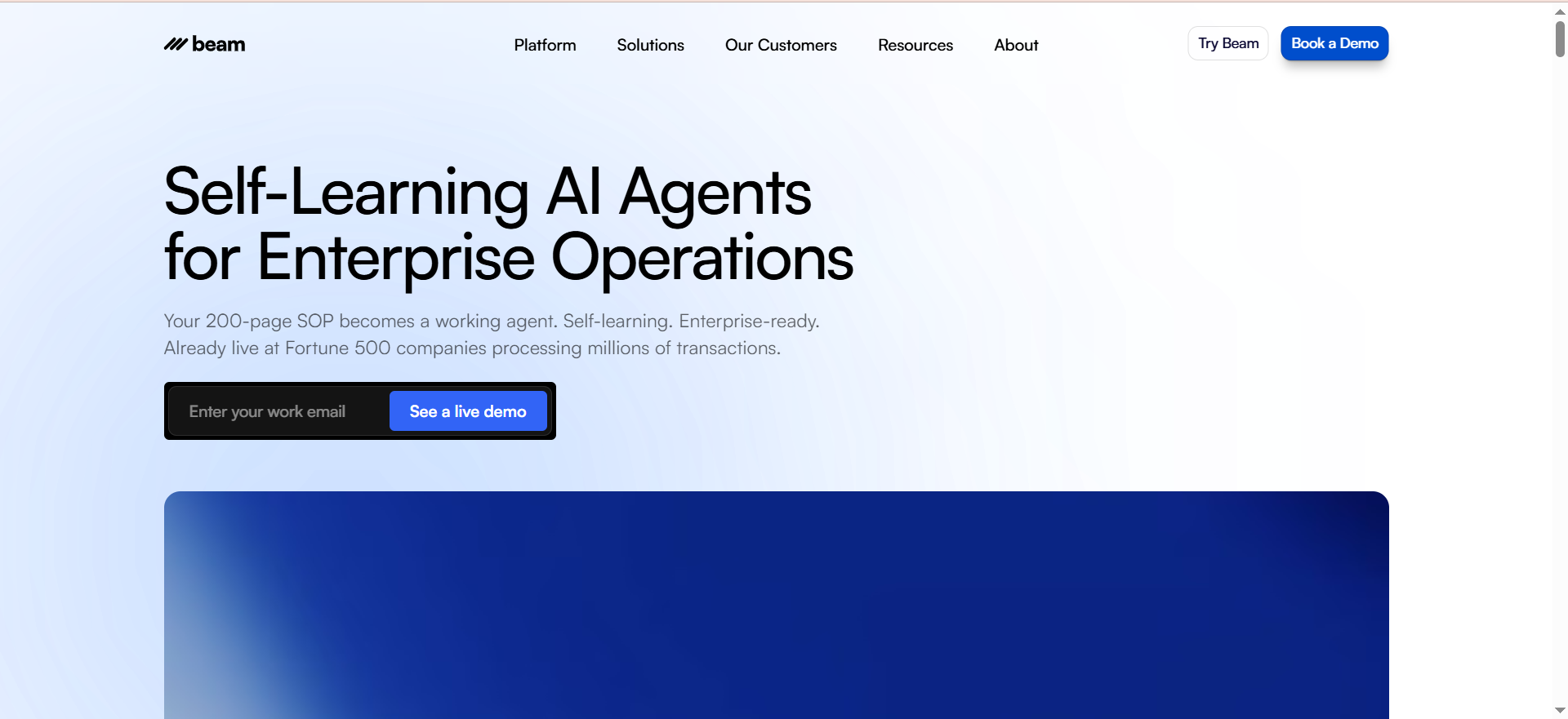
Beam AI is not a traditional helpdesk. It is an agentic automation platform that deploys autonomous AI agents to handle end-to-end business processes -- including customer support email workflows -- without human intervention at the task level. Fortune 500 companies and scaling SaaS operations use it to process complex, multi-step support tasks that go beyond simple FAQ deflection.
What Beam AI Does
Beam AI's customer support agents manage a broad range of email and ticket-related tasks across e-commerce, telecom, healthcare, travel, and financial services. Capabilities include:
- Autonomous ticket resolution -- AI agents respond to incoming emails, process refunds and cancellations, track orders, update customer records, schedule appointments, and resolve billing issues without human handoff for routine cases
- Multi-step workflow automation -- agents execute sequences of actions across connected systems (CRM updates, order management, billing platform writes) in a single run
- Drag-and-drop workflow builder -- non-technical teams can configure automation logic without coding
- Self-healing outputs -- the platform detects when an agent output falls outside expected parameters and corrects automatically
- Integration depth -- native connectors for Salesforce, SAP, DATEV, and 1,000+ systems; integrations are read-write, not read-only
Understanding the difference between agentic AI and generative AI matters here: Beam AI sits firmly in the agentic category, taking real actions across systems rather than generating suggested text for a human to review.
Beam AI Pricing
Beam AI operates on a task/workflow-based pricing model rather than a per-seat helpdesk model:
| Plan | Price | Included Tasks |
|---|---|---|
| Free | $0 | Limited |
| Pro | $50/month | 200 tasks/month |
| Scale | Custom | Higher volume |
| Enterprise | Custom (from ~$299/year) | Unlimited + SLA |
Enterprise plans include SOC 2 Type II compliance, GDPR adherence, HIPAA support, white-glove onboarding, and a guaranteed ROI timeline of 4 weeks. This pricing model is fundamentally different from seat-based tools -- you pay for what you automate, not for every agent on your team.
What Users Say About Beam AI
Beam AI carries a consensus score of 9.0/10 across 335+ reviews on G2, Capterra, and Gartner Peer Insights. Users highlight:
- Accuracy rate of 98% on automated tasks, with self-improvement built in
- Salesforce integration described as "the best I've seen in this category of agentic tools" in a verified Capterra review
- Responsive support team that assists with onboarding and workflow configuration
- Up to 70% reduction in operational costs reported by enterprise users automating high-volume ticket flows
Teams that automate aggressively with Beam AI often achieve results comparable to what the research shows about cutting customer support costs with AI agents -- particularly when the automation covers multi-system workflows rather than just deflecting simple FAQs.
Areas of concern:
- The pricing model is opaque for teams accustomed to per-seat helpdesk pricing; volume-based costs can scale unexpectedly at high task counts
- There is a learning curve when transitioning from traditional helpdesk workflows to agentic process design
- Smaller teams with fewer than 200 monthly tickets will not see the ROI that enterprise users reportWho Beam AI Is Best For
Who Beam AI Is Best For
Beam AI fits operations teams, enterprise support orgs, and high-volume e-commerce brands that need AI agents to take real actions -- not just draft text. It is particularly strong when the support workflow involves multiple systems (CRM + order management + billing) and where the cost-per-ticket math justifies a move away from agent-seat pricing. It is not the right tool for teams looking for a traditional shared inbox with a light AI layer.
Freshdesk Freddy: Best for Growing Teams Needing Omnichannel Support With Modular AI Add-Ons
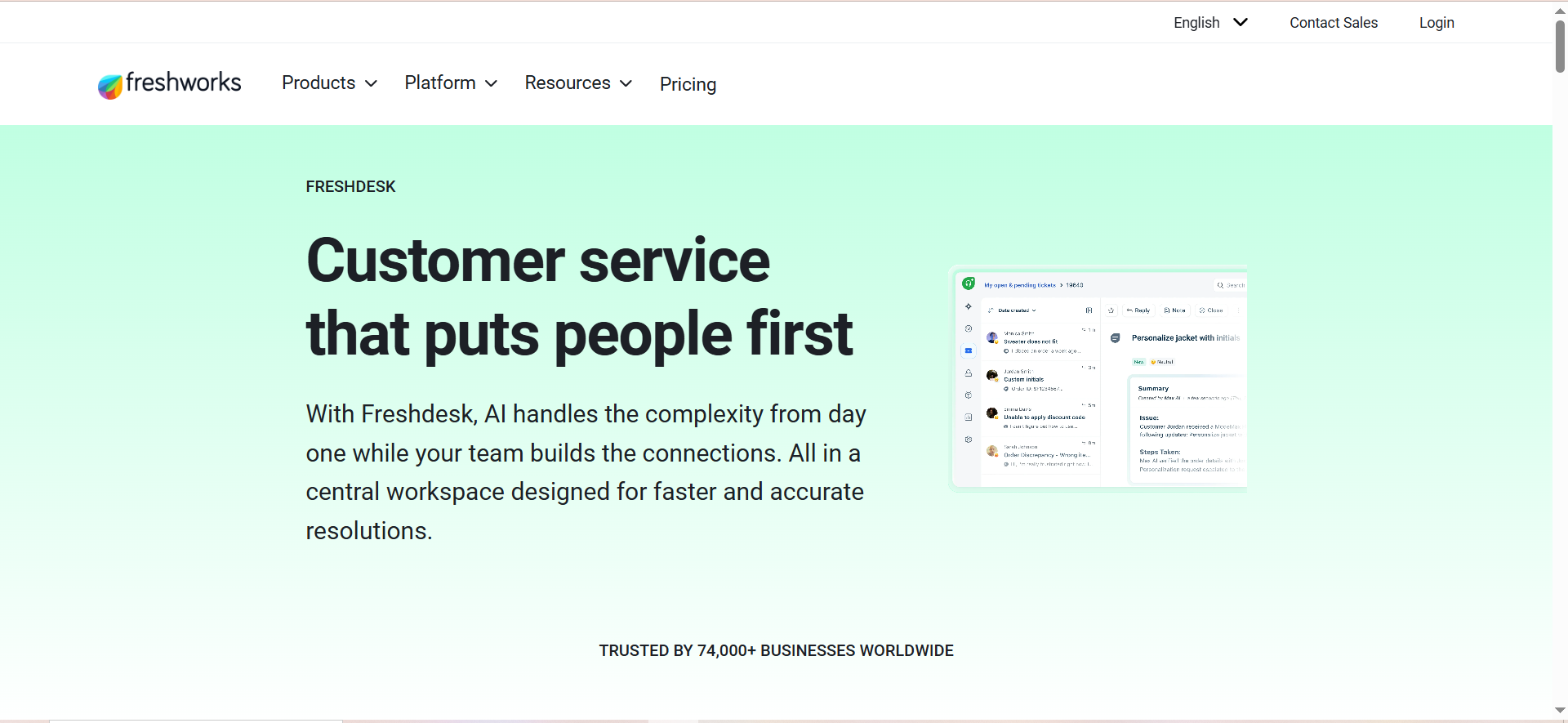
Freshdesk is one of the most widely deployed helpdesk platforms in the SMB and mid-market segment. Freddy AI is Freshdesk's AI layer -- but it is actually three distinct products that are priced and deployed separately, which creates both flexibility and significant cost complexity.
What Freshdesk Freddy Does
Freshdesk itself is a full omnichannel helpdesk covering email, phone, chat, social media, and web widgets. Freddy AI adds intelligence across three layers:
Freddy AI Agent (email automation)
- Matches incoming email queries against knowledge base articles and sends automated responses
- Handles the first message in a thread autonomously
- Deflects common FAQ-type tickets before they reach a human agent
- Available from the Growth plan with a 500-session allocation (one-time, not monthly)
Freddy AI Copilot (agent assist)
- Drafts replies based on conversation context and knowledge base content
- Summarizes long email threads for incoming agents
- Suggests next best actions inside the ticket view
- Costs $29/agent/month extra, available on Pro and Enterprise only
Freddy AI Insights (analytics)
- Surfaces customer sentiment trends across ticket categories
- Forecasts ticket volume by channel and issue type
- Flags CSAT risk based on conversation patterns
Freshdesk Freddy Pricing
| Component | Cost | Plan Requirement |
|---|---|---|
| Freshdesk Growth (base) | $19/agent/month | Any |
| Freshdesk Pro (base) | $49/agent/month | For Copilot access |
| Freddy AI Agent sessions | $49/100 sessions | Growth+ |
| Freddy AI Copilot | $29/agent/month | Pro or Enterprise only |
| Freddy AI Insights | Included on higher tiers | Enterprise |
Real-world cost example: A 15-agent team on Pro with Copilot on 10 agents, plus 400 additional email sessions, runs approximately $1,311/month. That is meaningfully more than the $19/agent/month headline price suggests.
The stacked add-on structure is one reason why understanding how AI customer support pricing models actually work matters before signing any annual contract -- headline per-agent prices rarely tell the full story.
Freshdesk holds a 4.4/5 rating on G2 across approximately 3,740 reviews -- the largest review pool of any tool in this comparison, which gives the rating statistical weight.
What Users Say About Freshdesk Freddy
Positive patterns in user reviews:
- Freshdesk's interface is consistently praised for ease of use and the centralized ticket workspace
- Omnichannel consolidation (email, voice, chat, social) in one platform reduces tool sprawl
- The no-code Freddy AI Agent builder allows support managers to deploy automation without engineering help
Documented limitations with Freddy AI specifically:
- Single-turn email limitation -- the AI Agent replies to the first email in a thread and does not automatically continue multi-turn conversations; the Q1 2026 update partially addressed this but multi-turn follow-up remains inconsistent
- Read-only e-commerce integrations -- Freddy can see order data from connected platforms but cannot process refunds, cancel orders, or update subscriptions autonomously
- Knowledge base dependency -- Freddy's accuracy is directly tied to the quality and completeness of the Freshdesk knowledge base; thin documentation produces inaccurate responses
- Stacked cost complexity -- the most common user complaint is discovering that the AI features shown in demos require Pro or Enterprise plans plus separate add-on purchases
- Vendor resolution rate vs. user-reported -- Freshdesk claims 80% Freddy AI resolution rates; independent user reports show 23-75% depending on knowledge base depth and ticket complexity
Understanding Freddy AI's Session Model
The 500 AI sessions included on the Growth plan are a one-time allocation, not a monthly renewal. For a team handling 200 email tickets per day, 500 sessions last less than three days. Planning Freshdesk Freddy costs requires calculating actual monthly email volume and pricing accordingly -- $49 per 100 sessions adds up quickly at scale.
Who Freshdesk Freddy Is Best For
Freshdesk Freddy works best for teams of 10-50 agents that already use or plan to use the Freshdesk platform, need omnichannel coverage (email plus phone plus chat), and have a well-maintained knowledge base that Freddy can draw from. It is a poor fit for teams expecting autonomous multi-turn email resolution or transactional automation (refunds, cancellations) out of the box.
Kustomer: Best for DTC Retail and Travel Brands With High-Volume, Relationship-Driven Support
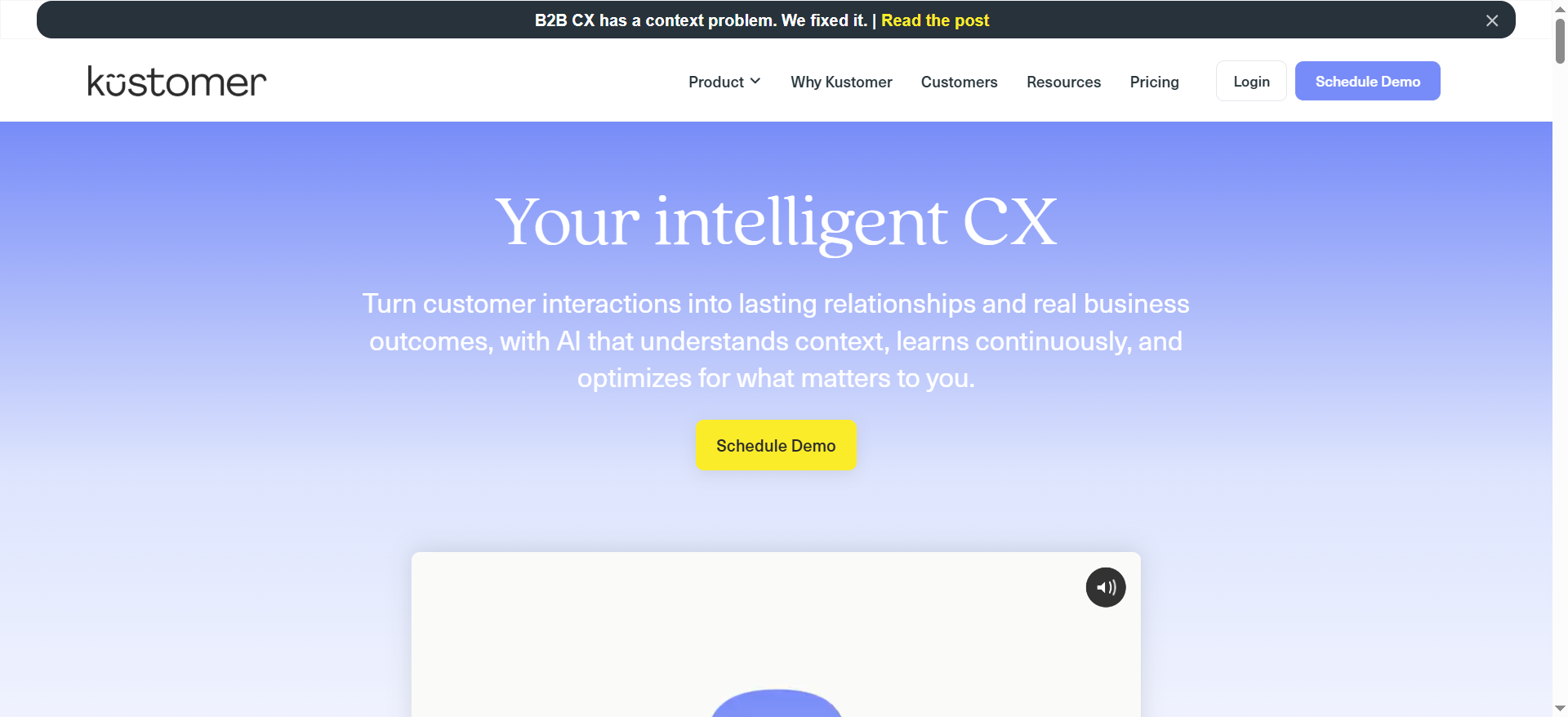
Kustomer is an AI-powered CRM platform designed for customer-facing teams that need a complete customer history -- every purchase, every conversation, every action -- visible in a single timeline before an agent types a single character. It is built for direct-to-consumer brands and travel companies where context richness drives resolution quality.
What Kustomer Does
Kustomer's architecture centers on a unified customer data model. Every interaction from email, chat, SMS, voice, WhatsApp, and social flows into one timeline per customer, not one queue per channel. AI sits across three layers:
AI Agents (autonomous)
- Handles order status inquiries, refund requests, reservation changes, account updates, and policy questions without human handoff
- Executes multi-step interactions across connected systems (Shopify order data flows in natively)
- Resolves approximately 40% of routine requests autonomously (with claims of up to 70% under ideal conditions)
Copilot (agent assist)
- Drafts replies based on full customer timeline context
- Summarizes long threads for incoming agents
- Claims 65% improvement in agent efficiency in vendor documentation
Supervisor AI
- Governs AI-to-human handoff with bidirectional escalation logic
- Flags conversations where AI confidence is below threshold and routes to the right human
- Monitors conversation quality across the AI agent layer
For context on how platforms like Kustomer stack up in the broader market, see our comparison of the top AI customer support agents in 2026 covering enterprise-grade options beyond the five tools in this guide.
Kustomer Pricing
Kustomer's pricing structure is among the most complex in this comparison:
| Component | Cost |
|---|---|
| Enterprise plan | $89/seat/month (8-seat minimum) |
| Ultimate plan | $139/seat/month (8-seat minimum) |
| Minimum annual commitment (Enterprise) | $8,544/year |
| AI Bot (per conversation) | $0.60/engaged conversation |
| Agent Copilot | $40/user/month |
| AI Bundle | From $129/user/month |
| Implementation | $18,000-$30,000 (12-16 weeks) |
There is no monthly billing option and no plan below the 8-seat minimum. This means even a 3-person support team pays for 8 seats minimum -- $8,544/year before any AI add-ons.
Kustomer holds a 4.5/5 on G2 across approximately 500 reviews and a 4.6/5 on Capterra from 79 reviews, with 96% positive sentiment on Capterra.
What Users Say About Kustomer
Strong points from verified reviews:
- The Shopify integration is consistently highlighted as best-in-class for DTC brands -- order data flows into the customer timeline automatically, enabling agents to process refunds without leaving the platform
- The unified timeline eliminates the need to cross-reference five different systems to understand a customer's history
- AI routing accuracy is praised for its precision in high-volume environments
Documented pain points:
- The learning curve is steep -- multiple reviewers describe a 12-16 week onboarding period before the platform feels natural
- Pricing complexity frustrates buyers; the per-conversation AI fee adds meaningfully to the total cost at scale
- Reporting and analytics are described as weaker than expected given the platform's enterprise price point
- The 8-seat minimum makes Kustomer inaccessible for teams smaller than enterprise scale
The Per-Conversation AI Fee in Practice
At $0.60 per engaged conversation, a team handling 10,000 AI-touched emails per month adds $6,000 to their monthly Kustomer bill before accounting for seat costs or the Copilot add-on. At 50,000 conversations per month -- common for mid-market DTC brands -- the AI fee alone reaches $30,000/month. Build a volume-based cost model before signing an annual Kustomer contract.
Who Kustomer Is Best For
Kustomer is purpose-built for DTC retail, travel, and subscription brands with 30+ agents, high ticket volume, and a need for deep customer data in every conversation. It is the wrong tool for B2B SaaS teams (the per-channel model does not match Slack-heavy B2B support patterns) and for any team that cannot commit to the 8-seat annual minimum.
Buyer Fit Matrix: Which Tool Is Right for Your Team?
Use this matrix to map your situation to the best-fit tool. No tool is universally best -- each excels in a specific combination of team type, volume, stack, and budget.
| Situation | Best Fit | Why |
|---|---|---|
| B2B SaaS, customers on Slack, 5-25 agents | Pylon | Account-level context + Slack-native workflow |
| Google Workspace team, 5-30 agents, no engineers | Hiver | Zero-migration, inbox-native, AI included on Pro |
| Enterprise ops team, 50+ agents, complex multi-system workflows | Beam AI | Agentic automation with write-capable integrations |
| Growing SMB, omnichannel needed, budget-conscious | Freshdesk Freddy | Low base price, modular AI add-ons, large ecosystem |
| DTC retail or travel, 30+ agents, Shopify-centric | Kustomer | Unified timeline, native Shopify data, AI agents |
| Outlook-based team | Freshdesk Freddy | Only tool here with full Outlook compatibility |
| Team of 1-4 agents | Hiver (Growth) | Lowest entry price, no seat minimum friction |
| Need write-capable AI (refunds, cancellations) | Beam AI or Kustomer | Both execute transactional actions, not just drafts |
If you are specifically evaluating AI customer support platforms for B2B SaaS, we have a dedicated comparison that goes deeper on the enterprise and mid-market options relevant to that buyer profile.
Cost Scenario Table: What You Actually Pay at 10 Seats
This table models the realistic monthly cost for a 10-seat support team using each platform with full AI features enabled, based on 2026 published pricing:
| Tool | Base Cost (10 seats) | AI Add-On Cost | Estimated Monthly Total |
|---|---|---|---|
| Pylon (Professional + AI) | $990/month | $500/month | ~$1,490/month |
| Hiver Pro | $550/month | Included | ~$550/month |
| Beam AI (Scale) | Custom | Core product | Contact for quote |
| Freshdesk Pro + Copilot (10) + sessions | $490/month | $290 Copilot + session overages | ~$800-1,100/month |
| Kustomer Enterprise + AI Bot (5K conv.) | $890/month | $3,000 bot fees | ~$3,890/month |
Key takeaway: Hiver has the lowest total cost of ownership at 10 seats when the team is on Google Workspace. Kustomer's per-conversation AI fee drives costs up rapidly at meaningful volume. Pylon's AI add-on cost is significant but includes features (account intelligence, Slack-native routing) that have no equivalent in lower-cost tools.
Not sure which tool actually fits your support stack?
BitBytes has implemented email automation pipelines for SaaS and e-commerce teams across all five platforms in this guide. If you want an honest assessment of what to build vs. buy for your specific volume and tech stack, talk to the BitBytes team -- no pitch, no obligation.
What to Look for in an AI Email Support Tool (Beyond the Demo)
Every vendor demo looks good. The real differentiators show up after you go live:
Multi-turn conversation handling
Most AI email tools handle the first message well. The test is what happens on the second, third, and fourth reply in the same thread. Ask vendors for documentation on multi-turn performance, not just resolution rate claims.
Integration write capability
Read-only integrations are common; write-capable integrations are not. If your AI tool cannot update a record, process a refund, or cancel an order in your backend system, it is a drafting assistant, not an automation engine.
Knowledge base dependency
AI that draws from your knowledge base is only as good as the knowledge base. Before evaluating resolution rates, audit your documentation. Thin docs produce confident but inaccurate AI responses.
Pricing transparency at volume
Per-seat pricing is predictable. Per-session and per-conversation pricing can become unpredictable at scale. Model your cost at current volume, at 3x current volume, and at 10x current volume before signing an annual contract.
Onboarding and configuration time
Some platforms (Kustomer, Beam AI) require 4-16 weeks of configuration before going live. Others (Hiver, Pylon) deploy in days. If you need AI in your inbox this quarter, onboarding timeline is a decision criterion, not a footnote.
For teams wanting a structured framework, our overview of how AI is transforming customer service covers ten real-world use cases that are useful context for setting evaluation criteria before vendor trials.
How AI Email Automation Actually Works Under the Hood
Understanding the technology helps separate marketing claims from product reality:
Classification layer
Most AI email support tools start with a classification model that reads the incoming email and categorizes it by intent (refund request, password reset, billing question) and urgency. This classification drives routing and response selection.
Retrieval-augmented generation (RAG)
The most common architecture for AI-generated replies combines a language model with a retrieval system that pulls relevant content from your knowledge base before generating a response. The quality of your documentation directly affects response accuracy.
Action execution
More advanced platforms (Beam AI, Kustomer) add an action layer that lets the AI call external APIs -- checking order status, processing a refund, updating a CRM record -- rather than just generating text. This is what separates ticket deflection from ticket resolution. Teams looking to automate a significant share of their volume should read our breakdown of how to deflect 60% or more of incoming tickets before selecting a platform.
Human-in-the-loop handoff
All five tools in this guide include some form of escalation logic -- rules that trigger when AI confidence is low or when the conversation pattern signals complexity. The sophistication of this handoff varies dramatically between platforms.
Feedback loops
The best platforms improve over time by learning from agent corrections and resolved tickets. Static AI tools require manual retraining. Platforms with continuous learning reduce the ongoing maintenance burden.
Common Mistakes Teams Make When Buying AI Email Support Tools
Teams that switch tools six months after buying them typically made one of these mistakes:
Buying on headline price, not total cost
The $19/agent/month Freshdesk entry point looks very different from the $800-1,100/month reality for a 10-agent team with AI features enabled. Always model the full cost stack.
Skipping the knowledge base audit
AI email tools need good source material. Teams that deploy AI on top of thin, outdated, or inconsistently formatted documentation get inconsistent results and blame the tool rather than the content.
Underestimating onboarding time
Complex platforms like Kustomer have 12-16 week implementation timelines. Buying in Q3 and expecting live AI in Q4 is a planning error that delays ROI by a full quarter or more.
Ignoring channel constraints
Buying Hiver when 30% of your team runs on Outlook, or buying Pylon when your customers prefer traditional email over Slack, means paying for a tool that cannot serve your actual workflow.
Conflating drafting assistance with automation
A tool that drafts a suggested reply for an agent to review is not the same as a tool that resolves the ticket autonomously. Both have value, but they solve different problems and justify different price points.
For e-commerce teams specifically, the channel and integration constraints above play out differently -- see our breakdown of AI support tools built for online retail for a comparison focused on Shopify integration depth and transactional automation.
How to Build a Business Case for AI Email Automation
Before taking an AI email support tool to your CFO or board, build the case around measurable outcomes:
Baseline your current metrics
Capture your current first response time, resolution time, tickets per agent per day, and CSAT score. These are your before-state benchmarks. The latest AI customer service benchmarks provide useful industry comparisons when building an internal business case.
Model time savings, not just resolution rates
Even if AI only deflects 30% of tickets, calculate the hours saved per week across your agent team and convert to FTE cost. A 30% deflection rate on 5,000 monthly tickets at 8 minutes per ticket equals 200 hours per month -- roughly $3,000-5,000 in labor cost at market rates.
Account for ramp time
AI tools do not deliver peak performance on day one. Budget for a 60-90 day ramp period before drawing conclusions about resolution quality.
Include integration costs
If your AI tool requires a CRM connector, a Shopify integration, or a custom webhook to work as advertised, include those build or licensing costs in your total cost of ownership.
Use pilot data, not vendor projections
Run a 30-60 day pilot on a subset of your email volume before committing to an annual contract. Use your own ticket data to project resolution rates, not the vendor's published benchmarks.
Integrations That Matter Most for AI Email Support
The value of an AI email support tool depends heavily on what it connects to:
CRM integration (Salesforce, HubSpot)
- Pylon: Native Salesforce sync, account-level data in every ticket
- Hiver: Salesforce and Jira write-capable integrations
- Freshdesk Freddy: Salesforce connector (read-only on lower tiers)
- Kustomer: Native CRM (Kustomer is the CRM); Salesforce sync available
- Beam AI: Salesforce listed as best-in-class connector per user reviews
E-commerce (Shopify, WooCommerce)
- Kustomer: Native Shopify integration with write capability (refunds, cancellations)
- Freshdesk Freddy: Shopify integration (read-only -- can view orders, not process them)
- Hiver: Third-party integration via Zapier
- Pylon: Best suited for B2B, limited e-commerce native integrations
- Beam AI: Supports e-commerce workflow automation via API
Project management (Jira, Asana, Linear)
- Hiver: Native Jira integration with write capability
- Pylon: Jira connector available
- Freshdesk: Native Jira integration
Communication platforms (Slack, Teams)
- Pylon: Slack Connect and Microsoft Teams are primary support channels
- Hiver: Slack notification integration
- Freshdesk: Slack notifications and basic integration
When to Build Custom AI Email Automation Instead of Buying a Platform
Off-the-shelf AI email support tools work well for the majority of support teams. But there are scenarios where custom-built automation delivers better ROI:
Your ticket taxonomy is highly specialized
If your support emails require domain-specific classification (medical billing codes, legal case types, technical product SKUs) that generic AI models do not handle accurately, a custom classifier trained on your data will outperform a generic platform.
You need deep integration with proprietary systems
When your resolution workflow requires calls to internal APIs, legacy systems, or custom databases that no off-the-shelf platform integrates with natively, custom automation is often faster and cheaper than building a connector to a vendor platform.
Your volume is extremely high
At 100,000+ monthly tickets, the per-conversation fees on platforms like Kustomer and the session fees on Freshdesk Freddy make custom-built automation economically competitive with vendor licensing costs.
You require strict data residency controls
If your industry requires on-premise data processing, specific regional data storage, or audit-trail capabilities beyond what SaaS vendors offer, a custom build with infrastructure you control is often the only compliant option.
The total cost of ownership favors a build
At smaller ticket volumes, buying is almost always faster and cheaper than building. As volume scales, the math changes. Model your cost at projected 18-month volume and consider where AI customer service is heading before committing to a multi-year vendor contract.
Frequently Asked Questions
Traditional helpdesk automation uses rule-based triggers -- if the email contains "password", assign to the IT queue. AI email support uses machine learning to understand the meaning and intent of an email, not just keywords. This enables it to handle novel phrasings, multi-topic emails, and complex requests that rule-based systems misclassify or ignore. The practical difference is accuracy at edge cases and the ability to generate contextually appropriate replies rather than templated responses.
Beam AI and Kustomer are the strongest options for multi-turn email conversations that span multiple replies. Both platforms maintain conversation context across the full thread and can take actions at each stage of the exchange. Freshdesk Freddy has a documented limitation where the AI Agent primarily responds to the first message in a thread, though a Q1 2026 update improved multi-turn handling. Pylon and Hiver handle multi-turn conversations with agent assist (Copilot) rather than fully autonomous multi-turn resolution.
Only some tools in this comparison support transactional actions. Beam AI and Kustomer can execute real actions -- refunds, cancellations, order updates, account changes -- through write-capable integrations with e-commerce and billing platforms. Freshdesk Freddy's integrations with e-commerce tools are primarily read-only. Hiver and Pylon are stronger on the drafting-assist and routing side, with limited native transactional automation.
Vendor claims typically range from 70-80% resolution. User-reported outcomes on G2 and Capterra show a more realistic range of 23-65%, depending on three variables: the depth and accuracy of the connected knowledge base, the complexity of the ticket types being handled, and whether the AI can take transactional actions or only draft text. Teams with well-maintained documentation and primarily FAQ-type email volume will see resolution rates toward the higher end of that range.
Setup time varies significantly by platform. Hiver can be live in 1-3 days for a Google Workspace team. Pylon typically takes 1-2 weeks including Slack Connect configuration. Freshdesk Freddy requires knowledge base population plus AI Agent configuration -- typically 2-4 weeks for meaningful automation. Beam AI and Kustomer are enterprise-grade platforms with implementation timelines of 4-16 weeks depending on integration complexity.
Pylon requires a minimum of 3 seats on Starter (7 on Enterprise). Kustomer requires an 8-seat minimum on all annual plans. Hiver has a 2-seat minimum but also offers a free tier. Freshdesk has no meaningful seat minimum at the Growth level. Beam AI prices by workflow task volume rather than seats, making it accessible at smaller team sizes if the automation volume justifies the cost. Teams exploring options for smaller operations should also look at AI agents designed specifically for small businesses, where the pricing model assumptions differ significantly.
Ask these five questions: (1) What is the resolution rate on tickets similar to ours, with documentation to support the claim? (2) What happens when the AI fails to resolve a ticket -- how does handoff to humans work? (3) Are your e-commerce and CRM integrations read-only or write-capable? (4) What is our projected monthly cost at our current volume and at 3x current volume? (5) What is the implementation timeline, and what do we need to provide on our side to hit that timeline? To track whether the tool is actually delivering after you go live, read our guide on measuring AI customer service agent performance -- it covers the metrics that matter and how to set up reporting before your first contract renewal.
The right AI email support tool depends on your team size, tech stack, and ticket volume -- and the wrong choice costs more than just money.
BitBytes has helped SaaS and e-commerce teams implement email automation that actually resolves tickets, not just drafts them. If you want a second opinion on your evaluation, or want to explore what a custom-built pipeline would cost compared to vendor licensing, talk to the BitBytes engineering team today.