

TL;DR
Agent assist platforms have crossed from "nice-to-have" to operationally critical for any contact center running more than 50 seats. The five platforms in this article, Level AI, Cresta, Balto, Observe.AI, and Cognigy, each take a meaningfully different approach to real-time guidance, automated QA, and post-call workflows. Balto is the highest-rated on G2 (4.8 across 587+ reviews) and the fastest to deploy. Cresta and Level AI are purpose-built for enterprise scale with closed-loop coaching built in. Observe.AI leads on post-call QA depth. Cognigy (now part of NICE) is the right choice if you are already running a conversational AI stack and want agent assist woven into the same platform. None of them publish straightforward per-seat pricing, so budget conversations will happen with a sales rep regardless of which shortlist you build.
Evaluating agent assist platforms vs building custom? BitBytes designs and ships production AI support solutions.
Talk to our engineers
Table of Contents
Quick Comparison: 5 Best AI Agent Assist Tools (2026)
| Tool | Best For | G2 Rating | Pricing Model |
|---|---|---|---|
| Level AI | Unified real-time assist + Auto-QA in one stack | 4.7/5 | Custom enterprise (not publicly disclosed) |
| Cresta | Large-scale voice and chat with agentic knowledge retrieval | 4.2/5 | ~$150K/yr per channel (quote-based) |
| Balto | Real-time in-call guidance with fast deployment | 4.8/5 | ~$100-$200/agent/month (quote-based) |
| Observe.AI | Deep post-call QA plus real-time copilot | 4.6/5 | ~$69/agent/month and up (100-seat minimum) |
| Cognigy | Enterprise-scale omnichannel with conversational AI platform | 4.3/5 | Custom enterprise; from ~$2,500/month |
How We Evaluated These Tools
Selection Criteria
We focused on platforms that meet all four of the following criteria:
- Real-time in-conversation assistance: The tool must surface guidance, suggestions, or knowledge during the live interaction, not only after it ends.
- Production contact center deployment: The platform must be in active use at contact centers with documented customer results, not only demos or limited pilots.
- Omnichannel or voice-first with clear roadmap: The tool must support at minimum voice calls, with chat or digital channel support either present or credibly roadmapped.
- Measurable QA or coaching integration: Agent assist without performance feedback loops produces one-time gains. We prioritized tools with at least some closed-loop capability.
Data Sources
- G2 and Capterra review data (as of Q2 2026)
- Gartner Peer Insights ratings where available
- Vendor-published press releases, product documentation, and case studies (labeled "vendor-reported" throughout)
- Third-party pricing analyses from CloudTalk, eesel AI, and Prospeo
- CMP Research's Prism for Automated QA/QM (2026 edition)
What We Did NOT Do
- We did not conduct hands-on product testing or access live vendor dashboards.
- We did not include tools that operate purely as autonomous bots without a human-in-the-loop assist mode (those belong in a separate AI customer support agent comparison).
- We did not include platforms that are primarily PPC advertisers on the target keywords (Zendesk AI) or that have already produced dedicated agent assist content for this site (Freshdesk Freddy). This list covers exactly five tools.
Tool #1: Level AI
What It Does
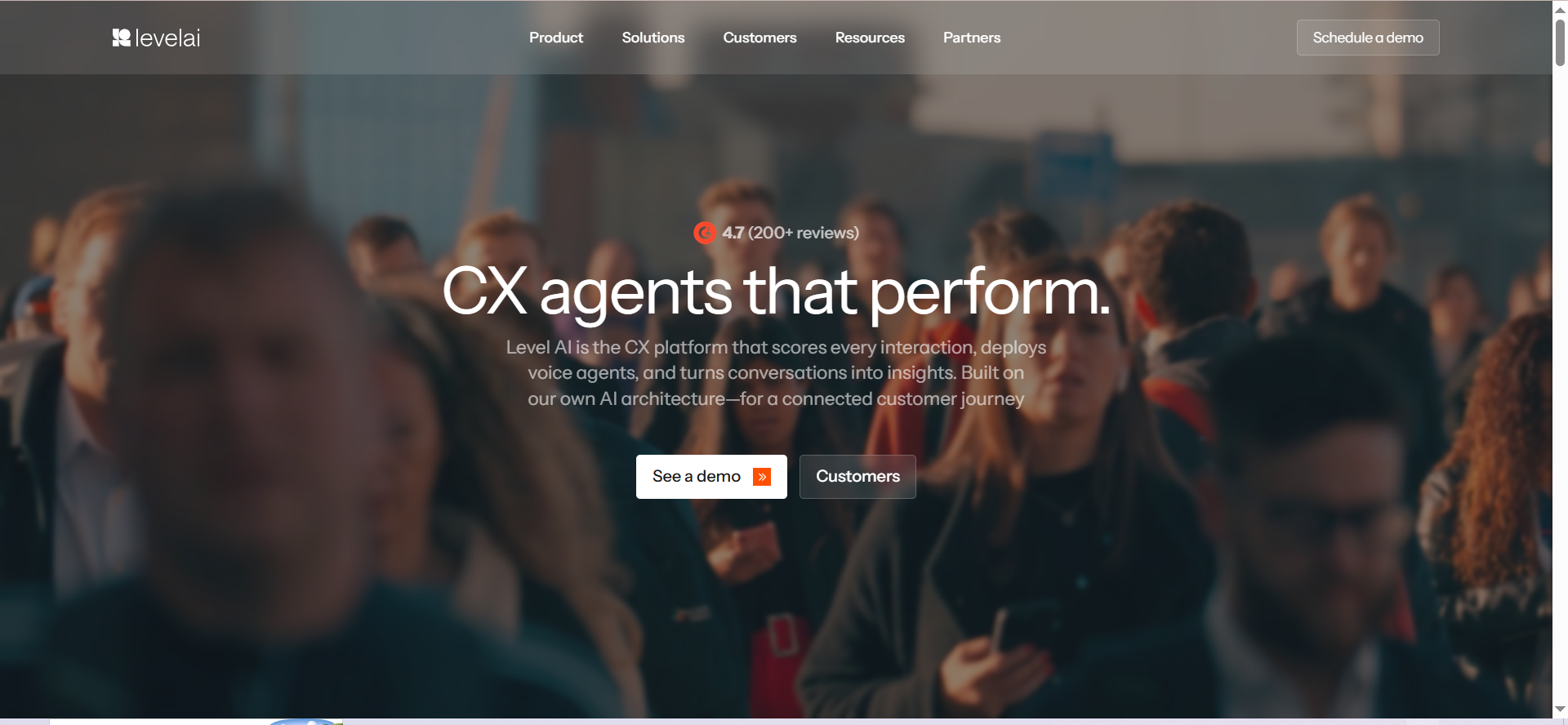
Level AI is a unified contact center intelligence platform. It combines real-time Agent Assist, AI Virtual Agent, 100% automated QA, personalized coaching plans, and Voice of the Customer analytics in a single system. The platform is built around what it calls a "Unified Intelligence Loop," meaning QA findings directly inform real-time prompts, and real-time prompts feed back into QA calibration.
February 2026 Update: Level AI shipped a "Major AI Virtual Agent Expansion" and introduced its Unified Intelligence Loop. This release formalized the connection between real-time assist and QA, so the same scoring rubric that grades a completed call also drives what the assist layer surfaces to agents mid-conversation.
Why Teams Use It
The defining use case for Level AI is scale. Teams handling large volumes across voice and digital channels use it to replace manual QA sampling with 100% automated scoring, then use those scores to generate coaching plans without a manager having to write them. For a deeper look at measuring agent performance, see our dedicated guide. In parallel, agents receive live suggestions during calls without switching between tools.
Key vendor-reported outcomes include:
- 40% reduction in hold time (vendor-reported) from real-time knowledge surfacing
- 50% reduction in manual after-call wrap-up (vendor-reported) through AI-generated summaries
Best Fit / Not a Fit
Best fit:
- Contact centers with 75 or more agents where manual QA sampling covers less than 10% of interactions
- Teams that want a single vendor for real-time assist, QA, and coaching rather than stitching together three point solutions
- Organizations where CX leadership needs voice-of-customer analytics tied to agent behavior data in the same platform
Not a fit:
- Teams under 50 seats that need a fast, low-configuration deployment
- Organizations looking for self-serve onboarding or month-to-month contracts
- Pure chat or email support teams: Level AI is strongest on voice
Key Capabilities
- Real-time Agent Assist: Surfaces knowledge base articles, FAQs, and policy snippets based on live customer intent detection, without agents needing to search manually
- 100% Automated QA: Scores every interaction across all channels using configurable rubrics; eliminates reliance on random QA sampling
- AI-Generated Coaching Plans: Converts QA scores into specific, personalized coaching recommendations at the agent level
- Voice of the Customer Analytics: Identifies recurring customer intents, sentiment patterns, and complaint themes at the conversation level
- AI Virtual Agent: Handles inbound inquiries autonomously across voice and chat, with handoff protocols to human agents
- After-Call Summaries: Generates structured call summaries that sync to CRM, reducing wrap-up time
Pricing
Level AI does not publish pricing. All plans are sold through an enterprise sales process. Based on market reports and positioning, Level AI is in the same tier as Cresta and Observe.AI, meaning budgets under $60,000 per year are unlikely to qualify. Pricing is not publicly disclosed; contact the vendor for a quote.
Free Tier?
No. No free trial or freemium tier is available.
Downsides and Limitations
- Pricing opacity: No public pricing means every evaluation starts with a sales conversation, which adds friction for teams doing early-stage research.
- Setup complexity: The Unified Intelligence Loop requires QA rubric configuration, coaching plan setup, and real-time assist tuning before the full benefit is realized. Deployment is not a same-week exercise.
- Voice-heavy: Teams running primarily chat, email, or SMS will find the platform's roots in voice create some friction.
- Minimum seat requirements: Not confirmed publicly, but deal structure and user reports suggest Level AI is not suited for sub-50-seat teams.
Tool #2: Cresta
What It Does
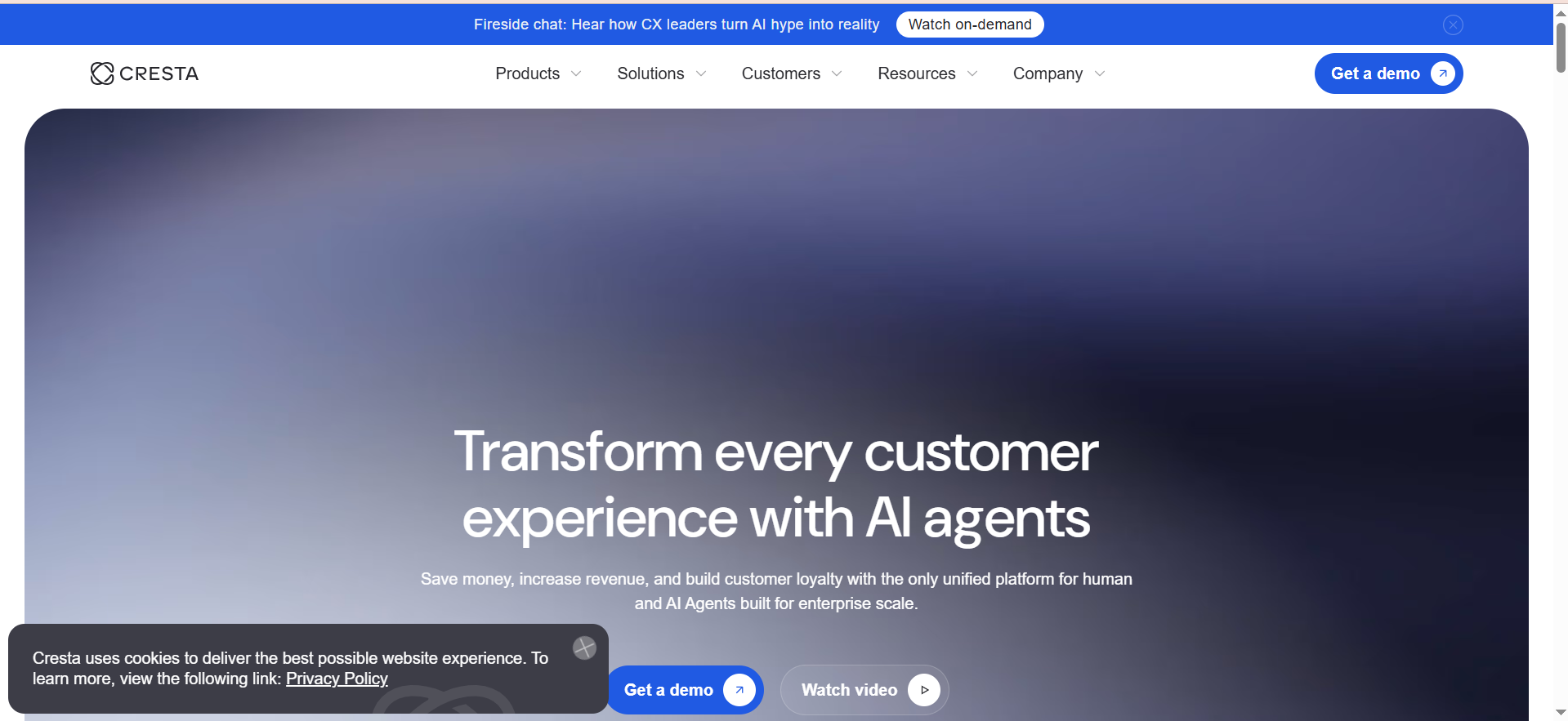
Cresta is a real-time AI platform for enterprise contact centers, built around four product lines: Agent Assist (real-time guidance for human agents), AI Agent (autonomous handling of voice, chat, and SMS), Conversation Intelligence (analytics, quality management, and coaching), and the newly launched Knowledge Agent (ambient knowledge retrieval, launched March 2026).
What Changed in 2026: Knowledge Agent
Cresta launched Knowledge Agent in March 2026. It operates as a browser sidebar that follows the agent across tabs, from CRM to billing tool to ticketing system, and listens to live audio without waiting to be prompted. When it detects a relevant moment, it proactively surfaces precise answers and cites the source.
Cresta Knowledge Agent (March 2026): Knowledge Agent reads "Context Fields" from the agent's screen, such as a customer's loyalty tier, booking class, or account status, and factors them into every answer. It is the first in what Cresta describes as a series of next-generation agentic assistants for contact center workers. The tool is distinct from Agent Assist: where Agent Assist guides behavior, Knowledge Agent resolves information gaps in real time.
Why Teams Use It
Cresta's strongest differentiator is its behavioral coaching model. The AI learns from your best-performing agents, identifies what they do differently during objection handling, compliance disclosures, and escalation prevention, and then surfaces those patterns as real-time prompts for lower-performing agents. It does not just retrieve knowledge; it tries to replicate expert behavior at scale. This approach aligns with how evaluating AI agents should focus on measurable behavioral improvements, not just feature lists.
G2 reviewers consistently cite real-time coaching as the most praised capability, with 87% of reviews coming from mid-market and enterprise organizations.
Best Fit / Not a Fit
Best fit:
- Contact centers with 100 or more seats where top-performer variance is measurable and costly
- Sales-heavy support environments where objection handling and compliance reminders have direct revenue impact
- Organizations already managing AI Agent and human agent workflows who want a single orchestration layer
Not a fit:
- Teams under 50 seats: Cresta's minimum deal size (typically 50-100 seats, annual contract) makes it inaccessible for smaller operations
- Organizations needing a free trial or low-commitment pilot
- Teams that want transparent, self-serve pricing
Key Capabilities
- Real-time Agent Assist: Behavioral hints, compliance reminders, auto-generated summaries, and predictive text for faster response drafting during live conversations
- AI Agent: Autonomous inbound handling across voice, chat, and SMS with configured escalation paths
- Knowledge Agent: Ambient browser-based knowledge retrieval that proactively surfaces answers without agent prompting (launched March 2026)
- Conversation Intelligence: Post-call analytics, quality management, and coaching recommendation engine
- Agent Operations Center: Launched 2025, provides a unified interface for managing hybrid human-AI workforces
- Behavioral AI: Learns from top-performer conversation patterns and encodes them into real-time prompts
Pricing
Cresta does not publish a pricing page (the /pricing URL returned a 404 as of May 2026). Based on third-party reporting:
- Agent Assist for Chat (up to 125,000 chats): ~$150,000/year
- Agent Assist for Voice (up to 100,000 calls): ~$150,000/year
- Overage rates: ~$1.20 per chat, ~$1.50 per call (third-party reported)
- Typical deal range: $60,000 to $150,000 per year with 50-100 seat minimums and annual contracts
All pricing is quote-based. Treat these figures as order-of-magnitude estimates for budgeting purposes.
Free Tier?
No. Cresta is enterprise-only with annual contracts.
Downsides and Limitations
- Cost and minimums: The seat minimums and annual contract structure put Cresta out of reach for most sub-100-seat teams.
- Onboarding timeline: G2 reviewers note that setup takes several months and requires close collaboration with Cresta's implementation team.
- G2 rating variance: G2 reports Cresta at 4.2/5 across 43 reviews, a lower review volume than Balto or Observe.AI, which makes the score less statistically stable.
- Knowledge Agent maturity: Launched in March 2026, Knowledge Agent is new. Buyers should treat it as a product in active development and validate use cases with Cresta's team before depending on it.
Tool #3: Balto
What It Does
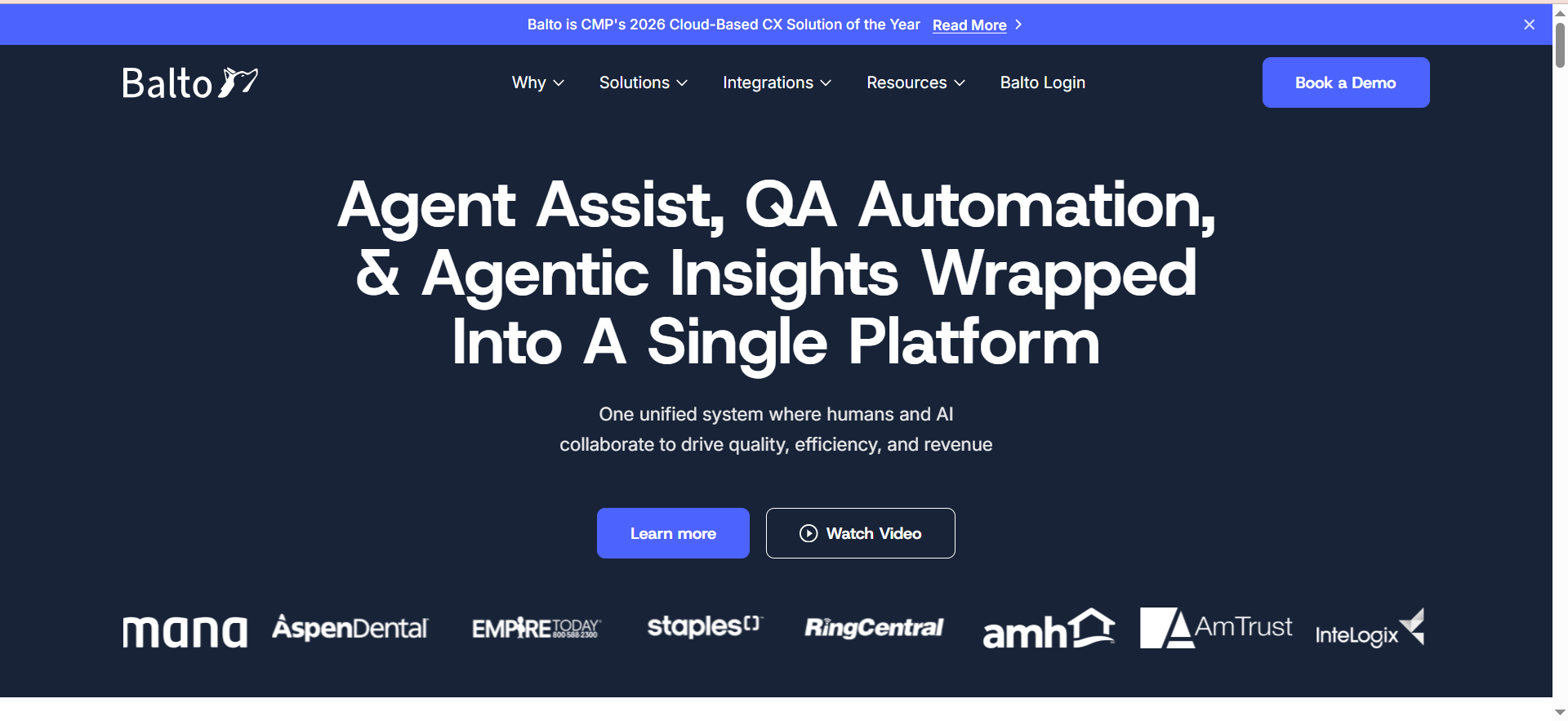
Balto delivers real-time guidance to call center agents during live phone conversations, fitting squarely into how AI is transforming customer service across industries. It listens to both sides of the call, detects what the customer is saying and feeling, and pushes the right prompt, script, objection handler, or compliance reminder to the agent's screen in the moment it is needed. No tab-switching, no post-call catch-up.
Balto sits at the intersection of real-time assist, automated QA, and closed-loop coaching, and it integrates with over 50 CCaaS platforms including Five9, NICE CXone, Genesys Cloud CX, Talkdesk, Amazon Connect, and Dialpad.
Why Teams Use It
Balto holds the highest review volume and rating of any tool on this list. With a 4.8/5 rating across 587+ G2 reviews, it ranks as the number-one reviewed agent assist platform on both G2 and Capterra as of 2026. It was also named the 2026 Cloud-Based CX Solution of the Year by CMP at the CCW Excellence Awards.
The platform's practical appeal is speed. Balto is consistently described as a tool you can deploy in weeks, not months, which distinguishes it from heavier platforms requiring long implementation cycles.
Vendor-reported customer results include:
- 16% lift in sales (vendor-reported)
- 53-second reduction in average handle time (vendor-reported)
- 65% faster ramp time for new agents (vendor-reported)
2026 Update: Omnichannel QA. Balto expanded its automated QA capabilities in 2026 to cover email, SMS, and chat alongside voice calls, bringing all conversation channels into a single scoring framework. Previously, Balto's real-time guidance was voice-only; the QA expansion is the first step toward omnichannel coverage.
Best Fit / Not a Fit
Best fit:
- Voice-first contact centers where compliance scripting, objection handling, or sales conversion are the primary performance levers
- Teams that need a fast deployment timeline, measured in weeks rather than months, including those aiming for 24/7 support coverage
- Smaller and mid-market contact centers (Balto works at lower seat counts than Cresta or Observe.AI)
- Organizations using existing CCaaS platforms who want to layer in real-time guidance without replacing infrastructure
Not a fit:
- Primarily chat or digital-only support teams: Balto's real-time guidance is voice-first; omnichannel QA is expanding but the core product is phone
- Teams needing a standalone conversation intelligence or Voice of the Customer analytics platform (Balto's analytics are coaching-focused, not CX-insight-focused)
- Organizations that want a single platform replacing CCaaS entirely
Key Capabilities
- Real-Time Agent Guidance: Live in-call prompts including script adherence, compliance reminders, objection handling scripts, and dynamic checklists
- Knowledge Base Surfacing: Automatically retrieves relevant knowledge base answers without agents needing to search
- AI Call Scoring: Scores 100% of calls using AI with claimed 95% accuracy (vendor-reported), allowing humans to focus on exceptions and disputes
- BaltoGPT Insights: Generative AI analytics layer that surfaces conversation trends and themes at the executive level
- Closed-Loop Coaching: QA flags automatically convert into coaching cards, which convert back into real-time prompt updates, closing the loop between observation and behavior change
- CRM Auto-Summaries: AI-generated call summaries that sync to CRM after each call, eliminating manual wrap-up notes
- Top-Performer Training Data: The AI learns from your highest-performing agents and encodes their patterns into real-time prompts for the wider team
- 50+ CCaaS Integrations: Native integrations with Five9, NICE, Genesys, Talkdesk, Amazon Connect, Dialpad, and more
Pricing
Balto does not publish a pricing page. Based on third-party market data:
- Starting budget: ~$100/agent/month, with realistic deployments landing at $100-$200/agent/month depending on seat count, modules, and contract term
- Implementation timeline: Approximately 2 months on average per G2 reviewer reports
- No published minimum seat requirements
Contact Balto's sales team for a formal quote.
Free Tier?
No free tier. Balto offers demos upon request.
Downsides and Limitations
- Voice-first architecture: The real-time guidance engine is phone-call-native. Teams running chat-heavy or digital-first operations will find the core value proposition less applicable until Balto's omnichannel expansion matures.
- Analytics depth: Balto's analytics are coach-and-agent-focused. Teams needing deep conversational intelligence, customer journey analytics, or executive CX dashboards may need a supplementary tool.
- Customization ceiling: Some G2 reviewers note that complex scripting logic or highly non-standard workflows can be difficult to configure within Balto's interface.
- Reporting granularity: A minority of reviews flag that reporting is less granular than enterprise-scale analytics tools.
Tool #4: Observe.AI
What It Does
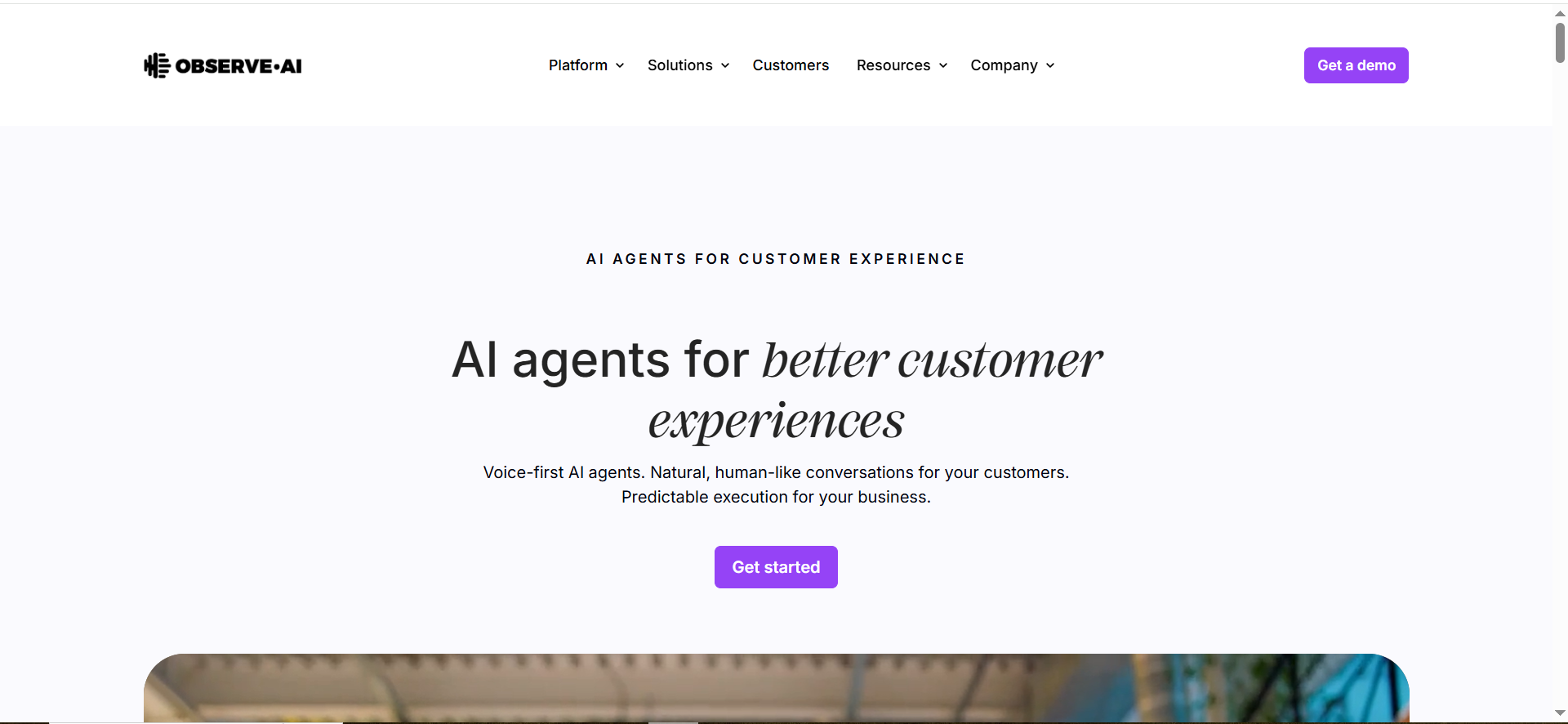
Observe.AI is a conversation intelligence platform that spans the full interaction lifecycle: real-time agent copilot during calls, automated QA scoring across 100% of interactions post-call, AI-driven coaching, and VoiceAI Agents for autonomous call handling. It also offers ChatAI Agents for chat channel automation.
The platform is purpose-built for contact centers and carries validated deployments across over 350 enterprise customers (vendor-reported), spanning financial services, insurance, retail, and BPO sectors.
Why Teams Use It
Observe.AI's core strength is QA depth. Its automated scoring engine evaluates interactions against configurable rubrics, identifies coaching opportunities, and serves them to supervisors through what the platform calls "Coaching Copilot." The result is a system where quality management and agent development are functions of the same data set, not two separate processes.
The real-time "Agent Copilot" layer provides contextual guidance and after-call summaries, though reviewers on G2 note that the real-time component is less mature than the post-call analytics.
Gartner Peer Insights Recognition:Observe.AI holds a strong rating on Gartner Peer Insights, with ease of use and coaching workflows cited as the top positive attributes. The platform was named a Pioneer (top tier) in CMP Research's evaluation of AI-powered conversation intelligence solutions for contact centers.
Best Fit / Not a Fit
Best fit:
- Contact centers with 100 or more seats that currently sample fewer than 10% of calls for QA and need full-coverage scoring
- Organizations in regulated industries (financial services, insurance, healthcare-adjacent BPO) where compliance monitoring at scale is a compliance requirement, not just a performance preference
- Teams wanting post-call QA as the primary use case with real-time assist as a secondary feature
Not a fit:
- Teams where real-time in-call guidance is the primary requirement and QA is secondary: Observe.AI's real-time layer is less polished than its post-call engine
- Organizations under 100 agents: Observe.AI has a published 100-seat minimum
- Buyers expecting self-serve onboarding or trial access
Key Capabilities
- Agent Copilot: Real-time guidance layer that surfaces contextual information, suggested responses, and compliance reminders during live calls and chats
- Auto QA: AI scoring across 100% of voice and chat interactions, with configurable rubrics tied to specific business outcomes
- Manual QA: Supports human-led evaluation workflows alongside AI scoring for exception management and dispute resolution
- Coaching Copilot: Converts QA findings into personalized coaching plans, delivered through a supervisor dashboard
- Insights Copilot: Executive-level analytics surfacing trends across interaction volume, sentiment, and agent performance
- VoiceAI Agents: Autonomous inbound voice handling with configured escalation to human agents
- ChatAI Agents: Autonomous handling of chat interactions
- Workflow Orchestration: Governs how voice, chat, and hybrid interactions route between AI agents and human agents
Pricing
Observe.AI does not publish a pricing page. Based on third-party analysis and AWS Marketplace listings:
- Entry point: Approximately $69/agent/month for the Real-Time AI module (single product, AWS Marketplace)
- Full platform: A 100-seat deployment typically runs $60,000 to $180,000 per year depending on modules selected, contract length, and implementation fees
- Minimum seats: 100 agents required (published minimum)
- All pricing is custom and requires a sales conversation
Free Tier?
No. Observe.AI requires a sales-led engagement for all pricing conversations.
Downsides and Limitations
- Transcription accuracy complaints: Transcription quality is the single most common negative review across G2 and Capterra, with multiple reviewers noting accuracy issues that affect downstream QA scoring reliability.
- Sentiment accuracy: Some reviewers report that the sentiment analysis layer produces errors, particularly on ambiguous or nuanced customer tone.
- Real-time feature maturity: Reviewers consistently rate the post-call QA as the platform's strongest suit and note that the real-time copilot is catching up, not leading.
- Onboarding complexity: Setup configuration is reported as non-trivial, particularly for organizations with complex routing or multi-vendor CCaaS environments.
- 100-seat minimum: Hard minimum puts Observe.AI outside the range of most sub-enterprise contact centers.
Tool #5: Cognigy
What It Does
Cognigy is an enterprise conversational AI platform that in 2026 operates under NICE following an acquisition. Its AI Copilot product (formally "Agent Copilot") provides real-time assistance to human agents within an omnichannel platform that also supports autonomous virtual agents for voice, chat, and messaging.
Where other tools on this list are purpose-built for agent assist as a standalone capability, Cognigy approaches it as one layer within a full conversational AI operating system. Agent Copilot sits alongside Cognigy's virtual agent builder, live agent workspace, and analytics, all governed from a single platform.
Cognigy Named a Forrester Wave Leader (2026): Cognigy was named a Leader in the Forrester Wave: Conversational AI Platforms for Customer Service (2026 edition). The evaluation specifically cited the platform's enterprise deployment depth, integration breadth, and AI governance capabilities as differentiating factors.
Why Teams Use It
Cognigy is the choice when the requirement is a full conversational AI stack, not a point solution. If your organization is building or has built an automated customer-facing virtual agent, and now wants to add real-time support for human agents using the same knowledge base, the same integrations, and the same governance layer, Cognigy delivers that without requiring a second vendor.
Specific AI Copilot capabilities include five prebuilt assist modules:
- Identity Assist: Provides contextual handover information tailored to each agent when a conversation transfers from a virtual agent to a human.
- Knowledge Assist: Surfaces relevant knowledge base content in real time during live conversations.
- Action Assist: Guides agents through complex multi-step processes, such as policy exceptions or account modifications, with structured workflows.
- Language Assist: Enables agents to support customers in their native language through real-time translation, without requiring multilingual staffing.
- Wrap-Up Assist: Automates post-call disposition, summary generation, and CRM updates with a single click.
Best Fit / Not a Fit
Best fit:
- Enterprise organizations already running (or planning to run) Cognigy virtual agents who want agent assist to share the same platform, knowledge base, and governance layer
- Global contact centers with multilingual requirements (Language Assist is a genuine differentiator)
- Organizations on Genesys, NICE, or other major CCaaS platforms with established integration requirements
- IT-led buying processes where platform governance, deployment environments, and compliance posture are evaluated alongside features
Not a fit:
- Organizations seeking a point solution for agent assist only, without interest in the broader conversational AI platform
- Teams that want fast, self-serve deployment: Cognigy is a platform you deploy, integrate, and govern, not a tool you switch on
- Startups or mid-market buyers under 150-200 seats: the cost and implementation scope are enterprise-calibrated
- Buyers without technical implementation resources or a system integrator partner
Key Capabilities
- AI Copilot (Agent Assist): Real-time five-module assist system covering identity, knowledge, action, language, and wrap-up workflows
- Cognigy Live Agent: AI-powered omnichannel agent workspace that surfaces AI Copilot guidance within the agent's primary interface
- Virtual Agent Builder: No-code/low-code platform for building autonomous customer-facing voice and chat agents
- Cognigy Insights: Analytics layer covering bot performance, agent performance, and customer satisfaction metrics
- Omnichannel Orchestration: Manages customer journeys across voice, chat, messaging, and email with configurable routing logic. For more on omnichannel support platforms, see our dedicated comparison
- Enterprise Integrations: Native connectors for Genesys, Salesforce, ServiceNow, SAP, and other enterprise systems
Pricing
Cognigy does not publish a pricing page. All plans require a sales engagement. Based on third-party research:
- Pilot or limited deployment: Discussions typically start at $2,500 to $5,000 per month for platform access at low-to-moderate volume
- Full enterprise deployment: Ranges from $100,000 to $350,000 per year or more, depending on interaction volume, channel count, environments, and service tier
- Implementation and consulting: An additional $50,000 to $100,000 or more upfront depending on scope
- Costs scale with interaction volume, not just seat count
Contact Cognigy's sales team for a formal quote.
Free Tier?
No. Cognigy does not offer a free tier. Limited proof-of-concept engagements may be available through enterprise sales conversations.
Downsides and Limitations
- Complexity and implementation timeline: Cognigy is not a tool that deploys in days or weeks. Enterprise integrations, knowledge base configuration, and agent workspace customization require meaningful time and resources.
- Cost ceiling: At scale, Cognigy is among the most expensive options on this list, with implementation costs alone in the $50,000-$100,000 range before annual subscription fees.
- Technical resource requirement: Non-technical buyers will require a system integrator or dedicated internal technical resources to get full value from the platform.
- Point-solution mismatch: Buyers who want only agent assist without the broader platform are paying for capabilities they will not use.
- Acquisition integration risk: Cognigy is now operating within NICE's portfolio. Buyers should assess roadmap continuity and support structure under the combined organization before committing to multi-year contracts.
Fit Matrix: Which Tool Is Right for Your Team?
Use this matrix to cross-reference your top requirements against each platform.
| Requirement | Level AI | Cresta | Balto | Observe.AI | Cognigy |
|---|---|---|---|---|---|
| Real-time voice guidance | Strong | Strong | Strongest | Moderate | Strong |
| 100% automated QA | Strong | Moderate | Strong | Strongest | Limited |
| Post-call coaching | Strong | Strong | Strong | Strong | Limited |
| Omnichannel (chat, email, SMS) | Moderate | Strong | Expanding | Strong | Strongest |
| Fast deployment (weeks) | No | No | No | No | No |
| Minimum seat threshold | 50-75+ | 50-100+ | Low | 100+ | 150-200+ |
| Transparent pricing | No | No | No | No | No |
| Fits sub-$60K annual budget | Unlikely | No | Possible | Unlikely | No |
| Full conversational AI platform | No | Partial | No | Partial | Yes |
| Multilingual real-time assist | No | Limited | No | No | Yes |
| G2 review volume (2026) | Moderate | Low (43) | Low (43) | High | Moderate |
| Best deployment path | Sales-led | Sales-led | Sales-led | Sales-led | Systems integrator |
Not sure any of these fit? We build custom agent assist solutions on open-source and API-first stacks.
Get a build-vs-buy assessment
Decision-Relevant Questions for Buyers
What is the real difference between agent assist and an AI agent?
These terms are used almost interchangeably in vendor marketing, which creates real confusion. Agent assist (or AI copilot) means a tool that augments a human agent during or after a live conversation, surfacing information, prompts, or summaries without replacing the human. For a broader look at these categories, see our guide on chatbot vs AI agent. An AI agent (or virtual agent) handles the customer conversation autonomously without a human present, and only escalates when its decision boundaries are exceeded.
All five platforms on this list offer both capabilities to varying degrees. The distinction matters because the buying consideration is different: agent assist is a performance layer on top of your existing agent headcount; a virtual agent is a headcount substitution play. Buyers should be clear with vendors about which capability they are evaluating before entering contract discussions, as pricing models can differ significantly between the two.
How do I evaluate real-time accuracy claims?
Every platform on this list claims high transcription accuracy, fast intent detection, and low latency guidance delivery. Very few of those claims are independently verified. When evaluating vendors, ask for:
- A pilot or proof-of-concept using your actual call recordings, not vendor-supplied demos with clean audio
- Transcription accuracy benchmarks on your specific audio quality, call type, and agent accent distribution
- Latency data measured in your production environment, not a vendor lab
Observe.AI's most common negative review across G2 is transcription accuracy. Balto's most common concern is customization depth on complex scripts. Running a structured pilot before a multi-year commit is not optional at these price points.
What CCaaS platforms integrate natively with these tools?
Integration breadth matters more than feature lists for most buyers, because switching CCaaS is a multi-year project most organizations will not undertake just to accommodate an agent assist tool.
- Balto leads with 50+ native CCaaS integrations, the widest integration set of any tool on this list.
- Cresta and Observe.AI support the major platforms: Five9, NICE CXone, Genesys Cloud CX, Talkdesk, Amazon Connect, and Dialpad.
- Level AI integrates with leading CCaaS providers, but integration breadth is less prominently documented than Balto's.
- Cognigy offers native connectors for Genesys and NICE (as a NICE company), plus API-first integration with most enterprise telephony environments.
Always verify your specific CCaaS platform and version against each vendor's current integration documentation before signing a contract.
Should I buy an agent assist platform or build a custom solution?
The build-vs-buy decision hinges on three variables: seat count, differentiation requirement, and total cost of ownership over three years.
Buy if:
- You have 50 or more seats and a generic use case (compliance scripting, knowledge retrieval, AHT reduction)
- Time to value is more important than customization depth
- Your CX stack is stable and you can absorb annual contract lock-in
Build (or build-on-top) if:
- Your use case is proprietary and vendor products require heavy customization anyway
- You want to control the AI models, the data pipeline, and the integration layer
- You are running on open-source infrastructure or have existing MLOps capacity
- You need to embed agent assist into a custom agent workspace that vendors do not support natively
At 20-40 agents, the cost and implementation overhead of any platform on this list may exceed the cost of a custom lightweight solution built on open-source STT, a retrieval-augmented knowledge layer, and a simple UI.
How do annual contracts and seat minimums affect the buying decision?
Understanding pricing models is critical. Every platform on this list requires an annual contract. None offer month-to-month flexibility. Seat minimums range from informal (Balto) to explicitly published 100-seat floors (Observe.AI). This matters because:
- You cannot pilot cheaply. Committing to a year at 100 seats before validating production performance is a significant financial risk. Push vendors hard for structured pilot agreements with defined success metrics before contract execution.
- Overage costs accumulate. Cresta, for example, charges overage fees per chat or call above contracted volume. Forecast your interaction volume growth over the contract term before signing.
- Renewal leverage diminishes. Once a platform is embedded in your agent workflows, QA rubrics, and coaching cadences, switching costs are high. Negotiate contract terms, renewal caps, and termination provisions before the initial signature.
What does the agent assist market look like in 2026?
The global call center AI market is projected to grow from approximately $2.98 billion in 2026 to $13.52 billion by 2034, with a substantial share of that growth shifting toward fully autonomous voice agents as model capabilities improve. [Source: third-party market research]
For buyers in 2026, the practical implication is that the platforms you evaluate today are all building toward greater autonomy: the agent assist layer of 2026 is the handoff coordinator of 2028. Choose a vendor that has a credible autonomous agent story alongside its copilot capabilities, because in two to three contract renewal cycles, the conversation will have shifted from "how do we assist agents" to "how do we coordinate between AI agents and human agents." For a look at broader trends shaping AI in customer service, see our 2026-2027 outlook.
FAQs
AI agent assist software is a category of tools that support human customer service agents during live interactions, rather than replacing them. It falls under the broader umbrella of agentic AI in customer service. These tools listen to calls or read chats in real time, then surface relevant information: knowledge base answers, compliance reminders, objection handling scripts, suggested responses, or next-best-action prompts. The goal is to reduce the time an agent spends searching for information while simultaneously reducing errors, improving compliance adherence, and shortening average handle time. Most platforms also include automated QA scoring and coaching functionality to close the feedback loop between what agents do and what they learn.
Real-time assist delivers guidance during the conversation, before the agent makes a mistake or misses a step. Post-call coaching reviews what happened after the call ends and delivers feedback through coaching sessions, scorecards, or targeted training modules. The most effective platforms on this list, including Level AI, Balto, and Observe.AI, do both: they surface real-time prompts to prevent errors in the moment, then use QA data from completed calls to generate coaching content that reduces the likelihood of those errors recurring. Teams that implement only post-call coaching see slower improvement curves than teams with both layers in place.
Deployment timelines vary significantly by platform and organizational complexity. Balto is the fastest deployer on this list, with G2 reviewers averaging approximately two months from contract to production. Cresta, Observe.AI, and Level AI typically run three to six months for full deployment, including rubric configuration, integration setup, and agent training. Cognigy is the most complex: enterprise deployments often take six months or more, particularly when the virtual agent layer is being configured alongside the AI Copilot. In all cases, the timeline extends if the buyer's CCaaS environment is complex, if multiple business units are being onboarded simultaneously, or if significant knowledge base organization work is needed before the AI can retrieve accurate information.
Almost certainly yes, though integration depth varies. Balto has the widest integration set with 50 or more CCaaS platforms including Five9, NICE CXone, Genesys, Talkdesk, Amazon Connect, and Dialpad. Cresta and Observe.AI support all major enterprise CCaaS platforms. Cognigy has native integrations with Genesys and NICE, plus API-level access to most enterprise telephony environments. Level AI also integrates with leading CCaaS providers, though its documentation is less specific about breadth. The critical step is to verify your specific platform version with the vendor's integration team before entering contract negotiations, since integration quality can vary between CCaaS versions and deployment models.
None of the five platforms on this list offer a public free trial or freemium tier. All are enterprise-calibrated products with sales-led onboarding. Some vendors may offer a structured proof-of-concept pilot with defined success metrics as part of the pre-sales process, typically requiring an existing sales relationship. Buyers who need to validate performance before committing should negotiate a formal pilot agreement rather than asking for a free trial, as the latter does not exist in this category.
Balto is the most accessible option for smaller teams, with the lowest informal seat minimum and the most competitive per-agent pricing among the five tools evaluated. Cresta and Observe.AI both have hard or de facto minimums that make them impractical for sub-50-seat operations. Level AI and Cognigy are enterprise-scale platforms where deal structures typically require larger headcounts to justify the cost. That said, even Balto at $100 to $200 per agent per month represents a material budget commitment for a small team. Organizations under 30-40 seats should evaluate whether reducing support costs through a custom-built solution using open-source speech-to-text, a retrieval-augmented generation layer, and a lightweight agent UI would deliver comparable real-time assistance at lower total cost of ownership.
Chose a platform but need integration help, or outgrew off-the-shelf?
Book a scoping call with BitBytes