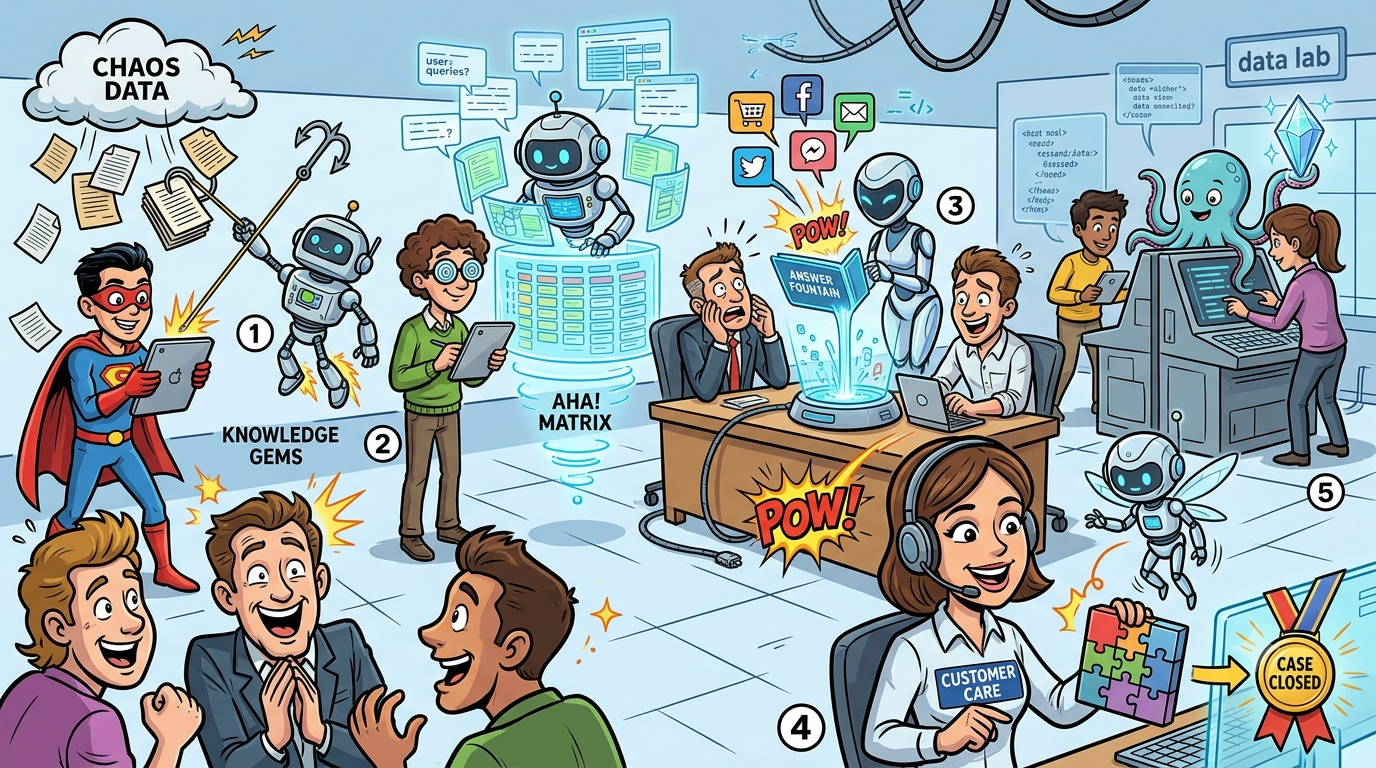

Your support team answers the same questions every week. An AI knowledge base changes that by surfacing verified answers to customers and agents before a ticket is ever created. The right platform turns scattered docs into a self-service engine that deflects tier-1 queries, keeps content accurate, and scales without scaling headcount.
This guide compares five AI knowledge base tools built for customer support: Pylon, Guru, Tettra, Slite, and Document360. Each section covers verified pricing, AI capabilities, review scores, and sourced limitations so you can shortlist fast. A team-fit decision matrix at the end maps each tool to team size, use case, and budget.
If you need one takeaway: Pylon is the strongest pick for B2B teams already living in Slack; Document360 leads for customer-facing help centers at scale; Guru wins for enterprise knowledge centralization; Slite stands out with self-maintaining docs; and Tettra is the leanest option for small, Slack-first teams.
According to McKinsey's 2026 AI in Customer Service report, AI resolutions average $0.62 per interaction compared to $7.40 for human agents. Companies with AI-powered self-service resolve 4x more queries than those relying on static FAQ pages. For more benchmarks, see our roundup of AI support statistics.
Evaluating platforms vs building custom? BitBytes designs and ships production AI solutions. Talk to our engineers
Table of Contents
Best 5 AI Knowledge Base Tools (Quick Comparison)
| Tool | Best For | Starting Price | G2 Rating | Free Tier |
|---|---|---|---|---|
| Pylon | B2B support teams on Slack | $59/seat/mo (3-seat min) | 4.9/5 (61+ reviews) | No free plan; demo available |
| Guru | Enterprise knowledge centralization | $10/user/mo (Starter) | 4.7/5 (2,300+ reviews) | Yes, up to 3 users |
| Tettra | Small Slack-first teams | $4/user/mo (10-user min) | 4.7/5 (161 reviews) | 30-day trial only |
| Slite | Self-maintaining internal docs | $8/user/mo (Standard) | 4.6/5 (272+ reviews) | Yes, up to 50 docs |
| Document360 | Customer-facing help centers | ~$199/mo (Professional) | 4.7/5 (400+ reviews) | 14-day trial only |
How We Evaluated These Tools
Selecting five tools from dozens of knowledge base platforms requires transparent criteria. Here is how we narrowed the field and what data sources informed each section.
Selection Criteria
- AI-native capabilities. Each tool must offer AI-powered search, content generation, or automated gap detection. Static wikis without AI features were excluded.
- Customer support relevance. The platform must serve either customer-facing self-service, internal agent knowledge, or both. Pure project management tools or general-purpose wikis without support-specific features were dropped.
- Active development and 2026 pricing. Tools with outdated or abandoned product lines were removed. All pricing was verified through vendor websites and third-party sources during July 2026.
- Review volume and recency. Each tool needed a meaningful body of verified reviews on G2, Capterra, or both, with recent activity in 2025 or 2026.
Data Sources
- Pricing: Vendor pricing pages, third-party pricing aggregators (Vendr, Capterra, G2 pricing pages), and published breakdowns.
- Features: Vendor documentation, changelog announcements, and product pages.
- Ratings and limitations: G2, Capterra, and Gartner Peer Insights verified reviews. Specific complaints and praise are sourced from aggregated review data.
- Market context: Industry reports from McKinsey, Gartner, and Salesforce on AI customer support adoption.
What This Is Not
We did not run hands-on lab tests for this comparison. Feature claims are based on vendor documentation and user reviews. Where data is vendor-reported, it is labeled as such. Where pricing is quote-based, we note the typical range from third-party sources. If you want a framework for evaluating AI service agents, we cover that in a separate buyer's checklist.
Pylon
What It Does
Pylon is an AI-native B2B customer support platform with a built-in knowledge base. Unlike standalone knowledge base tools, Pylon packages knowledge management inside a full support inbox that spans Slack, email, chat, and Microsoft Teams. The knowledge base is not a bolt-on; it feeds directly into Pylon's AI agent and copilot features.
Why Teams Use It
B2B support teams choose Pylon because it converts real support conversations into structured knowledge base articles automatically. Instead of writing documentation from scratch, the AI analyzes Slack threads, email chains, and tickets to draft articles, detect knowledge gaps, and flag duplicates.
Key reasons teams adopt Pylon:
- Conversation-to-article pipeline. The AI watches live support interactions and auto-drafts articles from resolutions.
- Slack-native workflow. Teams already resolving issues in Slack can surface knowledge base answers without leaving the channel.
- Unified platform. Inbox, knowledge base, AI copilot, and analytics sit in one tool, removing the need to stitch together separate products.
Best Fit / Not a Fit
Best fit:
- B2B SaaS companies managing support across Slack Connect channels, shared Slack workspaces, and email
- Teams that want their knowledge base to learn from real tickets rather than relying on manual documentation
- Organizations ready to invest in a full support platform, not just a standalone wiki
Not a fit:
- Teams that only need a customer-facing help center without an integrated support inbox
- Budget-constrained startups; the minimum cost of $177/month (3 seats at $59/seat) before AI add-ons makes Pylon one of the pricier options
- Companies not using Slack as a primary communication channel
Key Capabilities
- AI knowledge gap detection. Pylon scans support conversations and issue trends continuously. When the AI identifies frequent questions not covered by existing articles, it suggests new topics and drafts initial content.
- Multi-knowledge-base support. Create separate knowledge bases for customers, AI agents, and internal teams with granular visibility controls.
- **Omnichannel article surfacing.** When agents respond to queries from Slack, Teams, email, or chat, Pylon suggests relevant knowledge base articles inline.
- AI copilot. The copilot drafts responses using knowledge base content, reducing the time agents spend searching for answers.
- Duplicate detection and translation. The AI flags duplicate articles and can translate help center content into multiple languages.
Pricing
Pylon enforces seat minimums on every plan. All pricing below is based on annual billing. For a broader look at how vendors structure costs, see our breakdown of AI support pricing models.
| Plan | Price | Seat Minimum | Key Additions |
|---|---|---|---|
| Starter | $59/seat/mo | 3 seats | Support inbox, email, chat, knowledge base, ticket forms |
| Professional | $89/seat/mo | 3 seats | Slack, Telegram, WhatsApp, automations, analytics, API |
| Enterprise | $139/seat/mo | 7 seats | Microsoft Teams, customer portal, custom reporting, RBAC |
Critical add-on costs:
- AI Assistants: ~$50/seat/mo extra, plus usage-based AI agent fees
- Account Intelligence: $10/account/mo (50-account minimum)
- Phone/SMS: $35/seat/mo on Starter and Professional
Monthly billing runs roughly 20-30% higher than annual rates.
Free Tier?
No. Pylon does not offer a free plan or a standard free trial. Limited free tiers exist for AI Assistants Base (5 Ask AI queries/user/month) and Account Intelligence Base, but the core support platform requires a paid commitment. Demo access can be requested through the sales team.
Downsides and Limitations
- AI is a paid add-on, not built into base pricing. At ~$50/seat extra, the AI features that make Pylon's knowledge base compelling add significant cost. A 5-person team on Professional with AI could pay $695/month before other add-ons. (Source: G2 user reviews)
- Knowledge base editor is basic. Users report limited formatting options compared to dedicated documentation tools. (Source: G2 Pros and Cons)
- AI struggles with nuance. The AI agents work best with well-documented knowledge bases but can falter on complex, context-dependent product questions. (Source: G2 reviews)
- Complex onboarding. Several reviewers note that initial setup and configuration require dedicated time, especially for teams migrating from other platforms.
- No free trial. Committing to a minimum annual contract without hands-on testing is a barrier for evaluation-stage teams.
Guru
What It Does
Guru is an AI-powered knowledge management platform that centralizes company knowledge and delivers it where teams work. It uses a card-based content model where each piece of information lives as an independently verifiable, taggable, searchable unit. Guru positions itself as the "AI Source of Truth" for organizations, connecting knowledge from over 100 enterprise tools.
Why Teams Use It
Support teams adopt Guru to eliminate the "just ask Sarah" problem. When agents need answers, they search Guru from within Slack, Microsoft Teams, their browser, or their help desk tool and get AI-generated answers cited directly from verified knowledge cards.
Core adoption drivers:
- Verification workflows. Subject matter experts receive automated reminders to confirm that the information they own is still accurate. This keeps knowledge fresh without manual audit cycles.
- Browser extension and in-app delivery. Agents access knowledge without switching tabs. Guru surfaces cards contextually inside the tools they already use.
- Enterprise-scale integrations. With 100+ native integrations (Salesforce, Slack, Microsoft Teams, Google Workspace, and more), Guru fits into complex enterprise tool stacks.
Best Fit / Not a Fit
Best fit:
- Mid-size to enterprise teams (50+ employees) that need a single source of truth across departments
- Organizations using multiple enterprise tools that need knowledge centralized and searchable across systems
- Support teams that value content verification and need to enforce knowledge accuracy at scale
Not a fit:
- Teams that need a customer-facing help center. Guru is primarily an internal knowledge platform, not a public documentation tool.
- Small teams with fewer than 10 people. The paid plan requires a 10-seat minimum at $25/seat, putting the floor at $250/month.
- Teams needing deep content formatting. Guru's card-based editor is functional but limited compared to dedicated documentation platforms.
Key Capabilities
- AI-powered search with cited answers. Guru uses AI to deliver direct answers to natural language questions, with citations linking back to the source cards.
- Knowledge Agents. Configurable AI agents that can be trained on specific subsets of your knowledge base. Useful for creating topic-specific assistants (e.g., a "Product FAQ agent" or a "Billing procedures agent"). For more on how these differ from traditional chatbots, see chatbot vs AI agent.
- Automated verification. Cards have assigned owners and verification intervals. When a card is due for review, the owner gets a notification. Unverified cards are flagged across the platform.
- Card-based architecture. Bite-sized, modular content units that support text, images, video, attachments, and links. Each card is independently searchable, taggable, and versioned.
- Analytics and adoption tracking. Track which cards are being viewed, searched, and verified. Identify knowledge gaps based on failed searches and unanswered questions.
Pricing
Guru's pricing has shifted in recent years. The current structure (as of July 2026):
| Plan | Price | Notes |
|---|---|---|
| Free | $0 | Up to 3 users, core features, browser extension, Slack integration |
| Starter | ~$10/user/mo | Basic knowledge management, limited AI, basic analytics |
| Self-Serve | $25/seat/mo | 10-seat minimum ($250/mo floor), full AI features |
| Enterprise | Custom pricing | Usage-based model, advanced security, dedicated support |
A 30-day free trial is available for paid plans.
Watch the seat minimum. Guru's Self-Serve plan requires 10 seats regardless of team size. If you have a 4-person support team, you still pay for 10 seats ($250/month). Factor this into your total cost comparison.
Free Tier?
Yes. Guru offers a free plan for up to 3 users with core knowledge management features, the browser extension, and Slack integration. However, the free tier excludes AI-powered answers, advanced analytics, Knowledge Agents, and verification workflows. It works for evaluation but will likely require an upgrade for production use.
Downsides and Limitations
- Search degrades at scale. With hundreds or thousands of cards, search performance slows and results become less relevant. Users report needing exact keywords to find specific cards, which defeats the purpose of an AI-powered knowledge base. (Source: Capterra reviews)
- Card editor feels basic. Reviewers compare it unfavorably to Google Docs, noting limited font options and formatting flexibility. Complex documentation with nested hierarchies is difficult to structure. (Source: G2 Pros and Cons)
- Organization becomes unwieldy. Folders and card linking are described as "clunky" by multiple reviewers. Teams with large knowledge bases struggle to maintain clean taxonomies.
- Steep learning curve for admins. Initial setup and ongoing management require dedicated time, especially for configuring verification workflows, permissions, and integrations.
- Analytics are limited on lower tiers. Meaningful reporting on content usage and knowledge gaps is restricted to higher-priced plans.
Tettra
What It Does
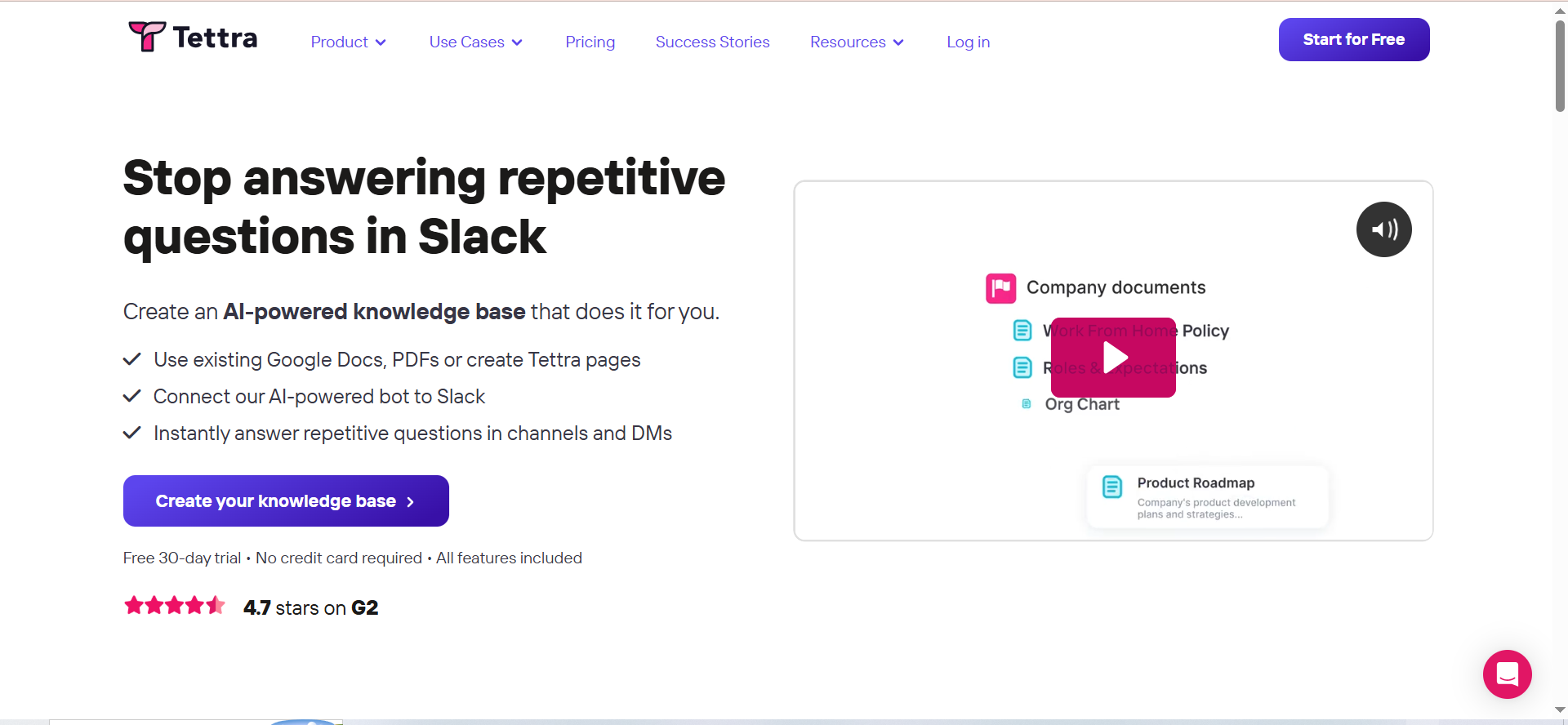
Tettra is an AI-powered internal knowledge base built around Slack integration. It is designed for teams that communicate primarily in Slack, offering an AI bot named Kai that answers questions in Slack channels and DMs using knowledge base content. Tettra focuses on being a lightweight, easy-to-adopt internal wiki rather than a full-featured documentation platform.
Why Teams Use It
Small and mid-size teams adopt Tettra because it meets them where they already work: inside Slack. When a teammate asks a question in a Slack channel, Kai searches the knowledge base and responds instantly. If Kai cannot find an answer, it routes the question to the right subject matter expert, and that expert's response can be captured as a new knowledge base article.
Key drivers:
- Zero-friction Q&A. Questions asked in Slack get automatic answers without requiring anyone to leave the conversation.
- Knowledge capture from Slack threads. Thread summaries can be saved directly to the knowledge base, turning organic conversations into documented knowledge.
- Lightweight setup. Tettra's simple editor and minimal configuration mean teams can go from signup to functioning knowledge base in hours, not weeks.
Best Fit / Not a Fit
Best fit:
- Small to mid-size teams (10-50 people) that use Slack as their primary communication tool
- Support teams that need a fast, lightweight internal wiki for agent-facing documentation
- Organizations that want to capture tribal knowledge from Slack conversations before it disappears
Not a fit:
- Teams that do not use Slack heavily. Tettra's value proposition drops sharply without deep Slack adoption.
- Organizations needing a customer-facing help center. Tettra is an internal knowledge base, not a public documentation tool.
- Enterprise teams with complex permission requirements or multi-department content governance needs
- Teams needing advanced real-time collaboration features (co-editing, commenting, inline review)
Key Capabilities
- Kai AI bot. Answers questions in Slack DMs and channels using RAG (Retrieval-Augmented Generation) powered by OpenAI. Only verified, current content feeds Kai's responses; stale and private pages are excluded from AI indexing.
- Slack thread summarization. Summarize Slack threads and save them to the knowledge base with one click, converting informal knowledge sharing into permanent documentation.
- Automated verification. Articles have assigned owners and scheduled verification cycles. When content goes stale, the owner is prompted to review and update.
- AI content generation. AI can draft articles, auto-tag pages, and generate FAQ content from existing documentation.
- Google Workspace integration. Import and index Google Docs content so Kai can answer questions from both Tettra articles and linked Google documents.
Pricing
Tettra's pricing has a 10-user minimum across all plans, which significantly affects the entry cost for small teams.
| Plan | Price | User Minimum | Key Additions |
|---|---|---|---|
| Basic | $4/user/mo (annual) | 10 users ($40/mo floor) | Slack integration, Q&A, page requests, Google Workspace integration |
| Scaling | $8-10/user/mo | 10 users ($80/mo floor) | Kai AI bot, advanced permissions, automation, usage analytics, API |
| Professional | $7,200/year | 50 users | SAML SSO, SCIM provisioning, dedicated account manager |
A 30-day free trial is available for Basic and Scaling plans.
Free Tier?
No permanent free plan. Some sources reference a limited free tier for up to 10 users with basic features, but this is not prominently advertised. The primary entry path is through the 30-day free trial on Basic or Scaling plans.
Downsides and Limitations
Slack dependency. If your team is not heavily invested in Slack, Tettra loses its primary differentiator. The web app alone does not justify the cost compared to alternatives. (Source: G2 reviews)Limited customization. Page layouts, design options, and content formatting are minimal. Users note it is "not as flexible as Notion" for complex documentation structures. (Source: Capterra reviews)Search struggles at scale. In large knowledge bases, document retrieval becomes slow and less accurate. The search index does not handle extensive content libraries as well as dedicated documentation platforms.Weak real-time collaboration. Co-editing and inline commenting features lag behind competitors, making simultaneous teamwork on articles less fluid.Small review base. With 161 G2 reviews compared to Guru's 2,300+, Tettra's review sample is relatively small. This makes it harder to assess long-term reliability and edge-case behavior at scale.
Slite
What It Does
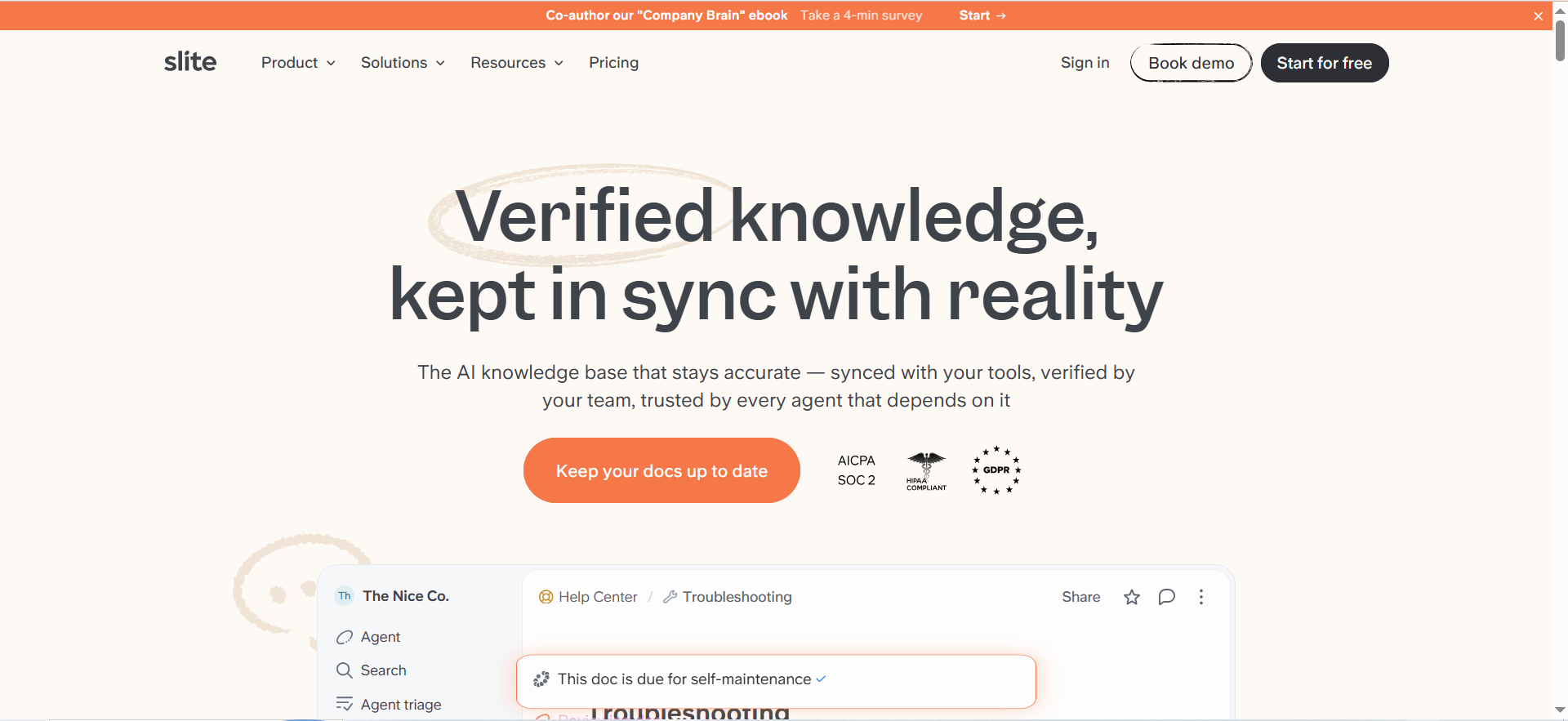
Slite is a self-maintaining AI knowledge base that pairs a structured wiki with an AI agent designed to keep documentation accurate over time. The core differentiator is that Slite's AI agent monitors connected tools (Slack, Linear, GitHub) and proactively identifies when documentation has drifted from reality, drafts fixes, and routes changes through human approval before publishing.
Why Teams Use It
Teams adopt Slite because documentation rot is their biggest pain point. Every knowledge base eventually becomes outdated. Slite addresses this by automating the maintenance cycle rather than relying on manual audits.Core reasons teams choose Slite:Self-maintaining documentation. The Slite Agent watches activity across connected tools and flags docs that need updating. It drafts the fix and sends it to the document owner for approval.Maintenance Digest. A weekly digest summarizes all workspace activity and highlights which documents need attention, reducing the overhead of knowledge base upkeep.AI search with citations. Every AI-generated answer cites the exact source documents, so users can verify accuracy and trace information back to its origin.
Best Fit / Not a Fit
Best fit:Product and engineering teams (10-100 people) that struggle to keep internal documentation currentOrganizations that use Slack, Linear, and GitHub, and want their knowledge base to sync automatically with those toolsTeams that value verification and trust in their documentation and want AI-assisted maintenance, not just AI-assisted searchNot a fit:Teams that need a customer-facing self-service portal. Slite is an internal knowledge base and does not offer public-facing help center features.Organizations that require complex database views or relational content structures. Slite enforces a simple collections/channels/docs hierarchy.Teams needing granular role-based access control. Slite does not support custom roles beyond basic permission levels.Users who need offline access. Slite requires an internet connection for full functionality.
Key Capabilities
Slite Agent. Monitors Slack, Linear, GitHub, and other connected tools. When changes occur that affect documentation, the Agent drafts updates and routes them to document owners for approval.Maintenance Digest. A weekly or configurable summary of all workspace activity, highlighting which documents are affected and need review.AI Ask (search). Natural language search that returns cited answers from the knowledge base. Standard plan users get 30 AI queries/month/user; Knowledge Suite gets 100.Doc verification. Documents have verification statuses and owners. Unverified or stale docs are flagged in the Knowledge Management Panel.Connected tool search. On the Knowledge Suite plan, AI search extends across Slack, Jira, Google Drive, and other connected tools, not just Slite documents.
Pricing
| Plan | Price | Notes |
|---|---|---|
| Free | $0 | Up to 50 docs, 50 users, limited features |
| Standard | $8/user/mo (annual) | Unlimited docs, 30 AI queries/user/mo, standard integrations |
| Premium | $12.50/user/mo | Unlimited AI Ask, SSO, API access |
| Knowledge Suite | $20-25/user/mo | 10-user minimum, enterprise search across connected tools, Slite Agent |
| Enterprise | Custom pricing | Compliance, security, governance features |
A 14-day free trial is available for paid plans.
Free Tier?
Yes. Slite offers a free plan with up to 50 documents and 50 users. This is one of the more generous free tiers among knowledge base tools, though the 50-document cap limits its usefulness for anything beyond a small pilot.
Downsides and Limitations
- Basic formatting options. The editor lacks advanced formatting compared to dedicated documentation tools. Users request better table support, LaTeX, and more layout flexibility. (Source: Capterra reviews)
- No offline mode. All work requires an internet connection. This is a blocker for teams that need to access documentation in low-connectivity environments.
- Simple information architecture. The collections/channels/docs hierarchy is intentionally simple, but teams with complex content taxonomies find it limiting. There are no database views or relational content features.
- No granular RBAC. You cannot create custom roles like "Editor who cannot delete." Permission controls are basic compared to enterprise documentation platforms. (Source: G2 reviews)
- AI query limits on lower tiers. The Standard plan caps AI search at 30 queries/user/month. For a support team using AI search dozens of times daily, this cap gets hit quickly.
- Integration depth is limited. While Slite connects to Slack, Linear, and GitHub, the integration list is narrower than Guru's 100+ connectors.
Document360
What It Does
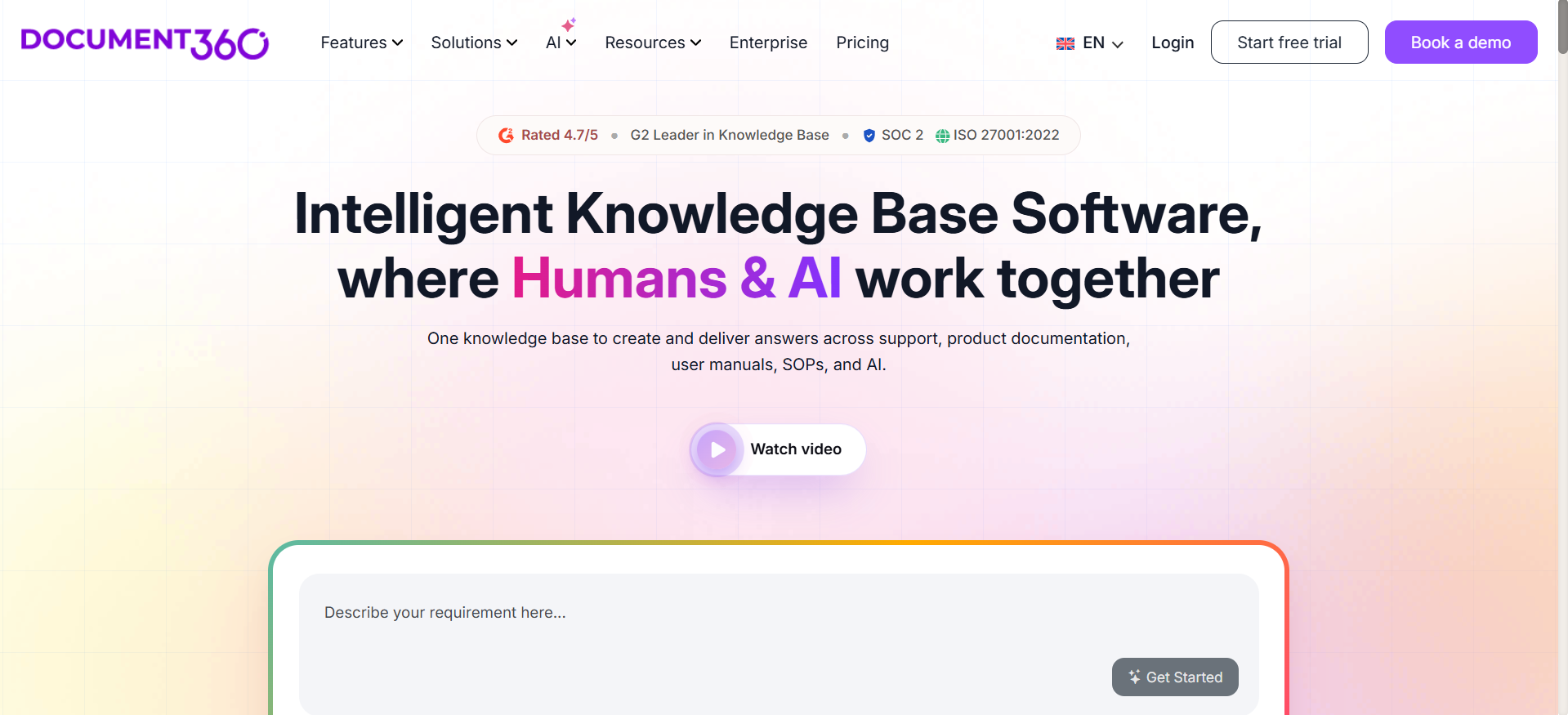
Document360 is a dedicated knowledge base platform built for creating, managing, and publishing customer-facing documentation at scale. Unlike the other tools in this list, Document360 is purpose-built for external help centers and developer documentation, with features like multilingual support, version control, SEO optimization, and an AI-powered search assistant called Eddy.
Why Teams Use It
Support teams choose Document360 when they need a professional, customer-facing knowledge base that reduces ticket volume through self-service. The platform's Eddy AI chatbot sits on the help center and answers customer questions directly from the documentation, escalating to human support only when needed.
Core adoption drivers:
- Customer-facing help center. Document360 is designed to produce polished, public-facing documentation with custom branding, SEO optimization, and multilingual support.
- Eddy AI chatbot. The AI chatbot answers customer questions using the knowledge base content, providing cited, conversational responses that reduce support ticket creation.
- Helpdesk integration. Agents using popular help desk tools can search articles, get AI-suggested content, and draft replies without switching tabs.
- Advanced content management. Version control, scheduled publishing, reusable content blocks, and role-based access control give documentation teams the governance they need at scale.
Best Fit / Not a Fit
Best fit:
- Teams that need a customer-facing help center with professional branding, multilingual support, and SEO optimization
- Organizations with dedicated documentation teams that need version control, publishing workflows, and content governance
- Companies with high support ticket volume that want to deflect queries through AI-powered self-service
- Developer documentation use cases requiring API docs, code samples, and technical content management
Not a fit:
- Teams with tight budgets. Document360's starting price (~$199/month for Professional) is higher than internal wiki tools and does not include per-seat pricing for small teams.
- Organizations that only need internal knowledge management. Document360 can do internal docs, but you would be paying for customer-facing features you do not use.
- Small teams looking for a quick, lightweight wiki. The feature depth adds complexity that smaller teams may not need.
Key Capabilities
- Eddy AI (Ask Eddy). AI-powered assistive search that synthesizes direct, cited answers from knowledge base content. Handles multi-part questions by breaking them into sub-queries. Retains context across the last five queries in a session.
- Eddy AI chatbot. A customer-facing AI assistant that turns documentation into conversational support. Escalates to human agents when questions are too specific or documentation gaps exist.
- Hybrid search. Combines keyword matching and semantic understanding to deliver more accurate search results across large documentation sets.
- Multilingual support. Separate content per language within one project. Translation management workflows for localization teams.
- Version control and publishing workflows. Track every edit with full revision history, compare changes, revert to earlier versions, and schedule content publishing.
- Reusable content blocks. Save snippets, variables, and common text once and reuse them across articles. Update in one place and changes propagate everywhere.
- Ticket deflector. A widget that surfaces relevant articles to customers in real time as they start to create a support ticket, intercepting queries before they reach the support queue.
Pricing
Document360 moved to quote-only pricing in late 2024. Published prices are no longer available on the vendor website, but third-party sources report the following typical ranges for 2026:
| Plan | Estimated Price | Team Accounts | Key Additions |
|---|---|---|---|
| Professional | $199-249/mo | 3 accounts | Core KB, editors, search, analytics, basic AI |
| Business | $399-499/mo | 5 accounts | Multilingual, content reuse, scheduled publishing, ticket deflector |
| Enterprise | $799+/mo | 10 accounts | Advanced security, SSO, API access, custom integrations |
All pricing is per project per month, billed annually.
Free Tier?
No. The free plan was discontinued for new signups in November 2024. Existing free plan accounts may still be grandfathered. New users can start with a 14-day free trial on Professional, Business, or Enterprise.
Downsides and Limitations
- Pricing is opaque and steep. The move to quote-only pricing makes it difficult to evaluate costs without engaging sales. Reported prices (~$199-499/month) place Document360 well above internal wiki tools. (Source: Capterra reviews)
- Performance at scale. Load times increase with large projects containing hundreds of articles. Users report noticeable delays when working with hyperlinks and managing extensive content libraries.
- Limited real-time collaboration. There is no Google Docs-style simultaneous editing. Teams working on the same article must coordinate to avoid conflicts. (Source: G2 reviews)
- Customization requires technical skills. Advanced design and branding customization can be challenging for non-developers. The default templates are polished but limited. (Source: G2 Pros and Cons)
- Search depth is mixed. While Eddy AI improves discovery significantly, the underlying search on lower tiers has drawn mixed reviews for accuracy and relevance.
- No free plan for new users. Competitors like Slite and Guru offer free tiers for evaluation. Document360 requires committing to a trial with time pressure.
Customer-facing vs. internal: the split matters. Pylon, Guru, Tettra, and Slite are primarily internal knowledge bases. Document360 is the only tool in this comparison that is purpose-built for customer-facing help centers. If your priority is reducing inbound tickets through customer self-service, Document360 is the natural starting point. If you need agent-facing knowledge, the other four tools are stronger options.
Team-Fit Decision Matrix
Use this matrix to match each tool to your specific situation. Score each row for your team, then see which tool aligns with the most checkmarks.
| Decision Factor | Pylon | Guru | Tettra | Slite | Document360 |
|---|---|---|---|---|---|
| Customer-facing help center | Partial | No | No | No | Yes (core strength) |
| Internal agent knowledge base | Yes | Yes (core strength) | Yes | Yes (core strength) | Yes (but overkill) |
| Slack-native workflow | Strong | Good | Core differentiator | Good | Limited |
| AI content generation from tickets | Yes (core strength) | No | Partial | No | No |
| Self-maintaining docs | Partial | Partial | Partial | Yes (core strength) | No |
| Team size: 1-10 | Expensive ($177/mo min) | Free tier works | Expensive ($40/mo min) | Free tier works | Expensive (~$199/mo min) |
| Team size: 10-50 | Good fit | Good fit | Good fit | Good fit | Good fit |
| Team size: 50+ | Good fit | Best fit | Limited | Good fit | Best fit |
| Multilingual support | AI translation | Limited | No | No | Yes (native) |
| Budget under $100/mo | No | Free tier only | Basic ($40/mo) | Free or Standard | No |
How to read this matrix. Start with your non-negotiables. If you must have a customer-facing help center, Document360 is likely your pick. If you need AI that learns from support tickets, Pylon leads. If self-maintaining documentation is the priority, Slite is the only tool built around that concept. For Slack-heavy teams on a lean budget, Tettra is the tightest fit.
Not sure any of these fit? We build custom knowledge base solutions on open-source and API-first stacks. Get a build-vs-buy assessment
How Does an AI Knowledge Base Differ from a Traditional Help Center?
A traditional help center is a static repository. Someone writes articles, publishes them, and hopes they stay relevant. An AI knowledge base adds three capabilities that static help centers lack.
1. Intelligent retrieval, not keyword matching.
Traditional search requires users to guess the right keywords. AI knowledge bases use semantic search and natural language processing to understand intent.
2. Automated content lifecycle management.
Static help centers rot. Articles go stale, procedures change, and nobody updates the docs until a customer complains. AI knowledge bases like Slite monitor connected tools for changes and flag outdated content automatically. Others like Pylon generate new articles from support conversations.
3. Active deflection, not passive availability.
Traditional help centers wait for customers to find them. AI knowledge bases actively intercept tickets. Document360's ticket deflector surfaces relevant articles as customers start typing a support request. Pylon's AI copilot suggests knowledge base content to agents mid-conversation. For a deeper look, see our guide to AI ticket deflection strategies.
What to Look for in a Knowledge Base for AI-Powered Customer Support
Not every AI knowledge base is equally effective for support teams. Here are the capabilities that separate tools that reduce ticket volume from tools that just add an AI label.
Content quality signals. AI is only as good as the content it searches. Look for tools that enforce verification workflows, flag stale content, or auto-generate content from real interactions.
Search architecture. Semantic search understands intent, not just keywords. Hybrid search combines keyword and semantic approaches. Cited answers build trust.
Integration depth. The knowledge base must connect to your existing support stack: communication tools, help desk platforms, CRM systems, and developer tools.
Analytics and gap detection. The most valuable knowledge base feature is knowing what is missing. Our guide on measuring AI agent performance covers the KPIs that matter most.
Can an AI Knowledge Base Replace Your Support Team?
No. An AI knowledge base changes what your support team spends time on, but it does not eliminate the need for human agents. Enterprise medians show 41.2% deflection rates for tier-1 queries, with top-performing teams reaching 58.7%.
The right way to think about an AI knowledge base is as a force multiplier, not a replacement. For teams weighing AI agents against outsourced support, we compare the ROI of each approach in a separate analysis.
How to Measure Knowledge Base ROI
Primary deflection metrics: ticket deflection rate (target 30-50% for tier-1), cost per resolution ($0.62 AI vs $7.40 human), and time to resolution.
Content health metrics: knowledge base coverage, content freshness, and failed search rate.
Business impact metrics: support team capacity, CSAT scores, and time to payback (typically 3 to 6 months).
How to Migrate an Existing Knowledge Base to an AI-Powered Platform
If you are also weighing whether to build or buy your solution, start there before committing to a migration.
Phase 1: Audit existing content (1-2 weeks). Phase 2: Clean before you migrate (1-2 weeks). Phase 3: Import and configure (1-2 weeks). Phase 4: Validate AI quality (1 week). Phase 5: Parallel run (2-4 weeks).
What Security and Compliance Features Matter for a Support Knowledge Base?
Key features to evaluate: SSO, RBAC, content visibility controls, SOC 2 compliance, data residency, and audit logs. Document360 and Pylon offer the most granular access controls. Slite's permissions are more basic.
FAQs
For a 5-person support team, monthly costs range from $0 (Slite or Guru free tiers) to $445+ (Pylon Professional with AI add-ons). The cheapest production-ready option is Slite Standard at $8/user/month or Guru's free tier for 3 or fewer users.
Guru leads with 100+ native integrations. Document360 integrates directly with major help desk platforms. Pylon integrates with Slack, Microsoft Teams, email, and chat. Tettra focuses on Slack and Google Workspace. Slite connects to Slack, Linear, GitHub, and Jira. For platforms with deep email and ticket automation, we cover those separately.
Tettra and Slite can be functional within a few hours. Guru typically takes 1-2 weeks. Pylon takes 1-3 weeks. Document360 ranges from 1-4 weeks depending on content volume and integrations.
Only Document360 offers native multilingual support. Pylon supports AI-powered translation. Guru, Tettra, and Slite do not have built-in multilingual features.
An internal knowledge base serves your agents (Guru, Tettra, Slite). A customer-facing knowledge base is public-facing documentation (Document360). Pylon offers both. For broader context, see our analysis of the future of AI-powered support.
Slite is the most proactive: its AI agent continuously monitors connected tools and drafts updates. Guru uses scheduled verification cycles. Tettra flags stale content. Pylon detects knowledge gaps from support conversations. Document360 provides version control but relies more on manual governance.
Chose a platform but need integration help, or outgrew off-the-shelf? Book a scoping call with BitBytes