
AI customer service chatbots in 2026 are not the clunky decision trees you tested in 2021. The five platforms compared here use LLM reasoning to handle nuanced queries, integrate with your existing help desk, and hand off to humans without losing conversation context. ChatBot is the fastest to deploy for non-technical teams, Quickchat AI offers the most transparent outcome-based pricing, Kommunicate covers the widest channel footprint including voice, Botpress gives developers the deepest customization options, and Kastro is the most accessible entry point for lean startups. If you want to understand how AI support agents actually work before comparing platforms, that context helps frame your buying decision. Read the full breakdown below to find which one matches your support volume, stack, and budget.
Evaluating chatbot platforms versus building custom? BitBytes designs and ships production AI support agents trained on your documentation, integrated with your existing CRM and help desk, and handed over to your team fully tested. Talk to our engineers
Table of Contents
Best 5 AI Customer Service Chatbots (Quick Comparison)
| Tool | Starting Price | Best For | G2 Rating |
|---|---|---|---|
| ChatBot | $19/mo (annual) | Non-technical teams, fast deploy | 4.5/5 (750+ reviews) |
| Quickchat AI | $29/mo (or $0.50/resolution) | Helpdesk-integrated, outcome billing | 4.3/5 |
| Kommunicate | $40/mo (Starter, monthly) | Omnichannel, regulated sectors | 4.8/5 (24 reviews) |
| Botpress | Free / $79/mo (Plus) | Developers, complex flows | 4.5/5 (486 reviews) |
| Kastro | Free / $35/mo | Solo founders, indie SaaS | N/A (emerging) |
How We Evaluated These Tools
This list is built on a defined set of criteria applied consistently across all five platforms.
What we looked for:
- Deployment speed: Can a non-technical user ship a working bot in under a day?
- AI quality: Does the chatbot use LLM reasoning or scripted decision trees?
- Human handoff: How cleanly does the bot transfer to a live agent, and does context carry over?
- Pricing transparency: Are costs predictable at 500, 2,000, and 10,000 monthly conversations?
- Integration depth: Does it connect natively to common help desks (Zendesk, Freshdesk, Intercom) or does it require custom API work?
- Review signal: Verified user feedback from G2 and Capterra as of mid-2026.
Data sources used: Vendor pricing pages accessed July 2026, G2 and Capterra review databases, product documentation, and third-party review analysis.
What we did not do: We did not create accounts, run chatbot conversations, or generate AI-simulated assessments of chatbot quality. Every limitation listed comes from verified user reviews or publicly documented product constraints.
Products intentionally excluded from this list: We excluded platforms under active PPC campaigns on the target keywords to avoid ranking a paid promotion ahead of organic alternatives.
If you want a structured framework for comparing these tools against your specific requirements, our buyer's checklist for AI customer service agents walks through the evaluation criteria in detail.
ChatBot.com - Best for Non-Technical Teams Wanting Instant Deployment
What It Does
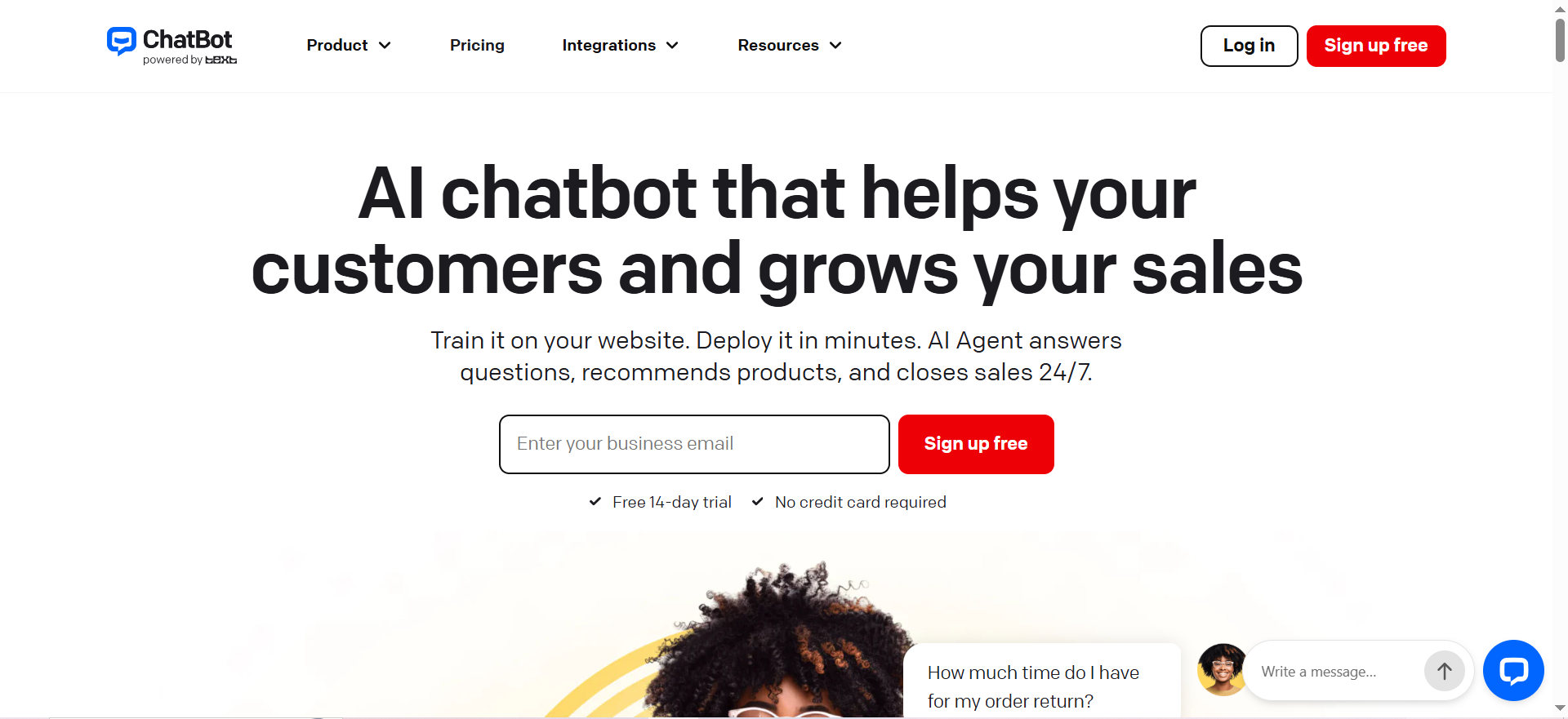
ChatBot (by Text, the company behind LiveChat) is a no-code AI chatbot builder that lets you create an AI agent using your website, knowledge base, or FAQ content. The bot handles inbound support conversations on your website widget, answers questions automatically, and routes unresolved queries to human agents in a shared inbox with ticketing built in.
The platform differentiates itself by pairing an AI Agent (autonomous resolution) with an AI Copilot (suggested replies for human agents). Both modes run within the same product, so you do not need a separate live chat tool on top.
Why Teams Use It
ChatBot is popular among SMB and mid-market teams that need to get something live quickly without engineering support. The deep integration with LiveChat means support teams can run AI and human agents from a single interface. Zapier connectivity extends the platform to over 9,000 third-party apps without writing code.
Key use cases:
- After-hours support coverage when human agents are offline
- First-response triage that qualifies ticket type before routing
- FAQ automation for repetitive volume (returns, shipping status, account access)
Best Fit / Not a Fit
Best fit:
- Teams already using LiveChat or looking to bundle AI with a chat widget in one purchase
- Non-technical founders or support managers who need a working bot within a day
- SMBs running 200-2,000 support conversations per month
Not a fit:
- Teams needing deep CRM integrations beyond Zapier (native Salesforce/HubSpot connectors require workarounds)
- Operations with complex, multi-step workflows where users need conditional branching across many logic paths
- High-volume enterprise support (1M+ conversations/year) where per-resolution pricing becomes expensive
Key Capabilities
- AI Agent: Resolves customer queries automatically using your knowledge sources
- AI Copilot: Suggests replies to human agents based on conversation context
- Shared inbox with ticketing: All channels funnel into one inbox with ticket assignment and status tracking
- Visitor tracking: See who is on your site before they start a chat
- Workflow automation: Trigger actions (email alerts, CRM updates) when conditions are met
- White-label widget: Remove ChatBot branding on Growth and Enterprise plans
- Zapier integration: Connect to 9,000+ tools
- LiveChat native handoff: Seamless transfer to human agents when the bot cannot resolve
Pricing
| Plan | Price (annual billing) | Monthly billing | AI Resolutions Included |
|---|---|---|---|
| Essential | $19/mo | $25/mo | 10/month |
| Growth | $79/mo | $99/mo | 200/month |
| Enterprise | Custom | Custom | Custom |
Extra AI resolutions cost $0.99 each or $49.50 for a 50-pack (auto-refills when depleted). Pricing is per seat per month with resolution limits on top.
At the Essential level, 10 AI resolutions per month is very low for any live support operation. Most teams running real volume land on Growth ($79/mo) or add overage packs.
Free Tier?
No dedicated free tier. ChatBot offers a 14-day free trial on all plans. No credit card is required to start the trial.
Downsides / Limitations
User reviews on G2 (4.5/5 from 750+ reviews) highlight several recurring frustrations:
- Complex queries hit a ceiling. The bot handles FAQ-style questions well but can struggle with multi-step or ambiguous requests, sometimes creating conversation loops that frustrate customers.
- Essential plan resolution limit is very tight. 10 AI resolutions per month on the base plan means most real deployments immediately need overages or an upgrade.
- Advanced API use requires technical knowledge. Updating the bot's database via API is possible but not beginner-friendly.
- Bot training is iterative. Teaching the bot to accurately understand intent takes multiple rounds of testing; users report it is not always obvious why the bot misunderstands a query.
- Pricing can escalate. At scale, per-resolution charges stack up quickly and the effective cost-per-conversation can be higher than alternatives with flat-rate models.
Quickchat AI - Best for Outcome-Based Pricing and Helpdesk Handoffs
What It Does
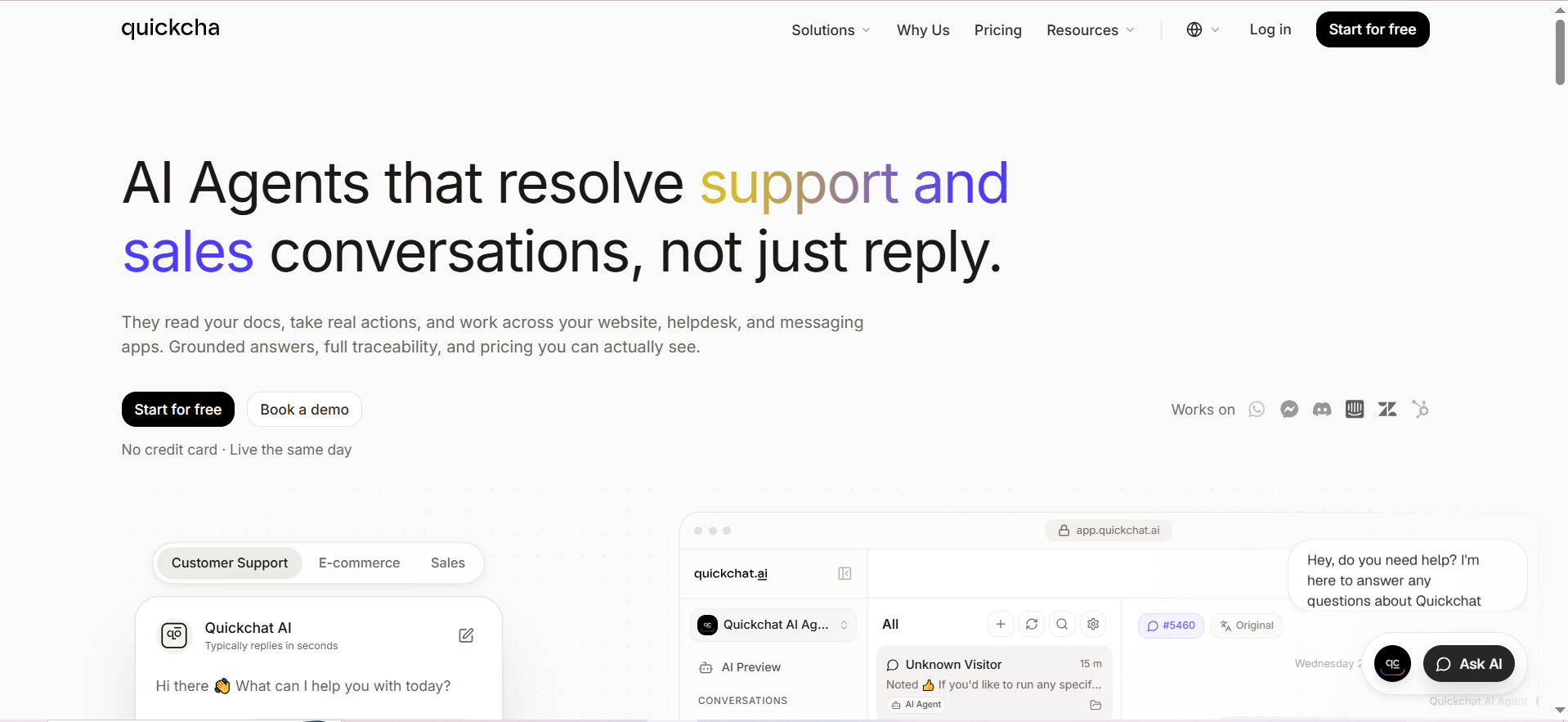
Quickchat AI builds custom AI agents that handle customer support, sales, and e-commerce conversations. Unlike rule-based bots, Quickchat constrains a large language model to respond only using your specific data (documentation, URLs, uploaded files) via retrieval-augmented generation, which reduces hallucination risk compared to unconstrained LLMs.
The platform positions itself explicitly as a helpdesk integration layer. The AI agent resolves what it can, then hands off to a human agent inside whichever help desk the team already uses, with full conversation history and metadata preserved.
Why Teams Use It
Quickchat AI is valued by teams that have existing support stacks and want to add AI resolution capacity on top without migrating their ticketing system. Native integrations with Zendesk, Intercom, Freshdesk, and HubSpot mean the AI agent slots into existing workflows rather than replacing them.
The outcome-based pricing model (charging only for AI-resolved conversations, not for human-handled ones) appeals to finance-conscious buyers who want predictable ROI measurement. For benchmarks on what typical resolution rates and costs look like across the industry, AI customer service statistics for 2026 provides useful context.
Key use cases:
- Resolving Tier 1 support tickets automatically before they hit the human queue
- Lead qualification conversations on B2B SaaS and e-commerce sites
- Multilingual support for international teams (automatic language detection and reply)
Best Fit / Not a Fit
Best fit:
- Teams with an existing Zendesk, Freshdesk, Intercom, or HubSpot instance they want to keep
- E-commerce businesses using Shopify who need product-aware AI support
- International businesses needing multi-language support out of the box
Not a fit:
- Teams looking for a standalone all-in-one chat widget and help desk without integration complexity
- High-complexity conversational flows with conditional logic across many branches
- Very early-stage startups where $299-999/mo at scale is outside budget
Key Capabilities
- RAG-constrained responses: AI only answers from your uploaded data, reducing hallucinations
- Auto-refreshing knowledge sources: Import URLs and documents; Quickchat re-indexes on changes
- Helpdesk handoff with context: Transfers to Zendesk, Intercom, Freshdesk, or HubSpot preserving full conversation history
- Multi-language support: Detects customer language automatically and responds in kind
- Unlimited AI Actions: Connect to Stripe, Shopify, and custom APIs for transactional support
- WhatsApp, Slack, and Telegram deployment: Beyond website widget
- Smart data gathering: Lead generation and qualification flows built into conversations
- Configurable personality and guidelines: Set tone, response constraints, and escalation triggers
Pricing
| Plan | Price/mo | AI Messages Included |
|---|---|---|
| Free | $0 | 200 messages/month |
| Starter | $29 | Volume-based |
| Essential | $99 | Volume-based |
| Professional | $299 | Volume-based |
| Business | $999 | Volume-based |
| Enterprise | Custom | Per-resolution from $0.50 |
Enterprise customers using outcome-based billing pay $0.50 per AI-resolved conversation, with volume discounts at scale. Quickchat positions this as 50% cheaper than comparable per-resolution pricing from larger enterprise vendors.
Free Tier?
Yes. The Free plan includes 200 AI messages per month with no credit card required. It is suitable for initial testing but insufficient for any live customer-facing deployment.
Downsides / Limitations
- G2 and Capterra review volume is limited, making it harder to assess reliability at scale compared to more established tools. Independent review coverage on Capterra lists the platform but reviewer counts are low.
- Setup requires documentation investment. Quality of AI responses directly depends on how well your knowledge base is structured. Teams with poorly organized docs see poor bot accuracy until they invest in content cleanup.
- Not built for complex conversational logic. Teams needing decision-tree style branching, form-filling flows, or multi-step transactional wizards may find the conversational approach limiting.
- Human handoff can feel jarring if the receiving help desk is not configured to surface Quickchat's conversation metadata, which requires intentional setup on the helpdesk side.
- Free plan is message-gated. 200 messages disappear quickly in any real usage scenario, so meaningful testing requires a paid plan.
Kommunicate - Best for Omnichannel Coverage and Regulated Industries
What It Does
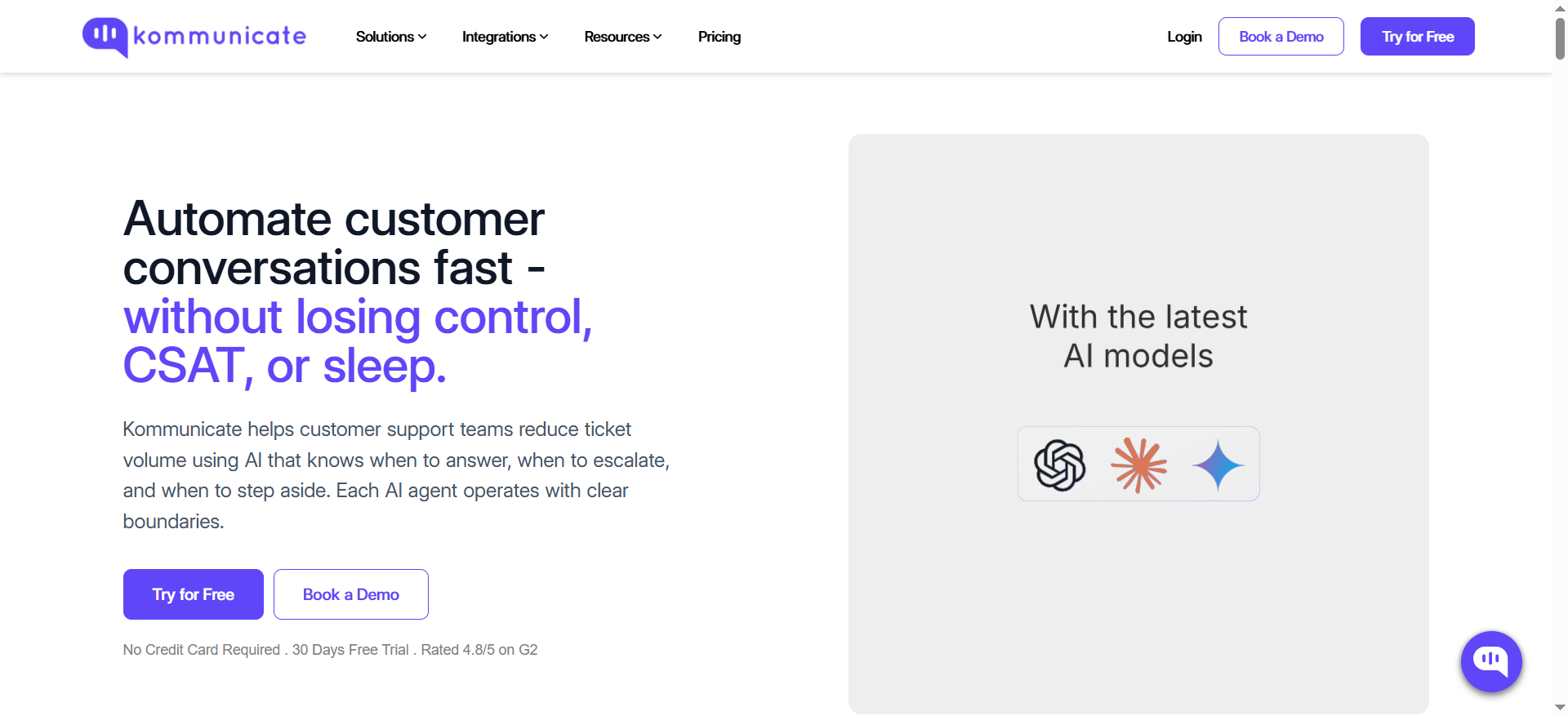
Kommunicate is a customer support automation platform combining a generative AI chatbot builder (Kompose), live chat, omnichannel messaging, AI email ticketing, and voice AI under one product. Its AI agent layer sits on top of OpenAI, Google Gemini, or Anthropic models, so organizations can choose which model powers their bot.
The platform has strong vertical industry credentials with documented case studies in healthcare, education, banking, insurance, telecom, and e-commerce, making it a credible option for teams operating in sectors where compliance and escalation control matter.
Why Teams Use It
Kommunicate handles the full channel surface that modern support teams need - web widget, mobile apps, WhatsApp, Telegram, Instagram, Facebook Messenger, email, and voice - from a single platform. Competitors at similar price points typically cover a subset of these channels. Teams running support across WhatsApp specifically may also want to compare dedicated AI chatbot options for WhatsApp before committing to a broader platform.
The Kompose no-code agent builder lets non-technical staff configure conversation flows and integrate third-party AI models without writing code. The documented 90% query automation at Conte.it insurance and a 40% CSAT increase at Lula give the platform credible enterprise reference points.
Key use cases:
- Omnichannel support operations covering web, mobile, and social channels simultaneously
- Education institutions and regulated businesses needing LMS/SIS integration and audit trails
- Growing support teams that need campaign messaging, agent assist AI, and analytics in one tool
Best Fit / Not a Fit
Best fit:
- Mid-market businesses running support across 3+ channels that want a single platform
- Teams in regulated industries (healthcare, banking, insurance, education) needing human escalation controls and conversation history retention
- Operations that need voice AI in addition to chat, without a separate telephony vendor
Not a fit:
- Solo founders or micro-teams: the $40/mo Starter plan includes only 1 AI agent and 1 team member, with 250 conversations, which suits initial pilots but gets expensive to scale
- Teams wanting a free tier to test before committing
- Developer-centric teams that prefer open architecture over a managed SaaS platform
Key Capabilities
- Kompose AI agent builder: No-code visual builder for conversation flows with AI model selection (OpenAI, Gemini, Anthropic)
- Omnichannel coverage: Web, mobile app SDK (Android and iOS), WhatsApp, Telegram, Instagram, Facebook Messenger, email, voice
- AI email ticketing: Automated classification and resolution of email-based support
- Voice AI agent: Handles phone support conversations with AI, priced at $0.06/min on paid plans
- Agent Assist (Professional+): AI surfaces relevant answers to human agents mid-conversation
- Campaign messaging: Proactive outbound messaging to customer segments (Professional+)
- Third-party AI integrations: Zendesk, Freshdesk, Salesforce, HubSpot, Zapier, Google Analytics
- Auto-resolve and AI Summary: Automatic ticket closure for resolved conversations with conversation summaries
- 30-day free trial: Available on all plans
Pricing
| Plan | Monthly billing | Annual billing | Conversations/mo |
|---|---|---|---|
| Starter | $40/mo | $34/mo | 250 |
| Professional | $200/mo | $167/mo | 2,000-2,500 |
| Enterprise | Custom | Custom | Custom |
Additional AI agents: $20/mo (Starter) or $30/mo (Professional) per extra agent. Additional team members: $20/mo (Starter) or $30/mo (Professional) per seat. Overage conversations: $15 per 1,000 (Starter) or $10 per 1,000 (Professional).The Starter plan is priced at $40/mo on monthly billing, making it the highest entry cost among the five tools reviewed. Teams need to factor in seat and agent add-ons quickly.
Free Tier?
No free tier. All plans include a 30-day free trial with no credit card required, which is the most generous trial window of any tool in this comparison.
Downsides / Limitations
User reviews on G2 (4.8/5 from 24 reviews) are positive overall, but the low review count limits statistical confidence. Capterra reviewers and platform-specific analyses surface these recurring issues:
- Dashboard synchronization inconsistencies. Some users report chat histories and assigned conversations not appearing correctly between web dashboard and mobile app versions.
- Documentation lags behind features. Integration guides can be outdated, requiring support tickets to fill gaps that docs should cover.
- Support escalation occasionally requires multiple screenshots to reproduce issues for the support team, slowing down problem resolution.
- Starter plan is thin for production use. 250 conversations and 1 AI agent means most real support operations outgrow the entry tier quickly.
- Pricing complexity at scale. Adding seats and AI agents on top of per-conversation overages makes total cost harder to predict than flat-rate alternatives.
Botpress - Best for Developers Who Want Full Conversational Control
What It Does
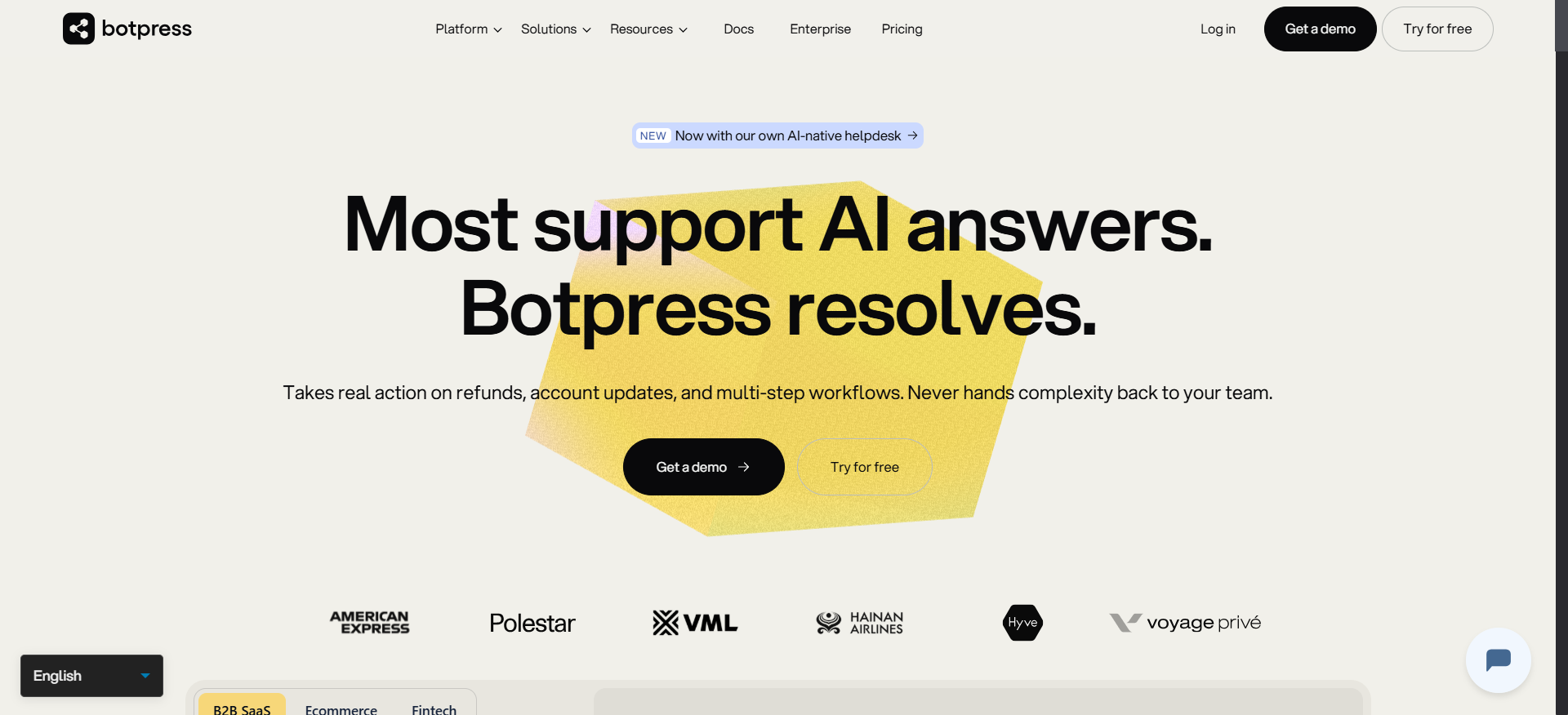
Botpress is an open-source-rooted AI chatbot platform designed for builders who need precise control over conversation logic, multi-step flows, and integrations. It combines a visual flow builder with a code editor, meaning non-technical teams can start in the visual interface and developers can extend any node with custom JavaScript.
Unlike the other tools in this list, Botpress is explicitly built for agentic AI - the platform supports autonomous agents that can take actions, query APIs, and reason through multi-step tasks rather than simply answering FAQs. This makes it appropriate for more complex automation beyond basic customer support. For a broader look at how agentic AI differs from generative AI, that distinction is worth understanding before choosing a platform architecture.
Why Teams Use It
Botpress attracts teams that have tried no-code chatbot tools and hit their ceiling. The combination of visual flows, LLM integration, and extensible code gives builders the ability to create bots that can handle complex queries, integrate with internal APIs, and manage multi-turn reasoning without being constrained by a rigid product template.
The large community and marketplace of pre-built integrations lower the starting complexity for common use cases, while the underlying architecture allows unlimited customization.
Key use cases:
- Complex support workflows with conditional branching and API lookups
- Sales and support bots with CRM write-back capability
- Multi-department routing bots that handle IT, HR, and customer service from one agent
- Developers building custom AI products on top of a proven bot infrastructure
Best Fit / Not a Fit
Best fit:
- Development teams or agencies building bots for clients
- Companies with non-standard integrations requiring custom API connections
- Teams that need unlimited agents across multiple brands or product lines (all paid plans include unlimited bots as of May 2026)
Not a fit:
- Non-technical founders who need to deploy in a day without developer help
- Teams needing a built-in ticketing system - Botpress does not include a native help desk layer; it connects to external ones
- Small support operations where the learning curve and setup overhead outweigh the flexibility benefit
Key Capabilities
- Visual flow builder + code editor: Every node can be extended with custom JavaScript
- Unlimited AI agents: All paid plans include unlimited bots (updated May 2026)
- Autonomous agent reasoning: LLM-powered agents that can plan, call APIs, and complete multi-step tasks
- WhatsApp and webchat widget: Deploy across web and messaging channels
- Live agent handoff: Route conversations to human agents with conversation context
- Always Alive: Bots respond instantly from the first message; now included on all paid plans (May 2026 update)
- AI Spend bundled: AI token costs bundled into paid plans per conversation (May 2026 update)
- RBAC and team routing (Team+): Role-based access control, team management, and conversation assignment rules
- Help Center authentication (Team+): Restrict help center content to authenticated users
- Enterprise: White-glove onboarding, dedicated support manager, custom workspace limits
Pricing
| Plan | Price (annual) | Monthly | Included |
|---|---|---|---|
| Pay-as-you-go | Free | Free | 5,000 messages/mo, 1 bot |
| Plus | $79/mo | $89/mo | Unlimited bots, 3 seats, WhatsApp |
| Team | $446/mo | $495/mo | Unlimited seats, RBAC, routing rules |
| Enterprise | Custom | Custom | Dedicated support, custom limits |
As of the May 2026 pricing update, existing workspaces retain previous pricing. New workspaces created after May 14, 2026 use the updated tier structure.
Free Tier?
Yes. The Pay-as-you-go plan is free and includes 5,000 messages per month and 1 bot. This is the most functional free tier of any tool in this comparison - sufficient for a real pilot deployment.
Downsides / Limitations
G2 reviews (4.5/5 from 486 verified reviews) highlight consistent themes:
- Steep learning curve. Non-coders frequently struggle without structured tutorials. Botpress has strong community resources but formal training materials are inconsistent.
- Documentation quality varies. Users report outdated documentation that does not keep pace with feature releases, increasing time-to-productivity for new builders.
- Live conversation takeover is limited. When a bot gives wrong information, the tooling for agents to take over and manage the conversation mid-session is underdeveloped, often requiring workarounds or a custom front end.
- Image sending constraints. Bots cannot send images directly to customers in all channel configurations, limiting visual communication use cases.
- Conversation tagging system is unwieldy at scale. Heavy reliance on tags for organizing conversations with no sort or filter functionality makes large-volume operations difficult to manage.
- Not a help desk replacement. Botpress needs to connect to an external ticketing tool - teams expecting an all-in-one support platform will need to budget for and integrate a separate system.
Kastro - Best for Solo Founders and Small Teams Running Lean Support
What It Does
Kastro is an AI-first customer support platform designed for small product teams, indie hackers, and early-stage SaaS founders. It combines a GPT-powered chatbot, a live chat widget, a help center builder, and an AI workspace for operators - all in a single lightweight product at accessible price points.
Kastro uses OpenAI models (GPT-3.5-turbo by default, GPT-4 available at a higher token cost) and constrains responses to your help center content, reducing the risk of the bot inventing answers. The product's design philosophy is operational efficiency: the chatbot handles repetitive queries, the AI workspace assists human agents with suggestions and tone adjustments, and the help center surfaces answers before customers even open a chat.
Why Teams Use It
Kastro's pricing and simplicity make it the most accessible entry point among the five tools reviewed. At $35/mo for the Starter plan, a small team gets an AI chatbot, live chat, a help center with 100 articles, GPT-3.5 access, and typing suggestions - more than enough for a product with sub-500 monthly support conversations. If you are evaluating the broader landscape of AI tools built for small businesses, Kastro fits well in that category alongside other lean-team solutions.
The "resolve tickets before they open" philosophy - surfacing help center articles as users type in the chat widget - reduces support volume upstream, which is a meaningful differentiator for lean teams without the headcount to handle inbox volume manually.
Key use cases:
- Solo founders and small SaaS teams automating first-response support
- Products with a well-documented help center looking to turn docs into a live support layer
- Early-stage startups validating AI chatbot ROI before committing to higher-cost platforms
Best Fit / Not a Fit
Best fit:
- Teams with 1-4 support operators running under 2,000 monthly conversations
- Indie SaaS, solo founders, and bootstrapped companies where $35-75/mo is the right budget
- Products with English-language documentation who want GPT-powered FAQ handling without complex setup
Not a fit:
- Enterprise or mid-market operations needing native integrations with Zendesk, Salesforce, or HubSpot
- Teams needing omnichannel coverage (WhatsApp, Instagram, voice) - Kastro is primarily a web widget
- Businesses requiring detailed analytics, SLAs, or advanced reporting
- Non-English markets needing full localization depth (basic multi-language support exists but is not a primary capability)
Key Capabilities
- GPT-powered chatbot: Constrained to your knowledge base with GPT-3.5 as default, GPT-4 available (counts as 4x tokens)
- Live chat widget: Human agent inbox with conversation history (unlimited on all plans except the $75/mo plan which caps at 2 months)
- Help center builder: Publish a customer-facing help center with 50-unlimited articles depending on plan
- Typing suggestions: Surfaces help center articles as customers type before submitting a question
- Quick replies: Save common responses for operator reuse
- AI workspace: In-chat AI tools for operators - summarize conversations, expand replies, rephrase answers, change tone
- Automated offline responses: AI handles incoming messages when no human is available
- Knowledge base crawler: Import existing help content from your website automatically
- White-label option (Elite plan): Remove Kastro branding and use your own domain for embed scripts
Pricing
| Plan | Price/mo | AI Credits | Websites | Help Center Articles |
|---|---|---|---|---|
| Free | $0 | 100 (one-time) | 1 | 50 |
| Starter | $75/mo | 2,000/mo | 1 | 100 |
| Growth | $75/mo | 5,000/mo | 3 | 200 |
| Elite | Custom | 20,000/mo | 10 | Unlimited |
Credit model: Each AI reply of up to 1,500 tokens counts as 1 credit. Using GPT-4 costs 4x the credit rate. Human operator messages to customers do not consume credits. When credits run out before the monthly reset, incoming messages are automatically forwarded to a human operator.
Free Tier?
Yes. The Free plan includes 100 one-time AI credits, 1 website, a help center with up to 50 articles, GPT-3.5 access, and live chat. The free credit pool is a one-time allocation (not monthly), making it suitable for testing but not for sustained operation. No credit card required.
Downsides / Limitations
Kastro is a relatively newer and smaller platform, which means review coverage on G2 and Capterra is limited compared to larger tools in this comparison. Based on product documentation and third-party analysis:
- Limited native integrations. No out-of-the-box connectors to Zendesk, HubSpot, Salesforce, or common help desks. Custom integrations require the Elite plan.
- Token-based pricing is opaque. Teams that need GPT-4 quality responses will burn through credits 4x faster, making cost forecasting difficult without careful usage tracking.
- Single website on Starter. The $35/mo plan covers only one website, which limits teams managing multiple products or brands unless they upgrade to Growth ($75/mo).
- No RBAC or team management features. No role permissions, conversation assignment rules, or team-level analytics - the product is designed for small flat teams.
- No SLA, uptime guarantees, or dedicated support. Elite customers get priority support, but lower-tier users are on standard support with no documented response time commitments.
- Credit interruption risk. When credits are exhausted, the fallback is forwarding to human operators rather than a graceful AI downgrade, which can disrupt customer experience if your team is offline.
Fit Matrix - Which Tool Is Right for Your Use Case?
| Use Case / Requirement | ChatBot | Quickchat AI | Kommunicate | Botpress | Kastro |
|---|---|---|---|---|---|
| Non-technical team, deploy in a day | Best fit | Good | Good | Poor | Good |
| Existing Zendesk / Freshdesk / Intercom stack | Limited | Best fit | Good | Good | Poor |
| Omnichannel (web + WhatsApp + voice) | Web only | Web + WA | Best fit | Web + WA | Web only |
| Startup / solo founder budget | Moderate | Good | Moderate | Best fit (free tier) | Best fit |
| Complex flows / custom logic | Limited | Limited | Moderate | Best fit | Limited |
| Regulated industry (healthcare, banking) | Limited | Moderate | Best fit | Moderate | Limited |
| Developer-first / open architecture | Poor | Poor | Moderate | Best fit | Poor |
| Outcome-based pricing (pay per resolution) | No | Best fit | No | No | No |
| Shopify / e-commerce integration | Limited | Best fit | Good | Good | Limited |
| Built-in help desk / ticketing | Best fit | No | Good | No | Limited |
Not sure any of these fit your requirements? Many support operations have needs that sit between "SaaS platform" and "build from scratch." BitBytes builds custom AI support solutions on open-source and API-first stacks - no vendor lock-in, full ownership of your data. Get a build-vs-buy assessment
How Much Do AI Customer Service Chatbots Cost?
AI chatbot pricing in 2026 follows three main models: seat-based subscriptions, conversation or resolution-based billing, and token/credit consumption.
Seat-based: You pay per human agent seat plus a flat platform fee. ChatBot charges per seat per month ($19-99/mo depending on tier) with a separate AI resolution cap. This model is predictable at low volume but can become expensive as your team grows.
Conversation-based: You pay per conversation handled - either all conversations or only AI-resolved ones. Kommunicate charges $10-15 per 1,000 additional conversations. Quickchat AI's enterprise tier charges $0.50 per AI-resolved conversation. This model rewards high AI resolution rates and punishes platforms with poor self-service accuracy.
Token/credit-based: Kastro charges per AI message (each reply up to 1,500 tokens = 1 credit). GPT-4 costs 4x the credit rate. This model is transparent per-reply but requires usage monitoring to avoid mid-cycle credit exhaustion.
Rough budget benchmarks for 2026:
| Monthly Volume | Suitable Range | Example Tool |
|---|---|---|
| Under 500 conversations | $0-$75/mo | Kastro Free/Starter, Botpress free |
| 500-2,000 conversations | $40-$200/mo | ChatBot Growth, Kommunicate Starter/Pro |
| 2,000-10,000 conversations | $167-$446/mo | Kommunicate Pro, Botpress Team |
| 10,000+ conversations | Custom / $446+/mo | Botpress Enterprise, Kommunicate Enterprise, Quickchat Business |
Hidden costs to factor in: setup and integration engineering time, ongoing knowledge base maintenance, and per-resolution overages if your plan includes hard caps. Industry analysis from Crisp notes that companies frequently underestimate the content investment required to achieve high AI resolution rates.
Can AI Chatbots Handle Complex Support Tickets?
The honest answer is: yes for Tier 1 and 2 queries, and no for high-complexity or high-stakes tickets without human review.
AI chatbots in 2026 perform well on:
- Frequently asked questions with clear answers in your documentation
- Status lookups (order status, account balance, subscription details) via API integration
- Form-filling and data collection before routing to a human
- First-response acknowledgment and initial triage
Where AI chatbots consistently fall short:
- Emotionally complex situations: Angry customers, bereavement-related queries, or service failures where tone and empathy matter more than information accuracy
- Compliance-heavy verticals: Financial advice, medical guidance, legal interpretation - these require human accountability and documented oversight
- Ambiguous bug reports: Engineering-level support where the customer cannot articulate the problem clearly enough for the AI to resolve it correctly
- Multi-system transactions: Situations requiring write actions across multiple disconnected systems without verified API integrations
Salesforce's 2026 research reports that 66% of service organizations are now running AI agents (up from 39% in 2025), but best practice still requires human escalation paths for all workflows - not as a failure mode, but as a designed part of the experience.
The tools in this review that handle the widest complexity range are Botpress (extensible logic) and Kommunicate (omnichannel escalation controls). Teams handling voice-based support queries alongside chat should also look at options for AI voice agents in customer support, since phone support complexity tends to require different tooling entirely. For standard SaaS support, ChatBot and Quickchat AI cover the realistic complexity ceiling for most SMB and mid-market use cases.
What Is the Difference Between Rule-Based and AI Chatbots?
Rule-based chatbots follow a script: if the user selects Option A, go to Node B. They are deterministic - you define every possible path, and the bot follows them. They are reliable for simple, predictable queries but break the moment a customer asks something outside the scripted tree.
AI chatbots (more precisely: LLM-powered chatbots) use language models to interpret free-text questions and generate responses based on their training data and your knowledge base. They handle variations in phrasing, typos, and questions you never explicitly scripted. The tradeoff is that they can hallucinate - generate plausible-sounding but incorrect answers - if not properly constrained.
Hybrid systems combine both approaches: a rule-based layer handles routing and form-filling while an LLM layer handles natural language questions. Most enterprise deployments in 2026 use this hybrid architecture. Understanding how traditional IVR systems compare to modern AI voice agents illustrates a similar rule-based-to-AI transition happening in phone support.
All five tools reviewed here are AI-powered (LLM-based) rather than purely rule-based. Botpress is the only tool that supports hybrid flows explicitly at the node level, letting builders mix scripted steps and AI responses within the same conversation.
The practical implication: if your queries are highly predictable and scripted flows work fine, a rule-based system is lower risk and lower cost. If customers ask open-ended questions that require understanding natural language variation, AI chatbots outperform rule-based systems significantly on resolution rate and customer satisfaction.
How Long Does It Take to Deploy an AI Customer Service Chatbot?
Deployment timelines depend on three factors: product complexity, knowledge base readiness, and integration requirements.
| Scenario | Realistic Timeline | Bottleneck |
|---|---|---|
| Simple FAQ bot, web widget only | 1-3 days | Knowledge base upload |
| Bot with human handoff to existing help desk | 1-2 weeks | Help desk integration configuration |
| Omnichannel bot (web, WhatsApp, mobile) | 2-4 weeks | Channel setup and testing across surfaces |
| Custom AI agent with API integrations | 4-12 weeks | API development, QA, edge case testing |
| Enterprise with SSO, RBAC, and SLA | 2-6 months | Security review, procurement, training |
For the tools in this comparison:
- Kastro and ChatBot are the fastest to deploy. A non-technical founder can upload a help center, configure the widget, and go live in under a day.
- Quickchat AI can deploy a basic bot the same day, but a production-grade setup with helpdesk handoff typically takes one to two weeks.
- Kommunicate requires configuring the Kompose builder and connecting channels, with typical production deployments in one to three weeks.
- Botpress has the highest setup time of the five due to its depth. Simple bots can launch in days; complex agent workflows take weeks or months.
One underestimated variable is knowledge base quality. Quickchat AI's deployment guide notes that platforms relying on RAG (retrieval-augmented generation) produce significantly better results when the underlying documentation is structured, de-duplicated, and regularly updated. Teams with poorly organized docs see degraded AI performance regardless of which platform they use.
How Do You Measure ROI from an AI Chatbot?
ROI from an AI customer service chatbot comes from two sources: cost savings (replacing human-handled conversations with AI-handled ones) and experience improvements (faster response times, 24/7 coverage, CSAT gains).
Primary metrics to track:
| Metric | What It Measures | Target |
|---|---|---|
| AI resolution rate | % of conversations fully resolved by AI without human handoff | 40-80% depending on query type |
| Cost per conversation | Total monthly platform cost / conversations handled | Compare to human agent cost ($6-15/human conversation) |
| First response time | Time from customer message to first reply | AI target: under 5 seconds |
| CSAT score | Customer satisfaction rating on AI-handled sessions | Benchmark: comparable to or within 10% of human CSAT |
| Deflection rate | % of tickets that never reach human agents | Industry median: 30-50% for trained bots |
| Time to resolution | Total conversation length from open to close | AI typically reduces by 40-60% vs. human-only |
Simple ROI calculation:
- Estimate your current cost per human-handled conversation (fully loaded agent cost / conversations handled)
- Apply your expected AI resolution rate (start conservatively at 30%)
- Multiply AI-resolved conversations by the per-conversation cost you save
- Subtract monthly platform cost
- Divide result by platform cost for ROI ratio
A company handling 5,000 monthly conversations at $10 per human conversation that achieves a 40% AI resolution rate saves $20,000/month. At a platform cost of $200/month, that is a 100:1 ROI - even accounting for knowledge base maintenance overhead.
Industry benchmarks from Fin.ai's 2026 ROI analysis show most implementations achieve positive ROI within 8-14 months, with leading deployments seeing payback in 3-6 months when starting with high-volume, well-defined query categories.
FAQs
For ChatBot, Kastro, and the basic tiers of Quickchat AI and Kommunicate, no developer is required. These platforms are built for non-technical operators and can be configured through web interfaces. Botpress requires technical familiarity for anything beyond basic flows. Custom integrations across all platforms will require developer input, even on no-code tools.
All five tools in this comparison include a human handoff mechanism. When the AI reaches a confidence threshold below its configured limit, or when the customer explicitly requests a human, the conversation routes to a live agent. The quality of handoff varies by platform - Quickchat AI's handoff to existing help desks (Zendesk, Intercom, Freshdesk, HubSpot) preserves full conversation history and metadata; ChatBot's handoff to LiveChat agents is equally clean; Botpress and Kastro handle handoff but may require more configuration to preserve context end-to-end.
Quickchat AI has the strongest multilingual capability in this group, with automatic language detection and response generation. Kommunicate supports multilingual deployment through its underlying AI models. ChatBot and Kastro both note multi-language support, but English is the primary optimized language. Botpress supports multilingual builds but configuration must be done intentionally within your flow design.
The main mechanism is knowledge source constraint - configuring the AI to answer only from your approved documentation rather than from general internet knowledge. Quickchat AI uses RAG (retrieval-augmented generation) with refresh triggers when your docs change. Kastro constrains the bot to your help center content. Kommunicate's Kompose builder lets you define explicit escalation triggers for out-of-scope questions. Additionally, configuring a low-confidence fallback to human agents catches queries the AI cannot answer reliably. Regular review of AI-handled conversation logs is the most reliable ongoing quality control.
An AI chatbot primarily handles question-and-answer interactions: the customer asks, the bot replies. An AI agent can take actions - look up order data, issue refunds, update account settings, create tickets - by calling APIs and completing multi-step tasks. Botpress is the most agent-capable platform in this comparison. ChatBot, Quickchat AI, and Kommunicate offer limited agentic actions via integrations, while Kastro is primarily a chatbot (Q&A) rather than a full agent. Teams extending support to phone channels alongside chat should also consider AI voice agent platforms, since voice agents typically have deeper action-taking capabilities out of the box.
What Changed
July 2026
- Initial publication of this article.
- Botpress May 2026 pricing update incorporated: unlimited bots on all paid plans, AI Spend bundled per conversation, Always Alive included on all paid plans, increased storage allocations.
- Kommunicate pricing reflects the current Starter/Professional/Enterprise structure with accurate monthly and annual rates as of July 2026.
- ChatBot pricing reflects the Essential ($19/mo annual) and Growth ($79/mo annual) tiers plus $0.99 per-resolution overage cost.
- Kastro pricing reflects verified plan structure from kastro.chat/pricing: Free (100 one-time credits), Starter ($35/mo, 2,000 credits), Growth ($75/mo, 5,000 credits), Elite (custom).
- Quickchat AI enterprise pricing confirmed at $0.50 per AI-resolved conversation with volume discounts.
Chose a platform but need help with integration, or already outgrowing your off-the-shelf solution? BitBytes has shipped production AI support agents for SaaS teams across sectors. We handle setup, integration, training, and QA - so you are live and measuring results, not debugging connectors. Book a scoping call with BitBytes