

TL;DR
The AI voice agent market crossed $2.5 billion in 2025 and is growing at nearly 35% year over year, according to Grand View Research. For CTOs and founders evaluating these platforms right now, the challenge is not whether to adopt voice AI - it is choosing between radically different architectures. Some platforms bundle telephony, speech recognition, and an LLM into a no-code builder you can launch in a day. Others hand you modular APIs and expect your engineering team to assemble the pipeline.
After researching pricing pages, technical documentation, and independent benchmarks across dozens of providers, five platforms stand out for distinct reasons in 2026. Synthflow is the fastest path from zero to a production voice agent for non-technical teams. CloudTalk gives sales and support organizations an AI voice agent bolted onto a mature call center stack. Air AI handles unusually long, complex sales conversations at enterprise scale. Inworld AI offers the highest-rated text-to-speech quality on the market with a developer-first Realtime API. And Alexor provides a streamlined dashboard for teams that want to create and monitor AI calling agents without heavy configuration.
This guide breaks down what each platform does well, where it falls short, what it actually costs, and which team profile it fits - so you can make a decision without running five separate proof-of-concept projects.
Table of Contents
Best 5 AI Voice Agent Platforms (Quick Comparison)
| Platform | Best For | Pricing Model | Free Tier |
|---|---|---|---|
| Synthflow | No-code teams & agencies needing fast deployment | From $29/mo (5,000 min); ~$0.08/min at scale | No free plan; demo available |
| Air AI | Enterprise long-form sales calls (10–40 min) | Custom; outbound ~$0.11/min, inbound ~$0.32/min | No free trial |
| Inworld AI | Developers building custom real-time voice pipelines | Consumption-based; TTS from $5/1M characters | Free Agent Runtime; free tier for TTS |
| CloudTalk | Sales & support teams with existing call center workflows | From €19/user/mo + AI agent add-on from €350/mo | 14-day free trial |
| Alexor | Small teams needing a simple AI calling agent dashboard | Contact for pricing | Limitedd free access reported |
1. Synthflow
What it does
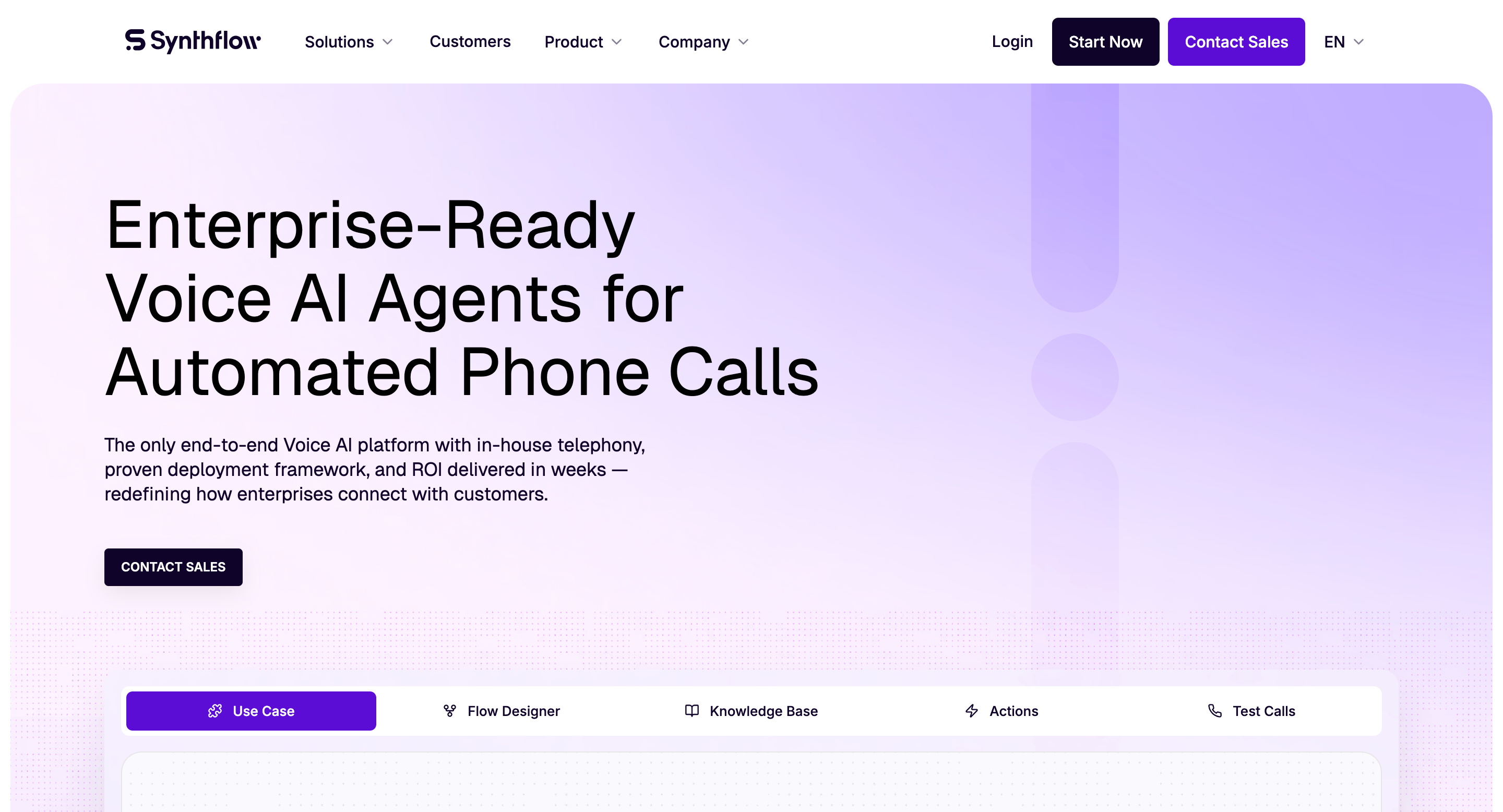
Synthflow is a no-code platform for building AI voice agents that handle inbound and outbound phone calls. You configure agents using a visual drag-and-drop builder and natural language prompts rather than writing code. The platform bundles its own telephony layer, LLM integration (including GPT-4o), speech-to-text, text-to-speech, and CRM connectors into a single product. It supports voice cloning, multilingual conversations in over 50 languages, and connects to existing phone systems through Twilio and SIP trunking.
Why teams use it
The primary draw is speed-to-production. Teams without dedicated voice AI engineers can configure an agent - complete with conversation logic, CRM syncing, and call routing - and have it answering phones within a day. Agencies running multiple client accounts benefit from Synthflow's multi-tenant architecture, which lets them manage several voice agents from a single workspace. The platform also provides pre-built templates for common workflows like appointment scheduling, lead qualification, and claims processing.
What it's good for
Synthflow excels at high-volume, repeatable call workflows: booking appointments, qualifying inbound leads, routing callers to the right department, and handling after-hours inquiries. Its HIPAA compliance support makes it viable for healthcare scheduling. The visual builder and template library make it particularly strong for agencies and BPOs managing multiple clients who each need slightly different agent configurations.
When it's a good fit
Synthflow fits teams that want a turnkey voice agent without building a custom tech stack. If you are a startup founder handling your own inbound calls, a BPO rolling out AI agents for several clients, or a growth-stage company that needs to automate lead qualification calls this quarter - Synthflow is designed for that scenario. It is also a strong fit if you already use HubSpot, Salesforce, or similar CRMs and want call data flowing into your existing pipeline without custom API work.
When it's not a good fit
If your use case demands deep customization of the underlying speech models, fine-grained latency control, or the ability to swap individual pipeline components (your own STT, your own LLM, your own TTS), Synthflow's opinionated architecture becomes a constraint. The no-code builder can also hide complexity - debugging large, branching conversation flows is harder than debugging code, and teams report a steeper learning curve than expected once flows get complex. Enterprise organizations with highly specialized telephony requirements may find the platform's built-in patterns limiting.
How to use it
You sign up, choose or customize a voice template, define the agent's goals and personality through natural language prompts, connect your CRM, assign a phone number (via Twilio or SIP trunk), and publish. The platform walks you through each step visually. Testing happens in a built-in Test Center that simulates calls and measures agent accuracy before you go live.
Key capabilities
Synthflow's core capabilities include a visual conversation flow builder, voice cloning and tone adjustment, support for 50+ languages, real-time CRM integration (HubSpot, Salesforce, and others), inbound call routing and IVR replacement, HIPAA compliance support, multi-tenant workspaces for agencies, a Test Center for pre-launch simulation, sub-500ms target response times, and SIP trunking plus Twilio connectivity. The platform also announced a strategic partnership with 8x8 in April 2026, embedding its agents directly into the 8x8 Contact Center environment.
Pricing
Synthflow uses tiered subscription pricing. The entry-level Starter plan is $29 per month and includes 5,000 minutes with one agent. The Growth plan is $99 per month for 20,000 minutes and unlimited agents. The Scale plan is $249 per month for 60,000 minutes. Custom enterprise pricing is available for higher volumes. At scale, the effective per-minute rate works out to roughly $0.08. Higher-tier plans with more concurrency and dedicated support (Pro at $375/month for 2,000 minutes with 25 concurrent calls; Growth at $900/month for 4,000 minutes with 50 concurrent calls) are also listed on some review sources, suggesting Synthflow offers multiple plan structures depending on the entry point.
Free tier?
No. Synthflow does not offer a permanent free plan. A demo and trial access are available to test the platform before committing.
Downsides / limitations
The visual builder becomes difficult to manage as conversation flows grow large and complex. Debugging branching logic without code-level visibility can be frustrating. Some users report limited technical support responsiveness. The platform is opinionated about its architecture - you cannot easily swap out individual components like the TTS engine or LLM. And while the entry-level pricing looks accessible, costs can scale up quickly with concurrency add-ons ($20 per additional concurrent call) and higher-tier plans.
2. Air AI
What it does
Air AI is a voice-first AI platform engineered for long-form phone conversations. Where most voice agents handle quick transactional calls (booking, FAQs, routing), Air AI is built to sustain 10-to-40-minute dialogues - the kind you would typically assign to a trained sales representative or discovery call specialist. The platform uses real-time AI voice synthesis that closely mimics human speech patterns, maintains context across extended conversations, and integrates with CRMs and business tools through Zapier and direct API connections.
Why teams use it
The standout feature is conversational endurance. Air AI holds context, recalls details from earlier in the conversation, and adjusts its approach based on how the dialogue unfolds. The company markets this as "infinite memory." For enterprise sales teams running outbound campaigns where each call involves discovery, objection handling, and qualification, this long-form capability replaces junior SDRs on repetitive calls. The voice quality is frequently described as near-indistinguishable from a human agent when the system performs well.
What it's good for
Air AI is purpose-built for outbound sales calls, inbound support for complex inquiries, lead qualification at scale, and any scenario where the conversation needs to go deep rather than just route or transact. It handles concurrent calls simultaneously, eliminating the "busy signal" problem for high-volume campaigns. Post-call, the system can autonomously update CRMs, send follow-up texts, or book appointments.
When it's a good fit
Air AI makes sense for large organizations with significant outbound call volume - think airlines, banks, insurance companies, hospitality chains, and other enterprise-scale operations with big contact centers. If your average call duration exceeds five minutes and involves multi-step qualification, this platform's strengths are directly aligned with your workload. It is also a fit for companies that have already invested in a Zapier-connected tool stack and want the AI agent to plug into existing workflows.
When it's not a good fit
Startups, small businesses, and budget-conscious teams should look elsewhere. Air AI does not offer a free trial, does not publish transparent pricing, and requires a credit purchase before you can test anything. Implementation timelines are longer than no-code alternatives. Language support is limited - English is the primary (and effectively only) supported language, with no public mention of multilingual capabilities. Integration setup can require technical support, and some users report that CRM syncs do not always work smoothly out of the box.
How to use it
You create an account, purchase credits, configure your agent's persona and objectives, connect your CRM and telephony tools (primarily through Zapier), and launch campaigns. There is no visual builder - configuration is more structured and guided. The platform handles the full call pipeline internally.
Key capabilities
Air AI's capabilities include long-form conversational AI (10–40 minute calls), human-like voice quality with context retention across turns, integration with 5,000+ apps via Zapier, autonomous post-call actions (CRM updates, follow-up messages, appointment booking), concurrent call handling at scale, and outbound plus inbound agent deployment.
Pricing
Air AI uses custom, usage-based pricing. Published rates from third-party sources indicate outbound calls at approximately $0.11 per minute and inbound calls at approximately $0.32 per minute. There are no published subscription tiers. You purchase credits and are billed for the full call duration, including ring time before a person answers. Enterprise contracts are negotiated directly with the sales team.
Free tier?
No. Air AI does not offer a free trial, free plan, or public sandbox. You must purchase credits to use the platform at all.
Downsides / limitations
The lack of pricing transparency is the most commonly cited frustration - you cannot evaluate costs without engaging the sales team. No free trial means you are committing financially before you can assess quality. English-only support rules out multilingual deployments. Some integration setups require more manual effort than advertised. And the platform is architecturally closed: you cannot swap LLMs, TTS engines, or telephony providers. For a product aimed at enterprises, the onboarding experience is less polished than competitors with visual builders or developer playgrounds.
3. Inworld AI
What it does
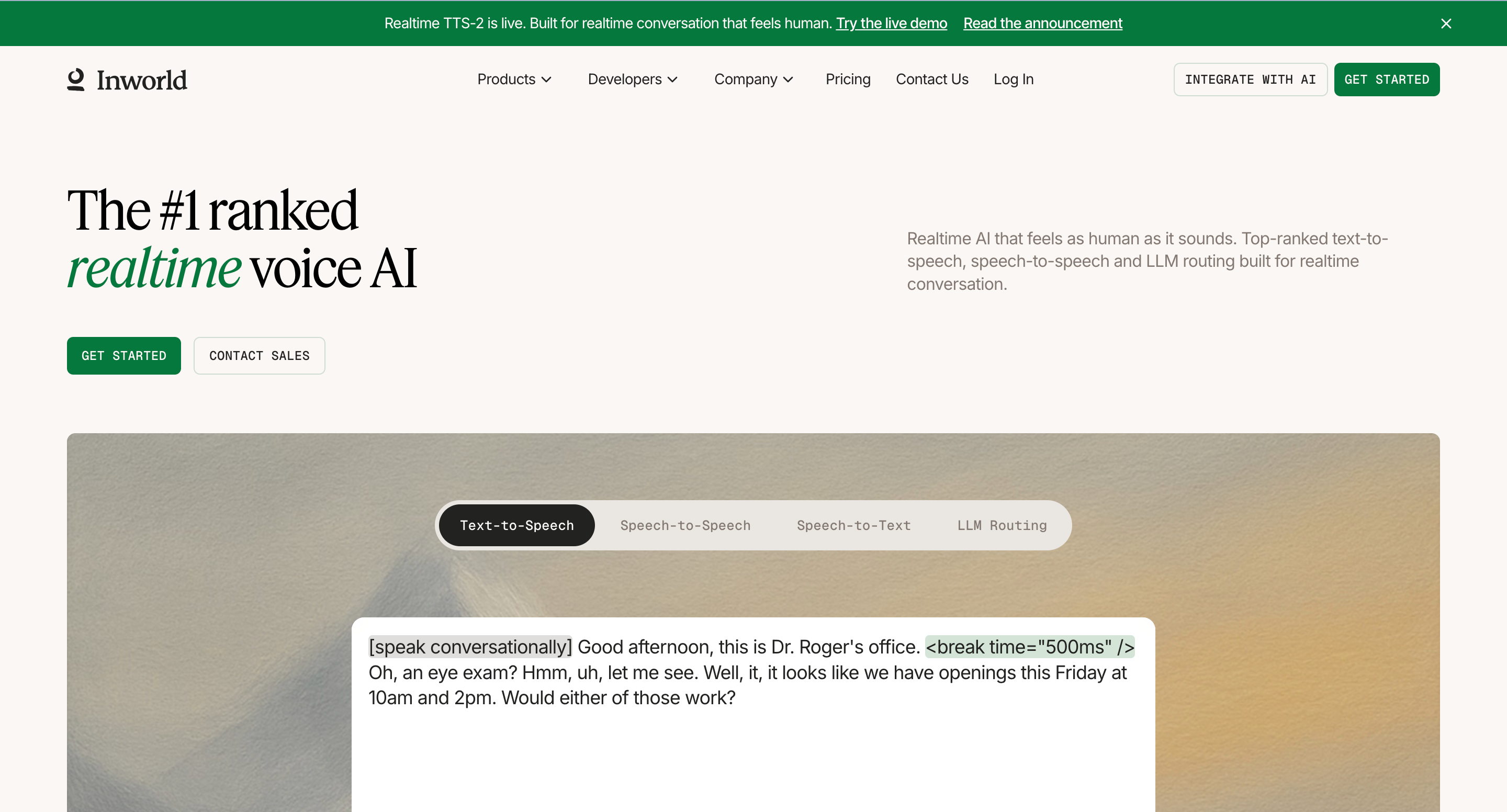
Inworld AI began as a platform for creating intelligent non-player characters (NPCs) in video games, but has evolved into a broader real-time voice AI infrastructure provider. The platform's core offering is now a Realtime API that handles the entire voice agent pipeline - speech-to-text, LLM reasoning, text-to-speech, and tool calling - in a single API connection. It is ranked number one for TTS quality on the Artificial Analysis Speech Arena as of March 2026, and its Agent Runtime orchestration layer is available at no cost. You bring your own LLM (Claude, GPT, Gemini, Llama, Mistral) and pay only for TTS and STT consumption.
Why teams use it
Developers choose Inworld AI because it decouples voice quality from platform lock-in. You get top-tier speech synthesis without being forced into a specific LLM or telephony stack. The Realtime API collapses what would normally be three or four separate vendor integrations (STT provider, LLM provider, TTS provider, orchestration layer) into one connection, which reduces latency and simplifies the architecture. The consumption-based pricing is also significantly cheaper per minute than most all-in-one platforms, especially at scale.
What it's good for
Inworld AI is strongest in scenarios demanding high voice quality, low latency, and developer control: real-time voice agents for customer service, interactive entertainment (games, companions, streaming), voice-enabled devices, and any application where the voice needs emotional expressiveness rather than flat, transactional tone. Its viseme timestamps and Unity/Unreal SDKs make it the default choice for interactive entertainment voice AI. Enterprise voice agent teams benefit from the ability to pair the TTS with whichever LLM they prefer.
When it's a good fit
If you have an engineering team that can build and maintain a voice pipeline, Inworld AI gives you the best raw components at the lowest cost. It fits developer-led organizations building differentiated voice experiences - whether that is a customer support agent with a specific brand voice, an AI companion app, or a voice-enabled product interface. It is also ideal for teams already committed to a specific LLM (say, Claude or GPT) who want to add best-in-class voice synthesis without switching their reasoning layer.
When it's not a good fit
Inworld AI is not a turnkey solution. There is no visual conversation builder, no built-in CRM integration, and no drag-and-drop agent designer. If your team cannot write code to integrate APIs, this platform will feel incomplete. It is infrastructure, not a finished product. Non-technical teams, agencies, and companies looking for a ready-made AI receptionist or sales dialer should look at Synthflow or CloudTalk instead.
How to use it
You sign up, get API credentials, choose your TTS model (TTS-1.5 Max for highest quality or TTS-1.5 Mini for cost efficiency), select or bring your LLM, and connect via the Realtime API. The Agent Runtime handles orchestration - turn-taking, interruption handling, tool calling - at no charge. You build your application logic in your own codebase.
Key capabilities
Inworld AI's capabilities include the number-one ranked TTS quality (Artificial Analysis Speech Arena, March 2026), a Realtime API combining STT + LLM + TTS + tool calling in one connection, a free Agent Runtime for orchestration, voice cloning and custom voice creation, support for multiple LLM providers (Claude, GPT, Gemini, Llama, Mistral), viseme timestamps for lipsync in games and entertainment, Unity and Unreal Engine SDKs, consumption-based pricing with no platform fees, and production deployments with clients including large gaming and consumer app companies.
Pricing
Inworld AI uses pure consumption-based pricing with no platform fees. The Agent Runtime is free. TTS-1.5 Max (highest quality) costs $10 per million characters, which works out to roughly $0.01 per minute of generated speech. TTS-1.5 Mini costs $5 per million characters (~$0.005/min). LLM costs are passed through from whichever provider you choose. There are tiered plans - Creator (for small projects), Developer (for production apps with higher API limits and priority support), and Growth (for high-volume production with compliance add-ons) - that offer volume discounts up to 40% off base rates.
Free tier?
Yes. The Agent Runtime is free with no usage cap. TTS includes a free tier for initial testing and small projects. You start for free and only pay for consumption as you scale.
Downsides / limitations
The developer-first approach means there is no no-code option. You need engineering resources to build, deploy, and maintain your voice agents. There are no built-in CRM integrations, no telephony layer, and no pre-built call flows - you assemble all of that yourself or use a separate voice agent platform that integrates Inworld's TTS. The platform's gaming and entertainment origins mean some documentation and features (viseme timestamps, avatar integration) are more mature than the enterprise telephony use case. And while pricing is transparent, managing multiple provider costs (LLM + TTS + your own telephony) requires more budget tracking than an all-in-one solution.
4. CloudTalk
What it does
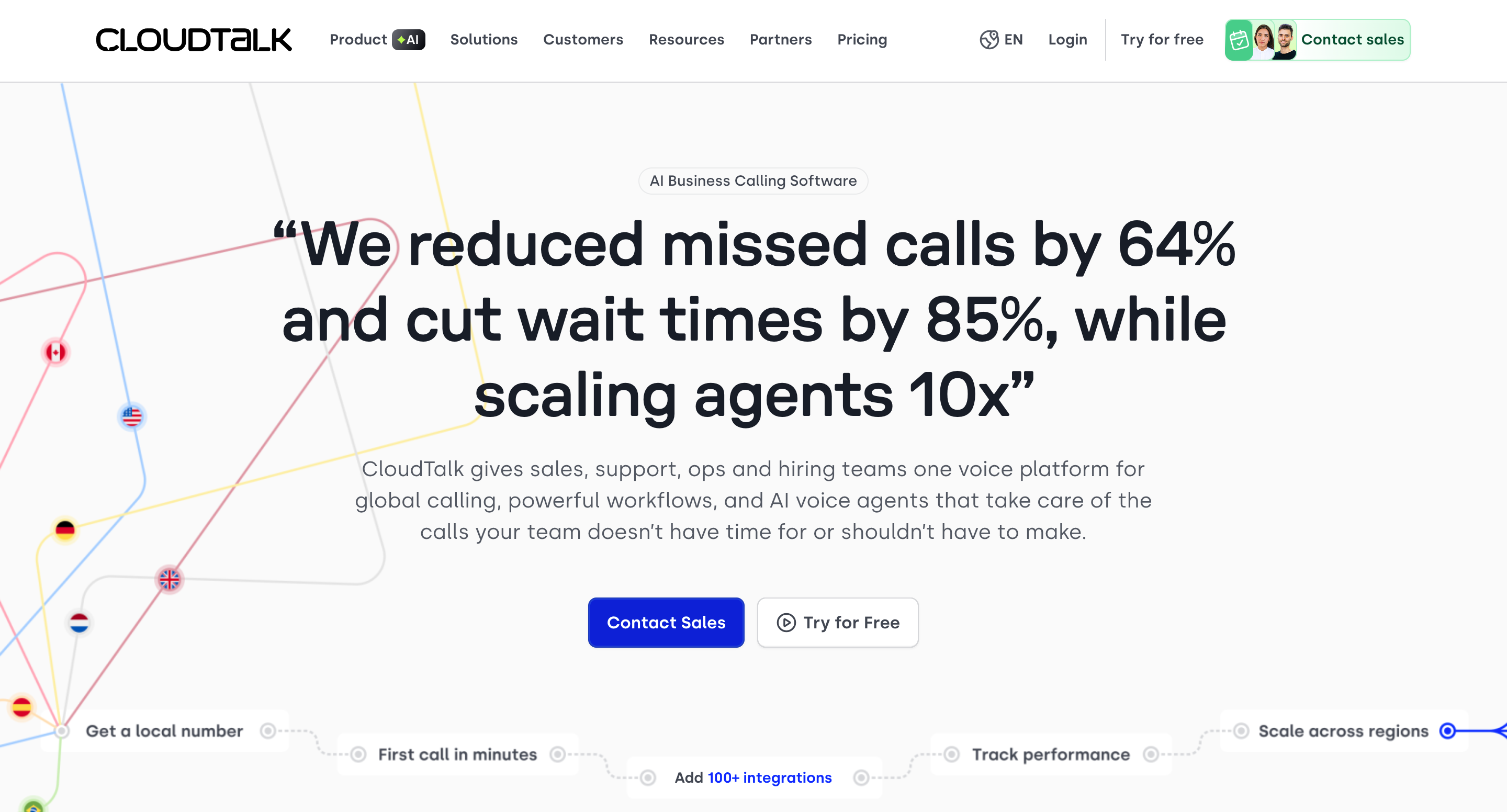
CloudTalk is a cloud-based call center platform that has expanded into AI voice agents. Unlike the other tools on this list that were built AI-first, CloudTalk started as a VoIP and business phone system for sales and support teams - and then layered autonomous AI voice agents on top of that existing infrastructure. The result is a platform where AI call handling, human agent workflows, CRM integrations, call analytics, and telephony all live under one roof. The AI voice agent component (called "CeTe") can answer routine inbound calls autonomously, qualify leads, route callers, and hand off to human agents with full context.
Why teams use it
Sales and support teams choose CloudTalk because it is not just an AI agent - it is the entire phone system. You get power dialers for outbound campaigns, smart call routing, IVR menus, call queuing, real-time monitoring, call recording, AI-generated transcription and summaries, sentiment analysis, and the AI voice agent - all from one vendor. For organizations that need both human agents and AI agents working the same phone lines, this unified approach eliminates the integration headaches of bolting a separate AI agent onto an existing phone system.
What it's good for
CloudTalk is strongest in B2B sales workflows, customer support operations, and any team that handles a mix of routine calls (which the AI handles) and complex calls (which human agents handle). The platform's 160+ country coverage with local phone numbers makes it particularly useful for international sales teams. CRM integrations with Salesforce, HubSpot, Zendesk, and others are native and well-tested.
When it's a good fit
CloudTalk fits mid-market sales and support teams (typically 5–100 agents) that already need a business phone system and want to add AI call handling on top of it. If you are currently using a legacy phone system and want to modernize with AI capabilities without ripping out your entire communication stack, CloudTalk provides a migration path. It is also a good fit if your team splits work between AI-handled routine calls and human-handled complex calls - the handoff between AI and human agents is built into the platform.
When it's not a good fit
If you only need an AI voice agent and do not need a full call center platform, CloudTalk's pricing structure penalizes you - you are paying per-user subscription fees for the phone system plus a separate AI agent add-on. Pure AI-agent-only use cases get better value from platforms like Synthflow or Inworld AI. The AI voice agent pricing (starting at €350/month for 1,000 minutes or €0.50 per minute pay-as-you-go) is also higher per minute than most competitors, especially at low volumes. And while the platform supports AI agents, the core product is still phone-system-first - the AI capabilities are newer and less mature than dedicated voice AI platforms.
How to use it
You sign up for a CloudTalk plan, configure your phone system (numbers, routing, teams), then activate the AI Voice Agent add-on. Agent configuration involves defining goals, scripts, and escalation rules. The AI agent operates on your existing CloudTalk phone numbers and integrates with your connected CRM. A 14-day free trial lets you test the full platform before committing.
Key capabilities
CloudTalk's capabilities include AI voice agents for autonomous inbound call handling, a full cloud-based phone system with power dialers and smart routing, local phone numbers in 160+ countries, native CRM integrations (Salesforce, HubSpot, Zendesk, Pipedrive), AI call transcription and summaries, sentiment analysis, call recording and monitoring, IVR and call queuing, human-agent-to-AI handoff and vice versa, and analytics dashboards. The platform is used by over 30,000 users including companies like Revolut, DHL, and Glovo, and holds a 4.4 out of 5 rating on G2 across 1,700+ reviews.
Pricing
CloudTalk uses a two-layer pricing model. The base phone system has four tiers: Lite at €19 per user per month (basic VoIP), Starter at €25, Essential at €29 (adds CRM integrations and automation), and Expert at €49 (includes AI features and power dialer). The AI Voice Agent is a separate add-on starting at €350 per month for 1,000 included minutes, or €0.50 per minute on a pay-as-you-go basis. Overage minutes on plans start from €0.35. Annual billing saves approximately 30%. For North America and LATAM regions, base pricing starts lower at $19 per user per month.
Free tier?
Yes - CloudTalk offers a 14-day free trial with no credit card required. This lets you test the full platform, including AI voice agent capabilities, before purchasing.
Downsides / limitations
The dual pricing structure (phone system subscription plus AI agent add-on) can get expensive, especially for small teams. At €0.50 per minute pay-as-you-go, the AI agent is one of the pricier options in this comparison. The AI voice agent capabilities are newer than the core phone system, so they are less battle-tested than dedicated AI-first platforms. The platform is voice-centric and does not offer true omnichannel support across email, chat, and social from a single agent. And enterprise AI agent pricing requires contacting sales, which limits transparency.
5. Alexor
What it does
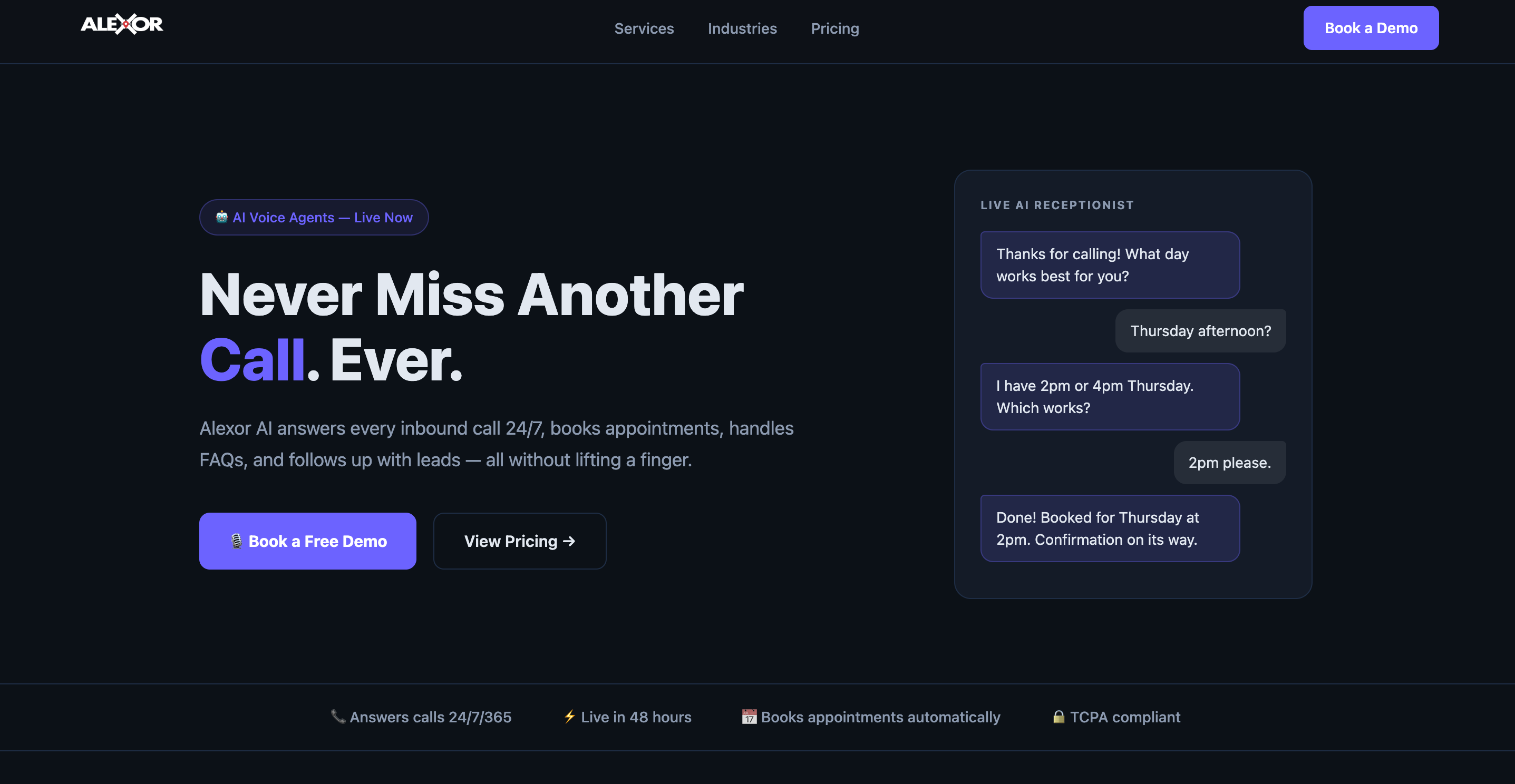
Alexor is a dashboard-based platform for creating, managing, and monitoring AI calling agents. It positions itself as a streamlined tool for teams that want to deploy AI-powered phone agents without extensive technical setup. The platform focuses on the core workflow of configuring an AI caller, assigning it to a phone line, and tracking its performance through a centralized dashboard.
Why teams use it
Teams that need a straightforward AI calling agent without the complexity of enterprise platforms or developer-focused infrastructure turn to Alexor for its simplicity. The dashboard-centric approach means you can set up, launch, and monitor agents from a single interface without switching between multiple tools. It appeals to small businesses and lean operations teams that want AI call automation without a steep learning curve or lengthy onboarding process.
What it's good for
Alexor is suited for basic inbound and outbound AI call automation - answering routine calls, collecting caller information, handling simple inquiries, and routing calls based on predefined criteria. Its monitoring dashboard gives team leads visibility into how agents are performing without needing separate analytics tools.
When it's a good fit
Alexor fits small teams, solo founders, and early-stage companies that want to experiment with AI calling agents at a manageable scale. If your requirements are relatively straightforward - you need an AI to answer calls, gather information, and route or resolve basic inquiries - Alexor's simplified approach gets you there without the overhead of more complex platforms.
When it's not a good fit
For teams that need deep CRM integrations, advanced conversation branching, multi-language support, enterprise-grade compliance (HIPAA, SOC 2), or high-concurrency call handling, Alexor's current feature set may be too limited. The platform has less public documentation, fewer third-party reviews, and a smaller user community than the other tools on this list - which means less peer validation and fewer resources for troubleshooting. Organizations with complex telephony requirements or large agent deployments should evaluate more established platforms.
How to use it
You access the Alexor dashboard, configure your AI calling agent (defining its purpose, script, and behavior), assign it to a phone number, and begin monitoring calls. The interface is designed for quick setup with minimal configuration steps.
Key capabilities
Alexor's documented capabilities include an AI calling agent builder, a centralized management dashboard, call monitoring and performance tracking, agent configuration through a guided interface, and support for both inbound and outbound calling scenarios.
Pricing
Alexor's pricing is not publicly listed in detail. Prospective users should contact the team directly for current plan information and volume-based pricing.
Free tier?
Limited information is available. Early reports suggest some level of free or trial access, but specifics should be confirmed directly with Alexor.
Downsides / limitations
The biggest limitation is transparency. Alexor has minimal public documentation, few independent reviews, and limited case study material compared to competitors. This makes it harder to evaluate before committing. The feature set appears narrower than more established platforms - advanced capabilities like voice cloning, multi-language support, and enterprise compliance features are not prominently documented. For teams that need proven, well-documented infrastructure, the lack of public validation is a meaningful risk factor.
What Is an AI Voice Agent Platform?
An AI voice agent platform is software that lets businesses deploy autonomous phone agents - systems that can answer calls, hold conversations, understand intent, take actions, and respond with natural-sounding speech - without requiring a human on the line. These platforms combine several AI technologies into one pipeline: speech-to-text (STT) to transcribe what the caller says, a large language model (LLM) to understand intent and generate responses, and text-to-speech (TTS) to convert those responses back into spoken audio. An orchestration layer manages turn-taking, interruption handling, and tool calling (like updating a CRM or booking an appointment mid-call).
The key distinction from older IVR (interactive voice response) systems is intelligence. IVR systems follow rigid, pre-scripted menu trees ("Press 1 for billing, press 2 for support"). AI voice agents interpret natural language, handle freeform conversation, adapt to unexpected questions, and take actions based on context rather than button presses. The result is a phone experience that feels closer to speaking with a trained human agent than navigating a phone menu.
Platforms in this space range from fully managed, no-code products (where you configure agents through visual builders) to developer infrastructure (where you assemble your own STT, LLM, TTS, and telephony stack using APIs). The right category depends on your team's technical resources and how much control you need over each component.
How Do AI Voice Agents Work?
Every AI voice agent, regardless of platform, runs on a pipeline with four core stages that execute in near-real-time, typically within 200 to 500 milliseconds.
The first stage is speech-to-text (STT), also called automatic speech recognition (ASR). When a caller speaks, the STT engine transcribes the audio into text. Speed matters here - the faster the transcription, the less dead air the caller experiences. Modern STT engines like Deepgram Nova-3 and Google Cloud Speech handle accents, background noise, and mid-sentence corrections with increasing accuracy.
The second stage is LLM reasoning. The transcribed text is passed to a large language model - GPT-4o, Claude, Gemini, Llama, or others - which interprets the caller's intent, generates a contextual response, and decides whether to take an action (book an appointment, update a record, transfer the call). This is where the "intelligence" lives. The LLM has access to a knowledge base (company FAQs, product catalogs, policy documents) and can call external tools via function calling.
The third stage is text-to-speech (TTS). The LLM's text response is converted into spoken audio using a TTS engine. Voice quality varies dramatically between providers - budget TTS sounds robotic, while top-tier engines (Inworld TTS-1.5, ElevenLabs, Cartesia) produce speech that is difficult to distinguish from a human voice. Emotional expressiveness, pacing, and intonation all depend on the TTS model.
The fourth stage is telephony and orchestration. The generated audio is transmitted to the caller through the phone connection. The orchestration layer manages turn-taking (knowing when the caller has stopped speaking), interruption handling (what happens when both parties talk simultaneously), call transfers to human agents, and post-call actions like CRM updates.
When all four stages run synchronously with low latency, the experience feels like a natural phone conversation. When any stage introduces delay - a slow STT engine, a sluggish LLM, or a high-latency telephony connection - the caller notices awkward pauses that break the illusion.
No-Code Voice Builders vs. Developer Infrastructure - Which Do You Need?
This is the most consequential architecture decision when choosing a voice agent platform, and it maps directly to two of the products on this list.
No-code voice builders (Synthflow, CloudTalk's AI agent, Alexor) give you a visual interface or guided setup wizard to configure your agent's personality, conversation flows, integrations, and phone numbers. You do not write code. The platform handles the entire pipeline internally - STT, LLM, TTS, telephony, and orchestration are all bundled. The trade-off is flexibility: you use the components the platform chose, and you cannot swap them.
Developer infrastructure (Inworld AI, and to some extent Air AI's API-level configuration) gives you modular components - a TTS API, an orchestration runtime, integration hooks - and expects your engineering team to assemble and maintain the pipeline. You choose your own LLM, your own telephony provider, your own hosting. The trade-off is effort: you get maximum control, but you also own the complexity.
| Factor | No-Code Builders | Developer Infrastructure |
|---|---|---|
| Time to first agent | Hours. toDays | Days to weeks |
| Engineering Required | None | Backend developers needed |
| Component flexibility | Low. -Bundled Stack | High - Swap any layer |
| Per-minute cost at scale | Higher ($0.08–$0.50/min) | Lower ($0.01–$0.10/min) |
| Debugging complexity | Harder (visual flows hide logic) | Easier (code is explicit) |
| Best for | Agencies, SMBs, non-technical teams | Product teams, SaaS builders, enterprises |
If you have fewer than two engineers allocated to voice AI and need to be live within a month, no-code is the pragmatic choice. If voice is a core product feature and you need to differentiate on quality, latency, or cost at scale, infrastructure gives you the levers to do that.
How Much Do AI Voice Agents Cost in 2026?
Voice AI pricing in 2026 ranges from roughly $0.01 per minute at the infrastructure layer to over $0.50 per minute for fully managed, all-in-one platforms. The spread is wide because you are comparing fundamentally different products - raw TTS API access versus a complete business phone agent with CRM syncing and compliance.
There are three main pricing models in the market. The first is per-minute usage pricing, where you pay for each minute of AI-handled conversation. Rates vary from $0.05 to $1.00 per minute depending on the platform's feature set and whether underlying component costs (LLM tokens, STT, TTS, telephony) are included or billed separately. The second is subscription plus usage, where you pay a monthly base fee for platform access and features, plus per-minute charges for actual call time. CloudTalk and Synthflow follow this model. The third is pure consumption pricing with no platform fees, where you pay only for the resources you consume (characters of TTS, minutes of STT, LLM tokens). Inworld AI follows this model.
Hidden costs to watch for include concurrency fees (charges for handling multiple simultaneous calls), telephony markups (carrier routing, phone number provisioning, international calling), LLM token costs on platforms that pass these through separately, overage charges when you exceed plan limits, and enterprise support tiers that sit outside standard pricing.
For a mid-size team handling 5,000 minutes per month, estimated monthly costs across the platforms in this guide range from approximately $50 to $100 on Inworld AI (infrastructure only, excluding LLM and telephony costs you manage separately), $29 to $249 on Synthflow (depending on plan tier), $550 to $1,600 on Air AI (depending on inbound/outbound mix), and €350+ on CloudTalk (AI agent add-on alone, before base phone system subscription).
What to Look for When Choosing a Voice Agent Platform
Choosing the right platform means matching its architecture to your team's capabilities, your call volume, and your deployment timeline. Here are the factors that matter most in practice.
Latency and voice quality directly determine whether callers perceive the agent as human-like or robotic. Look for platforms that target sub-300ms end-to-end response times and use top-tier TTS engines. Request a live demo call, not just a recording, before committing.
Integration depth with your existing CRM, helpdesk, and telephony stack determines how much manual work your team does after each call. Native integrations (CloudTalk with Salesforce, Synthflow with HubSpot) are more reliable than Zapier-based connections, though Zapier offers broader coverage.
Scalability and concurrency matter if your call volume is unpredictable or spiky. Some platforms charge per concurrent call line, which can make costs surge during peak periods. Ask specifically about concurrency limits and pricing on each plan.
Compliance is non-negotiable in regulated industries. HIPAA for healthcare, SOC 2 for enterprise SaaS, GDPR for European data - verify that the platform has the relevant certifications, not just claims on the marketing page.
Multilingual support ranges from excellent (Synthflow's 50+ languages) to nonexistent (Air AI's English-only limitation). If you serve international markets, this filter eliminates several options immediately.
Customizability and debugging tools determine how quickly you can iterate on agent behavior. Visual builders are faster for simple changes but harder to debug at scale. Code-based configurations are slower to set up but more transparent when something breaks.
AI Voice Agent Use Cases by Industry
Voice agent adoption patterns vary significantly by industry because each sector has different call types, compliance requirements, and customer expectations.
In healthcare, AI voice agents handle appointment scheduling, prescription refill reminders, post-visit follow-up calls, and insurance verification. HIPAA compliance is mandatory. Synthflow's HIPAA support makes it a common choice in this vertical. Agents need to handle sensitive patient information carefully and transfer to human staff for clinical questions.
In financial services and banking, voice agents manage account balance inquiries, fraud alerts, payment reminders, and loan application status updates. Security and identity verification workflows are critical. The BFSI sector represents approximately 33% of voice AI market share, making it the largest industry vertical.
In real estate, agents qualify inbound leads by collecting buyer preferences (location, budget, timeline), schedule property viewings, and route qualified prospects to human agents. Synthflow has documented case studies in this vertical with agents that book showings and pass lead data into CRM systems.
In e-commerce and retail, voice agents handle order status inquiries, return processing, product recommendations, and delivery scheduling. Multilingual support becomes important for international retail operations.
In hospitality, AI agents manage reservation inquiries, room availability checks, special request handling, and cancellation processing. Restaurants and hotels use voice agents to capture reservations during peak hours when front-desk staff cannot answer every call.
In B2B sales, voice agents qualify inbound leads, run initial outbound discovery calls, schedule meetings, and follow up on proposals. CloudTalk's positioning as a sales-focused call center platform is directly targeted at this use case.
How to Measure ROI on Voice Agent Deployments
Measuring return on investment for voice agents requires comparing your costs and outcomes before and after deployment. The most direct metrics are cost per call (AI agents typically reduce this from $7–$12 per call with human agents to roughly $0.40–$1.00 per call), call coverage rate (what percentage of incoming calls are answered, especially after hours), average speed of answer (AI agents pick up instantly versus hold queues), lead capture rate (how many inbound inquiries convert to qualified leads or booked meetings), and agent utilization (how much time your human agents reclaim for complex work).
A practical framework is to run a 30-day pilot on a single call type - for example, after-hours inbound calls - and track these metrics against the previous 30-day baseline. Most platforms report that ROI becomes measurable within two to six months. Research from Forrester found that a composite organization deploying voice AI saved $10.3 million over three years with ROI reaching 391%. You can explore real-world examples of AI-driven business outcomes in our case studies.
The biggest ROI driver is usually not cost reduction alone but revenue protection - capturing calls that previously went to voicemail during off-hours, weekends, and holidays. An AI agent that books three additional meetings per week that would otherwise be missed generates revenue that far exceeds the platform subscription cost.
What Are the Compliance Requirements for AI Voice Agents?
Compliance requirements for AI voice agents span several regulatory frameworks depending on your industry and geography.
Consent and disclosure laws in many jurisdictions require that callers be informed when they are speaking with an AI rather than a human. In the United States, the FTC has issued guidance on AI-generated voice calls, and several states have introduced legislation specifically addressing AI calling. Violating robocall regulations can result in significant penalties.
HIPAA compliance is required for any voice agent handling protected health information (PHI) in the United States. This means encrypted call recordings, access controls, audit logs, and a signed Business Associate Agreement (BAA) with the platform provider. Synthflow and some enterprise-tier plans from other vendors offer HIPAA compliance.
GDPR applies to any voice agent processing data of European Union residents. This includes call recordings, transcriptions, and caller metadata. CloudTalk's European infrastructure and data handling practices are designed with GDPR in mind.
SOC 2 certification is increasingly expected by enterprise buyers as a baseline for vendor security practices. It covers data handling, access controls, and operational security procedures.
Industry-specific regulations (PCI-DSS for payment processing, financial regulations for banking calls) add additional layers depending on what the voice agent discusses or transacts during calls.
How Do AI Voice Agents Compare to Traditional IVR?
Interactive Voice Response (IVR) systems and AI voice agents both automate phone call handling, but they operate on fundamentally different principles.
| Dimension | Traditional IVR | AI Voice Agent |
|---|---|---|
| Interaction Model | Menu trees ("Press 1 for…") | Natural language conversation |
| Caller experience | Rigid, often frustrating | Conversational, adaptive |
| Setup complexity | Low (menu configuration) | Medium to High (AI Training) |
| Handling Complexity | Simple routing only | Multi-step reasoning and actions |
| Personalization | None or basic (account lookup) | Full context from CRM + conversation |
| Cost | Low ($50–$200/mo for basic IVR) | Higher ($100–$2,000+/mo depending on volume) |
| Maintenance | Low - menus rarely change | Ongoing - prompts and knowledge bases need updates |
The clearest difference is conversational flexibility. IVR systems trap callers in predefined paths - if your question does not match a menu option, you are stuck. AI voice agents interpret what you say, ask clarifying questions, and route or resolve based on understanding rather than button presses.
That said, IVR is not dead. For extremely simple routing needs (directing callers to departments), a basic IVR is cheaper and more predictable. AI voice agents make sense when calls involve qualification, information gathering, scheduling, or any task where the caller's input is unpredictable.
Can AI Voice Agents Handle Multiple Languages?
Language support varies dramatically across platforms. Synthflow leads this list with over 50 supported languages, making it viable for global deployments where a single agent needs to handle callers in English, Spanish, German, Mandarin, and other languages. CloudTalk supports multiple languages through its international phone number coverage in 160+ countries, though the depth of AI agent language support within the autonomous calling feature should be verified for specific languages.
Inworld AI's TTS supports multiple languages depending on the voice model selected, and since you choose your own LLM, the reasoning layer can handle any language your LLM supports (GPT-4o and Claude both handle dozens of languages well). This modular approach gives developers the most flexibility for multilingual deployments.
Air AI is effectively English-only, with no public mention of support for other languages. This is a significant limitation for any organization serving non-English-speaking markets.
When evaluating multilingual capabilities, test for more than just translation accuracy. Listen for natural prosody (rhythm and intonation) in each language, check that the agent handles code-switching (when a caller switches languages mid-conversation), and verify that the knowledge base and prompts are properly localized rather than machine-translated.
What CRM Integrations Do Voice Agent Platforms Support?
CRM integration determines how much manual work happens after each AI-handled call. The goal is zero-touch data flow: the AI agent qualifies a lead, books a meeting, and the CRM record updates automatically without a human copying and pasting.
Synthflow offers native integrations with HubSpot, Salesforce, and other major CRMs. Call data, transcriptions, and outcomes sync directly into contact records. CloudTalk goes deeper with native integrations across Salesforce, HubSpot, Zendesk, Pipedrive, and others - this is one of its core strengths as a call center platform. Air AI connects to over 5,000 apps through Zapier, which offers broad coverage but less reliable sync than native integrations. Inworld AI does not include built-in CRM integrations - since it is developer infrastructure, your engineering team builds the CRM connection as part of the application. Alexor's integration capabilities should be confirmed directly with the vendor.
For teams using less common CRMs or custom-built systems, look for platforms with open API access or webhook support. Zapier-based integrations add a dependency (and potential failure point) between your voice agent and your CRM that native integrations avoid.
How Fast Can You Deploy an AI Voice Agent?
Deployment speed depends almost entirely on whether you choose a no-code builder or developer infrastructure.
No-code platforms like Synthflow and CloudTalk can have a basic agent answering calls within hours of signup. The limiting factor is not the technology but your preparation - having your call scripts, knowledge base documents, CRM credentials, and phone numbers ready before you start configuration. A well-prepared team can go from signup to live agent in a single day.
Developer infrastructure like Inworld AI takes longer - typically one to four weeks depending on the complexity of your application and your team's familiarity with voice AI pipelines. You need to integrate the API, build your application logic, set up telephony, test across scenarios, and deploy to production.
Air AI falls in between - setup is guided rather than self-serve, and enterprise implementations typically require coordination with Air AI's team, which extends the timeline to days or weeks depending on complexity.
The fastest path to a live agent is almost always: pick a no-code platform, use a pre-built template for your use case, connect your CRM, assign a phone number, and publish. Optimize from there.
Frequently Asked Questions
Synthflow is the strongest option for small businesses because it combines a no-code builder with affordable entry pricing (starting at $29 per month for 5,000 minutes) and fast deployment. You do not need developers to get started, and the pre-built templates cover common small business needs like appointment booking and lead qualification. CloudTalk is a good alternative if you also need a full business phone system and plan to use both human agents and AI agents.
AI voice agents for outbound sales calls are legal in most jurisdictions but subject to regulations. In the United States, the FTC requires disclosure that the caller is an AI, and compliance with the Telephone Consumer Protection Act (TCPA) is mandatory - which includes obtaining prior consent for automated calls. Regulations vary by state and country. Always consult legal counsel for your specific jurisdiction and verify that your chosen platform includes consent-management features.
Most platforms support mid-call transfer to human agents. The AI agent gathers initial information, qualifies the caller, and then transfers the call along with a summary and context to the human agent. CloudTalk handles this natively within its call center infrastructure. Synthflow supports transfer logic as part of its conversation flow builder. The key factor is context preservation - the human agent should see the full conversation history and caller details without asking the caller to repeat themselves.
In 2026, AI voice agent costs range from approximately $0.01 per minute for infrastructure-layer TTS (Inworld AI) to $0.50 per minute for fully managed platforms (CloudTalk's pay-as-you-go rate). Most all-in-one platforms with CRM integrations and telephony bundled fall in the $0.08 to $0.30 per minute range. The true cost depends on whether the platform bundles all components or charges separately for LLM tokens, STT, TTS, and telephony.
Not yet, and likely not in 2026. AI voice agents excel at handling routine, repeatable calls - FAQs, scheduling, lead qualification, order status, and simple support inquiries. They struggle with nuanced emotional situations, complex problem-solving that requires judgment, upselling that depends on rapport, and edge cases that fall outside their training data. The most effective deployments use AI agents for Tier 1 calls (high volume, low complexity) and human agents for Tier 2 and above. This hybrid model reduces costs and improves response times without sacrificing quality on the calls that matter most.
Latency is critical. A 500-millisecond gap between a caller finishing a sentence and the agent responding is noticeable and awkward. A 200-millisecond gap is not. The best platforms target sub-300ms end-to-end response time across the full pipeline (STT + LLM + TTS + telephony). When evaluating platforms, run test calls rather than relying on spec sheets - real-world latency under production load often differs from advertised benchmarks.