

Intercom's pricing now scales unpredictably once you layer in AI resolution fees, seat costs, and add-ons for features that used to be included. If your support budget keeps climbing without a proportional drop in ticket volume, you are not alone. A February 2026 Gartner survey found that 91% of customer service leaders face executive pressure to implement AI, but switching platforms without a clear comparison wastes more time than staying put.
This guide evaluates five Intercom alternatives on the dimensions that actually matter for switching: AI agent quality, per-resolution economics, compliance certifications, and honest downsides. Every pricing figure was verified in July 2026. Every limitation is sourced from user reviews or direct product documentation.
The tools covered: Freshdesk Freddy AI, ChatBot.com (first mention; referred to as ChatBot throughout), Decagon, Quickchat AI, and Pylon.
Evaluating platforms vs building custom? BitBytes designs and ships production AI support agents. Talk to our engineers
Table of Contents
Quick Comparison Table
| Feature | Freshdesk Freddy AI | ChatBot | Quickchat AI | Pylon |
|---|---|---|---|---|
| Starting Price | $19/agent/mo + AI add-on | $19/user/mo (10 AI resolutions) | Free (200 msgs/mo) | $59/seat/mo (3-seat min) |
| AI Resolution Cost | ~$0.10 - $0.49/session | $0.99/resolution overage | Included in plan tier | ~$50/seat/mo add-on |
| Free Tier | Yes (2 agents, no AI) | No | Included in plan tier | No |
| G2 Rating | 4.4/5 (~3,742 reviews) | 4.5/5 (26 reviews) | 3.5/5 (1 review) | 4.9/5 (~110 reviews) |
| Best For | Teams on Freshworks | E-commerce chatbots | Budget-conscious startups | B2B SaaS (Slack-first) |
Note: Decagon is excluded from this table because its enterprise-only pricing (starting ~$50K/year) makes direct column comparison misleading. It is covered in full detail below.
How We Evaluated These Tools
Every tool in this list was evaluated against six criteria designed for teams actively switching from Intercom, not casually browsing.
- AI Agent Capabilities. Can the tool autonomously resolve tickets, or does it just suggest replies? We prioritized tools with agentic workflows (refunds, order updates, account changes) over simple chatbot builders.
- Pricing Transparency. How predictable is your bill at 1,000 conversations per month? At 10,000? We flagged tools where stacked add-ons or per-resolution fees create budget surprises.
- Compliance and Security. SOC 2 Type II is the baseline. We tracked HIPAA readiness, GDPR compliance, ISO certifications, and data retention policies.
- Channel Coverage. Email, chat, WhatsApp, social, voice. We noted which channels require premium plans and which are available out of the box.
- Integration Depth. Read-only integrations (pulling order data) versus write integrations (issuing refunds, updating records). The difference matters for actual automation.
- Review Volume and Credibility. A 4.9 rating from 18 reviews tells a different story than a 4.4 from 3,742. We weighted review volume alongside scores.
All vendor-reported performance claims (resolution rates, deflection percentages) are labeled as such. We did not independently verify automation percentages.
Freshdesk Freddy AI
What It Does
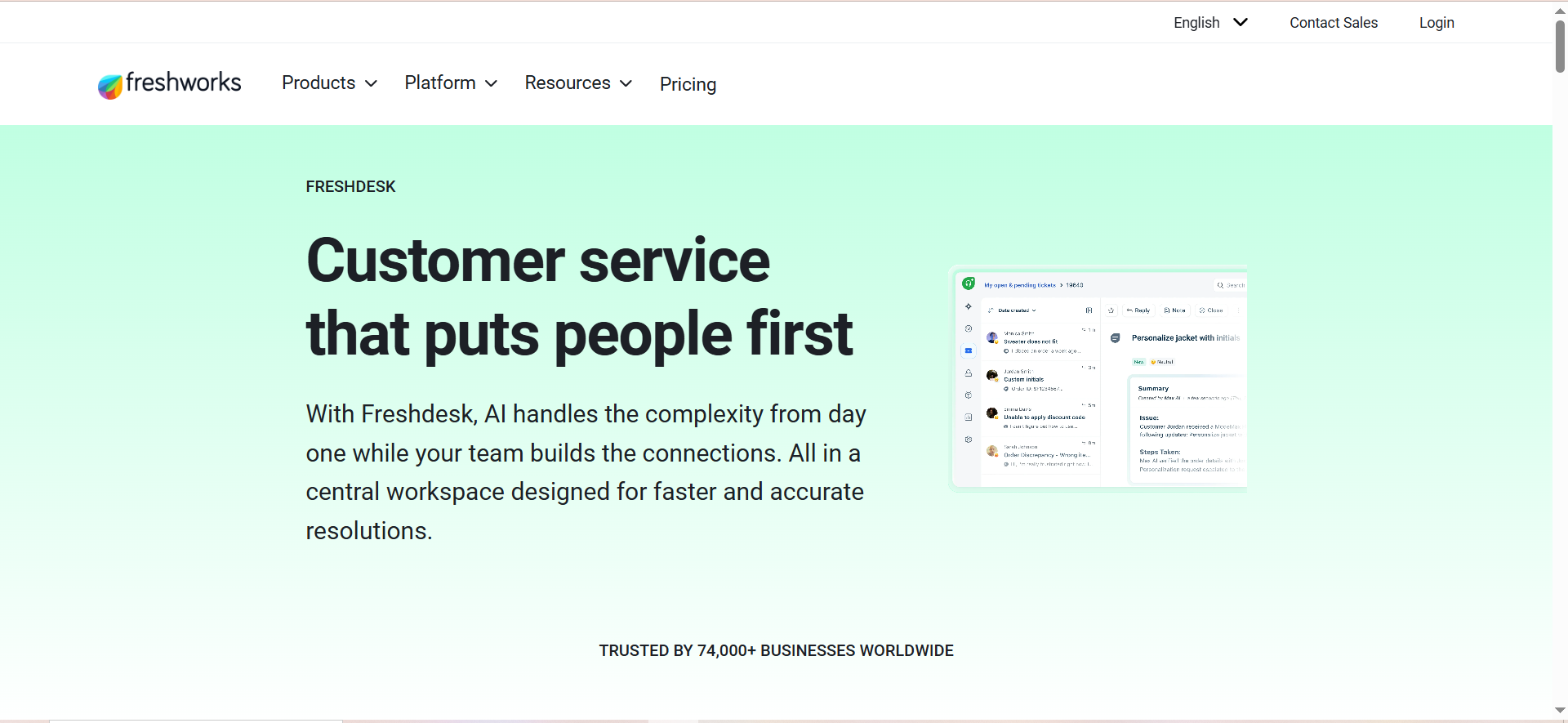
Freshdesk Freddy AI is the AI layer built on top of Freshworks' Freshdesk helpdesk platform. It operates as two separate products: Freddy AI Copilot (assists human agents with reply suggestions, conversation summaries, and real-time translation) and Freddy AI Agent (autonomous resolution of customer queries via a no-code builder and pre-built workflows).
The AI Agent can perform real-time actions like processing refunds and updating orders, though e-commerce integrations are currently read-only, which limits what it can actually execute in those contexts.
Why Teams Switch to It
Teams already using any part of the Freshworks suite (Freshsales, Freshservice, Freshmarketer) get the most value here. The unified data layer means your AI agent can pull CRM records, past tickets, and customer history without building custom integrations.
Key reasons teams choose Freshdesk Freddy:
- Omnichannel support out of the box. Email, webchat, WhatsApp, and social channels are available across plans, not locked behind enterprise tiers.
- Pre-built agentic workflows. Refund processing, order status updates, and appointment scheduling come as templates rather than custom builds.
- Vendor-reported 84% query automation rate for teams with comprehensive knowledge bases. (For context on what these numbers mean, see the latest AI customer service benchmarks.)
- Sentiment analysis and real-time translation reduce the need for language-specific support staff.
Best Fit
- SMBs and mid-market teams (20 to 200 agents) already invested in the Freshworks ecosystem.
- Teams where most tickets are repetitive, knowledge-base-answerable questions (shipping status, return policies, account resets).
- Organizations that need HIPAA compliance and can afford the Enterprise plan with a BAA.
Not a Fit
- Teams that need AI to handle multi-turn email conversations (Freddy currently only responds to the first email in a thread, per user reports on G2).
- Companies that need write-access e-commerce integrations (Shopify order modifications, not just lookups).
- Budget-sensitive teams. The stacked pricing model is the number one complaint in reviews.
Pricing
| Plan | Cost | What You Get |
|---|---|---|
| Free | $0 | Up to 2 agents, basic ticketing, no AI |
| Growth | $19/agent/mo | Standard ticketing, automations |
| Pro | $49/agent/mo | Advanced automations, custom roles |
| Enterprise | $79/agent/mo | Sandbox, audit log, HIPAA eligible |
| Freddy AI Copilot | +$29/agent/mo | Reply suggestions, summaries, translation |
| Freddy AI Agent (Classic) | $0.49/session | Autonomous resolution via KB |
| Freddy AI Agent (Omni) | ~$0.10/session | Lower per-session cost at volume |
First 500 Freddy AI Agent sessions are included free. After that, costs scale with conversation volume.
Free Tier
Yes. The free plan supports up to 2 agents with basic ticketing features. However, no AI features are available on the free plan. You need Pro or Enterprise plus the paid AI add-ons to access Freddy.
Downsides
- Stacked pricing is confusing and expensive. You pay for the base plan, then Copilot per seat, then AI Agent per session. A 15-agent team on Pro with Copilot and 5,000 AI sessions costs roughly $1,895/month before overages.
- One-turn email conversations only. The AI agent handles the first inbound email but hands off to humans for follow-ups. This is a significant limitation for email-heavy support teams.
- Read-only e-commerce integrations. The AI can look up order status but cannot modify orders, process returns, or issue refunds through Shopify or similar platforms.
- Quality drops on complex tickets. Multiple G2 reviewers report that Freddy struggles with nuanced or multi-step queries.
- Manual training required. The AI does not work well out of the box. Expect weeks of KB tuning before resolution rates stabilize.
Compliance
SOC 2 Type II, ISO 27001, ISO 27701, GDPR, HIPAA (Enterprise plan only, requires BAA).
Freshdesk Freddy AI is strongest when you are already paying for Freshworks. If you are evaluating it as a standalone AI support tool, the stacked pricing makes it more expensive than it appears. Calculate your total cost at current ticket volume before committing.
ChatBot
What It Does
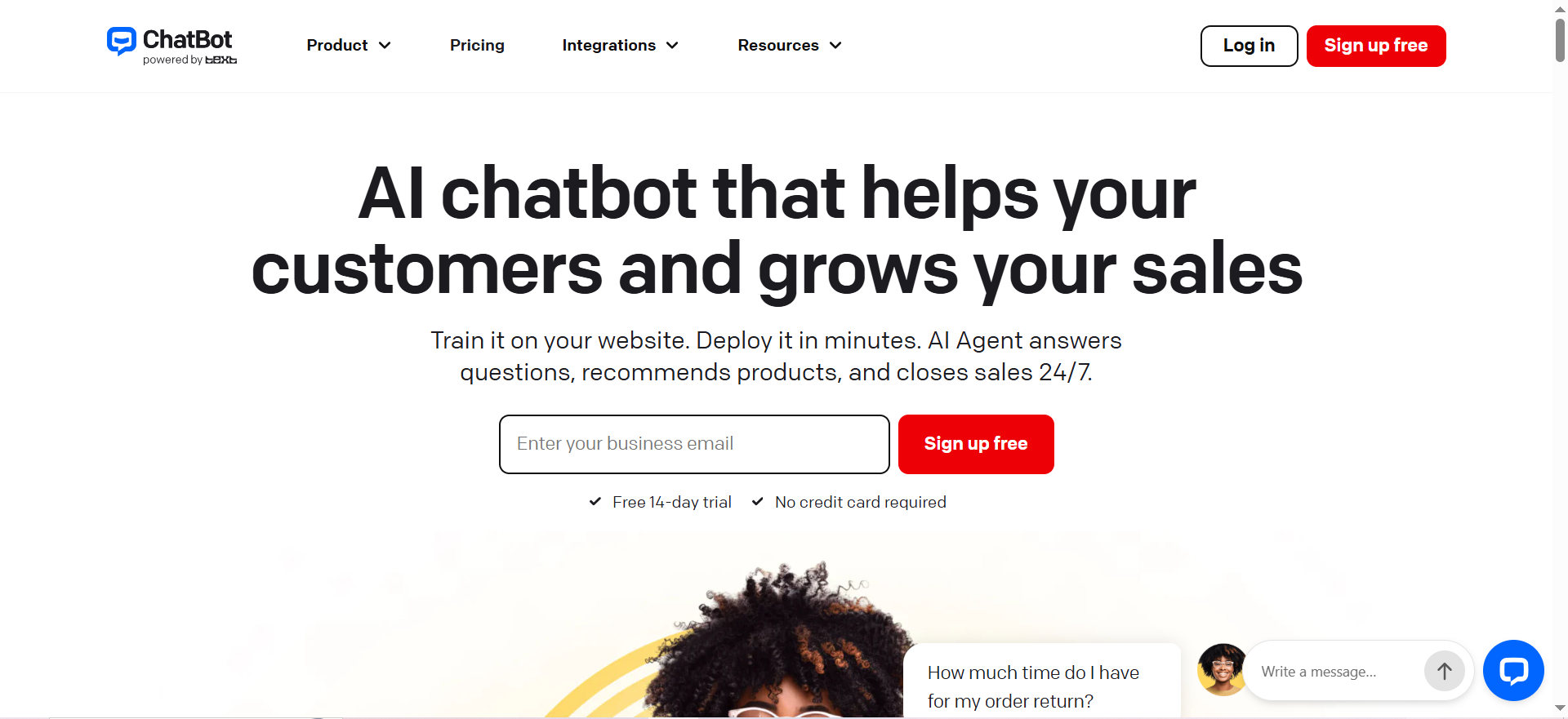
ChatBot (by Text, formerly LiveChat Inc.) is a no-code visual chatbot builder with an AI layer trained on your business data. It focuses on website-based customer interactions with a strong lean toward e-commerce use cases: product recommendations, buying signal detection, checkout recovery, and lead generation.
Unlike fully agentic platforms, ChatBot operates primarily through visual conversation flows that you design, with AI filling in the gaps where flows do not have explicit paths.
Why Teams Switch to It
ChatBot appeals to teams that want a chatbot they can build and deploy in a day without writing code, especially if the primary channel is a website or Shopify store.
Key reasons teams choose ChatBot:
- Visual flow builder with drag-and-drop logic. Non-technical team members can create and modify conversation paths without developer involvement.
- E-commerce features including product card carousels, buying signal triggers, and abandoned checkout recovery flows.
- Multilingual support with automatic language detection.
- Human handoff routes conversations to live agents when the bot reaches its limits.
- Capterra reviewers give it 4.7/5, praising setup speed and customization options.
Best Fit
- E-commerce teams (Shopify, WordPress/WooCommerce) that need a website chatbot for lead capture, product recommendations, and checkout recovery.
- Marketing teams that want to qualify leads through structured conversation flows before routing to sales.
- SMBs with low conversation volume who can stay within plan limits.
Not a Fit
- Teams that need WhatsApp, Facebook auto-reply, or social channel support. ChatBot does not currently offer these integrations.
- Companies with high conversation volume. The Essential plan includes only 10 AI resolutions per month, and overages cost $0.99 per resolution, which adds up fast.
- Teams that need the chatbot to handle complex dissatisfaction scenarios (frustrated customers, multi-issue complaints). G2 reviewers note that the bot struggles in these situations.
Pricing
| Plan | Cost | AI Resolutions Included |
|---|---|---|
| Essential | $19/user/mo | 10/month |
| Growth | $79/user/mo | 200/month |
| Enterprise | Custom | 200/month |
| Overage | $0.99/resolution | Per resolution beyond plan |
Important: ChatBot and LiveChat are billed as separate products. If you need both a chatbot and live agent chat, you are paying for two subscriptions.
Free Tier
No free tier. A free trial is available, but there is no permanently free plan.
Downsides
- Essential plan is nearly unusable. 10 AI resolutions per month is not enough for any real support operation. Most teams need Growth ($79/user/mo) at minimum.
- No WhatsApp integration. A significant gap for teams with customers on messaging platforms.
- No Facebook auto-reply. Social media support is limited.
- Dual-product pricing. ChatBot and LiveChat are billed separately. If you need both, expect to budget for two tools.
- Conversation flow loops. Multiple users report that bots can get stuck in repetitive loops when conversations deviate from expected paths.
- Cannot handle complex dissatisfaction. The AI defaults to handoff rather than attempting de-escalation or resolution.
Compliance
SOC 2, GDPR, CCPA, PCI DSS, WCAG 2.2.
Decagon
What It Does
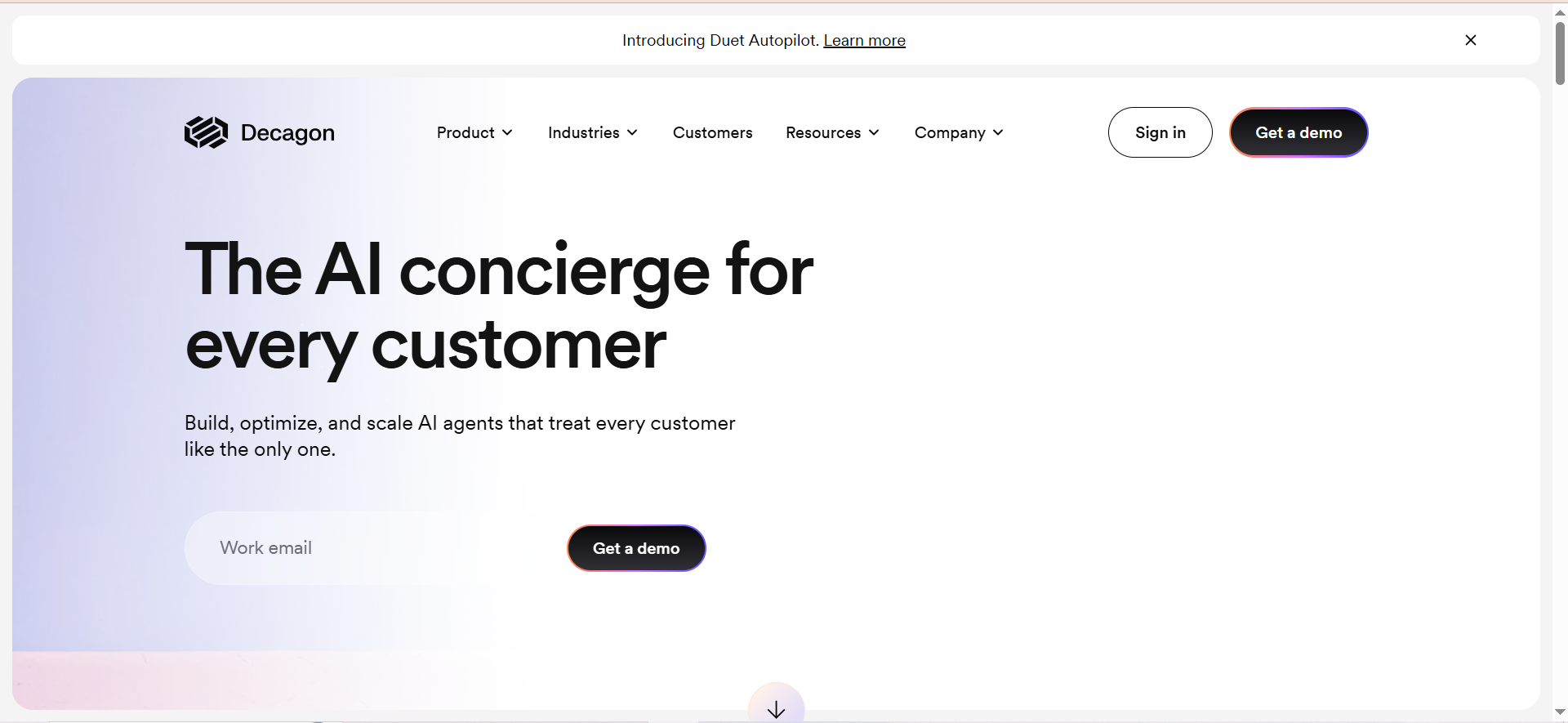
Decagon is an enterprise-grade AI agent platform purpose-built for large-scale customer support operations. It does not offer a chatbot builder or visual flow editor. Instead, it uses Agent Operating Procedures (AOPs), which are structured instruction sets that define how the AI agent should handle specific scenarios, make decisions, and take actions.
The platform supports AI Actions that execute real operations: processing refunds through payment processors, updating orders in e-commerce platforms, and modifying records in CRMs. It covers chat, email, voice (with sub-second latency), and SMS under a single agent framework.
Decagon was valued at $4.5 billion in January 2026 after raising a $250 million Series D round.
Why Teams Switch to It
Decagon is for companies that have already tried lighter AI tools and hit their ceiling. The platform's customer list reads like a tech industry roster: Chime, Affirm, Notion, Rippling, Eventbrite, Figma, Hertz, Riot Games, Duolingo, and Grubhub are all publicly listed customers.
Key reasons enterprise teams choose Decagon:
- Agent Operating Procedures (AOPs) give precise control over agent behavior without relying on prompt engineering alone.
- AI Actions with write access. The agent can actually process refunds, update orders, and modify CRM records, not just look things up.
- Watchtower QA monitoring provides real-time quality oversight with confidence scoring, which helps measure agent performance at scale.
- A/B testing and simulation with AI mock customers let you test agent performance before going live.
- Unit and regression testing for support agent configurations, treating AI agents like software.
- Zero-day data retention with LLM providers addresses enterprise data security concerns.
Best Fit
- Large enterprises processing 10,000+ support conversations per month across multiple channels.
- Regulated industries (fintech, healthcare, insurance) that need HIPAA compliance with BAA and zero-day data retention.
- Companies with dedicated "Agent Engineer" roles or technical teams that can invest weeks-to-months in implementation. (Unsure whether to build or buy? Read our build vs buy breakdown.)
Not a Fit
- Any company with fewer than ~100 agents or sub-$50K annual support tooling budget. Decagon's median contract is roughly $400K/year (vendor-reported).
- Teams that need fast deployment. Implementation takes weeks to months with dedicated engineering resources.
- Organizations that need full audit transparency. Multiple reviewers flag that it is difficult to audit why the AI made specific decisions, though Watchtower and Trace View are improving this.
Pricing
Decagon is enterprise-only with no self-serve pricing.
- Annual platform fee: Starting at approximately $50K/year
- Per-resolution cost: Approximately $0.50/resolution
- Median annual contract: ~$400K/year (vendor-reported)
- No free trial, no self-serve signup
Free Tier
None. No free tier, no free trial, no self-serve option.
Downsides
- Completely inaccessible to SMBs and most mid-market teams. The pricing floor eliminates the majority of potential buyers.
- Transparency issues. It can be hard to audit why the agent made a particular decision, which is a compliance risk in regulated industries.
- Requires a dedicated "Agent Engineer." You need specialized staff to build, test, and maintain AOPs.
- Weeks-to-months implementation. This is not a deploy-on-Friday tool.
- Limited customization granularity. Some teams report that fine-tuning agent behavior below the AOP level is difficult.
- Tiny G2 sample. The 4.9/5 rating comes from only 18 reviews. For context, Freshdesk has over 3,700.
- Per-resolution billing disputes. Some customers report disagreements over what counts as a "resolution."
Compliance
SOC 2 Type II, GDPR, HIPAA (with BAA). Zero-day data retention with LLM providers.
Decagon's 4.9/5 G2 rating comes from just 18 reviews. Compare that with Freshdesk's 4.4/5 from 3,742 reviews. Small sample ratings are unreliable for making purchasing decisions. Weight review volume alongside scores.
Quickchat AI
What It Does
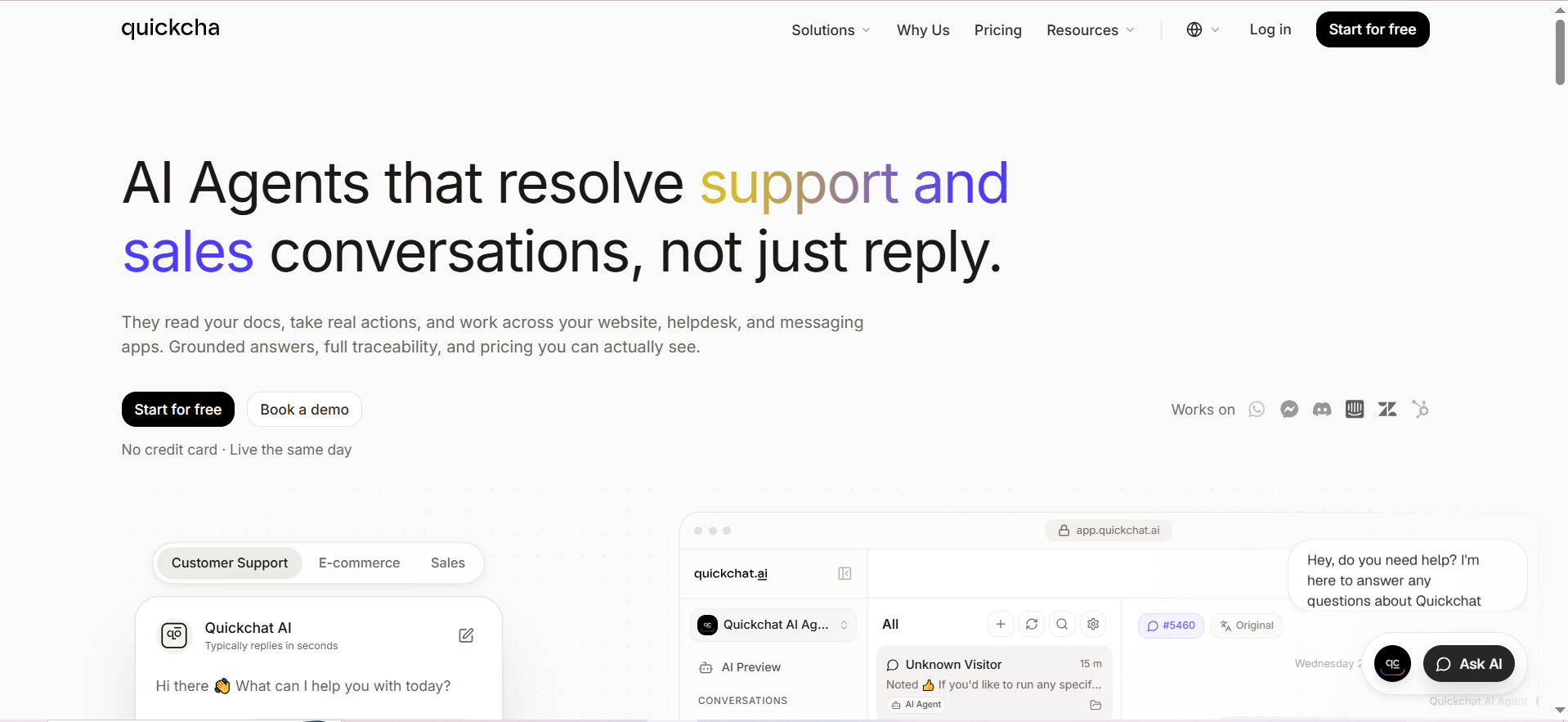
Quickchat AI is a no-code AI agent platform that lets you deploy custom AI agents for customer support, sales, and e-commerce without writing code. The agents are grounded in your knowledge base with answer traceability, meaning you can see exactly which KB article the AI used to generate each response.
The platform includes an Insights Module that surfaces conversation topics, trends, sentiment analysis, and knowledge base gaps, helping teams identify where their documentation needs improvement.
Why Teams Switch to It
Quickchat AI occupies the budget-friendly end of the AI agent market. It is one of the few platforms in this category that offers a genuinely usable free tier (200 messages per month with 1 AI Action), making it viable for startups testing AI support for the first time.
Key reasons teams choose Quickchat AI:
- Free tier that actually works. 200 messages per month with automated actions is enough for early-stage startups to validate AI support before spending.
- Multi-channel deployment across website, WhatsApp, Slack, email, and HubSpot without premium upgrades.
- Answer traceability shows which KB article powered each response, making it easy to audit and improve.
- Insights Module identifies trending topics, sentiment shifts, and KB gaps automatically.
- Tone and boundary controls let you define conversation guardrails without prompt engineering.
- Vendor-reported 60% ticket reduction for teams with well-structured knowledge bases.
Best Fit
- Early-stage startups with fewer than 1,000 support conversations per month that want to automate before hiring.
- Budget-conscious teams that need AI support for under $100/month.
- Non-technical founders who want no-code setup with minimal configuration time.
Not a Fit
- Teams with complex, multi-step support workflows. Multiple sources report that Quickchat struggles with ambiguous or multi-step requests, sometimes entering conversation loops.
- Companies that need image sharing in conversations. Quickchat AI cannot share images in chat.
- Organizations requiring SOC 2 compliance. SOC 2 is not publicly confirmed for Quickchat AI, which disqualifies it for many B2B SaaS buyers.
- Teams that need extensive review data to justify a purchase. Quickchat has only 1 review on G2 (3.5/5), making independent validation nearly impossible.
Pricing
| Plan | Cost | Messages/Month | AI Actions |
|---|---|---|---|
| Free | $0 | 200 | 1 |
| Basic | $35/mo | 3,000 | Not specified |
| Essential | $99/mo | 15,000 | 3 |
| Professional | $379/mo | 35,000 | 5 + human handoff |
| Enterprise | Custom | Custom | Custom ($0.50/resolution) |
Free Tier
Yes. The free plan includes 200 messages per month and 1 AI Action. No credit card required. This is enough to test the platform with real conversations before upgrading.
Downsides
- Struggles with multi-step and ambiguous requests. Conversations can loop when the query does not have a clear, single-step resolution.
- Bot training is iterative and not intuitive. Expect a learning curve as you refine the AI's behavior through repeated adjustments.
- Cannot share images. The AI agent cannot send images, screenshots, or visual content in conversations.
- Quality depends entirely on KB quality. If your knowledge base is thin or poorly structured, resolution rates will be low.
- Advanced API use requires technical knowledge. The no-code promise breaks down for custom integrations and complex workflows.
- Almost no independent review data. With 1 G2 review and limited Capterra presence, you are largely relying on vendor claims.
- No confirmed SOC 2 compliance. GDPR compliant, but SOC 2 is not publicly documented.
Compliance
GDPR compliant. SOC 2 is NOT publicly confirmed. No HIPAA support documented.
Quickchat AI is the only tool in this list with a genuinely useful free tier. If you are a startup with under 200 support conversations per month, you can run AI support at zero cost while you evaluate whether to invest in a paid platform.
Pylon
What It Does
Pylon is an AI-native B2B support platform designed specifically for SaaS companies that manage customer relationships through Slack Connect, Microsoft Teams, and Discord. Rather than forcing customers into a traditional support portal, Pylon meets them in the communication channels they already use.
The platform includes AI Assistants (surface context and draft replies for human agents, similar to agent assist copilot tools), AI-powered KB gap detection (identifies missing documentation based on conversation patterns), and Account Intelligence (churn signals, feature request tracking, and customer health scores).
Pylon is Y Combinator-backed and has gained traction particularly among B2B SaaS startups that use Slack Connect as their primary customer communication channel.
Why Teams Switch to It
Pylon solves a specific problem that Intercom does not address well: B2B support conversations that happen in Slack channels, not in support widgets. If your customers are enterprise buyers who expect a shared Slack channel with your team, Pylon is built for that workflow.
Key reasons teams choose Pylon:
- Native Slack Connect, Teams, and Discord support. Not an integration layer on top. These are first-class channels.
- Account Intelligence provides churn signals, feature request aggregation, and health scores per customer account, turning support data into product and revenue insights.
- AI-powered KB gap detection identifies topics that generate tickets but lack documentation, then drafts articles to fill those gaps.
- G2 rating of 4.9/5 with Quality of Support scored at 9.7/10 across approximately 110 reviews. Reviewers on G2 consistently praise support responsiveness, with defects reportedly fixed same-day.
- ISO/IEC 42001:2023 certification (AI Management Systems), which is uncommon in this category.
Best Fit
- B2B SaaS companies that use Slack Connect or Microsoft Teams as their primary customer communication channel.
- Customer Success teams that need account-level intelligence (churn prediction, feature requests, health scores) alongside support tooling.
- Startups with 3+ support staff that want a single workspace unifying conversations across Slack, Teams, Discord, email, and chat.
Not a Fit
- Teams that need phone, WhatsApp, or SMS support on lower plans. These channels are not available on Starter or Professional plans.
- Companies that need a mobile app for support agents. Pylon does not offer one.
- Budget-constrained teams. The 3-seat minimum at $59/seat means a $177/month floor, and AI features cost extra ($50/seat/month for AI Assistants, $100+/month for AI Agents).
- Teams where Slack is not the primary customer channel. Pylon's Slack-first design is a strength if your customers are there, but adds unnecessary complexity if they are not.
Pricing
| Plan | Cost | Minimum |
|---|---|---|
| Starter | $59/seat/mo | 3 seats ($177/mo min) |
| Professional | $89/seat/mo | 3 seats ($267/mo min) |
| Enterprise | $139/seat/mo | 7 seats ($973/mo min) |
| AI Assistants | ~$50/seat/mo | Add-on |
| AI Agents | From $100/mo | Add-on |
| Account Intelligence Premium | $10/customer account/mo | Add-on |
Free Tier
None. No free tier, no free trial publicly listed. The minimum commitment is $177/month (3 seats on Starter).
Downsides
- No phone, WhatsApp, or SMS on lower plans. Multi-channel support beyond Slack/Teams/Discord/email requires Enterprise.
- No mobile app. Agents cannot manage support conversations from a phone.
- Slack-first design is limiting if your customers do not use Slack. The platform's core value proposition becomes irrelevant for B2C or non-Slack B2B teams.
- AI is a paid add-on, not included in base pricing. AI Assistants ($50/seat/mo) and AI Agents ($100+/mo) are separate costs on top of already-premium seat prices.
- API limitations. Some users on G2 report that API capabilities are more limited than expected for custom workflows.
- Learning curve. Initial setup is described as cumbersome by multiple reviewers, though post-onboarding satisfaction is high.
- Pricing unpredictability with add-ons. Between seats, AI Assistants, AI Agents, and Account Intelligence Premium, the final bill can be significantly higher than the base seat price suggests.
Compliance
SOC 2 Type II, ISO 27001:2022, ISO/IEC 42001:2023 (AI Management Systems), GDPR, HIPAA (Enterprise plan with BAA).
Pylon is the only tool in this list with ISO/IEC 42001:2023 certification (the international standard for AI Management Systems). If your enterprise procurement team is starting to ask about AI governance certifications, Pylon is ahead of the curve.
Cost Scenario Comparison: What You Will Actually Pay
Pricing pages are misleading. The table below shows estimated real monthly spend at three team sizes, assuming 2,000 AI-handled conversations per month for the startup tier, 8,000 for mid-market, and 25,000 for enterprise. All figures are based on July 2026 published pricing plus add-ons required for AI functionality.
| Scenario | Freshdesk Freddy AI | ChatBot | Quickchat AI | Pylon | Decagon |
|---|---|---|---|---|---|
| 5-seat startup (2K AI convos/mo) | ~$635/mo | ~$395/mo | $99/mo | ~$545/mo | N/A |
| 15-seat mid-market (8K AI convos/mo) | ~$2,845/mo | ~$1,185/mo | $379/mo | ~$2,085/mo | N/A |
| 50-seat enterprise (25K AI convos/mo) | ~$7,800/mo | Enterprise (custom) | Enterprise (custom) | ~$9,450/mo | ~$33K+/mo |
The takeaway: Quickchat AI is the cheapest option by a wide margin at startup and mid-market volumes, but its limited review data and missing SOC 2 certification create risk. Freshdesk Freddy AI's costs scale steeply with conversation volume. Pylon is premium but justifiable if Slack-based support is your core workflow. For a deeper dive into AI vs outsourcing ROI, see our separate analysis.
Not sure any of these fit? We build custom AI customer support solutions on open-source and API-first stacks. Get a build-vs-buy assessment
Which Alternative Fits If You Need True Agentic AI (Not Just a Chatbot)?
There is a meaningful difference between a chatbot that follows scripted flows and an AI agent that can take actions autonomously. Here is how the five tools stack up on the agentic spectrum.
Fully agentic (can take real actions):
- Decagon leads this category. Its AI Actions execute refunds, update orders, modify CRM records, and handle multi-step workflows with write access to connected systems.
- Freshdesk Freddy AI offers pre-built agentic workflows for refunds and order updates, but e-commerce integrations are currently read-only.
Semi-agentic (can take limited actions):
- Quickchat AI supports task automation via API with up to 5 AI Actions on the Professional plan, but struggles with multi-step and ambiguous requests.
- Pylon provides AI Assistants that draft replies and surface context, plus AI Agents for autonomous resolution, but the agentic features are paid add-ons.
Flow-based (structured conversations, not autonomous):
- ChatBot relies on visual conversation flows with AI filling gaps. It does not take autonomous actions beyond what you explicitly build into the flow logic.
If your primary reason for leaving Intercom is to get true autonomous resolution with write access to your systems, your realistic choices are Decagon (if you have the budget) or Freshdesk Freddy AI (with the read-only limitation accepted). For a broader look at the top AI support platforms, see our SaaS-focused comparison.
How Does Compliance Compare Across These Alternatives?
For regulated industries (fintech, healthcare, insurance), compliance certifications are not optional. Here is the full breakdown.
| Certification | Freshdesk Freddy AI | ChatBot | Decagon | Quickchat AI | Pylon |
|---|---|---|---|---|---|
| SOC 2 Type II | Yes | Yes (SOC 2) | Yes | Not confirmed | Yes |
| ISO 27001 | Yes | No | No | No | Yes (2022) |
| ISO/IEC 42001 | No | No | No | No | Yes (2023) |
| GDPR | Yes | Yes | Yes | Yes | Yes |
| HIPAA (with BAA) | Yes (Enterprise) | No | Yes | No | Yes (Enterprise) |
| Zero-day LLM retention | No | No | Yes | No | No |
Key compliance takeaways:
- HIPAA-eligible options: Freshdesk Freddy AI (Enterprise), Decagon, and Pylon (Enterprise). Use our buyer's evaluation checklist to compare compliance postures side by side.
- Best for AI governance: Pylon is the only tool with ISO/IEC 42001:2023 certification.
- Best for data minimization: Decagon's zero-day data retention with LLM providers means your customer conversations are not stored by the underlying AI model provider.
- Compliance risk: Quickchat AI lacks publicly confirmed SOC 2 certification, which may be a dealbreaker for B2B SaaS buyers whose customers require it.
What Channels Does Each Alternative Support?
Channel coverage determines whether you can consolidate your support stack or need to keep running multiple tools in parallel. Understanding which channels matter is essential for providing round-the-clock support.
- Freshdesk Freddy AI: Email, webchat, WhatsApp, social media. Available across most plans.
- ChatBot: Website widget, Shopify, WordPress. No WhatsApp, no Facebook auto-reply, no social DMs.
- Decagon: Chat, email, voice (sub-second latency), SMS. Full omnichannel under a single agent.
- Quickchat AI: Website, WhatsApp, Slack, email, HubSpot. Multi-channel without premium upgrades.
- Pylon: Slack Connect, Microsoft Teams, Discord, email, chat widget. Phone/WhatsApp/SMS only on Enterprise.
If WhatsApp is critical: Freshdesk Freddy AI or Quickchat AI.
If voice support is critical: Decagon is the only option with native voice AI at sub-second latency.
If Slack Connect is critical: Pylon is purpose-built for this.
Can Any of These Tools Replace Intercom's Live Chat and AI Together?
Most teams switching from Intercom need both: a chat widget for website visitors and an AI layer for automated resolution. Not every tool on this list does both, and some charge separately for each.
Single-product solutions (chat + AI in one subscription):
- Freshdesk Freddy AI includes the chat widget in the base plan and AI as an add-on.
- Decagon provides both through its unified agent platform.
- Quickchat AI includes a website widget with AI built in.
- Pylon includes a chat widget alongside Slack/Teams/Discord with AI as add-ons.
Dual-product (separate subscriptions required):
- ChatBot requires a separate LiveChat subscription if you want human agent chat alongside the chatbot. Two products, two invoices, two admin consoles.
How Long Does Migration Actually Take?
Switching from Intercom is not just a pricing decision. Implementation timelines vary dramatically.
- ChatBot: Days. The visual flow builder means you can have a basic chatbot running within 1 to 3 days.
- Quickchat AI: Days to 1 week. No-code setup with KB upload. Iterative training over 1 to 2 weeks.
- Freshdesk Freddy AI: 2 to 4 weeks. Migrating tickets, setting up automations, and configuring omnichannel routing.
- Pylon: 2 to 4 weeks. Initial setup is cumbersome but post-onboarding satisfaction is high.
- Decagon: Weeks to months. Enterprise implementations with AOP design, integration configuration, and staged rollout. Budget 4 to 12 weeks minimum.
Migration timeline is not the same as time-to-value. ChatBot can be deployed in days, but its automation ceiling is lower. Decagon takes months to implement, but enterprise teams report that once live, it handles the majority of their conversation volume autonomously. Choose based on your timeline constraints AND your long-term automation ambition.
FAQs
Quickchat AI is the most affordable option. Its free tier includes 200 messages per month at zero cost, and the Basic plan starts at $35/month for 3,000 messages. Freshdesk Freddy AI's cheapest AI-capable configuration starts at $78/month. ChatBot's Growth plan costs $79/user/month. Pylon requires a 3-seat minimum at $59/seat ($177/month minimum before AI add-ons).
Yes, but with varying depth. Freshdesk Freddy AI offers real-time translation. ChatBot supports multilingual flows with automatic language detection. Quickchat AI supports multilingual conversations natively. Decagon handles multilingual support across all channels. Pylon supports multiple languages depending on AI add-on tier. None require separate language-specific agents.
Decagon offers the strongest compliance posture with SOC 2 Type II, HIPAA with BAA, GDPR, and zero-day data retention with LLM providers. (See the full list of real-world AI service use cases in regulated verticals.) Freshdesk Freddy AI and Pylon also offer HIPAA on Enterprise plans. ChatBot and Quickchat AI do not offer HIPAA.
Two do. Freshdesk offers a free plan for up to 2 agents with basic ticketing (no AI). Quickchat AI offers a free plan with 200 messages per month and 1 AI Action, which does include AI functionality. ChatBot, Decagon, and Pylon do not offer free plans.
Decagon is the only tool with native AI voice support, offering sub-second latency. The other four do not offer AI-powered voice support as of July 2026. If AI voice is a requirement, Decagon is your only choice among these five, though its enterprise pricing puts it out of reach for smaller teams.
It depends on why you are switching. If cost is the primary driver, Quickchat AI (free or $35 to $99/month) or ChatBot ($79/month for usable AI) can reduce your monthly spend significantly. For small teams, the practical choice is between Quickchat AI (cheapest, weakest review validation) and Freshdesk Freddy AI (more established, but more expensive once AI add-ons are included).
Chose a platform but need integration help, or outgrew off-the-shelf? Book a scoping call with BitBytes