

Switching customer support platforms is expensive in time, not just money. You have to re-train a knowledge base, re-map integrations, and get your team fluent in a new interface, so the tool you pick next needs to actually fit how you work today, not just look good on a pricing page.
TL;DR
If you're evaluating Tidio alternatives, five tools consistently come up in comparisons for AI-driven customer support: ChatBot, Quickchat AI, Kommunicate, Tawk.to, and Kastro. Each targets a different budget and team profile, from Tawk.to's genuinely free live chat core to Quickchat AI's resolution-based enterprise pricing built for e-commerce scale.
None of these are a universal "best" pick. The right one depends on whether you need a no-code flow builder, a fully custom AI agent, a free entry point, or omnichannel coverage across WhatsApp and mobile apps. This guide breaks down verified pricing, ratings, features, and documented limitations for each, so you can shortlist in minutes instead of days.
Table of Contents
Need help deciding, or want something built around your exact support workflow?
Off-the-shelf platforms are built for the average use case, and your support flow probably isn't average. BitBytes builds and deploys custom AI customer support agents that integrate directly with your existing stack, whatever that stack looks like.
[Talk to our engineers about your use case →]
Quick Comparison Table
| Tool | Starting Price | Free Tier | Best For |
|---|---|---|---|
| ChatBot | $19/user/mo (annual), $25/mo billed monthly | No permanent free plan (14-day trial) | Teams wanting a no-code flow builder with a shared inbox |
| Quickchat AI | Free plan available; paid from $9/mo | Yes, permanent (50 AI credits/mo) | Teams that want a fully custom AI agent without an enterprise budget |
| Kommunicate | $40/mo (monthly), $34/mo (annual) | No permanent free plan (30-day trial) | Support teams needing human-AI handoff with governance controls |
| Tawk.to | $0 (core product is free indefinitely) | Yes, permanent and unlimited agents/chats | Budget-constrained teams needing live chat plus optional paid add-ons |
| Kastro | Free plan available; paid from $35/mo | Yes, limited (100 one-time AI credits) | Solo founders and small SaaS teams wanting fast, simple deployment |
How We Evaluated These Tools
We assessed each platform against six criteria that matter for teams actually switching off Tidio, not just browsing:
- Verified pricing. Every price in this article was checked directly against the vendor's current pricing page. Where a figure wasn't publicly disclosed, we say so instead of guessing.
- Free tier substance. A "free trial" and a "free plan" are not the same thing. We note which tools offer a genuinely free, no-time-limit entry point versus a trial that converts to a paid card charge.
- Third-party review signal. We pulled ratings and review counts from G2 and Capterra where available, and flagged tools with thin review coverage rather than inflating confidence in a small sample.
- AI agent depth versus rule-based flows. Some tools are AI-native from the ground up; others bolt AI onto a live-chat or flow-builder core. That distinction matters for how much setup and ongoing tuning you'll do.
- Integration and channel coverage. We checked which messaging channels and e-commerce platforms each tool connects to natively, since that determines how much custom work you'll need before go-live.
- Documented limitations. Every downside listed here is sourced from a Tier 2 source (G2, Capterra, or a vendor's own help documentation), not speculation.
We deliberately excluded raw star ratings as a standalone ranking signal. A 4.8 rating built on 24 reviews carries a different weight than a 4.5 rating built on 200 reviews, and neither number tells you whether the tool fits your specific stack. Where review volume is thin, we call it out explicitly rather than letting a small, possibly self-selected sample pass as a strong signal.
We also didn't rank these tools against each other with a single overall winner. A resolution-based pricing model that's excellent for a low-volume SaaS support inbox can be the wrong economic choice for a high-volume e-commerce storefront during a sale event, and a seat-based model that's expensive for a two-person team can be efficient once you have ten agents sharing one subscription. Fit depends on your volume, your team size, and how much control you want over the AI's behavior, so we've structured this guide around helping you match your situation to the right tool rather than crowning one.
Tool #1: ChatBot
What it does
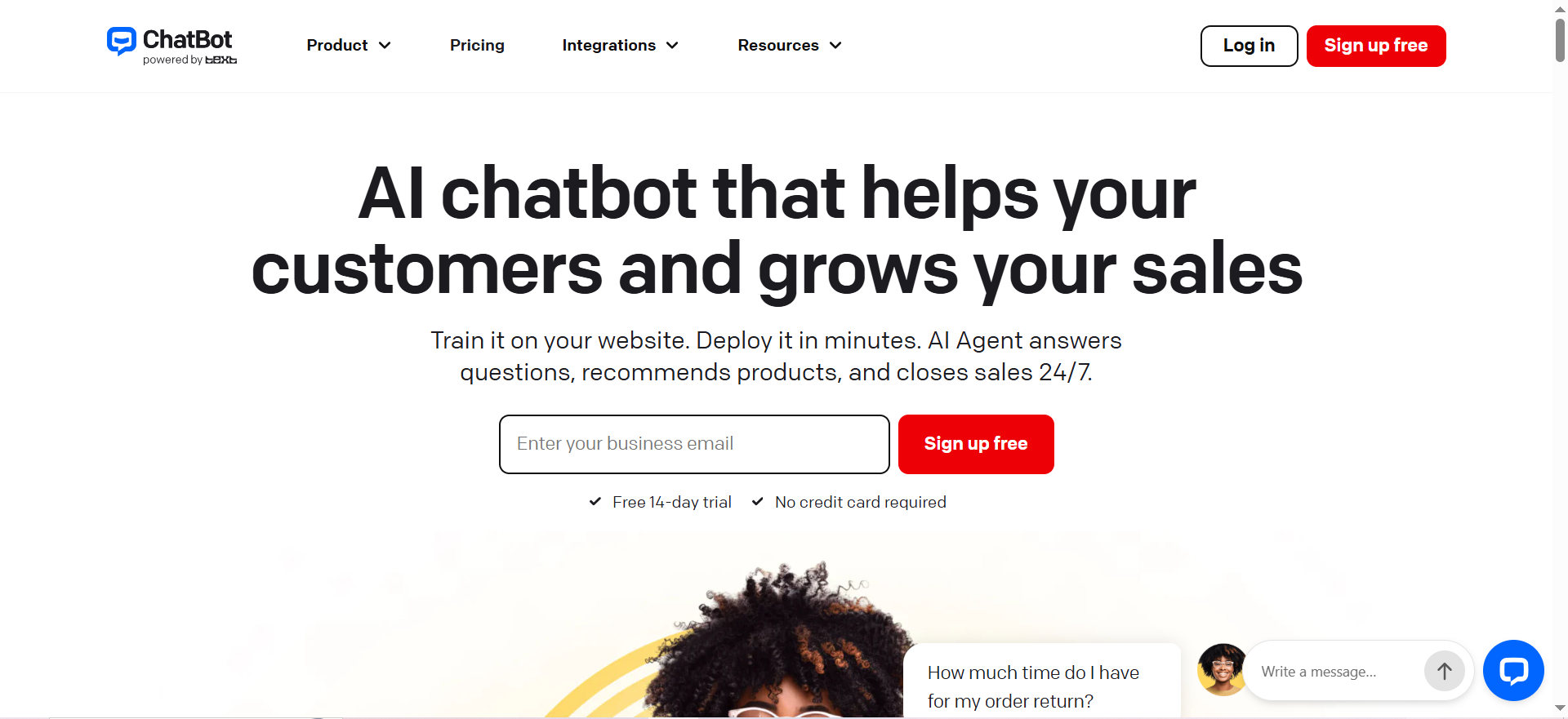
ChatBot (chatbot.com, operated by the company Text) is a no-code chatbot and AI agent builder with a visual flow designer, a shared team inbox, and a ticketing layer built on top. It positions itself as an AI Agent platform that resolves customer queries automatically while giving human agents a structured inbox for escalations.
The product sits between a pure rule-based chatbot and a fully autonomous AI agent: you design the conversation logic visually, then layer AI on top to handle the parts of the conversation that fall outside the flows you've mapped. That hybrid approach is a deliberate tradeoff, more predictable than a fully autonomous agent, but requiring more upfront design work than tools that let the AI figure out the flow on its own.
Why teams use it
Teams choose ChatBot when they want a visual, drag-and-drop way to design conversation flows without writing code, paired with a shared inbox so support agents aren't juggling a separate helpdesk tool. It bundles an AI Agent, an AI Copilot for reply suggestions, a customizable widget, visitor tracking, and workflow automation into one subscription.
Best fit / not a fit
Best fit: Small-to-mid support teams that want a structured flow builder plus a shared inbox in a single tool, and that are comfortable with per-seat, per-resolution pricing.
Not a fit: Solo founders or very early-stage teams on a tight budget, since there is no permanent free plan and the entry-level Essential tier caps out at a limited number of monthly resolutions before overage charges apply.
Key capabilities
- Visual, no-code conversation flow builder
- AI Agent for automated query resolution
- AI Copilot with suggested replies for human agents
- Shared inbox with ticketing system
- Customizable website chat widget
- Visitor tracking and workflow automation
- Advanced reporting on the Growth tier and above
Pricing (verified July 2026)
ChatBot runs three tiers, confirmed against the vendor's pricing page:
- Essential: $19/user/month billed annually ($25/month billed monthly). Includes a limited monthly allotment of AI Agent resolutions.
- Growth: $79/user/month billed annually ($99/month billed monthly). Includes a larger monthly resolution allowance, unlimited chat history, and advanced reporting.
- Enterprise: Custom quote-based pricing. Includes a much higher resolution volume, SOC 2 Type 2, SSO with audit logs, a white-label widget, and a dedicated account manager.
Hidden cost to flag: pricing is per user seat, so cost scales directly with headcount, not just usage. Once you exceed your plan's included resolutions, additional resolution packs are billed on top (roughly $0.99 per resolution when purchased in bulk packs).
Free tier?
No permanent free plan. ChatBot offers a trial period only; after that, a paid card is required to keep the bot live.
Downsides / limitations (sourced)
- G2 reviewers note the platform can struggle with complex queries and sometimes produces responses that feel scripted rather than conversational, requiring ongoing flow tuning to avoid users getting stuck in loops (G2).
- Capterra reviewers have flagged refund policy friction, with at least one reviewer reporting a declined refund shortly after an unused purchase (Capterra).
- Some Capterra reviewers describe the interface as leaning on dropdown menus rather than direct answers, and note the bot can ask more clarifying questions than expected before resolving a query (Capterra).
Tool #2: Quickchat AI
What it does
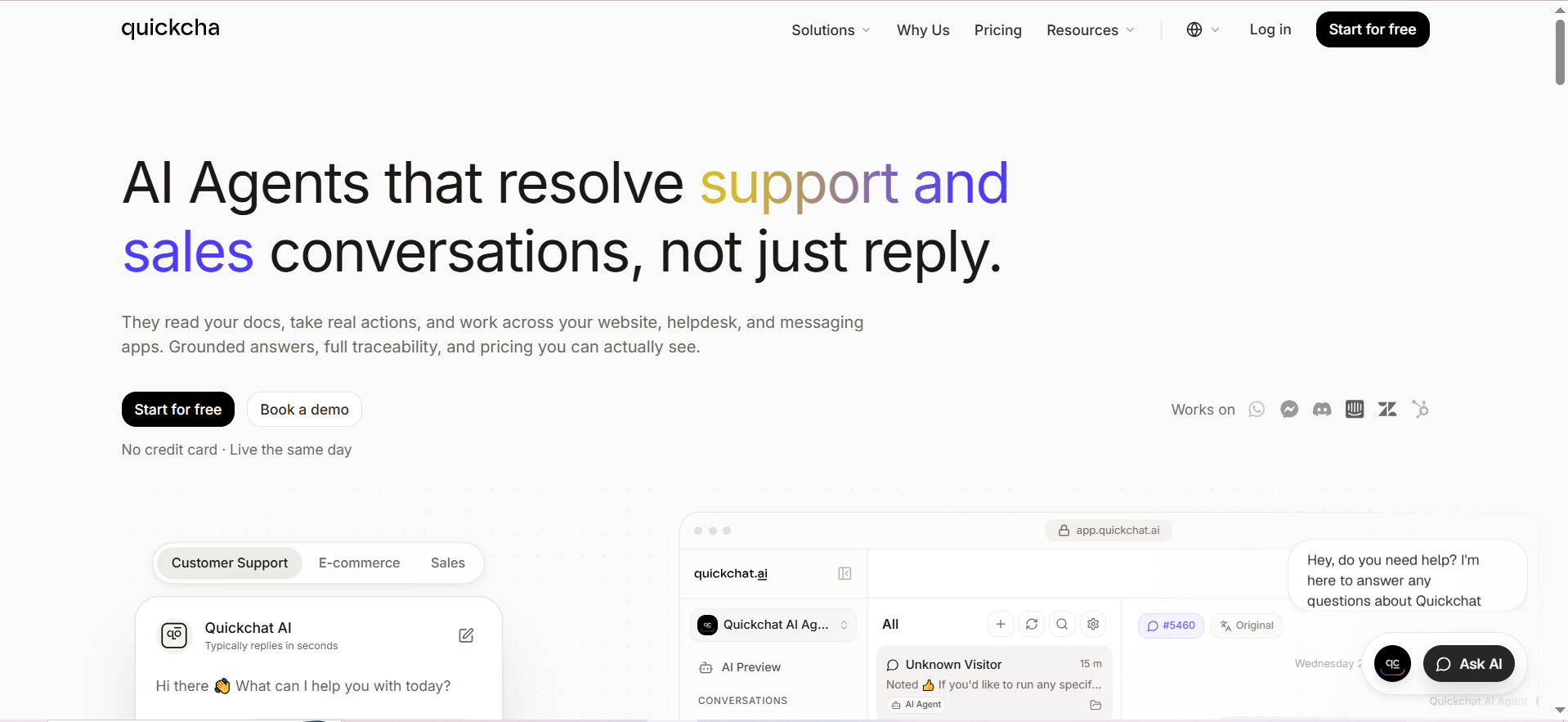
Quickchat AI builds custom, GPT-powered AI agents for customer support, sales, and e-commerce conversations, deployable across a website widget, WhatsApp, Shopify, Slack, and more. Unlike a rule-based flow builder, Quickchat's agent is trained on a knowledge base and configurable "AI Actions" that let it perform tasks (like checking order status) mid-conversation, not just answer FAQs.
Why teams use it
Teams pick Quickchat AI when they want an AI agent that behaves more like a trained support rep than a decision-tree bot, with the ability to take real actions (order lookups, refunds initiation, appointment booking) through its Actions framework. Its resolution-based Enterprise tier also appeals to e-commerce teams with unpredictable conversation volume, since Enterprise billing only counts conversations the AI actually resolves without human handoff.
Best fit / not a fit
Best fit: E-commerce and SaaS teams that want a genuinely custom AI agent (not a template bot) and are willing to manage a credit-based usage model as they scale.
Not a fit: Teams wanting a large number of seats on a lower-cost plan. Most plans below Professional include just a single user license, so multi-agent support teams will hit seat limits fast.
Key capabilities
- Custom AI agent trained on your knowledge base (text, websites, files, YouTube, Shopify via MCP)
- AI Actions for task execution during conversations, unlimited on every plan
- Multichannel deployment: website widget, WhatsApp, Discord, Shopify, Slack, Telegram, WordPress
- Sentiment analysis, CSAT collection, and AI-detected conversation topics
- Human handoff with configurable working hours
- Access to multiple underlying AI models, with more advanced models unlocked on paid tiers
Pricing (verified July 2026)
Confirmed directly from Quickchat AI's pricing page:
- Free: $0/month. 1 user license, 50 AI credits/month, 50 Knowledge Base articles.
- Starter: $9/month ($90/year). 150 AI credits/month, access to advanced AI models.
- Basic: $29/month ($290/year). 500 AI credits/month, 300 Knowledge Base articles.
- Essential: $99/month ($990/year). 3,000 AI credits/month, 500 Knowledge Base articles.
- Professional: $299/month ($2,990/year). 3 user licenses, 9,000 AI credits/month, branding removal.
- Business: $999/month ($9,990/year). 10 user licenses, 30,000 AI credits/month, API access, conversation export.
- Enterprise: Usage-based, starting from $0.50 per resolution with a 2,000-resolution/month minimum, custom seats and SLAs.
Hidden cost to flag: AI credits are consumed per message and vary by model, meaning a more advanced model (used for complex requests) burns through your monthly allowance faster than the standard model. Annual billing saves roughly 17% (2 months free) across all tiers.
Free tier?
Yes, permanent and does not require a credit card. It's capped at 50 AI credits/month and 1 user license, which is enough for testing but tight for live production traffic on anything beyond a small site.
Downsides / limitations (sourced)
- Third-party review coverage on G2 and Capterra is limited for Quickchat AI compared to more established live-chat incumbents, which makes it harder to independently verify support quality and reliability claims at scale (Capterra).
- The tight user-license caps on lower tiers (1 seat through Essential) mean support teams larger than one person need to jump to Professional or above just to add teammates.
- API access and full conversation export are gated behind the Business tier ($999/month), which is a steep jump for teams that need those capabilities early.
Tool #3: Kommunicate
What it does
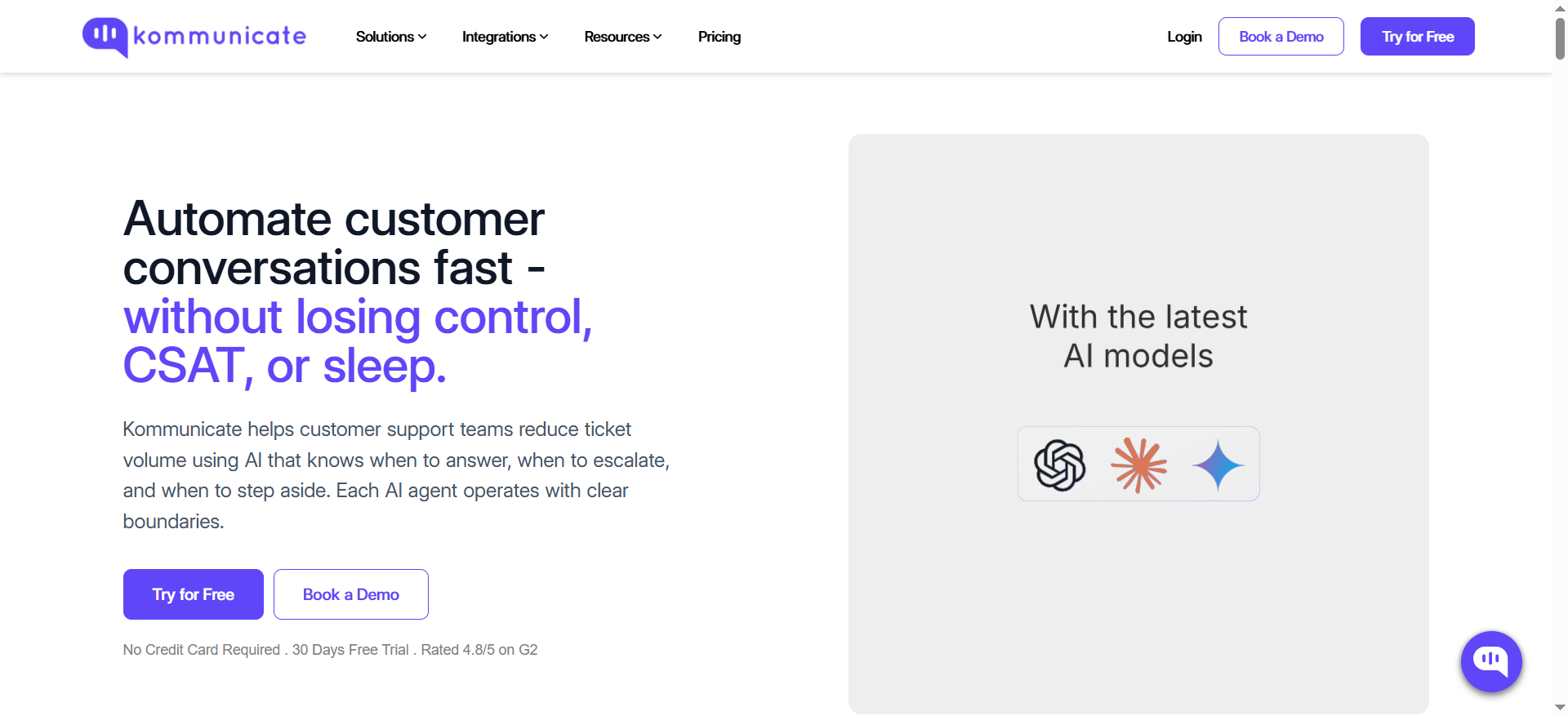
Kommunicate is an omnichannel AI customer support platform combining a no-code AI agent builder ("Kompose"), a voice AI agent, AI email ticketing, and live chat, deployable across web, mobile apps, WhatsApp, Telegram, and Instagram. It's explicitly positioned around a "start safe, scale automation" philosophy, with human escalation built in from day one.
That philosophy shows up in the product structure itself: the Starter tier is framed as a proof-of-concept stage, Professional as the point where a team has validated automation and wants to scale it with more control, and Enterprise as full-scale, governed deployment. It's a more staged approach than most competitors, which tend to treat every tier as simply "more of the same features."
Why teams use it
Teams choose Kommunicate when they want governance and visibility over AI automation rather than a black-box bot, particularly regulated or risk-conscious industries like insurance, banking, healthcare, and education, all of which Kommunicate publishes case studies for. Its tiered approach (Starter for proof-of-concept, Professional for scaled automation with human-in-the-loop, Enterprise for mission-critical deployment) is explicitly designed for teams that don't want to hand full control to AI immediately.
Best fit / not a fit
Best fit: Support teams in regulated or trust-sensitive industries that want AI automation with strong human-escalation controls and native connections into existing helpdesk and CRM systems.
Not a fit: Very small teams or solo founders on a tight budget. The entry Starter plan is priced meaningfully higher than budget-focused competitors, and per-conversation overage fees apply quickly if you exceed the included volume.
Key capabilities
- No-code AI agent builder (Kompose)
- Voice AI agent (billed separately at $0.06/minute)
- AI email ticketing and automated ticket resolution
- Omnichannel messaging: web, mobile SDKs, WhatsApp, Telegram, Instagram
- AI Summary, Agent Assist, and campaign messaging on Professional and above
- Native integrations with major helpdesk, CRM, and analytics platforms
Pricing (verified July 2026)
Confirmed directly from Kommunicate's pricing page:
- Starter: $40/month billed monthly ($34/month billed annually). Includes 1 AI agent, 1 team member, and 250 conversations/month (roughly 10,000 messages). Additional AI agents or team members cost $20/month each; additional conversations cost $15 per 1,000.
- Professional: $200/month billed monthly ($167/month billed annually). Includes 2 AI agents, 3 team members, and 2,000-2,500 conversations/month depending on billing cycle. Additional agents/seats cost $30/month each; additional conversations cost $10 per 1,000.
- Enterprise: Custom quote. Custom agent and seat counts, discounted per-conversation pricing, SSO, dedicated account manager, and branding removal.
Hidden cost to flag: both AI agents and human team members are metered add-ons past the included count ($20-30/month per unit), and voice AI is billed separately per minute on top of your plan.
Free tier?
No permanent free plan. Kommunicate offers a 30-day free trial on all plans, no credit card required to start the trial.
Downsides / limitations (sourced)
- Capterra reviewers have reported functional inconsistencies, including the web dashboard not showing the same conversations as the mobile app, and assigned chats not consistently appearing in the assigned conversations tab (Capterra).
- Some reviewers cite integration documentation that isn't fully up to date, creating setup friction for less technical teams (Capterra).
- Users have requested deeper native Facebook Messenger and WhatsApp functionality, suggesting some social-channel integrations feel less mature than the core web/email experience (Capterra).
Tool #4: Tawk.to
What it does
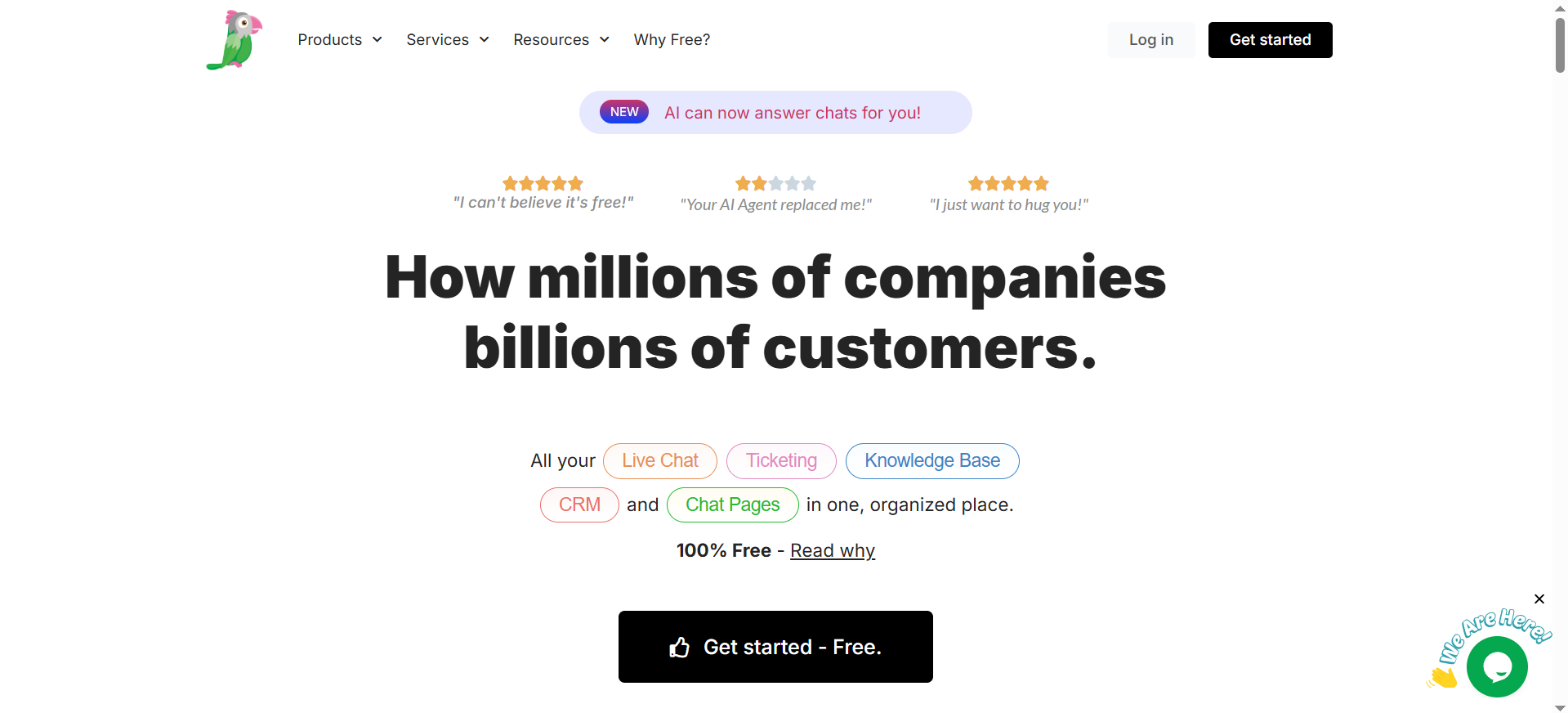
Tawk.to is a live chat and messaging platform with a genuinely free core product: unlimited agents, unlimited chat volume, unlimited sites, email ticketing, and a hosted knowledge base at no cost. Paid add-ons layer on top for AI Assist, human-staffed chat agents, and branding removal.
Why teams use it
Teams use Tawk.to when budget is the primary constraint and they want a reliable live-chat foundation without a seat-based subscription eating into margins. Because there's no cap on agents or chat volume even on the free tier, it scales differently from every other tool in this list: you pay for optional extras, not for using the core product more.
Best fit / not a fit
Best fit: Budget-constrained startups, solo founders, and small businesses that want unlimited live chat for $0 and are willing to add AI or staffing as separate, optional line items.
Not a fit: Teams wanting a deeply AI-native experience out of the box. Tawk.to's AI capability is an add-on layered onto a live-chat core, not a ground-up AI agent architecture, so it trails purpose-built AI platforms on conversational depth.
Key capabilities
- Unlimited live chat agents and chat volume on the free plan
- Hosted knowledge base and email ticketing included free
- AI Assist add-on: Growth ($29/month, 1,000 messages), Business ($99/month, 5,000 messages), Enterprise ($399/month, 20,000 messages)
- Hired chat agents service: professionally staffed human agents starting at $1/hour, scaling by coverage (24x7 coverage runs roughly $728/month; part-time coverage roughly $129/month)
- Remove Branding add-on: $29/month on annual billing
- Basic contact management and reporting dashboard included free
Pricing (verified July 2026)
Confirmed directly from Tawk.to's pricing and help center pages:
- Core platform: $0/month, indefinitely, no seat or volume caps.
- AI Assist Growth: $29/month for 1,000 AI messages.
- AI Assist Business: $99/month for 5,000 AI messages.
- AI Assist Enterprise: $399/month for 20,000 AI messages.
- Remove Branding add-on: $29/month (annual billing).
- Hired Agents: starts at $1/hour, scaling to $2.20-$3.00/hour for lower-coverage tiers; monthly cost ranges roughly $129 (part-time) to $728 (24x7) depending on coverage selected.
Hidden cost to flag: the free plan is real, but reaching feature parity with a true AI customer support agent requires stacking the AI Assist add-on on top, and message-based AI Assist pricing can climb quickly for high-volume sites.
Free tier?
Yes, and it's the most generous in this list: unlimited agents, unlimited chat volume, and no time limit. This is the core differentiator versus every other tool covered here.
Downsides / limitations (sourced)
- G2 and Capterra reviewers note that free-tier users can experience slower support response times, particularly during peak periods (Capterra).
- Some reviewers report the widget or dashboard can lag or slow page load speed under high traffic or with multiple simultaneous chats (G2).
- Full brand customization requires the paid Remove Branding add-on; without it, "Powered by tawk.to" remains visible, which some reviewers note limits how well the widget matches company branding on the free tier (G2).
Tool #5: Kastro
What it does
Kastro is a lightweight AI chatbot, live chat, and help center builder aimed at small teams and indie founders who want to go live fast. It combines a GPT-powered chatbot (constrained to answer from your help center content), a live chat widget, and an operator workspace in one product.
Why teams use it
Teams pick Kastro when speed to launch matters more than depth of feature set. A non-technical founder can upload help center articles, configure the widget, and go live in under a day, which makes it a common pick for early-stage SaaS products and solo operators who don't have engineering time to spend on setup.
Best fit / not a fit
Best fit: Solo founders and small SaaS teams who want the fastest path from signup to a live AI chatbot, and whose support volume is modest enough to fit within Kastro's credit-based plans.
Not a fit: Teams needing multilingual support at scale or deep customization. Kastro's help documentation and product currently center on English-language deployments, and lower tiers cap article and website counts tightly.
Key capabilities
- AI chatbot constrained to answer from your uploaded help center content (reduces off-topic or fabricated answers)
- Live chat widget alongside the AI chatbot
- Help center builder with article limits by tier
- GPT-3.5 by default, with GPT-4 available at 4x the standard message cost
- Typing suggestions for human operators
- Custom domain for embed scripts and branding removal on the top tier
Pricing (verified July 2026)
Confirmed directly from Kastro's pricing page:
- Free: $0/month. 1 website, 100 AI credits (one-time, not monthly), 50 help center articles, GPT-3.5 access.
- Starter: $35/month. 1 website, 2,000 AI credits/month, 100 help center articles.
- Growth: $75/month. 3 websites, 5,000 AI credits/month, 200 help center articles, two-month conversation history.
- Elite: Custom pricing. 10 websites, 20,000 AI credits/month, unlimited help center articles, priority support, custom domain, branding removal, custom integrations.
Hidden cost to flag: GPT-4 responses cost 4x the standard GPT-3.5 message rate against your credit allowance, so teams that need higher-quality responses will burn through monthly credits significantly faster than the sticker price implies. The free plan's 100 credits are a one-time allotment, not a recurring monthly grant.
Free tier?
Yes, but limited: 100 AI credits total (one-time, not renewing monthly), 1 website, and 50 help center articles. It's suitable for testing, not sustained production use.
Downsides / limitations (sourced)
- Kastro currently supports English-language deployments primarily, which limits its use for teams serving global, multilingual audiences.
- Independent review volume on G2 and Capterra is minimal to nonexistent for Kastro at time of writing, meaning buyers have less third-party signal to validate reliability claims compared to more established platforms.
- The one-time (not recurring) nature of the free plan's 100 AI credits means the free tier is effectively a trial rather than a sustainable long-term free option.
Which Tool Fits Your Situation? A Scenario Fit Matrix
Instead of re-reading every section, match your situation below.
| Your Situation | Best-Fit Tool | Why |
|---|---|---|
| Solo founder, near-zero budget, need something live today | Tawk.to (free core) or Kastro (free tier) | Tawk.to has no usage cap at all on its free plan; Kastro is faster to configure for an AI-first chatbot but its free credits are one-time only |
| E-commerce store scaling past FAQ-bot territory, want AI that can take actions (check orders, apply discounts) | Quickchat AI | Its AI Actions framework and Shopify/WhatsApp integrations are built for transactional, not just informational, conversations |
| SaaS team wanting a structured flow builder plus shared inbox for human agents | ChatBot | Purpose-built for teams that want visual flow design and a ticketing-style inbox in one subscription |
| Regulated industry (insurance, banking, healthcare) needing human-in-the-loop governance | Kommunicate | Explicitly designed around staged automation rollout with escalation controls and industry-specific case studies |
| Agency or team managing multiple client sites | Quickchat AI (Professional/Business) or Kastro (Elite) | Both offer multi-website support at the higher tiers; Quickchat's Business tier adds API access for programmatic management across clients |
Still not sure which platform fits, or need something none of these five quite cover?
Every platform on this list is built for a generic use case. If your support workflow involves custom data sources, a proprietary CRM, or logic none of these five vendors anticipated, an off-the-shelf tool will always require workarounds. BitBytes builds custom AI support agents scoped to your actual stack and workflow.
[Get a free assessment of your support automation needs →]
How much does switching from Tidio actually cost in the first 90 days?
Beyond the subscription price, budget for knowledge base migration (re-uploading or re-formatting your help content), integration re-mapping (reconnecting your e-commerce platform, helpdesk, or CRM webhooks), and a testing period where AI resolution rates are lower than your prior baseline while the new agent learns your content. Teams that skip a dedicated testing window before full cutover tend to see a temporary dip in CSAT during the first two to four weeks.
The size of that dip depends heavily on how much of your knowledge base transfers cleanly. If your existing FAQ content is well-structured (clear titles, one topic per article, no outdated screenshots or broken links), migration is mostly a copy-paste exercise across most of these platforms. If your content is scattered across help docs, old email templates, and tribal team knowledge, plan for a real content audit before you touch the new tool's setup screen, since a messy import produces a bot that answers questions inaccurately, which is worse for trust than no bot at all.
What team roles need to be involved in the migration decision, not just the setup?
A Tidio-to-alternative switch touches more than the person configuring the widget. Support leads need to validate that resolution quality holds up against real customer questions, not just canned demo scripts. Whoever owns billing needs to model realistic monthly cost under the new pricing structure (seat-based versus resolution-based) against actual historical conversation volume, not the vendor's example numbers. And if the tool connects to a CRM, helpdesk, or e-commerce platform, whoever owns that integration needs to confirm the connection is supported natively rather than requiring a third-party automation workaround, since that adds both cost and a point of failure.
Do any of these tools integrate directly with Shopify or WooCommerce?
Quickchat AI has a native Shopify integration via MCP for e-commerce-specific actions like order lookups. Kommunicate lists e-commerce as a supported industry with relevant integrations. ChatBot, Tawk.to, and Kastro support general website widget embedding on any platform, including Shopify and WooCommerce, but with less deep, e-commerce-specific action capability out of the box; confirm current integration depth directly with each vendor before committing, since integration catalogs change frequently.
Which of these tools works best if I need WhatsApp support?
Quickchat AI and Kommunicate both list native WhatsApp integration as a core supported channel. ChatBot and Kastro focus primarily on website widget and email-based channels. Tawk.to's core platform is web-widget and email-first; WhatsApp support should be confirmed directly against current documentation before purchase, since coverage can vary by region and account type.
Is a free tool like Tawk.to actually production-ready, or just good for testing?
Tawk.to's free core (live chat, unlimited agents, unlimited volume) is used in live production by real businesses, not just for testing; it's a genuinely different pricing model, not a crippled trial. The tradeoffs to weigh are AI depth (its AI capability is an add-on, not core to the platform) and support responsiveness, which reviewers note can be slower for free-tier users during peak periods.
How do resolution-based and seat-based pricing models actually compare in cost at scale?
Seat-based pricing (ChatBot, Kommunicate at the team-member level) scales with headcount regardless of chat volume, which can get expensive as you add support staff even if AI resolves most conversations. Resolution or credit-based pricing (Quickchat AI, Kastro) scales with actual usage, which rewards teams whose AI resolves a high percentage of conversations without human handoff, but can spike unpredictably during high-traffic periods (a product launch, a sale event) if you don't monitor usage. Model your expected monthly conversation volume against both pricing structures before committing to either.
Can I run more than one of these tools at the same time during a migration?
Most teams run their old tool and the new one in parallel for a short cutover window (typically one to two weeks) rather than switching instantly, to validate the new AI agent's resolution quality against a live baseline before fully decommissioning the old platform. Check each vendor's terms for any restrictions on running duplicate widgets on the same site during a transition, since some free tiers include usage terms around exclusivity.
Frequently Asked Questions
Tawk.to's core live chat product is free indefinitely with no agent or volume caps, making it the most substantial free option in this list. Quickchat AI and Kastro also offer permanent free tiers, but both cap AI usage (50 credits/month and 100 one-time credits, respectively), so they function more as generous trials than production-scale free plans.
Quickchat AI is built AI-first from the ground up, with a knowledge-base-trained agent and an Actions framework for executing tasks mid-conversation. Kastro's chatbot is also AI-native but simpler and constrained to help-center content. ChatBot and Kommunicate combine flow-builder logic with AI Agent layers rather than being purely AI-native.
G2 and Capterra review volume varies significantly by tool. Tawk.to (202 G2 reviews, 326 Capterra reviews) and ChatBot (roughly 25 G2 reviews) have meaningful review bases. Kommunicate has a smaller but consistent sample (around 24 G2 reviews). Quickchat AI and Kastro currently have limited or minimal third-party review coverage, which means buyers should weigh vendor claims more cautiously and lean on trial periods to validate fit directly.
Based on current vendor pricing pages, ChatBot, Quickchat AI, Kommunicate, and Kastro all offer monthly billing with an annual discount option, not a mandatory long-term lock-in on standard tiers. Enterprise tiers across all vendors are typically custom-quoted and may include annual commitment terms; confirm directly with sales before signing.
Kastro and ChatBot are generally the fastest to configure, with reviewers noting a non-technical founder can go live within a day using help center content. Quickchat AI and Kommunicate typically take longer to reach full value because their AI Actions and omnichannel integrations benefit from more upfront configuration. Tawk.to's core live chat can be live within minutes, though AI Assist configuration adds additional setup time.
Ready to move, but want a second opinion before you commit budget?
If you've picked a platform from this list but want help scoping the migration, integration, or a custom build instead, BitBytes can walk through your specific requirements with you.
[Book a scoping call with our team →]