

TL;DR
Support teams are fielding more calls than ever, and most of those calls are repetitive - password resets, order status checks, appointment changes. AI voice agents handle these interactions autonomously, in natural-sounding conversation, around the clock.
The five voice agent platforms in this guide cover a range of team sizes, budgets, and industries. CloudTalk AI suits mid-size teams that already run on HubSpot or Salesforce. Aloware gives SMBs unlimited calling with native AI built in. VoiceSpin brings predictive dialing and speech analytics for outbound-heavy contact centers. Leaping AI targets enterprises that need deep workflow automation across voice and text. And Numa serves automotive dealerships with DMS-integrated voice AI.
Below, you will find a quick comparison table, detailed breakdowns for each tool, and answers to the most common questions about deploying voice AI for customer support.
Table of Contents
Best 5 AI Voice Agents for Customer Support (Quick Comparison)
| Platform | Best For | Starting Price | Key Differentiator |
|---|---|---|---|
| CloudTalk AI | Mid-size teams on HubSpot/Salesforce | $19/user/mo + AI add-on from ~$350/mo | 60+ language support, 160+ country coverage |
| Aloware | SMB sales and support teams | $30/user/mo; AI from $0.10/min | Unlimited calling, native CRM, no-code AI setup |
| VoiceSpin | Outbound-heavy contact centers | $40/user/mo (5-agent minimum) | AI predictive dialer with lead/agent scoring |
| Leaping AI | Enterprise workflow automation | From $1,000/mo | Visual dialogue builder with per-state LLM tuning |
| Numa | Automotive dealerships | ~$200-400+/mo (custom) | DMS integration, automotive-specific AI training |
CloudTalk AI
What it does
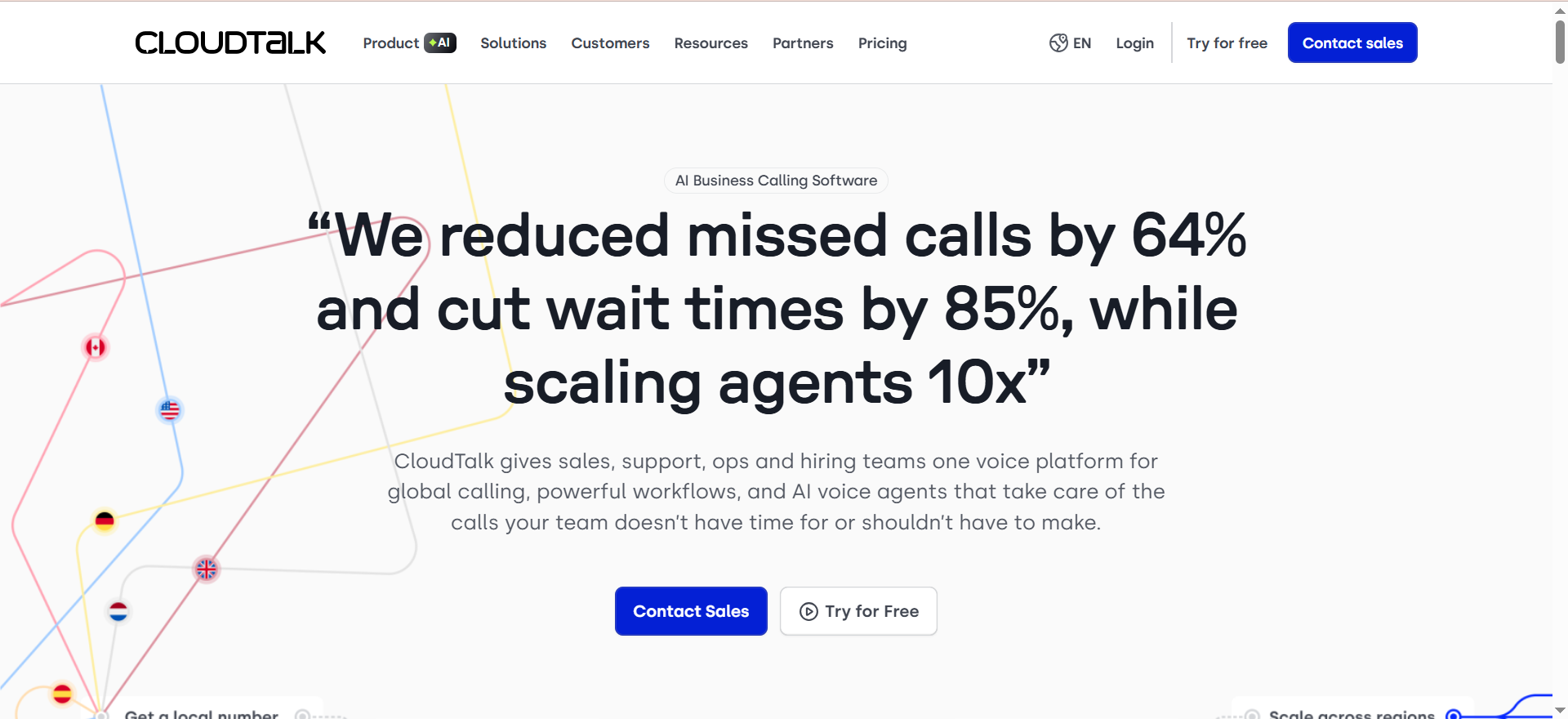
CloudTalk AI is a cloud-based VoIP platform with an AI voice agent called CeTe that handles both inbound and outbound phone calls autonomously. The AI qualifies leads, answers FAQs, books meetings, sends payment reminders, and updates your CRM - all without human intervention. It supports phone numbers in over 160 countries and operates in more than 60 languages.
Why teams use it
Teams pick CloudTalk AI because it plugs directly into the CRM stack they already use. The HubSpot integration is consistently praised as one of the deepest native integrations available, with automatic call logging, contact syncing, and click-to-call from inside HubSpot. Salesforce users get similar depth - the Smart Dialer pulls prioritized leads from Salesforce, dials them automatically, and logs every call, note, and disposition back into the CRM without manual data entry.
What it's good for
CloudTalk AI works well for inbound support automation where callers need quick answers to common questions, appointment scheduling, or payment reminders. It also handles outbound use cases like lead qualification and feedback collection. The no-code visual flow builder lets non-technical team members design and deploy AI call flows without engineering support.
When it's a good fit
CloudTalk AI fits teams of 5-50 agents that need global phone coverage, deep CRM integration (especially HubSpot or Salesforce), and multilingual support. It is a strong choice for SaaS companies with international customer bases that want to automate Tier 1 support while keeping human agents for complex issues.
When it's not a good fit
CloudTalk AI is not ideal for teams that need a unified communications platform with video conferencing and team messaging built in - those features are absent. Solo users or very small teams may find the costs add up quickly once AI add-ons are layered on top of the base plan. Teams that rely heavily on mobile calling should know that users report lag and instability on the iPhone app.
How to use it
Sign up for a plan, connect your CRM (HubSpot, Salesforce, Pipedrive, or one of the other supported integrations), and use the visual flow builder to design your AI voice agent's conversation flows. You can choose from pre-built templates for common use cases like lead qualification, appointment booking, or payment reminders. Deploy the agent to your phone lines and monitor performance through the real-time analytics dashboard.
Key capabilities
CloudTalk AI's standout capabilities include AI-powered call routing that reduces agent idle time by up to 30%, automatic transcription in 50+ languages, sentiment analysis that detects caller emotion in real time, AI-powered QA scorecards that evaluate calls automatically, and call tagging that triggers CRM workflows. The platform supports local, national, mobile, and toll-free numbers across 160+ countries, with numbers starting at $6 per month.
Pricing
The base platform starts at $19 per user per month (Lite plan), but AI voice agent functionality is a separate add-on. AI pricing starts at approximately $350 per month for 1,000 minutes (roughly $0.35 per minute). At the Scale tier, you pay $750 per month for 2,500 minutes ($0.30 per minute). Enterprise teams with 100+ agents get custom pricing starting at $59 per user per month. The realistic cost for a team using the Smart Dialer, AI features, and CRM access is $45-55 per user per month before AI minutes.
Free tier?
No permanent free tier. CloudTalk offers a 14-day free trial that lets you test the platform before committing. No credit card required for the trial.
Downsides / limitations
The $19 per month headline price is misleading - once you add the dialer, AI features, and CRM access, expect to pay $45-55 per user per month. Feature gating is aggressive: Smart Dialer, Power Dialer, and Salesforce integration all require the Expert plan at $49 per user per month. G2 reviewers flag transfer failures and app instability, particularly on iPhones. Phone support is only available on the Expert plan; lower tiers are limited to chat and email. There is no native video conferencing or team messaging, so you will need a separate tool for those.
Aloware
What it does
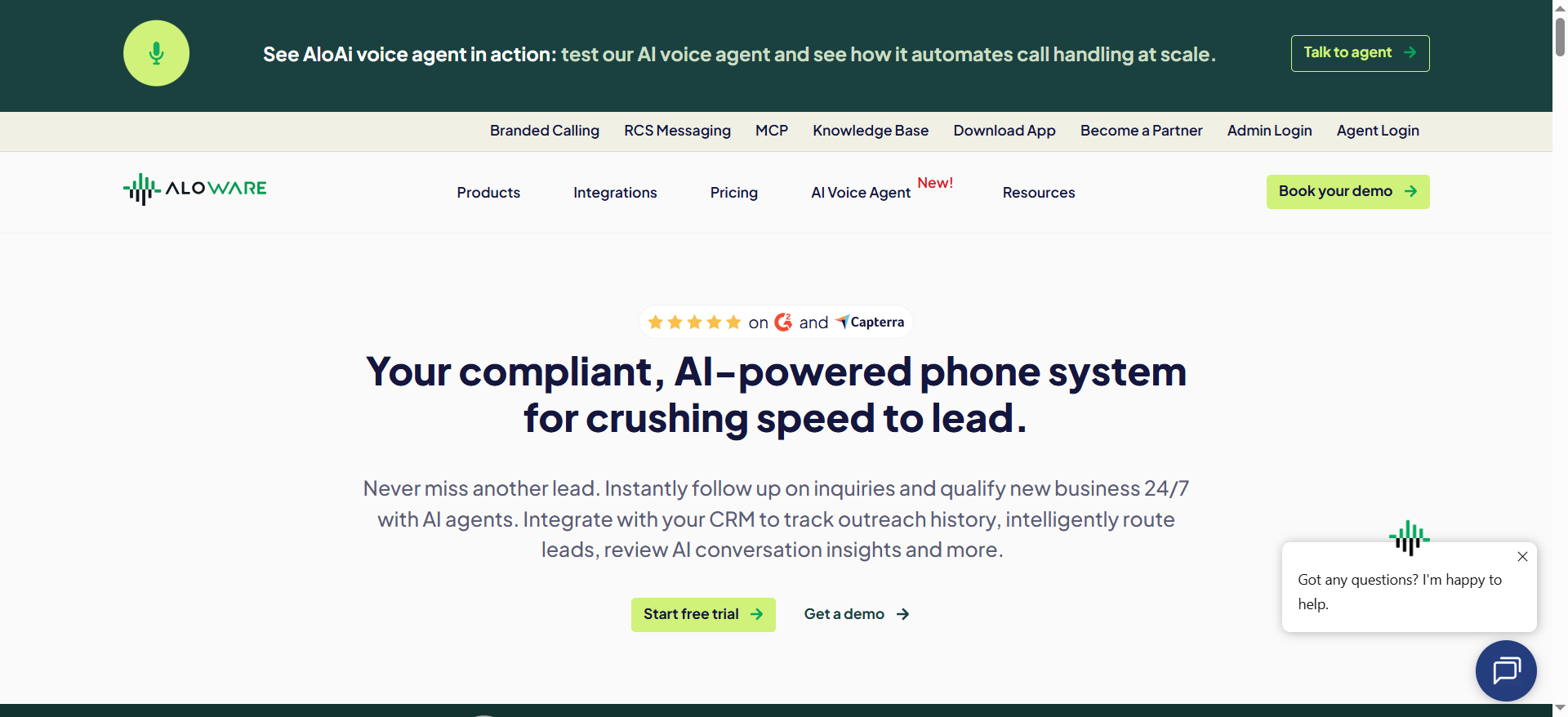
Aloware is a contact center platform with native AI voice and SMS agents built directly into the system. The AI voice agent - called AloAi - handles inbound and outbound calls, qualifies leads, books appointments, resolves support tickets, and logs everything to your CRM automatically. Because the AI runs natively on the Aloware platform, it has instant access to CRM data and call history without any third-party integration setup.
Why teams use it
Teams choose Aloware because it eliminates the integration headaches that come with bolting AI onto an existing phone system. The AI is a core platform feature, not an add-on from a third party. This gives it more context per call - it can pull up the caller's CRM record, previous interactions, and open tickets before the conversation even starts. The unlimited calling model at $30 per user per month is also a draw for high-volume teams.
What it's good for
Aloware excels at blended sales and support operations where teams need to handle both inbound support calls and outbound prospecting from the same platform. The AI Receptionist acts as an intelligent backup that picks up exactly when human agents cannot, ensuring 100% answer rates. It understands caller intent and logs specific needs, urgency, and details directly into the CRM for faster follow-up.
When it's a good fit
Aloware is a good fit for SMB and mid-market teams (5-50 agents) running HubSpot, Salesforce, or Zendesk as their CRM. It works particularly well for teams that need both voice and SMS automation in one platform, and for organizations that want predictable per-user pricing rather than per-minute billing for agent calls.
When it's not a good fit
Aloware is not the right choice if call quality is your top priority - it is the number one complaint across 822 G2 reviews. Teams with fewer than 10 agents who want the iPro plan will hit a 10-seat minimum ($300 per month minimum on quarterly billing). The "unlimited" calling mainly applies to US and Canada agent minutes; toll-free, SMS/MMS, and automation usage are metered separately and can stack up.
How to use it
Create an Aloware workspace, connect your CRM (HubSpot, Salesforce, or Zendesk), and navigate to the AloAi section. Pick a voice for your AI agent, point it at your knowledge base or CRM data, set the goal (lead qualification, appointment booking, support resolution), and activate it. There is no code required. The AI agent starts handling calls immediately based on the rules you configure.
Key capabilities
Aloware's key capabilities include the AloAi Voice Agent for autonomous call handling, AloAi SMS Bot for conversational texting and lead nurturing, Power Dialer supporting 500+ calls per day per rep with local presence dialing (47% higher pickup rates), unlimited calling minutes to US and Canada, native CRM sync with HubSpot, Salesforce, and Zendesk, AI voice analytics, and outcome-based pricing options where you pay per qualified lead or booked appointment rather than per minute.
Pricing
The platform starts at $30 per user per month on quarterly billing, which includes unlimited calls and SMS. The AloAi Voice Agent is billed separately at $0.10 per minute. Aloware also offers outcome-based pricing where you pay per result (qualified lead, booked appointment, resolved ticket) rather than per minute. The iPro plan has a 10-seat minimum. Overall, Aloware has four pricing editions ranging from $40 to $199 per user per month.
Free tier?
No free tier. Aloware does not offer a permanently free plan. A free trial is available to test the platform before committing to a paid plan.
Downsides / limitations
Call quality issues are the most frequent complaint in user reviews. Failed SMS messages are still billed. The iPro plan's 1,000 AI analytics minutes cannot be topped up with an add-on. The AloAi text bot charges per enrollment, and unused enrollments do not roll over. While agent calling is "unlimited," toll-free numbers, SMS/MMS, and automation features carry additional per-use charges that can add up quickly for high-volume teams. Carrier fees for SMS/MMS are separate from the subscription.
VoiceSpin
What it does
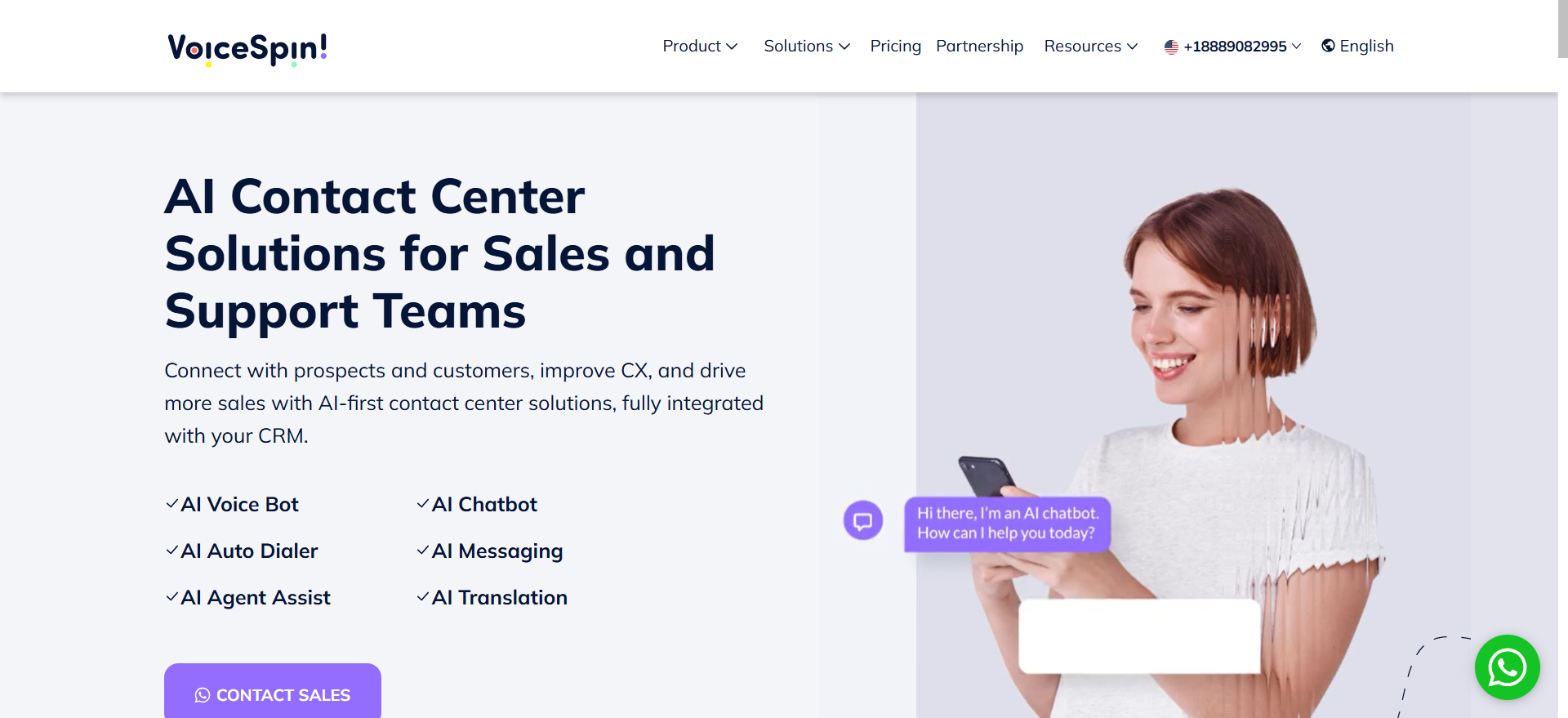
VoiceSpin is an AI-powered contact center platform that combines inbound and outbound voice communication with AI-driven tools for dialing, speech analysis, chatbots, and messaging. The platform handles customer support calls with 24/7 AI voice bots while also powering outbound campaigns through its predictive dialer. It brings voice, SMS, live chat, WhatsApp, and social channels into one unified system.
Why teams use it
Teams choose VoiceSpin for its AI predictive dialer, which is the platform's real differentiator. The dialer uses machine learning to initiate multiple simultaneous calls per agent based on real-time availability, learns which leads are most likely to convert and routes them to the best agents, and figures out optimal calling times while filtering out spam-flagged numbers. For contact centers running heavy outbound operations alongside inbound support, this combination is hard to find elsewhere at this price point.
What it's good for
VoiceSpin is built for contact centers that need both inbound AI support and outbound campaign management in a single platform. The AI Speech Analyzer is particularly valuable for quality assurance - it processes recorded calls to identify keywords, assess sentiment, spot trends, and generate real-time alerts. This helps with compliance monitoring, agent coaching, and performance improvement without manual call reviews.
When it's a good fit
VoiceSpin fits contact centers with 5 or more agents that run significant outbound calling alongside inbound support. It is a strong choice for international teams since it offers local DIDs in 160+ countries. Teams that need omnichannel support across voice, SMS, live chat, WhatsApp, and social channels will find everything under one roof. The 24/7 customer support across all plans is an advantage for teams that operate across time zones.
When it's not a good fit
VoiceSpin is not ideal for solo users or teams with fewer than 5 agents due to the 5-agent minimum on published packages. The starting price of $300 per month (for the 5-agent bundle) prices out very small teams. Users report a steep learning curve due to the breadth of features, and there is no free trial - you can only request a demo before committing.
How to use it
Request a demo through VoiceSpin's website to get started. Once onboarded, configure your AI voice bot for inbound support by connecting your knowledge base and setting up conversation flows. Set up the predictive dialer for outbound campaigns by importing your contact lists and defining dialing rules. Connect your CRM (Salesforce, HubSpot, Zoho, Pipedrive, or Zendesk) for automatic call logging and data sync. Use the AI Speech Analyzer dashboard to review call quality and agent performance.
Key capabilities
VoiceSpin's core capabilities include an AI predictive dialer with lead and agent scoring, AI voice bot for 24/7 inbound support, AI Speech Analyzer for call quality and sentiment analysis, omnichannel support (voice, SMS, live chat, WhatsApp, social), local DID numbers in 160+ countries, call recording, call monitoring, real-time analytics, IVR systems, bulk SMS, and CRM integrations with Salesforce, HubSpot, Zoho, Pipedrive, Zendesk, ActiveCampaign, and Zapier.
Pricing
The Basic plan starts at $40 per user per month and includes business phone service, reporting, analytics, basic integrations, call recording, IVR, international DID numbers, and text messaging. The Advanced plan costs $85 per user per month and includes the AI predictive dialer and speech analytics. Enterprise pricing is custom for large contact centers. Published packages include 5 agents, making the effective minimum $200 per month for Basic or $425 per month for Advanced. DID numbers and call costs are billed separately.
Free tier?
No. VoiceSpin does not offer a free tier or a free trial. You can request a demo to see the platform before purchasing, but there is no way to test it with your own data before committing. There is also no money-back guarantee.
Downsides / limitations
The 5-agent minimum on published plans prices out small teams and solo users. There is no free trial, so you cannot test the product before committing at least $200 per month. DID numbers and per-minute call costs are excluded from the listed prices, meaning your actual monthly bill will be higher than the sticker price. Users report a steep learning curve when getting started due to the large number of features. Some users have raised concerns about pricing transparency and occasional technical instability.
Leaping AI
What it does
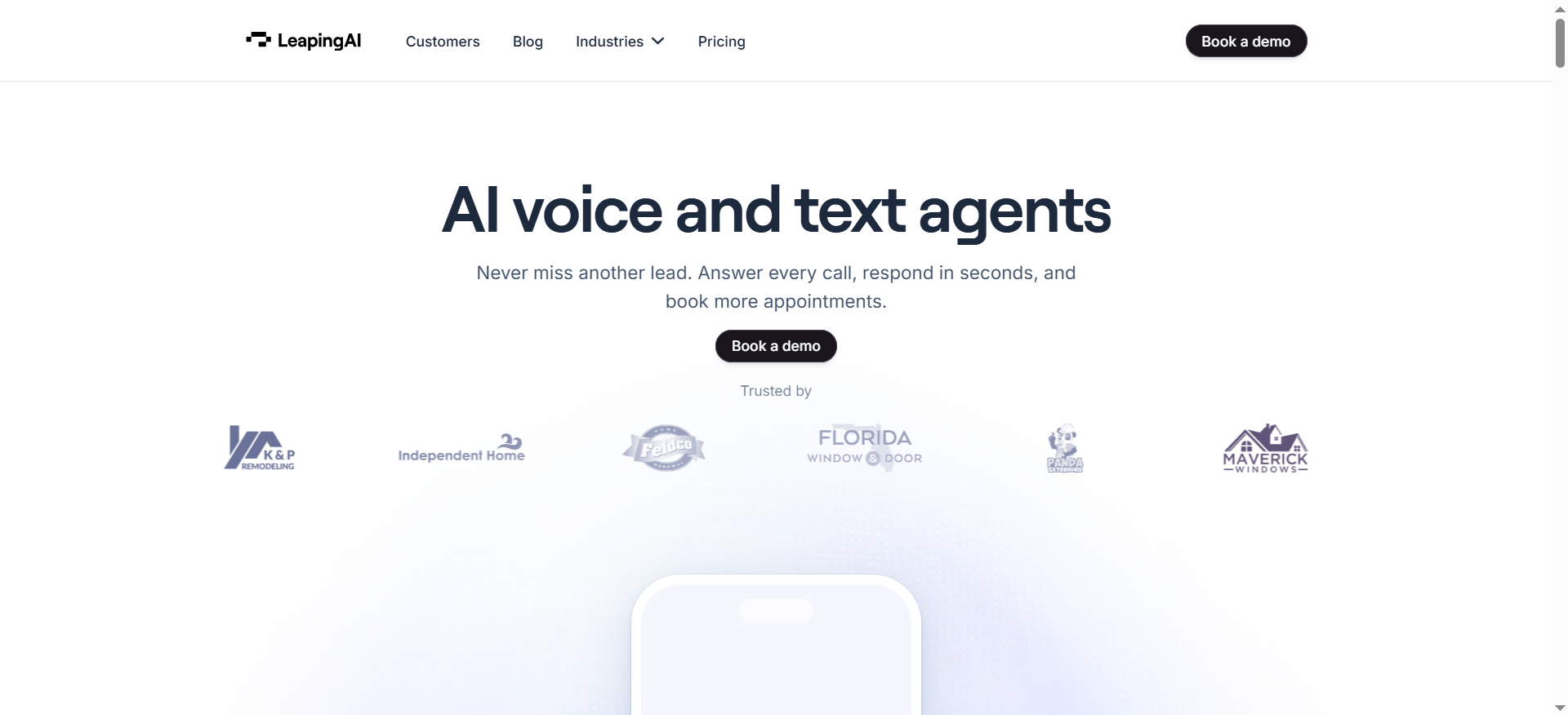
Leaping AI deploys enterprise-grade AI voice agents that automate customer service and appointment booking calls. The platform handles both voice and text conversations in a single system, making it one of the few tools that covers both channels natively without requiring separate integrations. Leaping AI's agents handle thousands of interactions simultaneously, automate up to 70% of business calls end to end, and continuously self-improve over time.
Why teams use it
Teams choose Leaping AI for its visual dialogue builder, which maps out conversations state by state. Each state runs its own LLM configuration, letting you tune how the agent responds at different stages of the conversation independently. This gives more granular control than most platforms, where the entire conversation uses a single prompt or flow. The platform also connects directly to CRMs, ERPs, knowledge bases, and analytics platforms for context-aware interactions.
What it's good for
Leaping AI is built for complex customer support workflows where simple FAQ bots fall short. It handles multi-step interactions like appointment scheduling with calendar checks, order modifications that require system lookups, and support escalations that need context transfer. The combined voice and text capability means businesses can reach customers across channels without stitching together separate tools. Users report up to 90% customer satisfaction scores and up to 70% cost reduction.
When it's a good fit
Leaping AI fits mid-market to enterprise teams that need to automate complex, multi-step support workflows. It is a strong choice for organizations that handle high call volumes (the platform scales to thousands of simultaneous interactions) and want a single platform for both voice and text automation. Teams that need fine-grained control over how their AI responds at each stage of a conversation will appreciate the per-state LLM tuning.
When it's not a good fit
Leaping AI is not the right choice for small teams or startups on a tight budget - pricing starts at $1,000 per month. The platform has a smaller public track record compared to more established competitors, which may concern risk-averse buyers. Non-English voice quality (particularly Japanese and Arabic) still lags behind the English models, though it is improving with each release. API-based outbound triggering requires technical setup that may be beyond some teams.
How to use it
Start with a free trial to test the platform. During onboarding, connect your CRM, ERP, or knowledge base to give the AI agent context. Use the visual dialogue builder to map out your conversation flows state by state, configuring the LLM at each stage. Set up SIP transfer rules for routing calls to human agents when needed. Deploy the agent and monitor performance through the analytics dashboard. Leaping AI's team assists with initial configuration, though complex setups may require careful integration planning.
Key capabilities
Leaping AI's standout capabilities include the visual dialogue builder with per-state LLM configuration, combined voice and text automation in one platform, CRM/ERP/knowledge base integration for context-aware conversations, SIP transfer for routing calls to human agents or other systems, up to 70% end-to-end call automation, simultaneous handling of thousands of interactions, self-improving AI that gets better over time, and multi-channel customer reach without separate tool integrations.
Pricing
Leaping AI uses subscription-based pricing starting at $1,000 per month. Plans are structured based on usage levels and service tiers, with monthly or annual billing options available. Additional costs may apply for customization and integration features. There are no implementation fees. The platform charges per request on top of the subscription. For large enterprises, bespoke pricing is available starting at $2,500 per month per digital call center employee.
Free tier?
Yes, partially. Leaping AI offers a free trial to test the platform before committing. However, there is no permanently free tier - after the trial, you move to the paid subscription starting at $1,000 per month.
Downsides / limitations
The $1,000 per month starting price puts it out of reach for small businesses. Response times from the broader support team can be inconsistent, which delays troubleshooting. The billing structure has been adjusted multiple times before customers complete a cycle under previously agreed terms, creating planning challenges. Non-English speech models (especially Japanese and Arabic) sound less natural than the English versions. API-based outbound triggering requires technical setup. As a newer platform, it has a smaller public track record and fewer third-party reviews than established competitors.
Numa
What it does
Numa is an AI-native communication platform built specifically for automotive dealerships. It automates customer interactions across voice and text - answering inbound calls in under 2 seconds, booking service appointments, capturing sales leads, sending status updates, and routing complex situations to the right department with full context. The AI is trained on automotive-specific conversations and integrates directly with dealership management systems (DMS).
Why teams use it
Dealerships choose Numa because it understands the automotive business in a way general-purpose voice agents do not. It knows automotive terminology, understands department structures (service, sales, parts, F&I), and integrates with DMS platforms like CDK and Xtime. The AI automatically identifies "heat cases" - angry customers, repeat problems, situations about to escalate - and routes them to the right person with full context and recommended actions. Dealerships report response times dropping from 23 hours to 13 minutes after deployment.
What it's good for
Numa excels at rescuing missed calls and voicemails that would otherwise result in lost revenue. It converts 31% of cold messages into booked appointments and provides a Smart Inbox with sentiment analysis that prioritizes customer messages by urgency. The LiveCSI feature monitors customer satisfaction in real time, and the AI identifies revenue opportunities in conversations that human agents might miss. Dealerships report 40% increases in service department profits.
When it's a good fit
Numa is a good fit for mid-size to large automotive dealerships in the US and Canada that handle high call volumes and want to automate routine customer interactions without losing the personal touch. It works particularly well for dealerships struggling with missed calls, slow response times, or inconsistent customer follow-up. The platform is trusted by over 1,200 dealerships.
When it's not a good fit
Numa is built exclusively for automotive dealerships. It cannot serve businesses outside the automotive industry. Within automotive, its value depends on DMS integration depth and call volume - small dealerships or independent shops with low call volumes may not see enough ROI to justify the cost. The platform often sends scheduling links to CDK or Xtime rather than fully booking appointments autonomously, which means staff still handle confirmation and rescheduling. Numa does not publicly report autonomous call resolution rates.
How to use it
Request a demo through Numa's website. During onboarding, Numa's team connects the platform to your DMS (CDK, Xtime, or others) and configures department routing rules. The AI begins handling inbound calls and text messages based on your dealership's specific workflows. Monitor performance through the analytics dashboard, which tracks call handling, appointment bookings, missed call recovery, and customer satisfaction scores.
Key capabilities
Numa's key capabilities include AI call answering in under 2 seconds, automatic missed call and voicemail rescue, service appointment booking and status updates via text, Smart Inbox with sentiment analysis and message prioritization, heat case detection and intelligent routing, LiveCSI for real-time customer satisfaction monitoring, AI-identified revenue opportunities in conversations, DMS integration (CDK, Xtime), department-aware call routing, and after-hours escalation to on-call staff.
Pricing
Numa uses custom pricing that requires a sales conversation to obtain. Industry reports suggest pricing starts at $200-400 per month, with costs increasing based on features, integrations, and call volume. Numa does not publish pricing on its website. Additional features and higher call volumes can push costs significantly above the starting range.
Free tier?
Yes, partially. Numa offers a 30-day free trial that lets dealerships explore the platform before committing to a subscription. However, there is no permanently free tier - after the trial, pricing is custom and requires a sales conversation.
Downsides / limitations
Numa's narrow automotive focus means it is useless for any business outside the dealership vertical. Pricing is opaque - you cannot see costs without going through sales, and industry estimates of $200-400 per month are just starting points. The platform often relies on scheduling links rather than fully autonomous appointment booking, meaning staff still handle confirmation. Numa does not report autonomous call resolution rates publicly. Small dealerships or independent shops may find the cost hard to justify relative to their call volume. The platform's value is heavily dependent on the depth of your DMS integration.
What Is an AI Voice Agent for Customer Support?
An AI voice agent for customer support is software that answers phone calls, understands what the caller needs through natural language processing, and resolves the issue or routes the call - all without a human picking up. Unlike traditional IVR systems that force callers through rigid menu trees ("Press 1 for billing..."), voice agents hold actual conversations. They understand context, remember what was said earlier in the call, and take actions like looking up order status, resetting passwords, or booking appointments by connecting to your CRM and backend systems.
The technology stack behind a modern voice agent includes automatic speech recognition (ASR) to convert speech to text, a large language model (LLM) to understand intent and generate responses, and text-to-speech (TTS) to deliver the response in a natural-sounding voice. The best platforms add real-time sentiment analysis, so the agent can detect frustration and escalate to a human before the situation deteriorates.
How Do AI Voice Agents Differ from Chatbots?
The core difference is the communication channel and the complexity each handles. Chatbots operate over text (website widgets, SMS, messaging apps), while voice agents operate over phone calls. But the gap goes deeper than that.
Voice agents need to handle real-time turn-taking - detecting interruptions, understanding silence, and responding fast enough that the conversation feels natural. Delays of even one or two seconds break trust and cause callers to hang up. Text chatbots have more tolerance for response latency because typing inherently involves pauses.
Performance data backs this up. Voice AI scores 4.2 out of 5 in customer satisfaction compared to 3.8 out of 5 for standard chatbots. Companies using AI voice agents see 45% fewer escalations than those running rule-based text bots. The reason is that voice agents powered by modern LLMs understand context and handle multi-step requests, while many chatbots still rely on keyword matching or scripted decision trees.
That said, the two are converging. Platforms like Leaping AI and Aloware now handle both voice and text from a single system, which means the choice is less about "voice vs. text" and more about which channels your customers prefer.
What Features Should You Look for in an AI Voice Agent?
Start with the features that directly affect whether the agent can actually resolve calls or just route them.
CRM and backend integration is the most important factor. An AI voice agent is only as capable as the systems it can reach. If it can pull up order status, modify appointments, reset passwords, and update tickets, it resolves calls. If it can only read from a knowledge base, it is an expensive FAQ bot. Prioritize platforms with native integrations for your CRM (HubSpot, Salesforce, Zendesk) and support for API connections to your order management, billing, and ticketing systems.
Latency and voice quality determine whether callers stay on the line. Sub-second response times are critical for maintaining natural conversation flow. Listen to demo calls and pay attention to pauses between the caller's question and the agent's response.
Escalation and handoff design matters more than resolution rate. No voice agent resolves everything. The handoff to a human should carry the full conversation transcript, the caller's verified identity, and a summary of what was attempted - so the human agent does not make the caller repeat themselves.
Multilingual support is essential for teams with international customers. Check how many languages the platform supports and whether the voice quality is consistent across languages. Some platforms sound natural in English but robotic in other languages.
Analytics and reporting should include call resolution rates, average handle time, sentiment trends, and escalation reasons. Without these, you cannot measure ROI or identify where the agent needs improvement.
How Much Do AI Voice Agents Cost?
AI voice agent pricing falls into three models, and understanding which one a platform uses is critical for budgeting accurately.
Per-minute pricing is the most common for usage-based platforms. Rates typically range from $0.07 to $0.35 per minute depending on the platform and volume tier. CloudTalk AI charges approximately $0.30-0.35 per minute. Aloware starts at $0.10 per minute. At moderate usage (5,000-10,000 minutes per month), expect to spend $350-$1,200 per month on AI minutes alone.
Per-user subscription pricing bundles AI into a monthly seat cost. Aloware's platform starts at $30 per user per month with AI voice minutes billed separately. VoiceSpin starts at $40 per user per month with AI features on the Advanced plan at $85 per user per month.
Custom enterprise pricing is used by platforms like Leaping AI (from $1,000 per month) and Numa (estimated $200-400+ per month). These require a sales conversation and scale based on call volume, integration complexity, and feature requirements.
The hidden costs to watch for include DID/phone number fees ($6-20 per number per month), per-minute call charges on top of subscription fees, SMS/MMS carrier fees, and feature gating where essential capabilities like CRM integration or advanced analytics require higher-tier plans.
What Is the ROI of AI Voice Agents for Customer Support?
The ROI case for AI voice agents is straightforward. A human support agent in the US costs $29-42 per hour fully loaded (salary, benefits, training, management, attrition). An AI voice agent costs roughly $0.05-0.35 per minute, which translates to $3-21 per hour - a fraction of the human cost.
Companies investing in AI customer service see average returns of $3.50 for every $1 spent, with leading organizations reaching up to 8x ROI. First-year returns average 41%, climbing past 124% by year three as the AI improves and handles a larger share of calls.
The primary ROI drivers are reduced cost per conversation (from $6-12 for human agents down to $0.99-2.00 for AI), higher throughput (AI handles unlimited concurrent calls; humans handle one), and 24/7 availability that reduces after-hours churn. Most organizations reach positive ROI within 3-6 months of production deployment. Organizations with average costs above $15 per human-handled Tier 1 call and 5,000+ monthly call volume typically see payback within the first quarter.
Conversational AI is projected to save $80 billion in contact center labor costs globally by the end of 2026.
Can AI Voice Agents Handle Multilingual Support?
Yes, but quality varies significantly across platforms and languages. CloudTalk AI leads in this category with support for over 60 languages and automatic transcription in 50+ languages. The platform adapts tone, pace, and speaking style based on caller emotion and context, which works well in major European and Asian languages.
Most platforms perform best in English and decline in voice naturalness as you move to less common languages. Leaping AI, for example, acknowledges that its Japanese and Arabic speech models still sound less natural than the English versions, though the quality improves with each release.
When evaluating multilingual support, do not rely on feature checklists alone. Request demo calls in the specific languages your customers speak. Pay attention to pronunciation accuracy, response latency (which often increases for non-English languages), and whether the AI can handle code-switching - when a caller mixes languages within a single conversation.
How Do AI Voice Agents Integrate with Existing CRM Systems?
Integration depth is the single biggest factor separating voice agents that resolve calls from those that just route them. There are three tiers of CRM integration to evaluate.
Native integrations are pre-built connections that work out of the box. CloudTalk AI has deep native integrations with HubSpot and Salesforce, including automatic call logging, contact syncing, click-to-call, and the ability to trigger CRM workflows from call outcomes. Aloware has native integrations with HubSpot, Salesforce, and Zendesk. VoiceSpin connects natively with Salesforce, HubSpot, Zoho, Pipedrive, and Zendesk.
API-based integrations let you connect the voice agent to any system with an API. Leaping AI takes this approach, connecting to CRMs, ERPs, knowledge bases, and analytics platforms through API connections. This gives more flexibility but requires technical setup.
Middleware integrations use tools like Zapier or Make to bridge the voice agent and your CRM. These are the least reliable for real-time use cases (the latency of a Zapier trigger can add seconds to a call) but work for post-call data syncing.
The key question is whether the integration is bidirectional - can the AI both read from and write to your CRM during a live call? Reading caller history is table stakes. Writing call outcomes, updating contact records, and triggering workflows in real time is what turns a voice agent into a genuine support tool.
What Industries Benefit Most from AI Voice Agents?
AI voice agents deliver the highest ROI in industries with high call volumes, repetitive inquiries, and time-sensitive customer needs.
SaaS and technology companies use voice agents to handle Tier 1 support (password resets, billing questions, feature guidance) and route complex technical issues to specialized agents with full context.
Healthcare benefits from appointment scheduling, prescription refill requests, and insurance verification automation, though HIPAA compliance is a strict requirement that limits platform options.
E-commerce and retail use voice agents for order status checks, return processing, and delivery updates - all high-volume, low-complexity interactions that consume agent time.
Automotive dealerships have a specialized option in Numa, which handles service appointment booking, parts inquiries, and sales lead capture with DMS integration that general-purpose platforms cannot match.
Financial services use voice agents for account balance inquiries, transaction disputes, and fraud alerts, though PCI-DSS and SOC 2 compliance are mandatory.
Travel and hospitality benefits from reservation changes, cancellation processing, and loyalty program inquiries that follow predictable patterns.
The common thread is high call volume combined with a significant percentage of calls that follow predictable patterns. If more than 40% of your inbound calls are repetitive inquiries that a well-trained agent could resolve with system access, voice AI will likely deliver positive ROI.
How to Implement an AI Voice Agent for Customer Support
Implementation follows a predictable path regardless of which platform you choose. Getting it right upfront avoids costly rework later.
Start with call analysis. Before selecting a platform, audit your last 30 days of support calls. Categorize them by type (billing, technical, scheduling, status checks) and identify the percentage that follow repeatable patterns. This tells you your automation ceiling - the maximum percentage of calls the AI can realistically handle.
Define the scope. Do not try to automate everything at once. Pick 2-3 high-volume, low-complexity call types for your initial deployment. Password resets, order status checks, and appointment scheduling are common starting points because they follow predictable flows and connect to systems with clear APIs.
Connect your systems. The AI agent needs access to the same systems your human agents use - CRM, ticketing, order management, knowledge base. Prioritize platforms with native integrations for your core systems. Every manual data bridge you add increases latency and failure points.
Design escalation paths. Define exactly when and how the AI hands off to a human. The handoff should include the full conversation transcript, caller identity, and a summary of what was attempted. Test the escalation flow before going live.
Deploy gradually. Start with after-hours calls or a single phone line to validate performance before routing your full call volume through the AI. Monitor resolution rates, call duration, and customer satisfaction daily during the first 30 days.
Do AI Voice Agents Replace Human Support Agents?
No. AI voice agents handle the repetitive, high-volume calls that consume agent time but do not require human judgment. This frees human agents to focus on complex issues, escalations, and high-value customer interactions.
The data supports a complementary model. Well-built voice AI systems resolve 40-70% of inbound calls without escalation in production environments. The remaining 30-60% still need human agents - but those agents now handle fewer calls, have more time per interaction, and receive full context from the AI's conversation transcript when a call is escalated.
The practical impact for most support teams is not layoffs but reallocation. Instead of 10 agents handling 500 calls per day (50 per agent, mostly routine), you might have 5 agents handling 200 complex calls per day (40 per agent, all substantive) with the AI handling the other 300 routine calls. The team is smaller but more skilled, and customer satisfaction improves because complex issues get more attention.
What Are the Limitations of AI Voice Agents?
AI voice agents have real limitations that vendors tend to downplay.
Accent and dialect handling remains inconsistent. Most platforms are trained primarily on standard American or British English. Regional accents, dialects, and non-native English speakers can cause recognition errors that derail conversations.
Complex emotional situations are poorly handled. An angry customer who needs empathy, not efficiency, will not get it from an AI. The best platforms detect negative sentiment and escalate quickly, but the AI cannot replicate genuine human empathy.
Multi-party calls are difficult. If a customer has a family member on the line or a call involves three-way conferencing, most voice agents struggle to track who is speaking and maintain conversation coherence.
System outages create blind spots. If your CRM or order management system goes down, the voice agent loses its ability to look up information and resolve calls. It becomes an expensive hold system until backend services recover.
Edge cases accumulate. Every voice agent encounters calls it was not designed for. The question is how gracefully it fails - does it escalate smoothly with context, or does it loop the caller through the same unhelpful responses?
How Do AI Voice Agents Handle Complex Customer Queries?
The answer depends on what you mean by "complex." Modern voice agents handle multi-step queries well - checking an order, modifying the delivery address, and confirming the change in a single call. This is straightforward if the agent has API access to your order management system.
True complexity arises when the query requires reasoning, judgment, or negotiation. A customer disputing a charge, requesting an exception to a policy, or describing an issue that does not fit neatly into existing categories - these push beyond what current AI handles reliably.
The best platforms address this through tiered automation. Simple queries (order status, password reset) are resolved autonomously. Medium-complexity queries (appointment rescheduling with constraint checking) are handled with system integration. Complex queries (disputes, complaints, exceptions) are detected early through sentiment analysis and intent classification, then escalated to human agents with full context.
The key metric is not whether the AI can handle 100% of queries but whether it correctly identifies the queries it cannot handle and escalates them without frustrating the caller.
What Security and Compliance Standards Should AI Voice Agents Meet?
At minimum, any AI voice agent handling customer data should have SOC 2 Type II certification, which validates that the platform has controls for data security, availability, processing integrity, confidentiality, and privacy.
Beyond SOC 2, the relevant standards depend on your industry. Healthcare organizations need HIPAA compliance for any platform that processes protected health information. Financial services need PCI-DSS compliance if the agent handles payment card data. European businesses need GDPR compliance for data processing and storage. Some platforms also carry ISO 27001 certification for information security management.
Ask specifically about data handling during calls. Where are call recordings stored? How long are they retained? Is sensitive data (credit card numbers, SSNs) redacted in real time from transcripts? Can you configure data residency to keep recordings in specific geographic regions?
Real-time redaction of sensitive data from call transcripts is a feature that separates enterprise-ready platforms from those that are not. If a caller reads out a credit card number, the transcript should automatically mask it rather than storing it in plain text.
How to Measure the Success of an AI Voice Agent Deployment
Track these metrics from day one to understand whether your voice agent is delivering value or just answering phones.
Call resolution rate measures the percentage of calls the AI resolves without human intervention. A well-deployed agent should resolve 40-60% of eligible calls within the first 90 days, climbing to 60-70% as you refine its training.
Average handle time (AHT) for AI-handled calls should be shorter than human-handled calls for the same query types. If the AI takes longer, the conversation flows need optimization.
Escalation rate and reasons tell you where the AI is failing. High escalation rates for specific query types indicate gaps in system integration or conversation design.
Customer satisfaction (CSAT) for AI-handled calls should be within 0.5 points of human-handled calls on a 5-point scale. If there is a larger gap, review the call recordings to identify where the experience breaks down.
Cost per resolution is the bottom-line metric. Divide your total voice agent costs (platform fees, minutes, phone numbers) by the number of calls resolved without escalation. Compare this to your cost per human-resolved call.
First-call resolution (FCR) measures whether issues are actually solved or whether callers call back about the same problem. Low FCR suggests the AI is "resolving" calls without actually fixing the issue.
Frequently Asked Questions
Aloware is the strongest option for small businesses due to its $30 per user per month starting price, unlimited calling to the US and Canada, and no-code AI setup. The platform does not require engineering resources to deploy, and the native CRM integrations with HubSpot and Salesforce work out of the box. CloudTalk AI is also viable for small teams, though the costs climb once you add AI voice agent minutes on top of the base subscription.
Most platforms can be deployed for basic use cases within 1-2 weeks. No-code platforms like Aloware and CloudTalk AI can have an AI agent handling calls within a few days if you are using pre-built templates. Enterprise platforms like Leaping AI and VoiceSpin require more setup time - typically 2-4 weeks - due to custom integration work, conversation flow design, and testing. Numa's automotive-specific deployment involves DMS integration, which typically takes 2-3 weeks with the vendor's onboarding team.
Yes. CloudTalk AI handles both inbound and outbound calls, including lead qualification, appointment reminders, and payment collection. VoiceSpin's AI predictive dialer is specifically designed for outbound campaigns, using machine learning to optimize call timing and agent matching. Aloware supports outbound AI voice calls and SMS. Leaping AI also handles outbound interactions. Numa focuses primarily on inbound call handling for dealerships, though it can send outbound text messages for appointment confirmations and status updates.
Most AI voice agent platforms either replace your existing phone system or integrate alongside it. CloudTalk AI, Aloware, and VoiceSpin are full phone system replacements that include their own VoIP infrastructure, phone numbers, and call routing. Leaping AI can integrate with existing telephony through SIP transfer, allowing it to sit alongside your current phone system. Numa integrates with dealership phone systems as part of its DMS-connected setup. If you need to keep your existing phone system, look for platforms that support SIP trunking or can operate as an overlay rather than a replacement.
A well-designed voice agent detects when it cannot resolve a call and transfers it to a human agent with full context. This typically includes the complete conversation transcript, the caller's identity, a summary of the issue, and what the AI already attempted. CloudTalk AI uses sentiment analysis to detect frustration and escalate proactively. Aloware logs the caller's specific need, urgency, and details into the CRM before transferring. Leaping AI supports SIP transfers with context handoff. The quality of this handoff experience is one of the most important factors to evaluate when choosing a platform - a poor escalation is worse than no AI at all.
Compliance depends on the specific platform and your industry. Most enterprise-grade platforms hold SOC 2 Type II certification at minimum. For healthcare, confirm HIPAA compliance. For financial services, confirm PCI-DSS compliance. For European customers, confirm GDPR compliance for data processing and storage. Always ask about call recording storage locations, data retention policies, and whether the platform supports real-time redaction of sensitive information (credit card numbers, SSNs) from transcripts. Do not assume compliance - request documentation and verify it with your legal team before deployment.
Accuracy has improved significantly with modern LLM-powered platforms. Most enterprise voice agents achieve 90-95% intent recognition accuracy for supported use cases in standard English. Accuracy drops for regional accents, dialects, non-native speakers, and noisy environments. The key metric to ask for is not raw speech recognition accuracy but task completion rate - the percentage of calls where the AI correctly understood the request and completed the intended action. Request performance data for your specific use cases and test with calls that represent your actual customer base, including accented speech and background noise.