

TL;DR
You do not need a developer to launch an AI voice agent anymore. No-code platforms now let founders, agencies, and operations teams deploy phone agents that book appointments, qualify leads, and handle inbound calls - all without writing a single line of code. The challenge is choosing the right one.
Synthflow is the strongest pick for teams that want a dedicated voice-first builder with deep integrations and scalable minute-based pricing. Goodcall works best for local businesses that want unlimited call minutes and a simple setup. And if you need voice as part of a broader AI automation stack, Lindy AI covers more ground than any other tool on this list.
Below, we break down the five best no-code AI voice agent builders across pricing, features, compliance, and real limitations so you can make an informed decision without a sales call.
Table of Contents
Best 5 No-Code AI Voice Agent Builders (Quick Comparison)
| Platform | Best For | Starting Price | Key Strength |
|---|---|---|---|
| Synthflow | Voice-first teams needing scale | $29/mo | 200+ integrations, voice cloning, 50+ languages |
| Lindy AI | Multi-channel AI automation | $49.99/mo | Hundreds of integrations, multi-model support |
| Dialora | Compliance-first businesses | $82/mo | HIPAA, SOC2 Type II, PCI DSS compliant |
| Goodcall | SMBs wanting unlimited minutes | $79/mo | Unlimited minutes on every plan |
| Thoughtly | Quick-launch sales teams | $30/mo | 22-minute setup from signup to first call |
1. Synthflow
What It Does
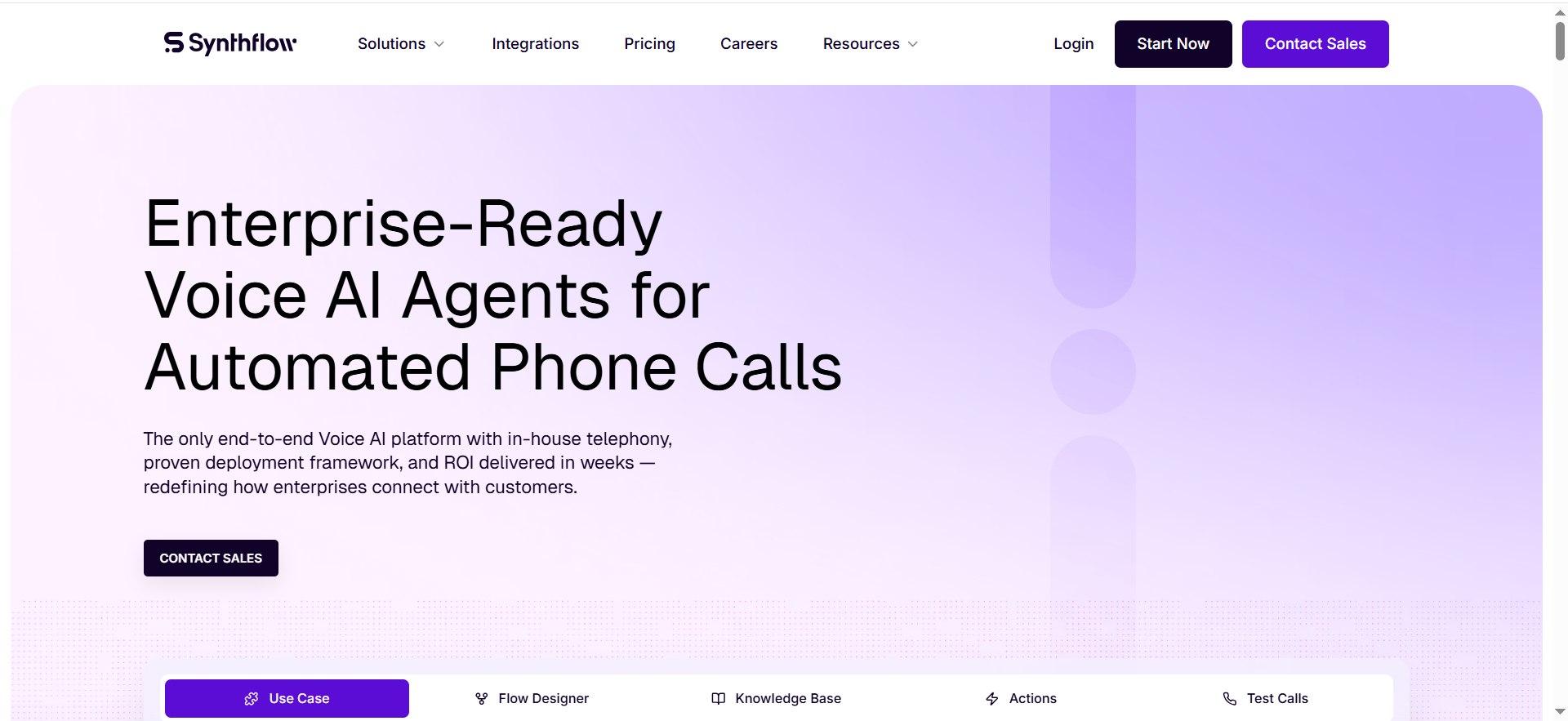
Synthflow is a no-code, drag-and-drop AI voice agent builder that lets teams create, test, and deploy phone agents for inbound and outbound calls. It handles appointment booking, lead qualification, call routing, voicemail detection, and FAQ responses without requiring any code. The platform is built specifically for voice - it is not a general automation tool that happens to support calling.
Why Teams Use It
Teams choose Synthflow because it sits at the intersection of ease and power. The visual builder and pre-built templates let non-technical users launch agents quickly, while the BYOK (Bring Your Own Keys) model gives more technical teams the flexibility to choose their own LLM, voice, and transcription providers. This makes it popular with both solo operators building their first agent and agencies managing multiple client deployments.
What It's Good For
Synthflow excels at structured, repeatable call workflows. Appointment booking, outbound follow-ups, lead qualification calls, and after-hours inbound handling are its strongest use cases. The platform handles these scenarios reliably because they follow predictable conversation paths where the AI can stay on script and execute clearly defined actions like booking a calendar slot or capturing contact details.
When It's a Good Fit
Synthflow fits best when you need a dedicated voice agent platform with room to grow. It works well for teams running 200 to 4,000+ minutes per month across multiple agents, agencies managing voice agents for several clients from one dashboard, and businesses that want to choose their own AI providers (LLM, TTS, STT) rather than being locked into a single stack.
When It's Not a Good Fit
Synthflow is not the right choice if you need an all-in-one automation platform that handles email, chat, and workflows alongside voice. It is also a poor fit for teams on tight budgets running low call volumes, since the BYOK model means your real cost per minute is often 2-3x the advertised platform rate once you add ElevenLabs, OpenAI, and Deepgram charges. If your use case involves complex, non-linear conversations with heavy branching logic, you will hit the platform's customization ceiling quickly.
How to Use It
Sign up, pick a pre-built template (receptionist, appointment booker, lead qualifier), customize the conversation flow using the drag-and-drop builder, connect your calendar and CRM through one of the 200+ native integrations, assign a phone number, and go live. Most teams have a working agent within an afternoon. For BYOK users, you will also need to connect your API keys for your chosen LLM, voice provider, and transcription service.
Key Capabilities
Synthflow's core capabilities include a visual drag-and-drop conversation builder, inbound and outbound calling with concurrent call support, voice cloning and custom voice selection powered by ElevenLabs, support for 50+ languages, voicemail detection and AI IVR routing, 200+ pre-built integrations (HubSpot, Salesforce, Google Calendar, Zapier), real-time call transcription and logging, multi-agent management for agencies, and BYOK flexibility for LLM, TTS, and STT providers.
Pricing
Synthflow offers four main plans. The Starter plan runs $29/month for 50 minutes with 5 concurrent calls. The Pro plan costs $450/month for 2,000 minutes with 25 concurrent calls. Growth is $900/month for 4,000 minutes with 50 concurrent calls. The Agency plan is $1,400/month for 6,000 minutes with 80 concurrent calls. Enterprise pricing starts from $0.08/minute with custom terms. Keep in mind that BYOK costs (LLM, voice, transcription) add roughly $0.06-$0.14 per minute on top of the platform fee.
Free Tier?
No. Synthflow does not offer a permanent free plan. You need to commit to a paid tier to test the platform, and test calls consume your included minutes.
Downsides / Limitations
The biggest limitation is cost transparency. The BYOK model means your true per-minute cost includes the platform fee plus separate charges for your LLM, voice provider, and transcription service - making real costs 2-3x the headline rate. Testing requires burning paid minutes since there is no sandbox mode. Slack-based support is limited to the first 30 days, after which you move to a slower ticket system. The platform struggles with complex, dynamic conversations that go off-script. And while 50+ languages are supported, voice quality varies significantly between languages. If these drawbacks are dealbreakers, our guide to the best Synthflow alternatives covers platforms that address them.
2. Lindy AI
What It Does
Lindy AI is a general-purpose AI agent platform that lets you build virtual teammates for email management, meeting scheduling, CRM updates, customer support, and voice calling - all without code. Its voice agent (called Gaia) handles inbound and outbound phone calls for appointment scheduling, lead qualification, and customer support. Unlike voice-only platforms, Lindy treats calling as one capability inside a broader automation ecosystem.
Why Teams Use It
Teams pick Lindy when they want more than just a phone agent. The platform's strength is connecting voice calls to everything else - email follow-ups, CRM updates, meeting scheduling, data extraction, and multi-step workflows. A single Lindy agent can take a call, qualify the lead, update HubSpot, send a follow-up email, and book a meeting without any manual handoff. This makes it particularly attractive for teams that are already drowning in tool-switching.
What It's Good For
Lindy shines when voice is part of a larger workflow rather than the entire product. It is strong for teams that need AI agents handling email triage, calendar management, and CRM hygiene alongside occasional phone tasks. The platform also excels at computer use - when no API exists for a tool, Lindy agents can navigate websites directly, clicking buttons, filling forms, and extracting data from dashboards.
When It's a Good Fit
Lindy fits best when you need a multi-channel AI agent that can handle calls plus five other tasks. It works for teams already using multiple SaaS tools that need an AI layer connecting them, businesses where phone calls are one part of a larger lead nurture or support workflow, and teams that want to experiment with different AI models (Claude, GPT-5, Gemini) for different tasks.
When It's Not a Good Fit
Lindy is not ideal if voice is your primary use case. Because the platform treats calling as one function inside a larger agent framework, voice-specific performance lags behind dedicated platforms. Latency during calls can be higher than voice-native tools, and the usage-based pricing with opaque limits makes cost forecasting difficult for heavy phone users. If you need a phone agent and nothing else, a voice-first platform will serve you better.
How to Use It
Create a free account, build a new agent from a template or from scratch, configure the agent's instructions and personality, connect your integrations (Lindy supports hundreds of apps), add a phone number, and activate. For multi-step workflows, you can chain agents together so that one agent handles the call while another processes the results.
Key Capabilities
Lindy's key capabilities include voice calling via Gaia (inbound and outbound), multi-model AI support, hundreds of pre-built integrations (Gmail, Google Calendar, Slack, Notion, HubSpot, Salesforce), computer use for browser-based automation when no API exists, email management with contextual drafting, meeting scheduling and calendar management, multi-agent collaboration for complex workflows, and a 7-day free trial for initial testing.
Pricing
Lindy offers three individual plans and an enterprise tier. The Plus plan is $49.99/month with standard usage and up to 2 connected inboxes. Pro runs $99.99/month with 3x the usage of Plus and up to 3 inboxes. Max is $199.99/month with 7x the usage of Plus and up to 5 inboxes. Enterprise offers custom pricing with SSO, HIPAA (BAA), SCIM provisioning, and audit logs. All individual plans include a 7-day free trial with no credit card required. Voice calling and phone number costs may be billed separately depending on the workflow configuration.
Free Tier?
No. Lindy does not offer a permanent free plan. All individual plans (Plus, Pro, Max) include a 7-day free trial with full access to Plus features. No credit card is required to start the trial.
Downsides / Limitations
Lindy's generalist architecture means voice performance is not as polished as purpose-built platforms. Call latency can be noticeable compared to voice-native tools. Usage limits are not publicly quantified beyond relative multipliers (3x, 7x), making cost forecasting difficult for heavy users. Unused resources do not roll over between billing cycles. There is a roughly 20-second task initialization delay. Complex multi-step workflows have a steep learning curve, and loop debugging is described by users as difficult to non-existent. Phone call quality and AI voice naturalness are still improving.
3. Dialora
What It Does
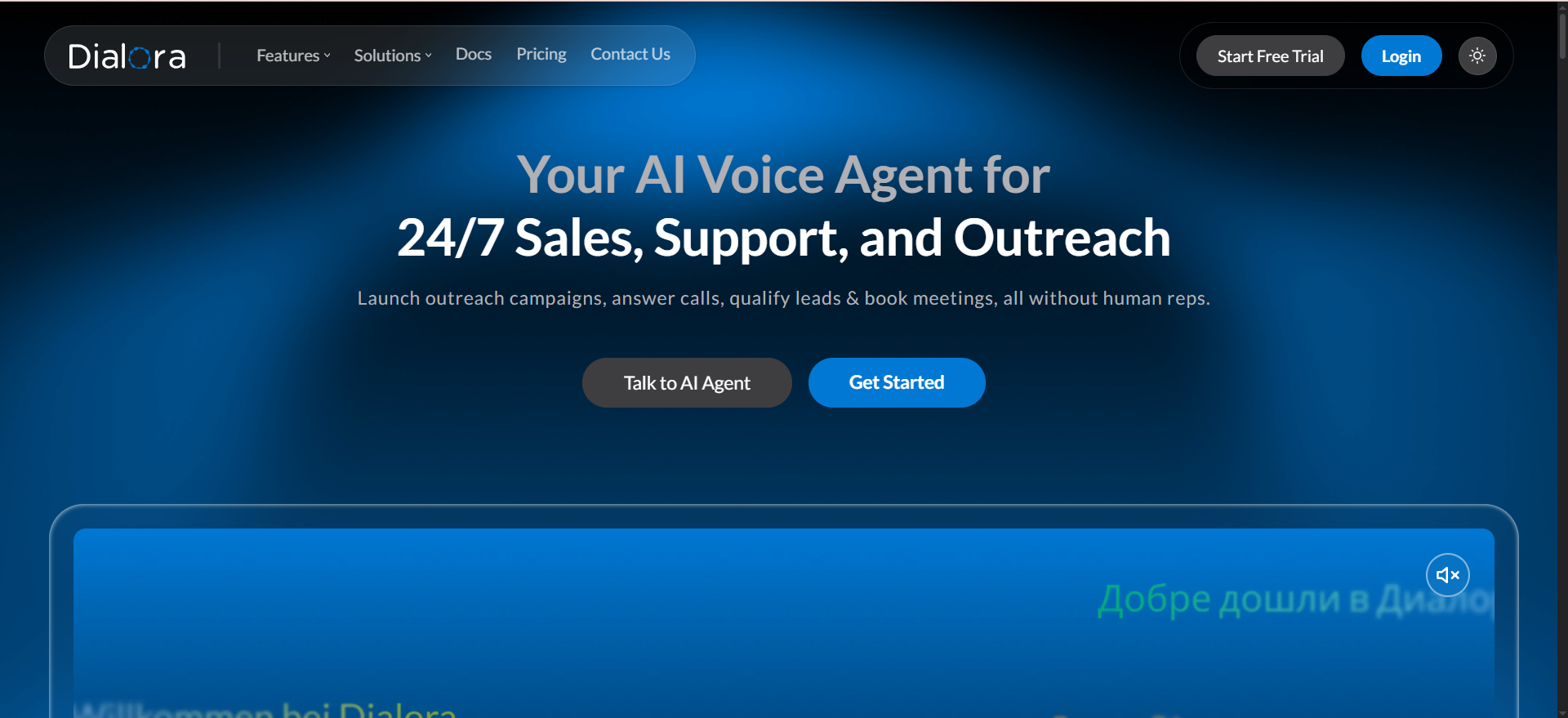
Dialora is a voice-native AI platform built specifically for automating inbound and outbound phone calls. It handles lead qualification, appointment booking, FAQ handling, and CRM synchronization without requiring code. The platform differentiates itself through compliance certifications - HIPAA, SOC2 Type II, and PCI DSS - making it one of the few no-code voice builders suitable for regulated industries like healthcare and financial services.
Why Teams Use It
Teams choose Dialora when compliance is non-negotiable. The combination of HIPAA compliance, SOC2 Type II certification, and PCI DSS coverage means businesses in healthcare, finance, insurance, and legal can deploy voice agents without worrying about violating data handling regulations. Beyond compliance, the platform is praised for its setup speed - most teams go from signup to a live agent within days rather than weeks.
What It's Good For
Dialora performs best for straightforward sales and lead qualification calls. The platform handles inbound call routing, outbound lead qualification, appointment booking with calendar sync, and post-call follow-ups reliably. Its built-in sentiment analysis adds a layer of intelligence that most competitors charge extra for, and the automatic post-call transcripts with CRM sync reduce the manual work after every call.
When It's a Good Fit
Dialora fits when compliance is a hard requirement and you need to move fast. It works for healthcare practices needing HIPAA-compliant appointment scheduling, financial services firms that require SOC2 and PCI DSS, agencies handling multiple client deployments in regulated industries, and businesses running 1,000 to 3,000 minutes per month that want predictable per-minute billing with no hidden fees.
When It's Not a Good Fit
Dialora is not the right choice if you need strong multilingual support. Users have reported that the platform struggles with languages like Italian and French - even basic information like phone numbers and names get misunderstood. It is also limited for complex customer service scenarios that go beyond scripted flows. If your calls require deep technical troubleshooting or highly dynamic conversations, the platform's capabilities will feel constrained. There is no free plan, so budget-conscious teams cannot test extensively before committing.
How to Use It
Sign up, start a free trial (3 to 7 days depending on the plan), build your agent using the no-code builder, connect your CRM (HubSpot, Pipedrive, and others), assign a phone number, and activate. The platform includes built-in post-call transcripts and sentiment analysis from the start, so you do not need to configure those separately.
Key Capabilities
Dialora's core capabilities include no-code voice agent builder with fast deployment, HIPAA compliance for healthcare use cases, SOC2 Type II certification for enterprise security, PCI DSS compliance for payment-related conversations, CRM integration with HubSpot and Pipedrive, built-in sentiment analysis on every call, automatic post-call transcripts, inbound and outbound calling, and transparent per-minute pricing with no hidden overage charges.
Pricing
Dialora offers four plans. The Starter plan is $82/month. The Professional plan is $252/month with approximately 1,000 minutes and $0.19/minute overage. The Business plan is $590/month. The Agency plan is $1,349/month for enterprise-grade deployments. A custom plan is available on request.
Free Tier?
No. Dialora does not offer a permanent free plan. However, it provides a free trial (3 to 7 days depending on the plan) so you can test the platform before committing.
Downsides / Limitations
The most significant limitation is multilingual performance. The platform struggles with non-English languages, particularly Italian and French, where even basic information capture fails. Some users report occasional robotic voice quality and sluggish call handling. The workflow builder has been described as clunky. There is no way to scan an entire website for knowledge ingestion, which means building comprehensive knowledge bases requires manual setup. The platform is better suited for scripted call flows than nuanced, open-ended conversations.
4. Goodcall
What It Does
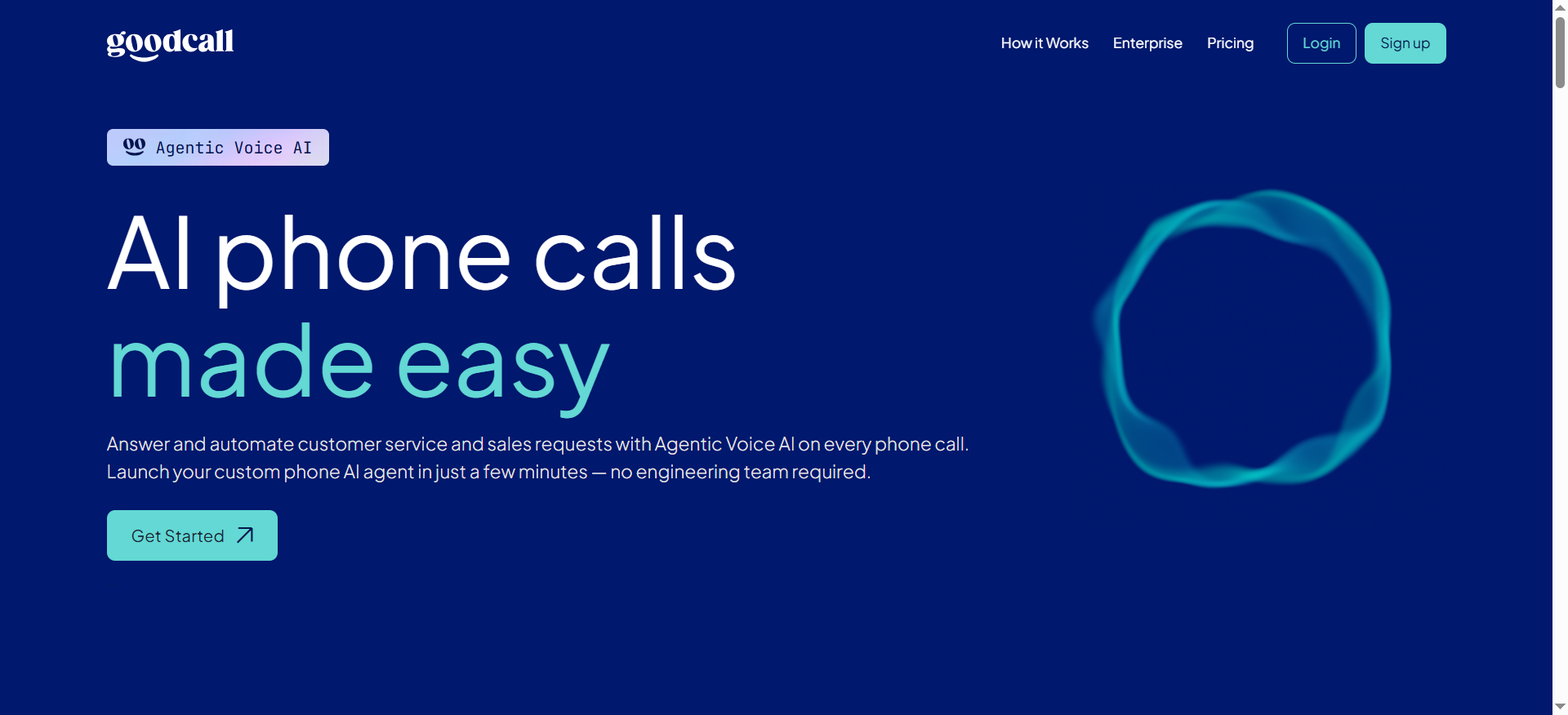
Goodcall is an AI phone agent built specifically for small and mid-sized businesses that need to stop missing calls. It answers incoming calls, responds to frequently asked questions, captures lead information, books appointments, and routes calls - all without a human receptionist. The platform uses a Skills and Flows system that lets you configure how the agent handles different types of callers through a visual interface.
Why Teams Use It
Small business owners pick Goodcall because of one feature no other platform on this list offers: unlimited call minutes on every plan. Instead of billing per minute, Goodcall charges based on unique callers. This means a dental office, law firm, or home services company can handle as many calls as come in without watching a usage meter tick up. For businesses where phones ring constantly but most calls follow a similar pattern, this pricing model is significantly more cost-effective.
What It's Good For
Goodcall works best as a front-line call handler for predictable inbound scenarios. It excels at answering common questions (hours, location, services offered), capturing caller information for follow-up, routing calls to the right person or department, and booking appointments through calendar integrations. If your business receives a high volume of calls that follow a repeatable pattern, Goodcall handles them reliably.
When It's a Good Fit
Goodcall fits when you are a small or mid-sized business that receives a high volume of inbound calls with similar questions. It works for service businesses (dental, legal, HVAC, real estate) that need a 24/7 virtual receptionist, teams that want simple pricing without tracking minutes, and businesses that prefer a guided setup over a blank-canvas builder.
When It's Not a Good Fit
Goodcall is not built for outbound calling, complex sales workflows, or multi-step lead nurturing. Its integrations run through Zapier and Google Sheets rather than native CRM connections, which introduces latency and limits real-time data access during calls. The unique caller billing model can also work against you - if a customer calls from a different number, they count as a new unique caller and eat into your cap. If you need sophisticated conversational AI that handles non-linear discussions, Goodcall will struggle.
How to Use It
Sign up for the 14-day free trial, set up your business profile, configure Skills (responses to common questions) and Flows (multi-step caller handling with forms and logic), connect your calendar and tools through Zapier, assign a phone number, and go live. The platform guides you through setup with a structured onboarding flow.
Key Capabilities
Goodcall's key capabilities include unlimited call minutes on all plans, AI-powered inbound call handling, Skills system for configurable question responses, Flows system with forms and logic for complex caller handling, appointment booking through calendar integration, call routing and transfer, lead capture and caller information collection, 6 voice options (3 male, 3 female), integration through Zapier and Google Sheets, and 14-day fully featured free trial.
Pricing
Goodcall offers three plans. The Starter plan is $79/month ($66/month billed annually) with 100 unique customers and $0.50 per additional customer. The Growth plan is $129/month ($108/month annually) with 250 unique customers. The Scale plan is $249/month ($208/month annually) with 500 unique customers. All plans include unlimited minutes and the full AI voice agent stack.
Free Tier?
No. Goodcall does not offer a permanent free plan. It provides a 14-day fully featured free trial across all tiers.
Downsides / Limitations
The biggest limitation is Goodcall's inability to handle complex, non-linear conversations. If a caller asks questions out of order, the AI can get stuck in loops. Integrations are limited to Zapier and Google Sheets with no native CRM connections, which means real-time data pulls during calls are not possible. Language support covers only about 7 languages, and there are just 6 voice options. Customer support is difficult to reach according to multiple user reviews. The unique caller billing model penalizes businesses whose customers call from multiple numbers. There are no actionable call summaries - teams must review full transcripts manually.
5. Thoughtly
What It Does
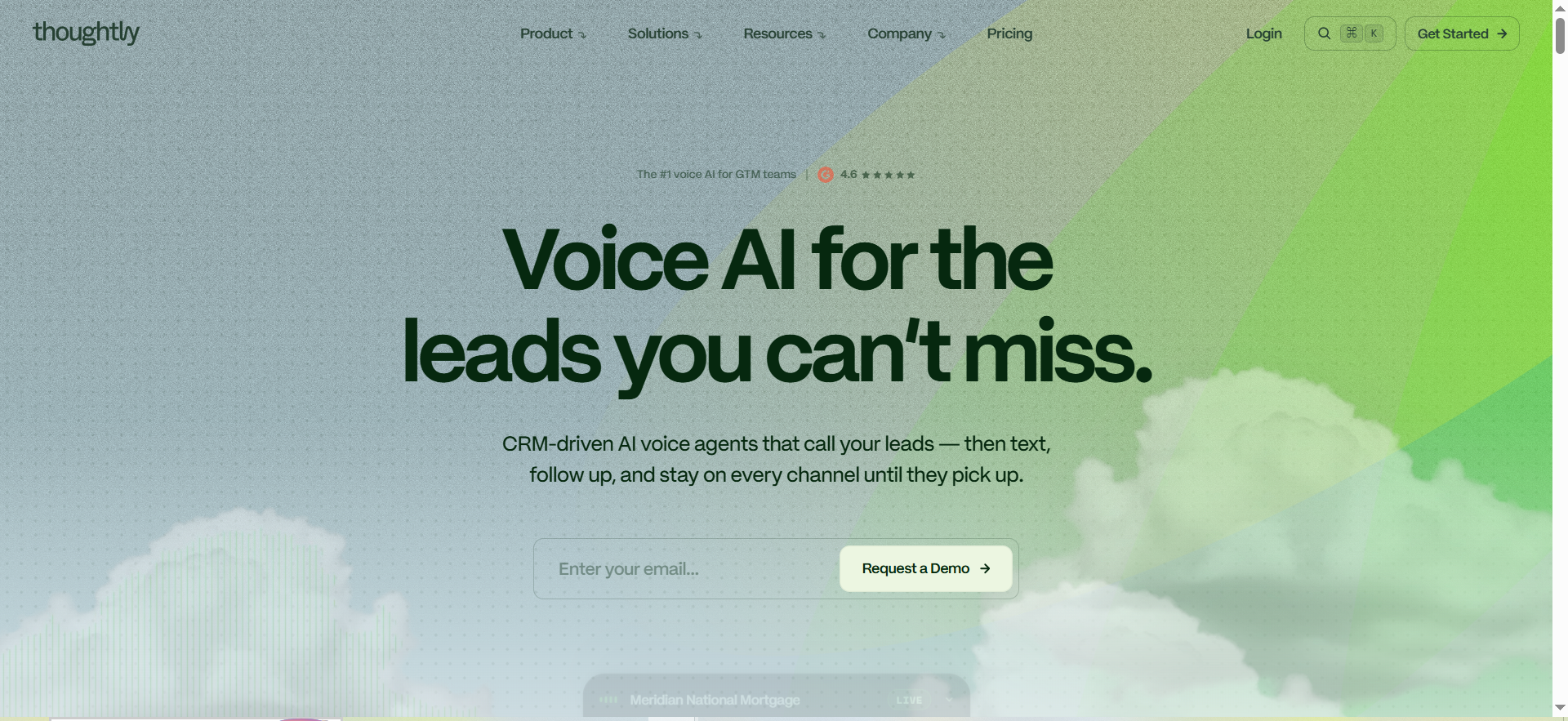
Thoughtly is a no-code AI voice agent platform focused on sales and lead management. It lets teams build voice agents that handle phone calls for lead qualification, appointment scheduling, and automated follow-ups - all from a visual editor with pre-built templates. The platform emphasizes speed to deployment, with most teams going from signup to a live agent in under 30 minutes.
Why Teams Use It
Teams use Thoughtly because it gets them live faster than almost any other option. The pre-built conversation templates for common scenarios (receptionist, appointment booker, sales qualifier) mean you can launch a working agent by filling in your business details rather than building conversation logic from scratch. For small teams that want to test whether voice AI works for their use case before investing heavily, Thoughtly reduces the barrier to entry significantly.
What It's Good For
Thoughtly performs best in sales-adjacent scenarios. Lead qualification, appointment setting, and automated outbound follow-ups are its core strengths. The platform integrates cleanly with Salesforce, HubSpot, and Calendly, so qualified leads flow directly into your existing pipeline without manual data entry. If your primary goal is filling your calendar with qualified meetings, Thoughtly handles that workflow end to end.
When It's a Good Fit
Thoughtly fits when you are a small business or early-stage team that needs a sales-focused voice agent up and running fast. It works for teams with under 100 hours of monthly call volume that want to test voice automation, businesses that already use Salesforce, HubSpot, or Calendly and want seamless integration, and founders who want a working proof of concept before committing to a more complex platform.
When It's Not a Good Fit
Thoughtly is not built for high-volume production deployments. It is missing key telephony features that larger teams rely on, including warm transfers, branded caller IDs, IVR/DTMF support, and native SIP connectivity. There is no post-call analysis or simulation testing, which makes optimizing agents at scale difficult. If you need enterprise-grade infrastructure, multi-language support, or compliance certifications like HIPAA and SOC2, Thoughtly does not currently meet those requirements.
How to Use It
Sign up, start with the 14-day free trial or the free tier (10 minutes/month), pick a pre-built template, customize the conversation flow and prompts, connect your CRM (Salesforce, HubSpot, Calendly), assign a phone number, and go live. The platform claims an average setup time of 22 minutes from signup to first live call using the receptionist template.
Key Capabilities
Thoughtly's key capabilities include a no-code conversation editor with pre-built templates, inbound and outbound calling, CRM integration with Salesforce, HubSpot, and Calendly, lead qualification and appointment scheduling automation, automated SMS follow-ups after calls, call tracking with metrics on calls handled, appointments booked, and common questions, unlimited seats on all plans, a free tier with 10 minutes per month, and a 14-day free trial on paid plans.
Pricing
Thoughtly offers a free tier with 10 minutes per month and unlimited seats. The Starter plan is $30/month with 300 minutes. Enterprise pricing is custom and managed through Thoughtly's sales team. Paid plans beyond Starter are available exclusively through direct consultation with sales, so pricing for higher tiers varies based on business requirements.
Free Tier?
Yes. Thoughtly offers a free plan with 10 minutes per month and unlimited seats. This is enough to build and test a basic agent, though not enough for production use. A 14-day free trial is also available for paid plans.
Downsides / Limitations
The most critical limitation is missing production telephony features. Warm transfers, branded caller ID, IVR/DTMF input, and native SIP support are absent, which matters for teams running voice agents in professional settings. There is no post-call analysis or agent simulation testing, so optimizing performance at scale is based on guesswork. Customer support is slow according to multiple user reviews. Voice variant options are limited. The learning curve is steeper than expected for a "no-code" platform, with complex workflows requiring significant time investment. The platform hides the underlying AI model layer, giving you less control over output quality.
What Is a No-Code AI Voice Agent Builder?
A no-code AI voice agent builder is a platform that lets you create AI-powered phone agents using a visual interface instead of writing code. These tools combine speech-to-text, a large language model (for understanding and generating responses), and text-to-speech into a single package. You design the conversation flow by dragging blocks, writing prompts, and connecting integrations - then assign a phone number and the agent starts taking or making calls.
The "no-code" distinction matters because traditional voice AI development requires teams with experience in telephony infrastructure, speech recognition tuning, LLM prompt engineering, and real-time audio processing. No-code builders abstract all of that behind templates, visual editors, and pre-built connectors. This makes voice automation accessible to founders, agency owners, operations managers, and anyone else who knows what they want the agent to say but does not want to build the infrastructure to make it happen.
How Do No-Code Voice Agents Actually Work?
No-code voice agents operate through a pipeline of three core technologies working in sequence. First, automatic speech recognition (ASR or STT) converts the caller's spoken words into text. Second, a large language model processes the text, understands intent, and generates an appropriate response based on your configured prompts and conversation logic. Third, text-to-speech (TTS) converts that response back into spoken audio and delivers it to the caller.
The no-code platform handles all three layers plus the telephony infrastructure (phone numbers, call routing, concurrent call management). You interact with a visual builder where you define what the agent should say, what questions to ask, what actions to take (book an appointment, update a CRM), and how to handle edge cases. Behind the scenes, the platform manages latency optimization, turn-taking detection, interruption handling, and integration execution.
No-Code vs Developer Voice Agent Platforms - Which Should You Choose?
The choice between no-code and developer-first platforms comes down to your team's technical resources and how much control you need over the agent's behavior.
No-code platforms like Synthflow, Dialora, and Thoughtly bundle everything into a visual builder. You get speed (a working agent in minutes to hours), simplicity (no developers needed), and managed infrastructure (the platform handles scaling, uptime, and provider management). The tradeoff is less flexibility on edge cases, limited control over which specific AI models and voice providers run under the hood (unless the platform supports BYOK), and sometimes higher per-minute costs compared to raw API access.
Developer-first platforms expose every layer through APIs. You choose your LLM, your TTS provider, your STT engine, and your telephony stack. This gives you maximum flexibility, lower per-minute infrastructure costs ($0.07-0.15/min vs $0.20-0.50/min on no-code platforms), and the ability to handle complex edge cases that templates cannot cover. The tradeoff is you need a developer who can dedicate 40+ hours to the initial build, and ongoing maintenance falls on your team.
Choose no-code if you need an agent live within days, your call flows follow predictable patterns, and you do not have developers available. Choose developer-first if you need fine-grained control over latency and behavior, your use case has unique edge cases, or you expect to deploy 5+ different voice agents over the next year.
How Much Do No-Code AI Voice Agents Cost in 2026?
Pricing across no-code voice agent platforms varies significantly based on the billing model. The three most common models are per-minute billing (Synthflow, Dialora, Thoughtly), usage-based tier billing (Lindy AI), and per-unique-caller billing (Goodcall).
Per-minute costs on no-code platforms typically range from $0.08 to $0.50 per minute depending on the tier and provider. However, the advertised rate is not always the full cost. Platforms using BYOK models (like Synthflow) require you to pay separately for the LLM, voice provider, and transcription service, which can add $0.06-0.14 per minute on top. Bundled platforms (like Dialora) include everything in the per-minute rate.
At a monthly level, entry points range from $29/month (Synthflow Starter) to $82/month (Dialora Starter). Most teams running meaningful call volume should budget $100-500/month for a functional deployment. High-volume operations with thousands of minutes per month will spend $500-1,500/month depending on the platform and tier.
For context, the industry average cost for a human-handled phone call is $7-12, while AI voice agent calls average around $0.40. Even at the higher end of no-code pricing, the cost savings are substantial for any business handling more than a few dozen calls per day.
What to Look for When Choosing a No-Code Voice Agent Builder
Six criteria matter most when evaluating no-code voice agent platforms.
Latency is the single biggest driver of caller experience. When response time exceeds 900 milliseconds consistently, caller drop-off increases measurably. Test under production conditions, not demo conditions, because clean-audio benchmarks do not predict real-world accuracy.
Pricing transparency determines whether you can actually forecast costs. Check whether the advertised rate includes all components (LLM, voice, transcription, telephony) or whether you pay separately. Ask about overage charges, minimum commitments, and what happens when you exceed your plan limits.
Integration depth affects how useful the agent is beyond answering the phone. Native CRM connections (HubSpot, Salesforce) provide real-time data access during calls. Zapier-only integrations introduce latency and limit what the agent can do mid-conversation.
Compliance certifications are non-negotiable for regulated industries. If you handle healthcare data (HIPAA), financial data (PCI DSS), or need enterprise security standards (SOC2), verify that the platform holds current certifications rather than just claiming compliance.
Voice quality and naturalness vary significantly between platforms and between languages. The only way to evaluate this is to run test calls in your language, with your actual scripts, and listen to the recordings.
Deployment speed matters for teams that need results quickly. Some platforms (Thoughtly, Goodcall) get you live in under an hour with templates. Others (Synthflow, Dialora) take a day or two for proper configuration but offer more customization.
Can No-Code Voice Agents Handle Appointment Scheduling?
Yes, and appointment scheduling is the single most common use case across every platform on this list. All five tools - Synthflow, Lindy AI, Dialora, Goodcall, and Thoughtly - support calendar integration for automated booking.
The typical workflow is straightforward. The AI agent answers the call, qualifies the caller based on your criteria, checks available slots on your connected calendar (Google Calendar, Calendly, or a CRM-based calendar), offers available times, confirms the booking, and sends a confirmation. Some platforms also handle rescheduling and cancellations.
Automated appointment reminders through voice agents have been shown to reduce no-show rates by 20-40%, making this one of the highest-ROI applications for any business that relies on scheduled appointments.
The differences between platforms come down to integration depth. Thoughtly and Lindy AI connect directly to Calendly and Google Calendar. Synthflow integrates with 200+ tools natively. Goodcall routes bookings through Zapier, which adds a layer of latency. Dialora syncs with HubSpot and Pipedrive calendars natively.
Are No-Code Voice Agents HIPAA Compliant?
Not all of them. HIPAA compliance requires specific technical and legal safeguards, and most no-code voice agent platforms do not meet these requirements out of the box.
Among the five platforms covered in this article, Dialora stands out with current HIPAA compliance, SOC2 Type II certification, and PCI DSS compliance. Lindy AI offers HIPAA (BAA) on its Enterprise plan. The other platforms - Synthflow, Goodcall, and Thoughtly - do not currently advertise HIPAA compliance.
For healthcare businesses, HIPAA compliance means the vendor must sign a Business Associate Agreement (BAA), encrypt protected health information (PHI) in transit and at rest, restrict access to authorized personnel, and support verified deletion of recordings and transcripts on request. SOC2 alone does not satisfy HIPAA requirements - you need both SOC2 for security controls and a signed BAA covering the voice AI deployment.
If compliance is a hard requirement for your business, verify the platform's certifications directly and request documentation before signing up. Claims on marketing pages are not the same as current, audited certifications.
How to Set Up a No-Code AI Voice Agent for Your Business
Setting up a no-code voice agent follows a similar process across most platforms, and the entire setup can typically be completed in one to two hours.
Start by defining your use case clearly. Are you handling inbound calls, making outbound calls, or both? What actions should the agent take - book appointments, qualify leads, answer FAQs, route calls? What information does it need to collect?
Next, choose a platform based on your requirements (use the comparison table above), sign up, and start with a template that matches your use case. Customize the conversation prompts and flows to match your business language, connect your integrations (calendar, CRM, helpdesk), assign a phone number, and run several test calls.
The most important step that teams often skip is testing under realistic conditions. Call the agent yourself, have colleagues call it, and deliberately try to confuse it with off-script questions. Listen to the recordings, note where the agent fails, and adjust the prompts and flows before going live with real callers.
No-Code Voice Agents for Lead Qualification - How Effective Are They?
No-code voice agents are highly effective for the initial stage of lead qualification, particularly for filtering out unqualified leads before they reach a human sales rep. Industry benchmarks suggest AI voice agents can increase sales team productivity by 3-5x by automating the early pipeline stages (initial outreach, basic qualification questions, appointment scheduling).
The effectiveness depends on how well-defined your qualification criteria are. If you can clearly articulate what makes a lead qualified (budget range, company size, timeline, specific needs), a voice agent can ask those questions, score the answers, and route qualified leads to your calendar while politely disqualifying the rest. Platforms like Thoughtly and Synthflow are specifically optimized for this workflow.
Where voice agents still fall short is nuanced qualification that requires judgment. If determining lead quality depends on reading tone, asking improvised follow-up questions, or handling complex objections, the AI will miss signals that an experienced sales rep would catch. The best approach is using the voice agent for first-pass filtering and human reps for the final qualification conversation.
What Integrations Do No-Code Voice Agent Builders Support?
Integration support varies widely across platforms, and the depth of integration matters more than the raw count.
Synthflow leads with 200+ native integrations including HubSpot, Salesforce, Google Calendar, Slack, and Zapier. These are direct connections that work in real time during calls, so the agent can check calendar availability, create CRM records, and trigger workflows without delay.
Lindy AI offers a broad integration ecosystem with hundreds of connections including Gmail, Outlook, Google Calendar, Slack, Notion, HubSpot, Salesforce, Microsoft Teams, and Zoom. Beyond standard CRM and calendar integrations, Lindy's computer use feature lets agents interact with any web application directly - clicking buttons, filling forms, and extracting data - when no API integration exists.
Dialora connects natively with HubSpot and Pipedrive, with additional integrations available. The focus is on CRM synchronization and post-call data flow rather than breadth.
Goodcall routes integrations through Zapier and Google Sheets. This means no native CRM connections, and the indirect integration path introduces latency during calls and limits real-time data access.
Thoughtly integrates with Salesforce, HubSpot, and Calendly natively, covering the most common sales workflow tools. The integration set is narrower but focused on the sales use case the platform is built for.
Can AI Voice Agents Replace Human Receptionists?
AI voice agents can replace human receptionists for the majority of routine call handling tasks, but they are not a full replacement for every scenario. The realistic assessment is that no-code voice agents handle 60-80% of typical inbound calls effectively - the predictable, repeatable interactions that follow standard patterns.
Where AI agents excel is availability (24/7, no sick days, no hold times), consistency (same quality on the 500th call as the 1st), cost (roughly $0.40 per AI call vs $7-12 per human call), and speed (instant answers to common questions). For businesses that miss calls after hours, during peak times, or because their front desk is already on another call, a voice agent captures leads and books appointments that would otherwise be lost.
Where human receptionists still win is handling emotional callers, managing truly complex or ambiguous requests, providing the personal touch that builds relationships, and making judgment calls about unusual situations. The ideal setup for most businesses is an AI agent handling the first layer of calls (answering, routing, booking, qualifying) with human handoff for scenarios that require empathy, creativity, or authority.
No-Code Voice Agents for Agencies - What to Look For
Agencies managing voice agents for multiple clients need platform features that solo businesses can ignore. The key requirements are multi-client management from a single dashboard, white-label or brandable agent experiences, client-specific phone numbers and billing, scalable pricing that does not penalize growth, and reporting that can be shared or exported per client.
Among the tools on this list, Synthflow offers the strongest agency support with its Agency plan ($1,400/month for 6,000 minutes and 80 concurrent calls), a multi-agent dashboard, and the flexibility to configure different BYOK providers per client. Dialora's Agency tier ($1,349/month) is built for enterprise-grade deployments with compliance certifications that agencies in healthcare or finance need. Lindy AI's Enterprise plan supports team collaboration with role-based permissions and compliance certifications.
Goodcall and Thoughtly are less suited for agency use. Goodcall's per-unique-caller billing makes multi-client cost management complicated, and Thoughtly's sales-managed pricing process adds friction when scaling across clients.
Voice Agent Latency - Why It Matters and What to Expect
Latency - the delay between when a caller finishes speaking and when the AI responds - is the most important technical metric for voice agents. When latency exceeds 900 milliseconds consistently, callers start dropping off, assuming the call has frozen or the system is broken.
Current no-code platforms typically operate in the 500-1,500 millisecond range. Voice-native platforms like Synthflow and Dialora tend to be faster (500-800ms for standard interactions) because their infrastructure is optimized specifically for real-time voice. General-purpose platforms like Lindy AI can be slower (1,000-1,500ms) because voice processing competes with the platform's broader agent capabilities.
Factors that affect latency include the LLM used (faster models like GPT-4o and Claude Haiku respond more quickly than larger models), the TTS provider, geographic distance between the caller and the platform's servers, and the complexity of the conversation flow. Platforms using BYOK models give you some control over latency by letting you choose faster providers, while bundled platforms handle optimization internally.
The best way to evaluate latency is to run test calls during business hours and measure the response delay yourself. Do not rely on vendor-published benchmarks, which are typically measured under ideal conditions.
How to Test an AI Voice Agent Before Committing
Testing a voice agent before committing to a paid plan is essential, and the testing process should mimic real-world conditions as closely as possible.
Start with the platform's free tier or trial. Thoughtly offers 10 free minutes per month permanently. Lindy AI provides a 7-day free trial on all plans. Goodcall and Dialora offer 14-day and 3-day trials respectively. Synthflow requires a paid plan to test.
During testing, run at least 10-15 calls covering your most common scenarios. Do not just test the happy path - deliberately try to confuse the agent with off-topic questions, interruptions, accented speech, and requests the agent is not trained for. Record every call and review the transcripts for accuracy, missed intents, and awkward pauses.
Evaluate these specific areas: response latency (does the agent feel natural or does it pause too long?), voice quality (does it sound robotic or natural in your language?), intent recognition accuracy (does it understand what callers are asking?), action execution (does it actually book the appointment, update the CRM, or route the call correctly?), and edge case handling (what happens when the agent does not know the answer?).
Finally, test integrations end to end. Confirm that calendar bookings appear correctly, CRM records are created with the right data, and any follow-up actions trigger as expected. Integration failures during testing are a strong signal of problems you will face in production.
Frequently Asked Questions
Thoughtly offers a free tier with 10 minutes per month, making it the cheapest option to start with. For paid plans, Synthflow's Starter at $29/month is the lowest entry point, followed by Thoughtly's Starter at $30/month. Lindy AI starts at $49.99/month (Plus plan) with a 7-day free trial. However, the cheapest plan is not always the best value - compare what is included in the minutes or usage limits before deciding.
Yes. Synthflow, Lindy AI, Dialora, and Thoughtly all support outbound calling. These platforms can make calls to leads, deliver scripted pitches, qualify prospects based on their responses, and book follow-up meetings automatically. Goodcall is the exception - it is designed primarily for inbound call handling. For outbound use cases, Synthflow and Thoughtly are the strongest options due to their focus on sales workflows.
Support varies by platform. Synthflow supports 50+ languages, making it the broadest option for multilingual deployments. Lindy AI supports multiple languages through its underlying AI models. Dialora supports multiple languages but has reported quality issues with Italian and French. Goodcall supports approximately 7 languages. Thoughtly's language support is limited. If multilingual support is critical for your business, test thoroughly in your target language before committing - voice quality and comprehension accuracy can vary significantly between languages.
Setup time ranges from 22 minutes to a few days depending on the platform and complexity of your use case. Thoughtly claims an average of 22 minutes from signup to first live call using a pre-built template. Goodcall can be configured in under an hour. Synthflow typically takes a few hours to a day for a fully customized agent. Dialora deploys in days. Lindy AI's setup time depends on how many workflows you are connecting beyond voice.
Most platforms support fallback behaviors when the agent encounters an unknown question. Common fallback options include transferring the call to a human agent, capturing the caller's information and promising a callback, providing a general response and redirecting the conversation, or ending the call politely with next steps. You configure these fallback behaviors during setup. The key is to test your agent with unexpected questions during the trial period so you can fine-tune the fallback experience before going live.
For structured, predictable conversations - yes. AI voice agents handle appointment booking, FAQ responses, lead qualification, and call routing reliably across all five platforms in this article. Where reliability drops is in complex, open-ended conversations that require improvisation, emotional intelligence, or multi-step reasoning. The best practice is to deploy voice agents for your most common, repeatable call types first, monitor performance through call recordings and transcripts, and expand to more complex scenarios gradually.
Most platforms support call transfers, but the type of transfer varies. Synthflow, Dialora, and Goodcall support call routing and transfers to human agents. Lindy AI can hand off to human support as part of its workflow automation. Thoughtly currently lacks warm transfer capability, which is a notable limitation for teams that need seamless human handoff. If call transfers are important for your workflow, test this feature specifically during your trial period.